
Product directory
FSBuy Spreadsheet
Browse clothing, shoes and more across eight categories. Compare reference item prices, listed sizes and quality-control (QC) photos.
Submit your search to open the matching main-site products in a new tab.
Categories
Featured recommendations
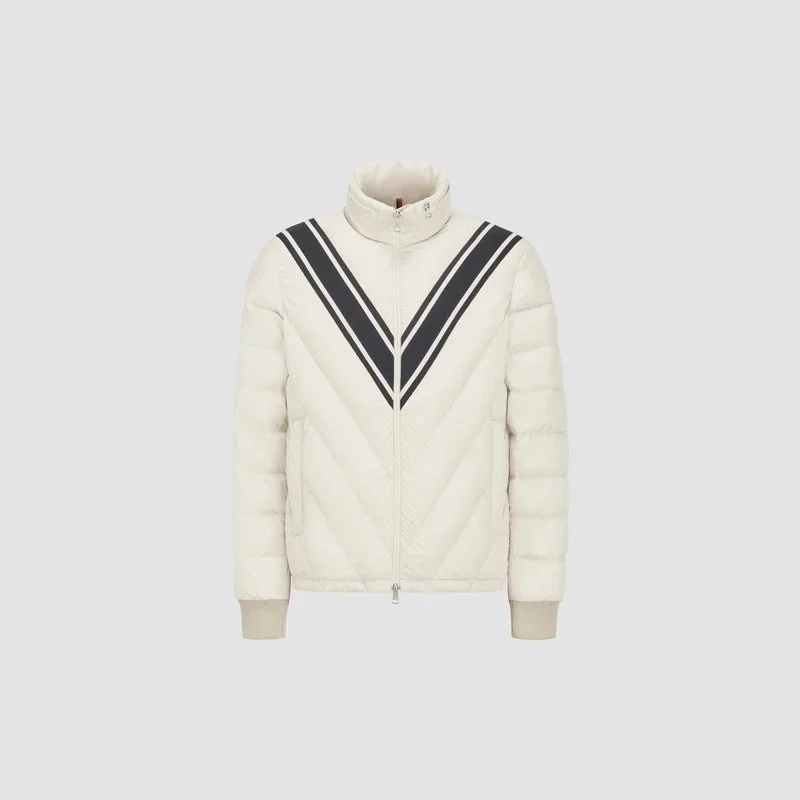
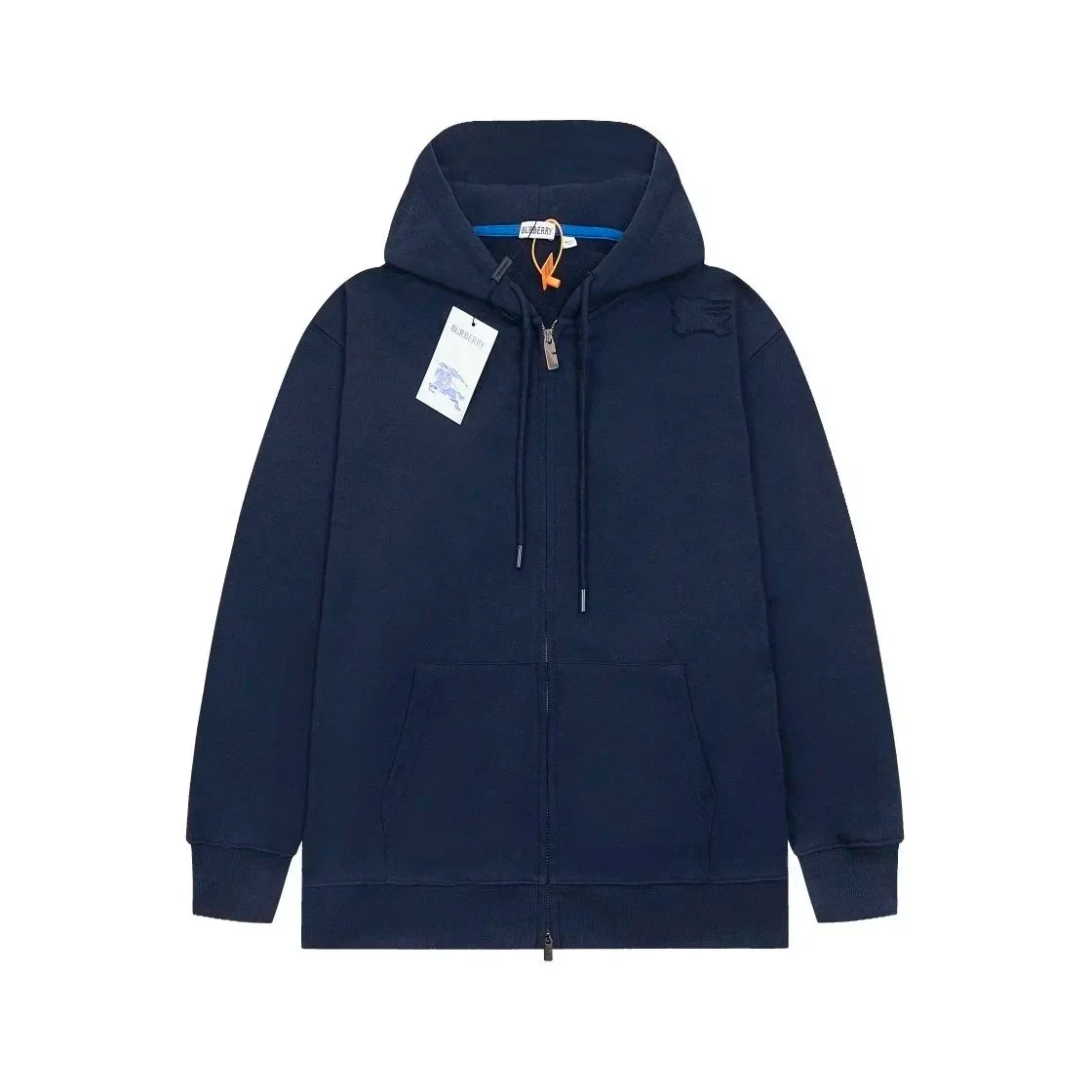
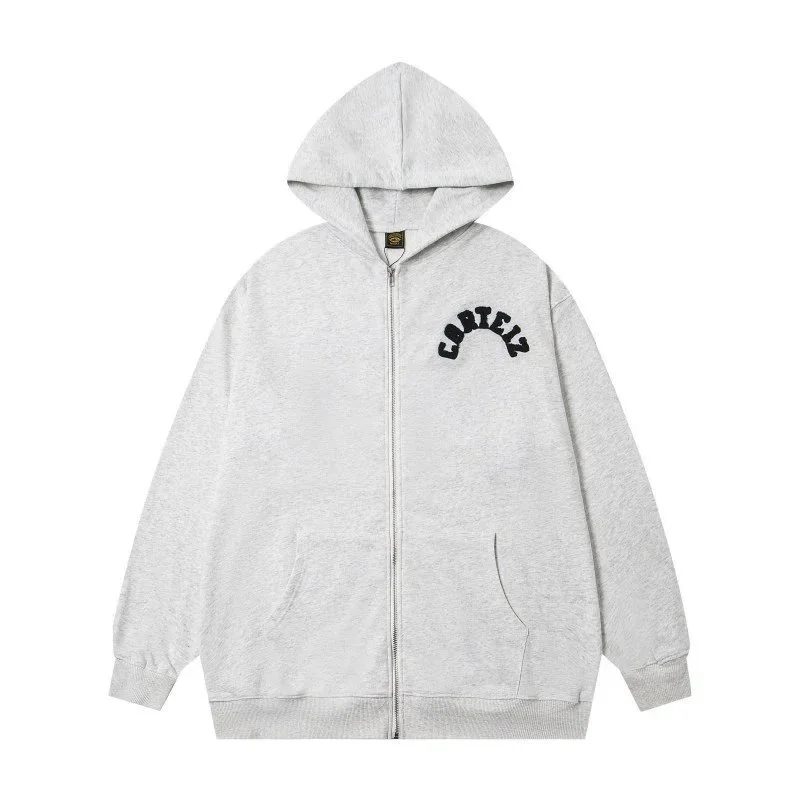
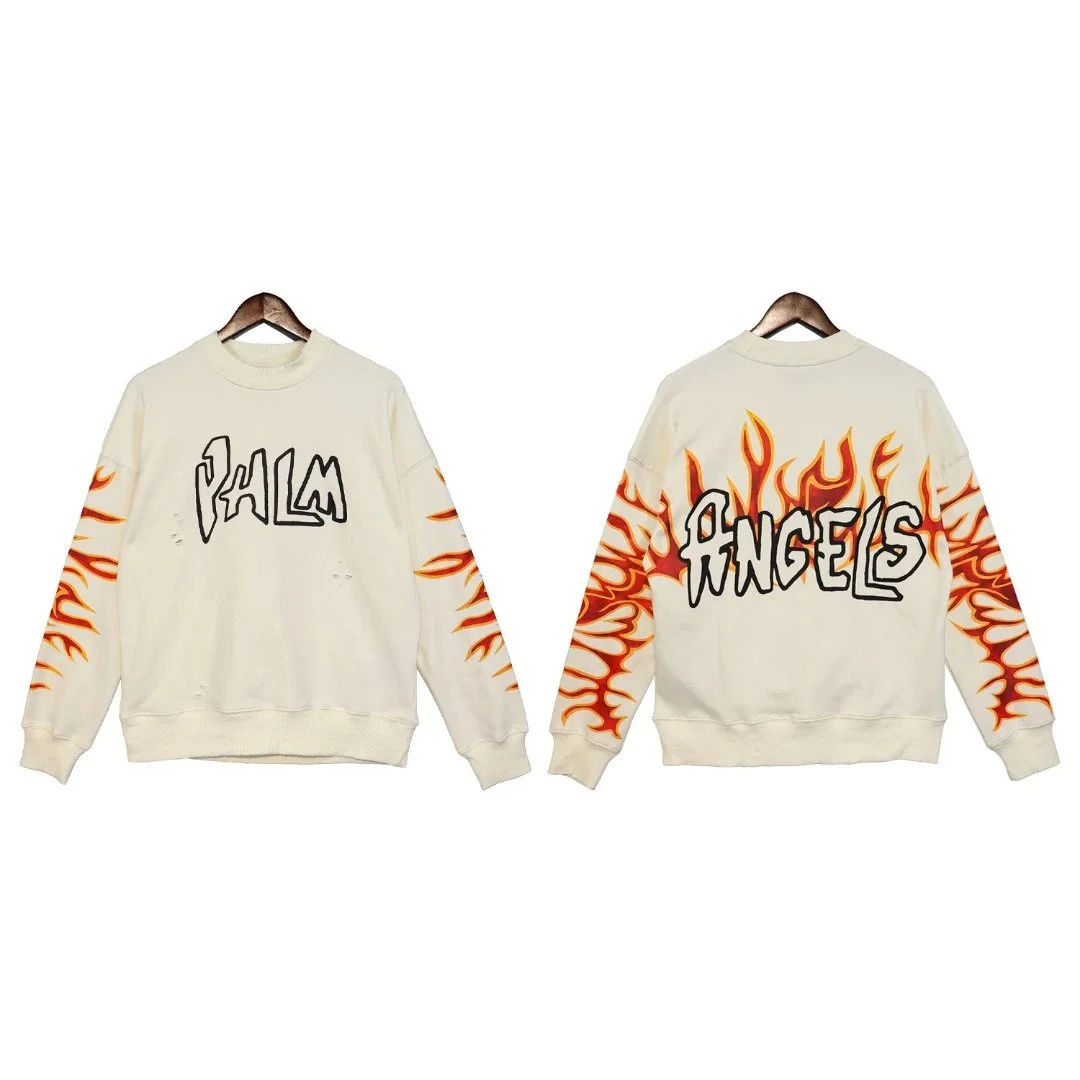
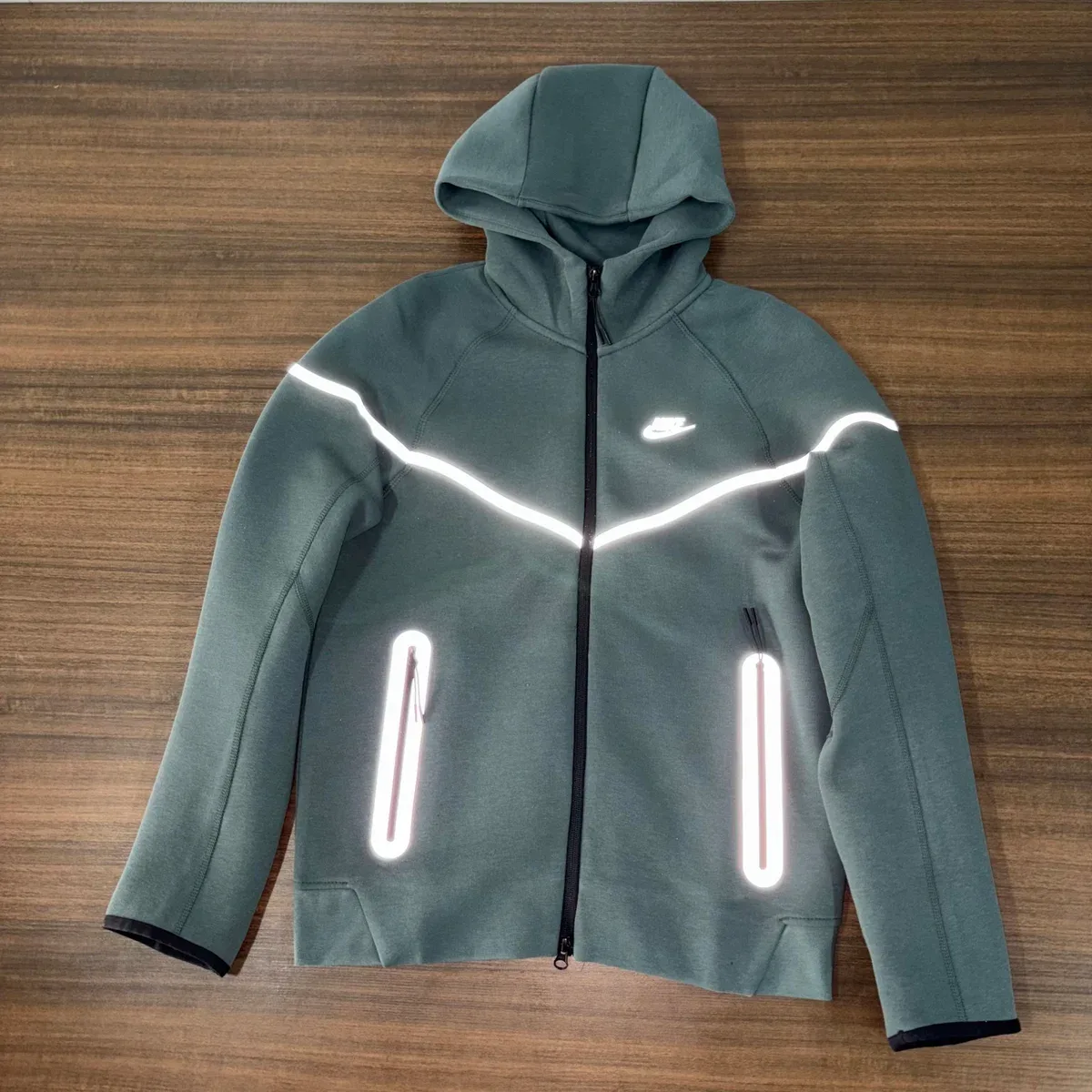
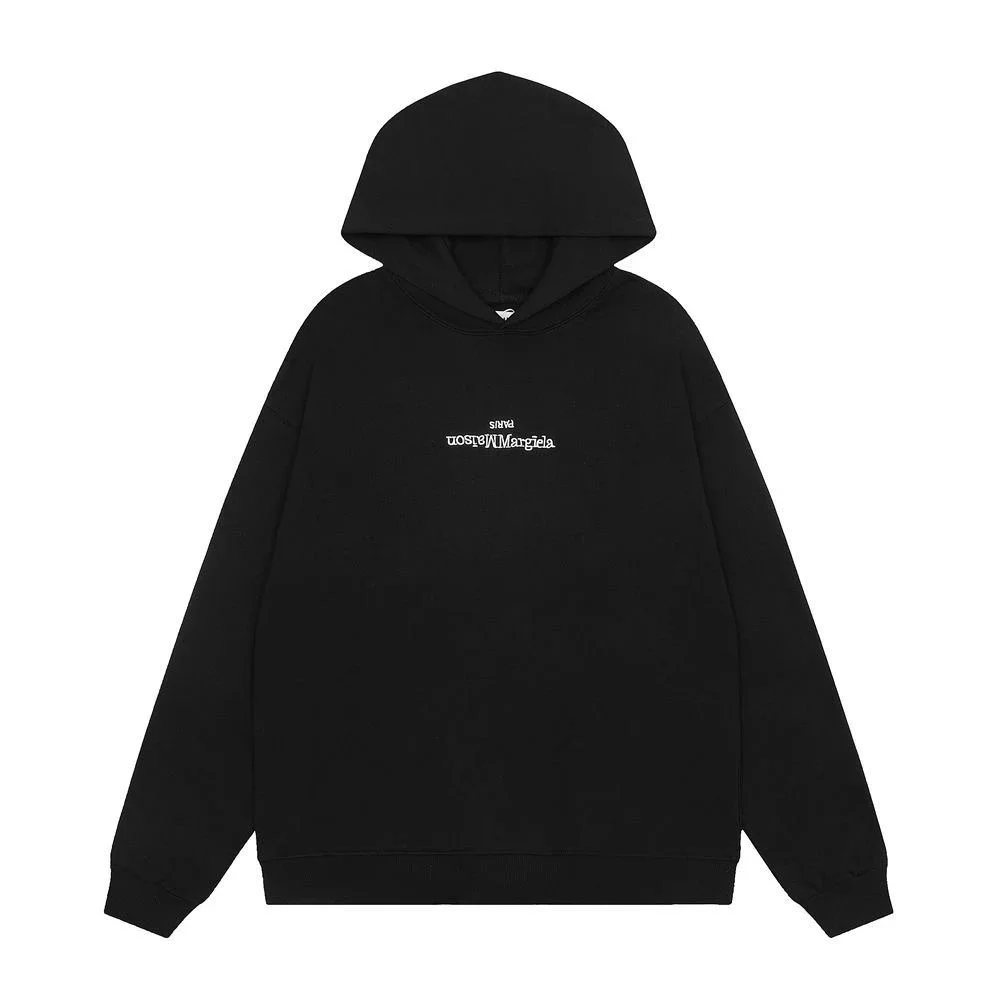
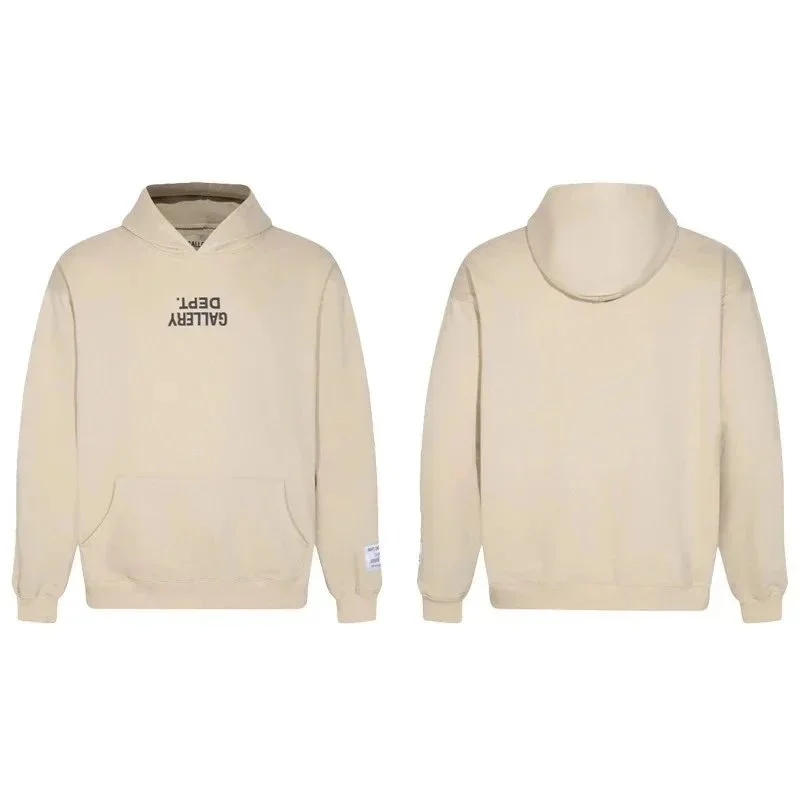
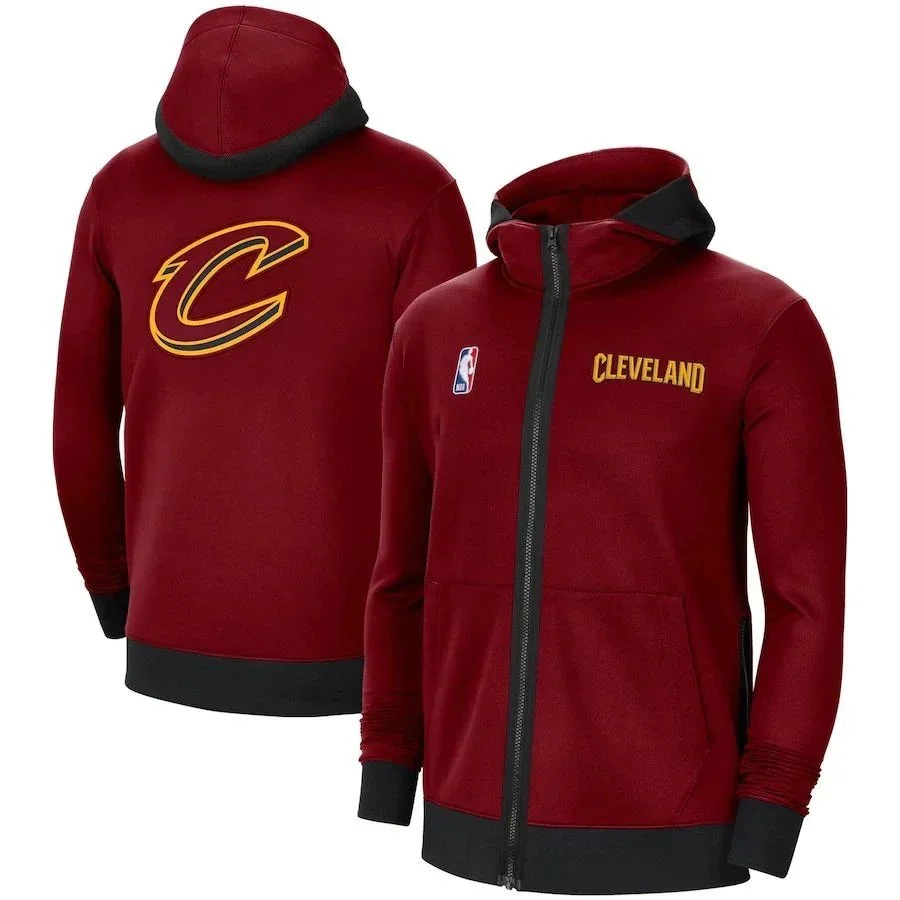
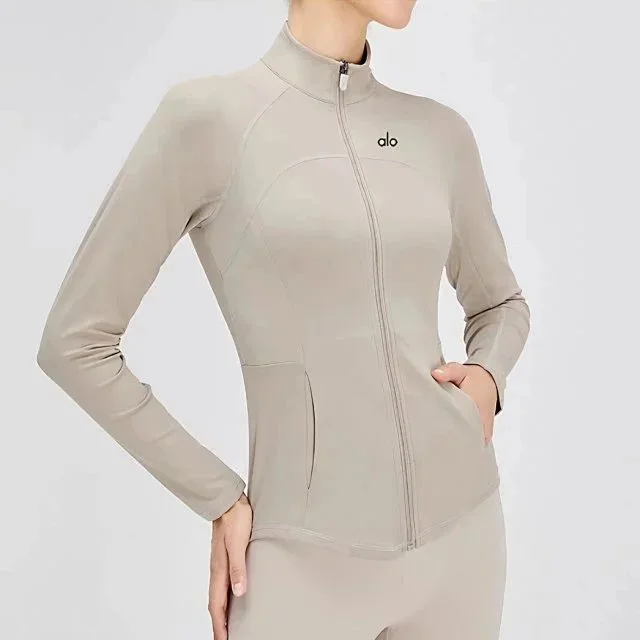
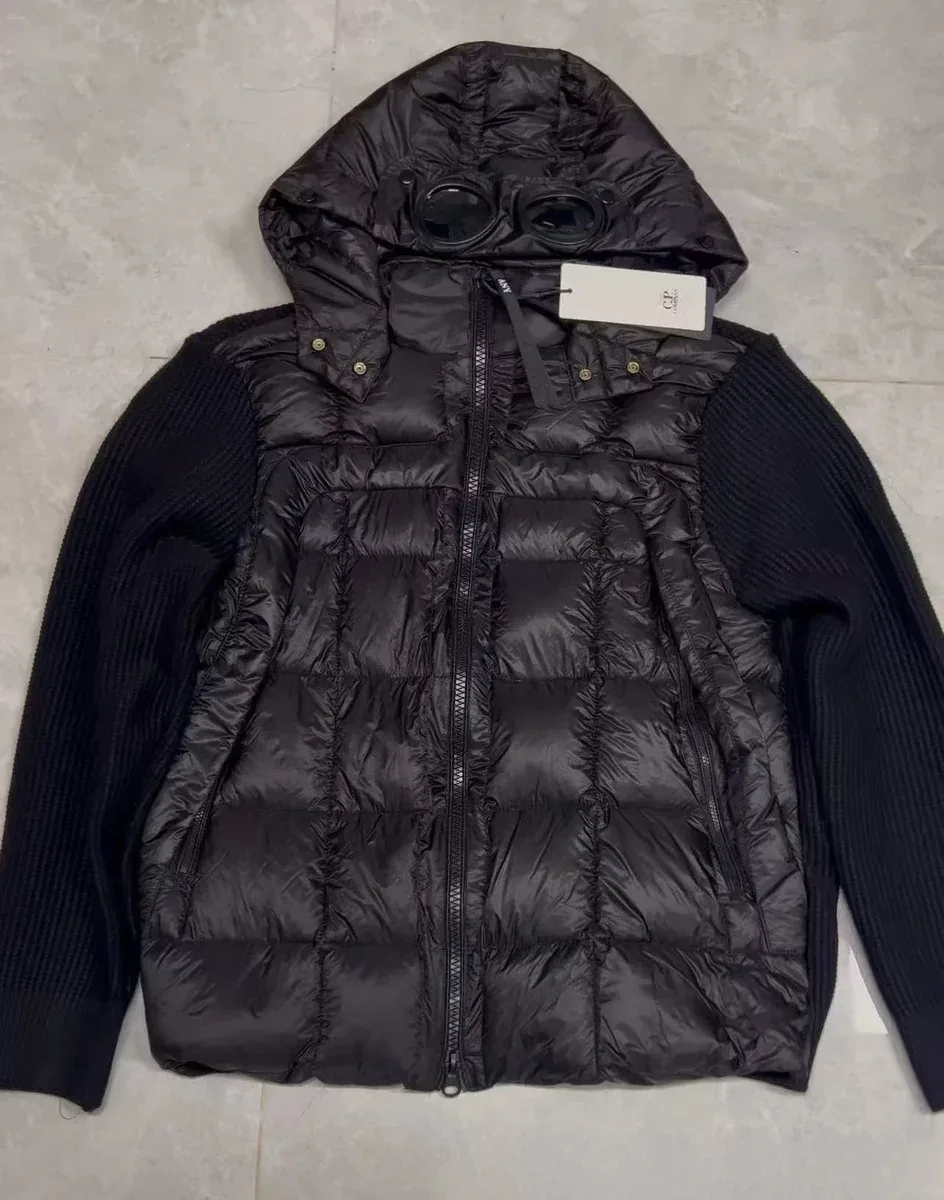
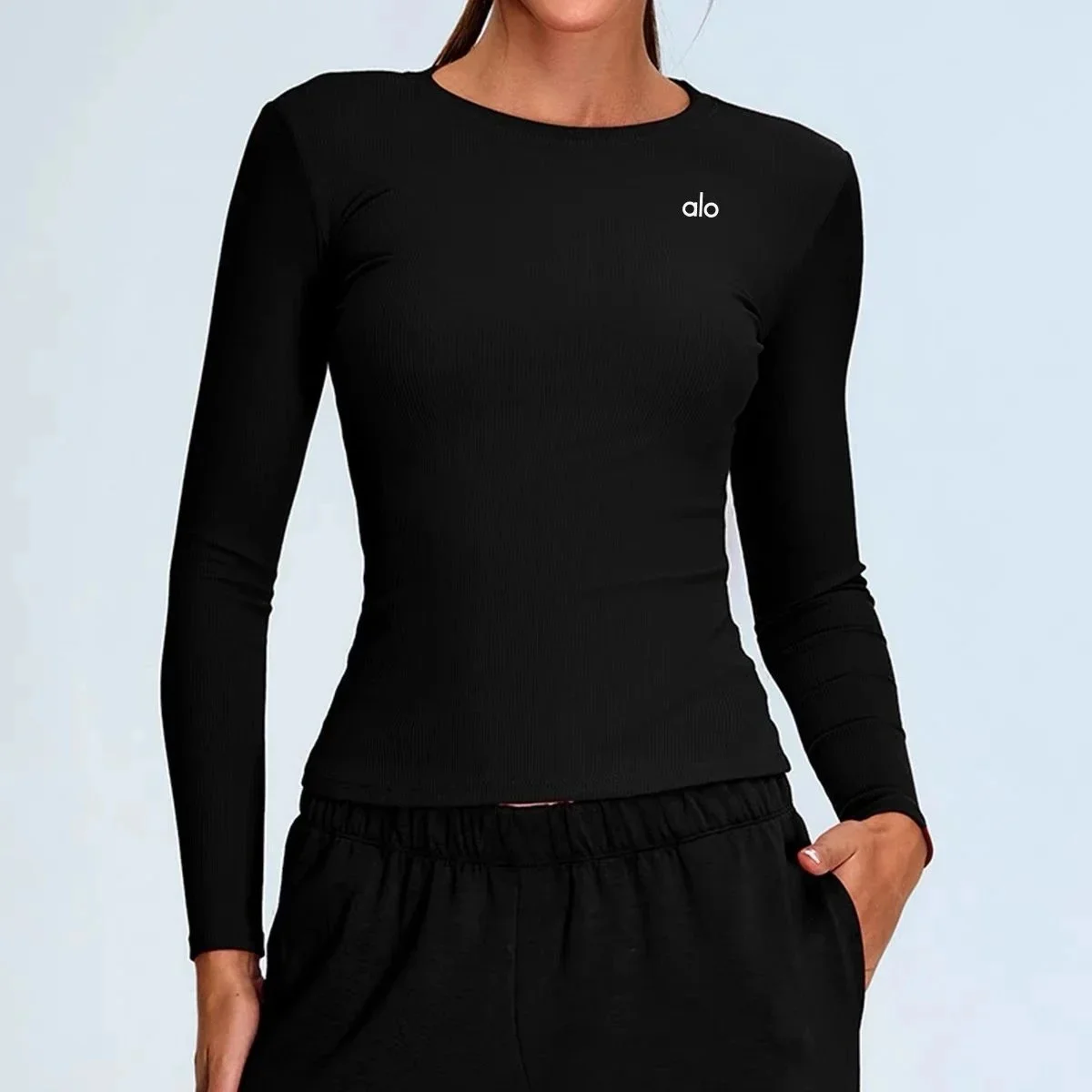
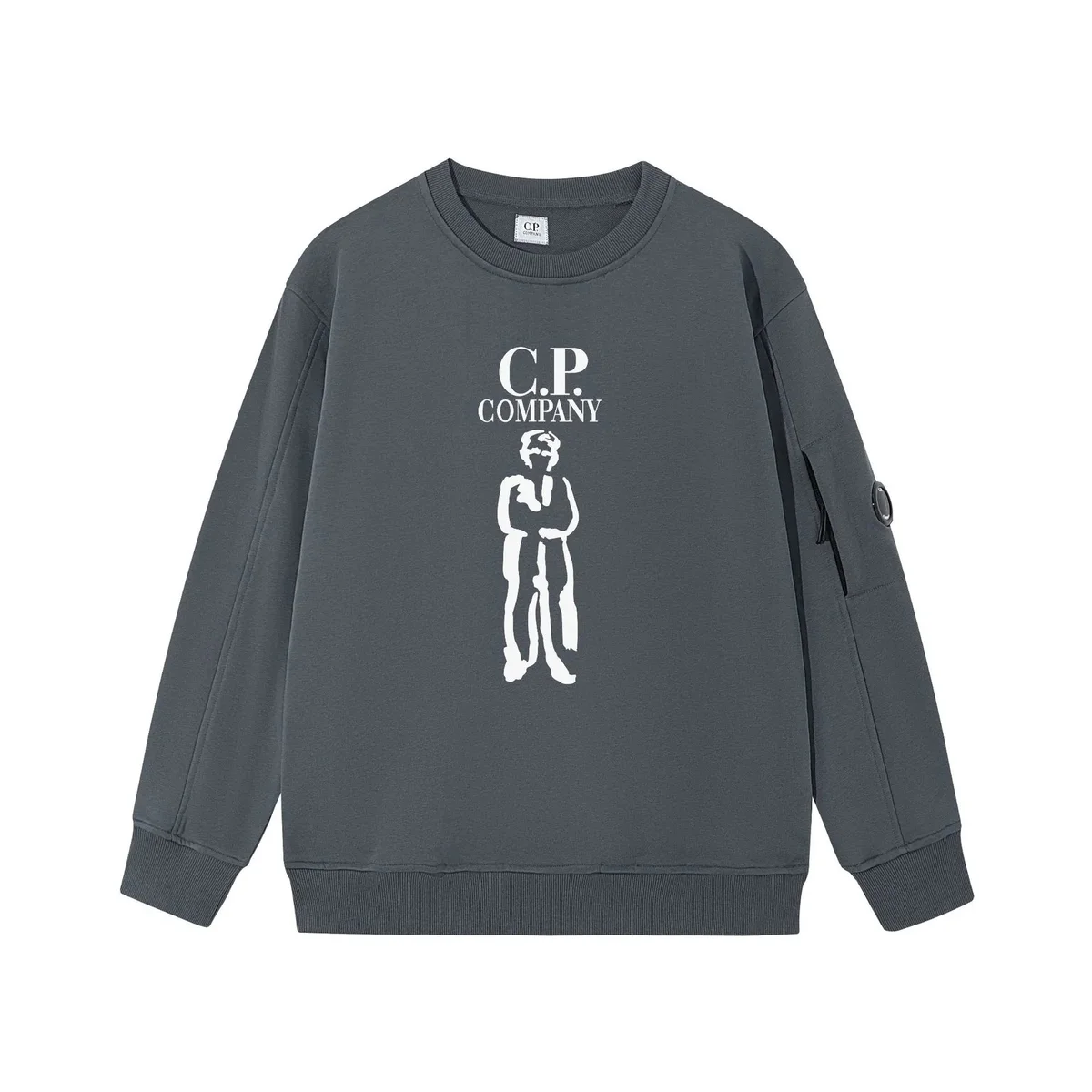
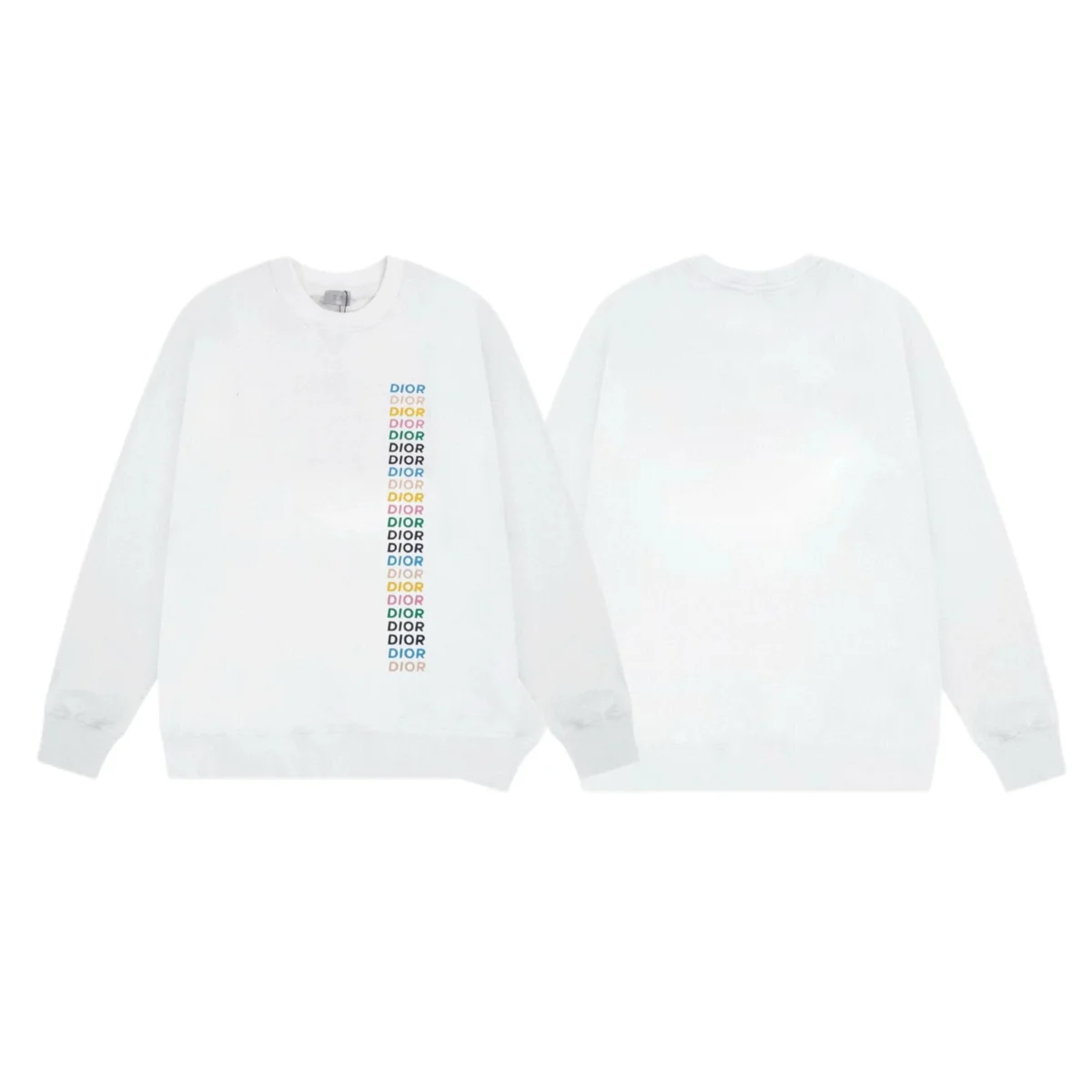
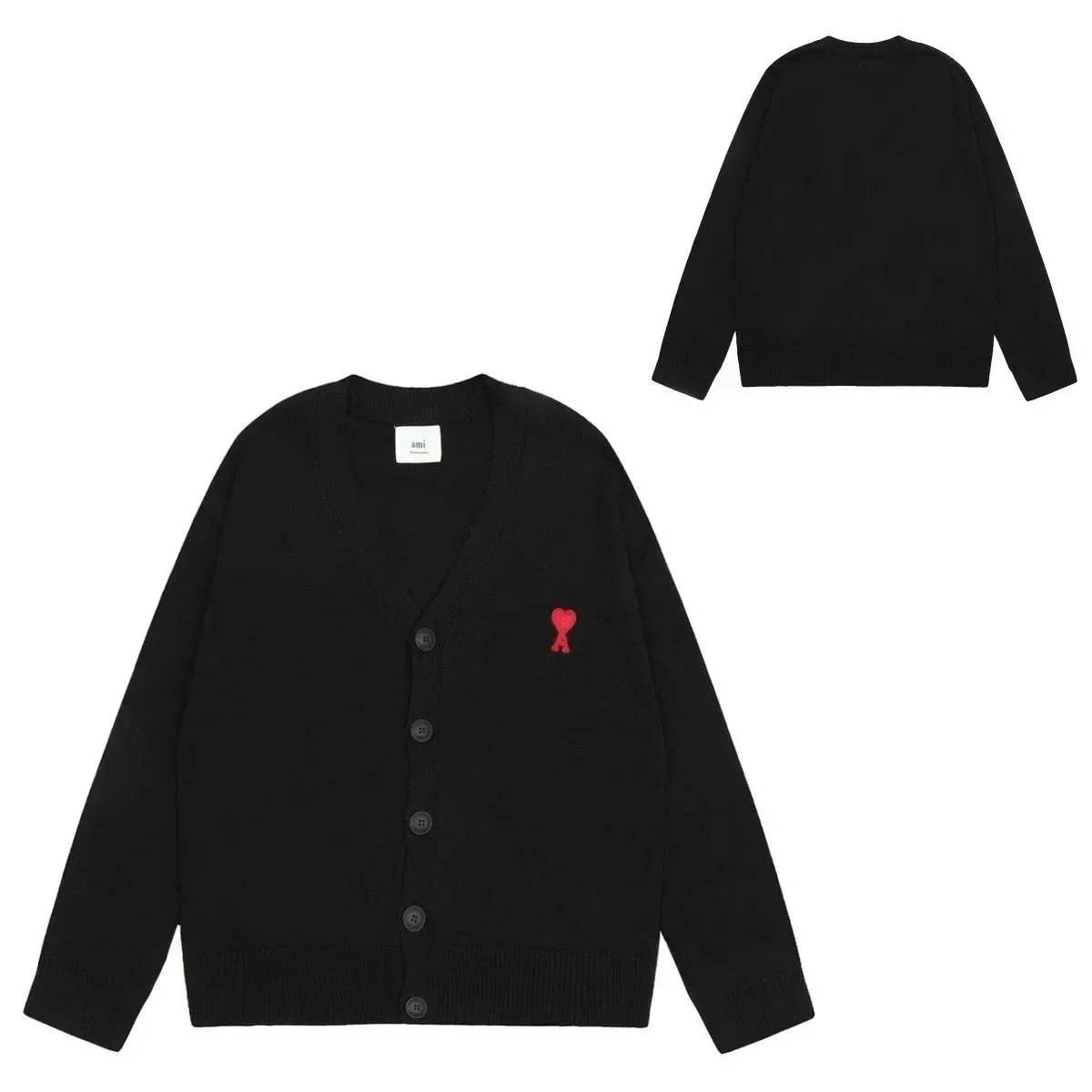

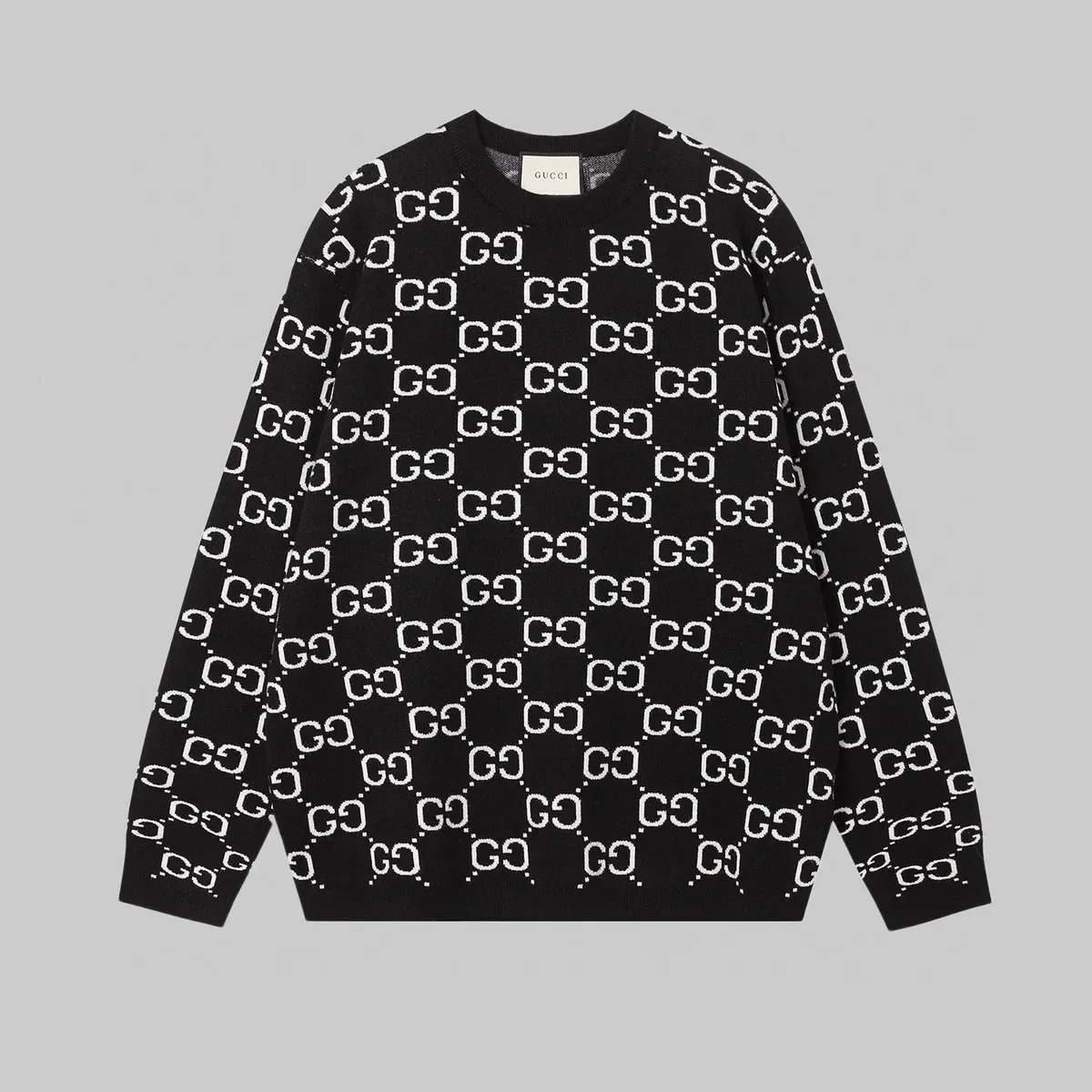
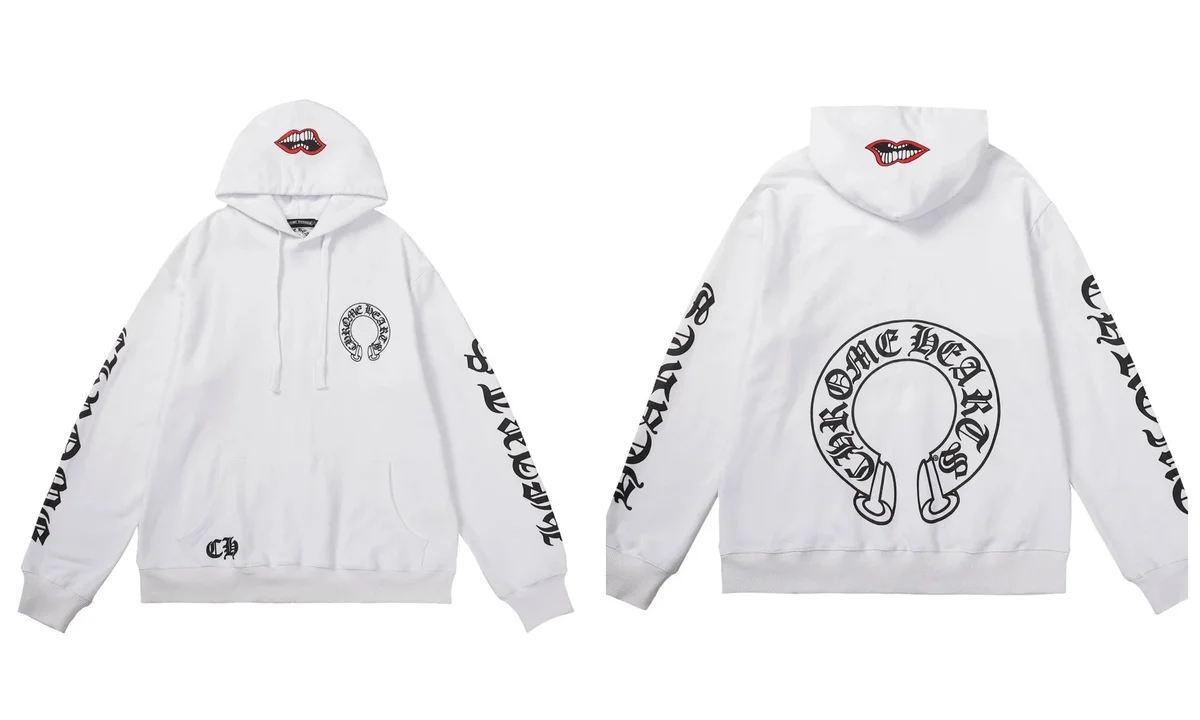
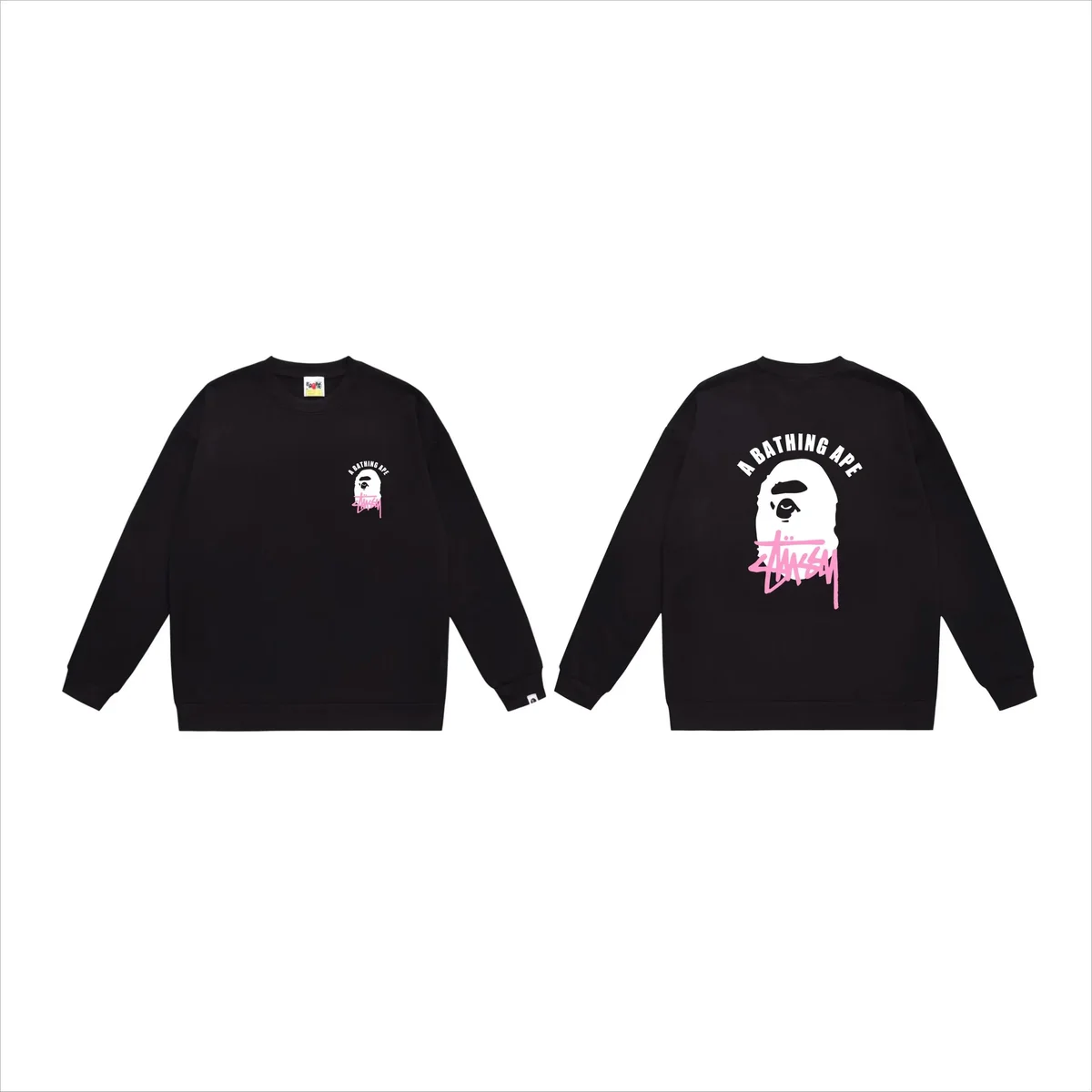
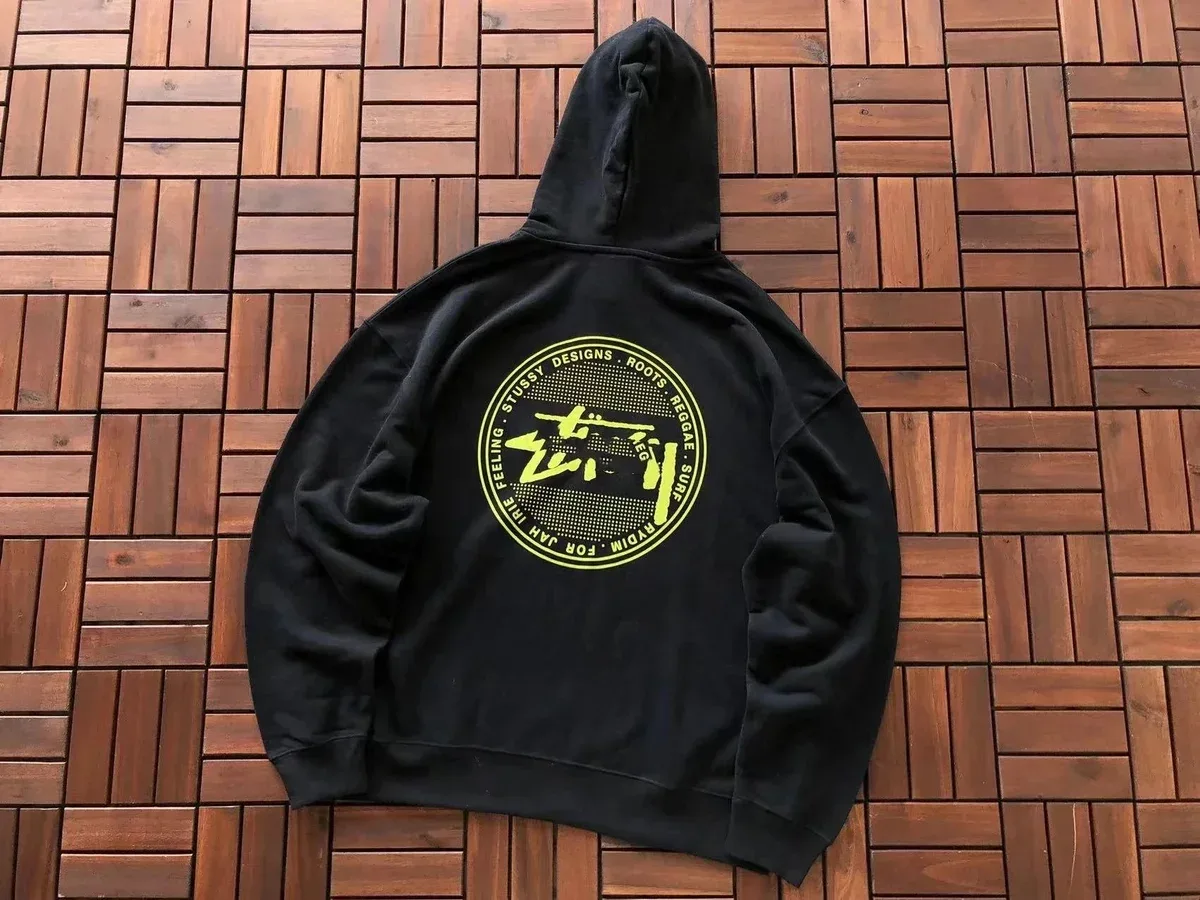
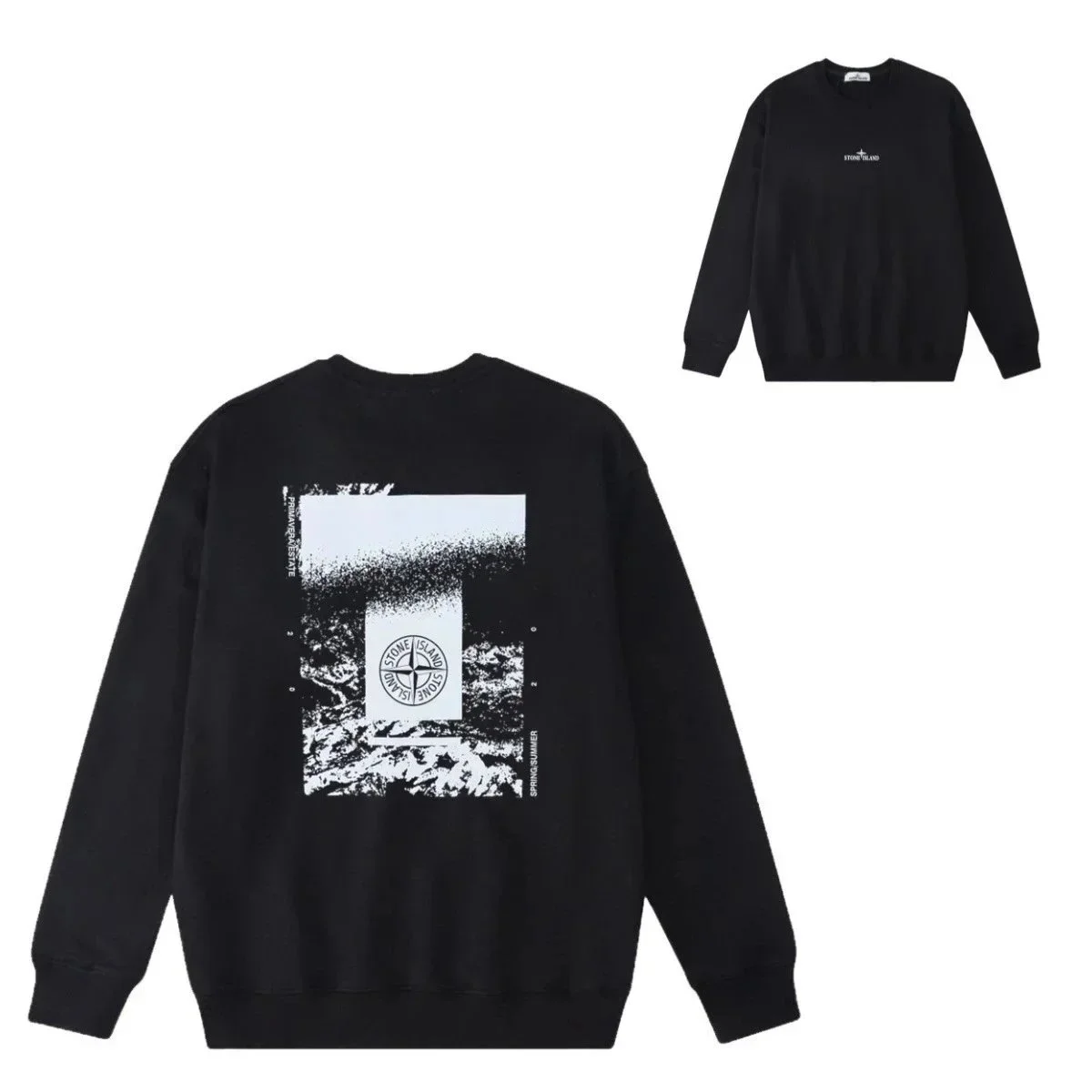
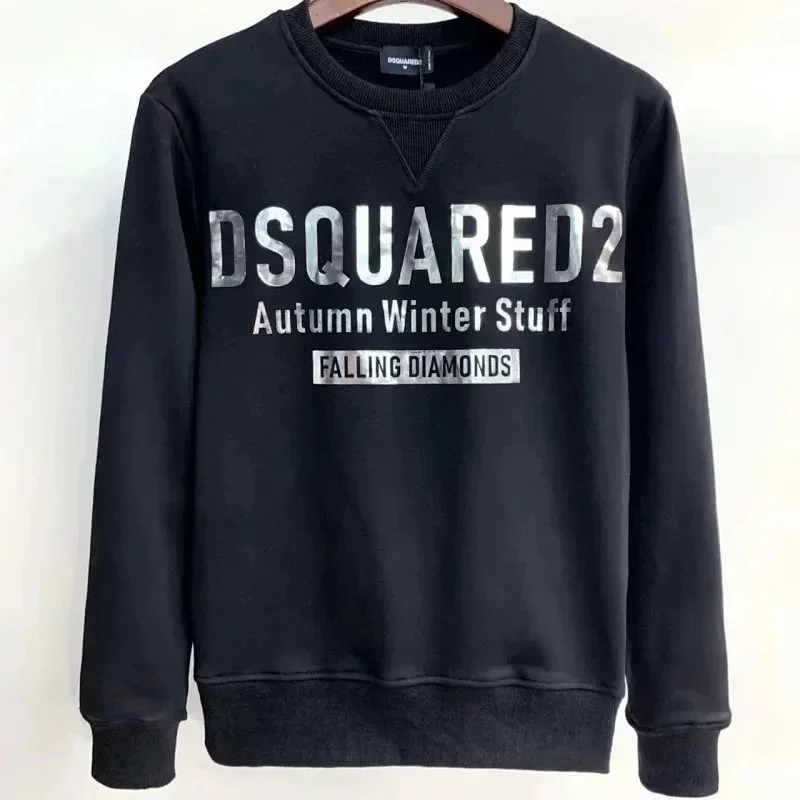
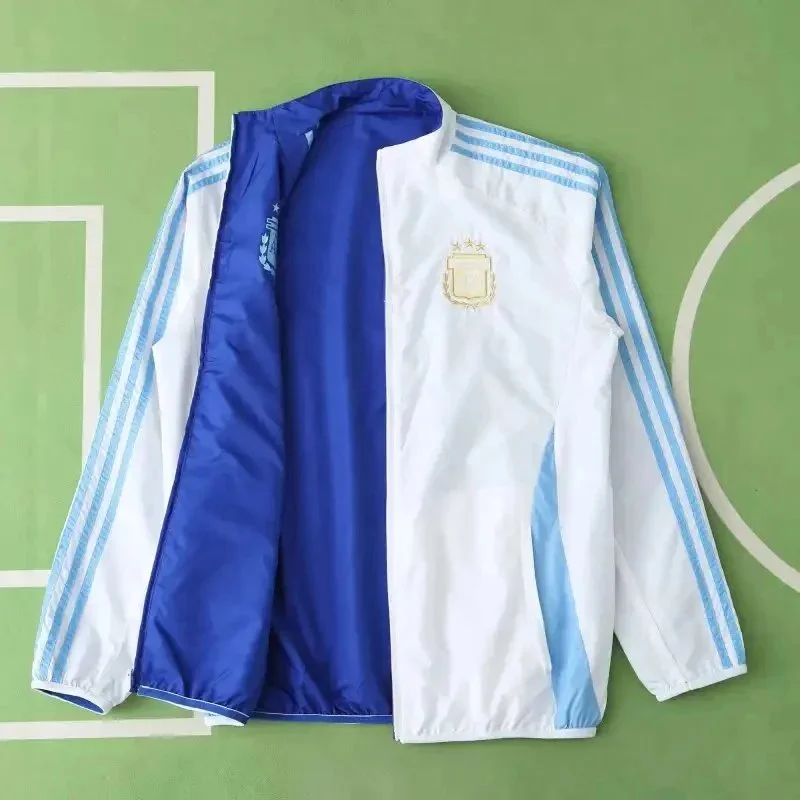
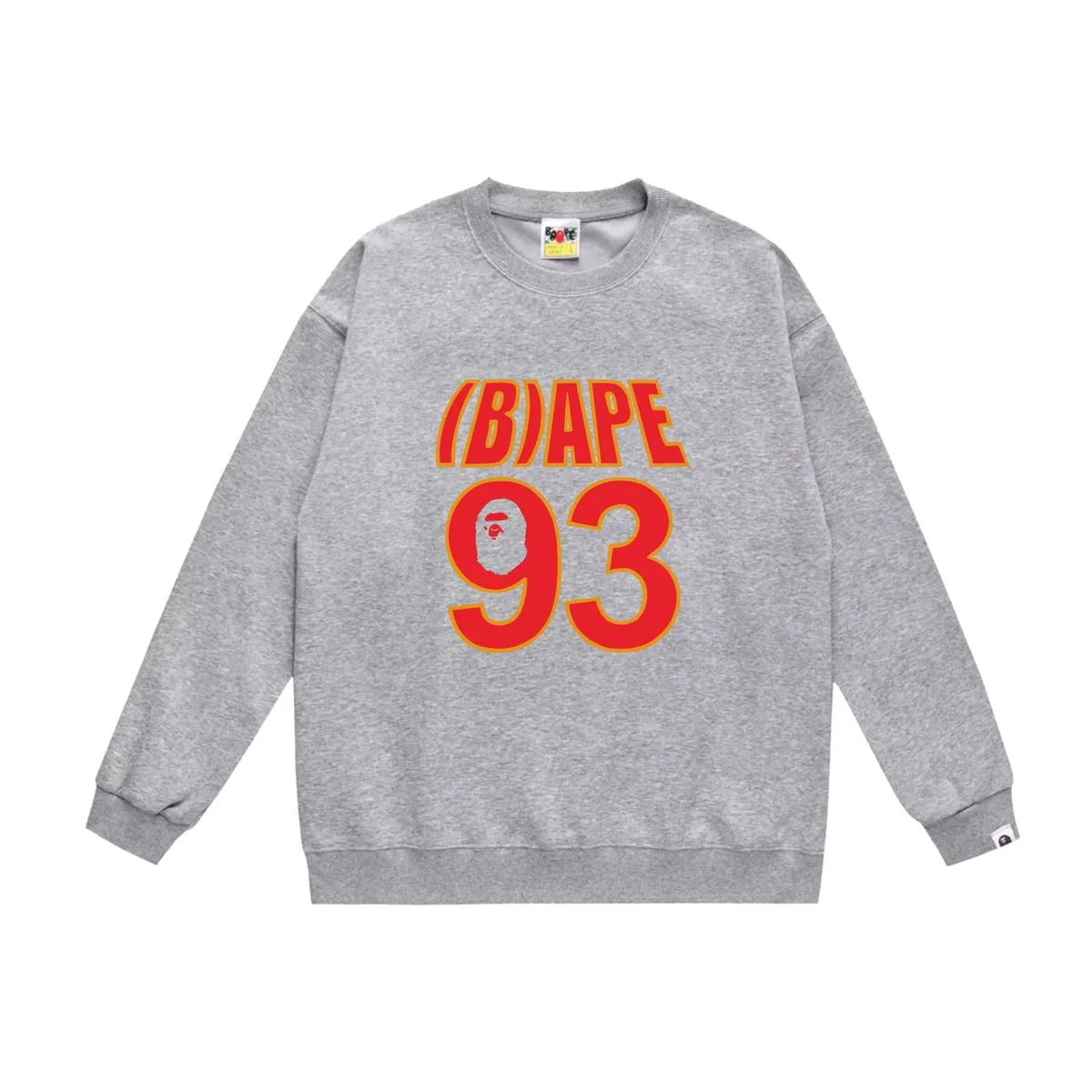
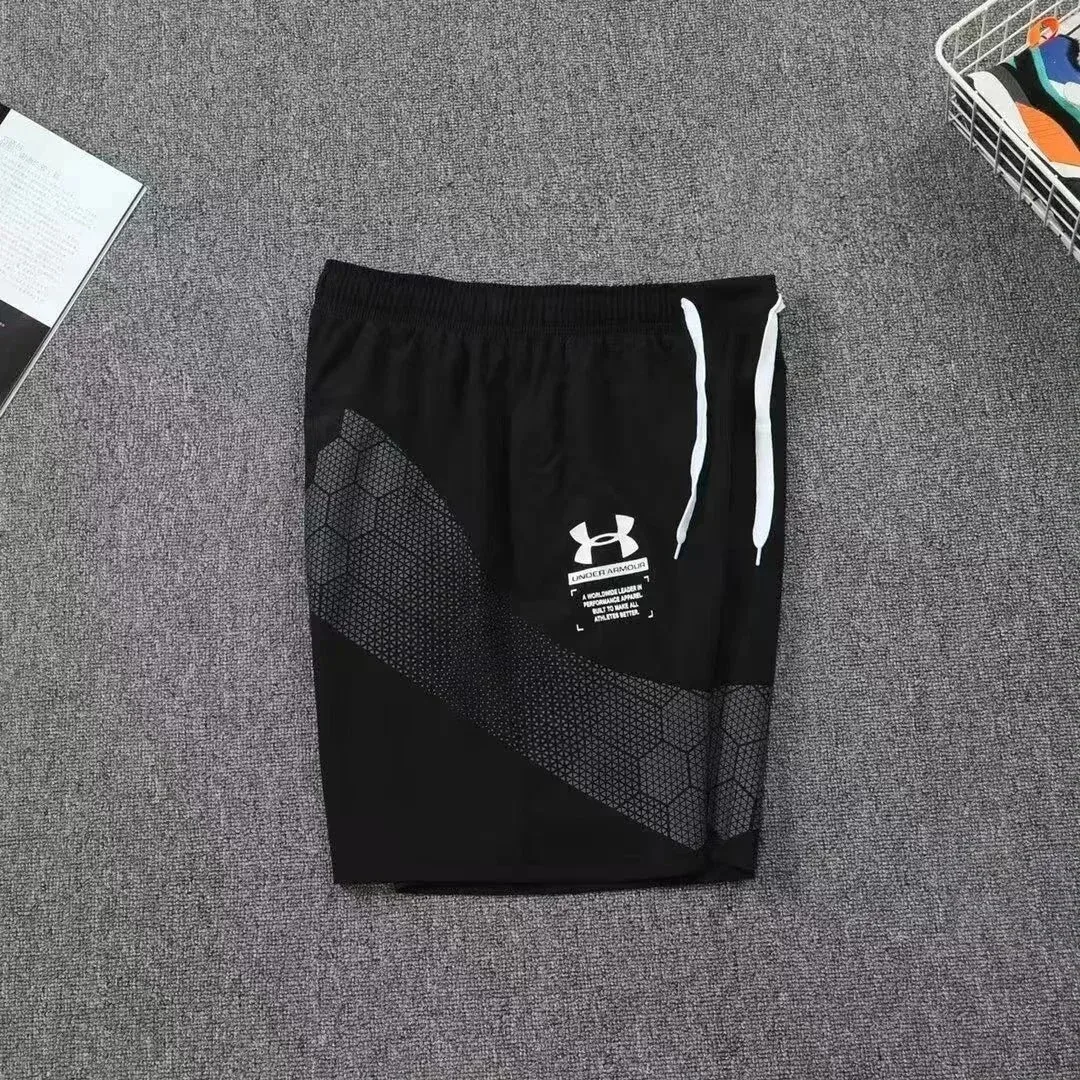
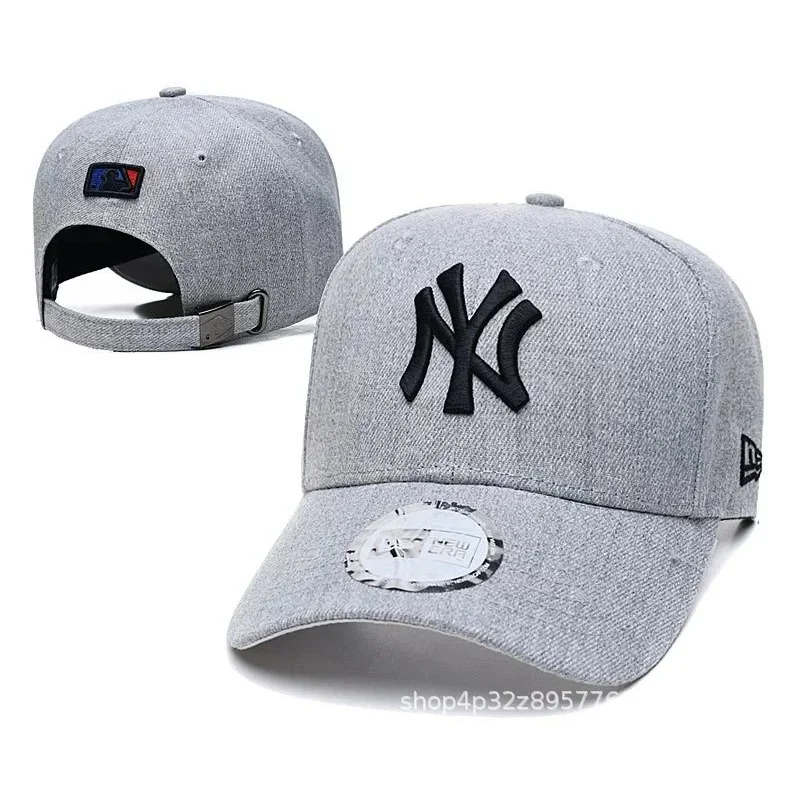
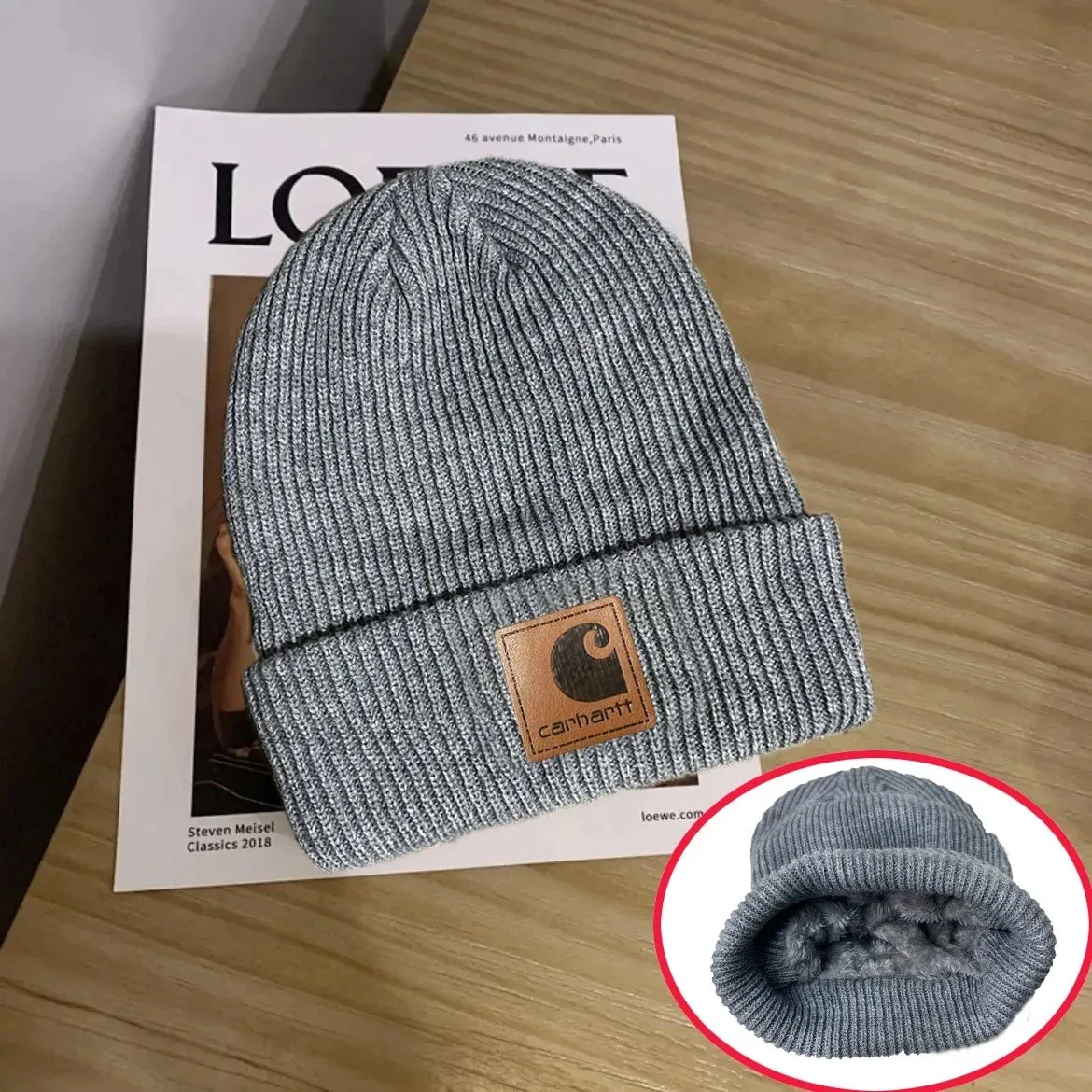
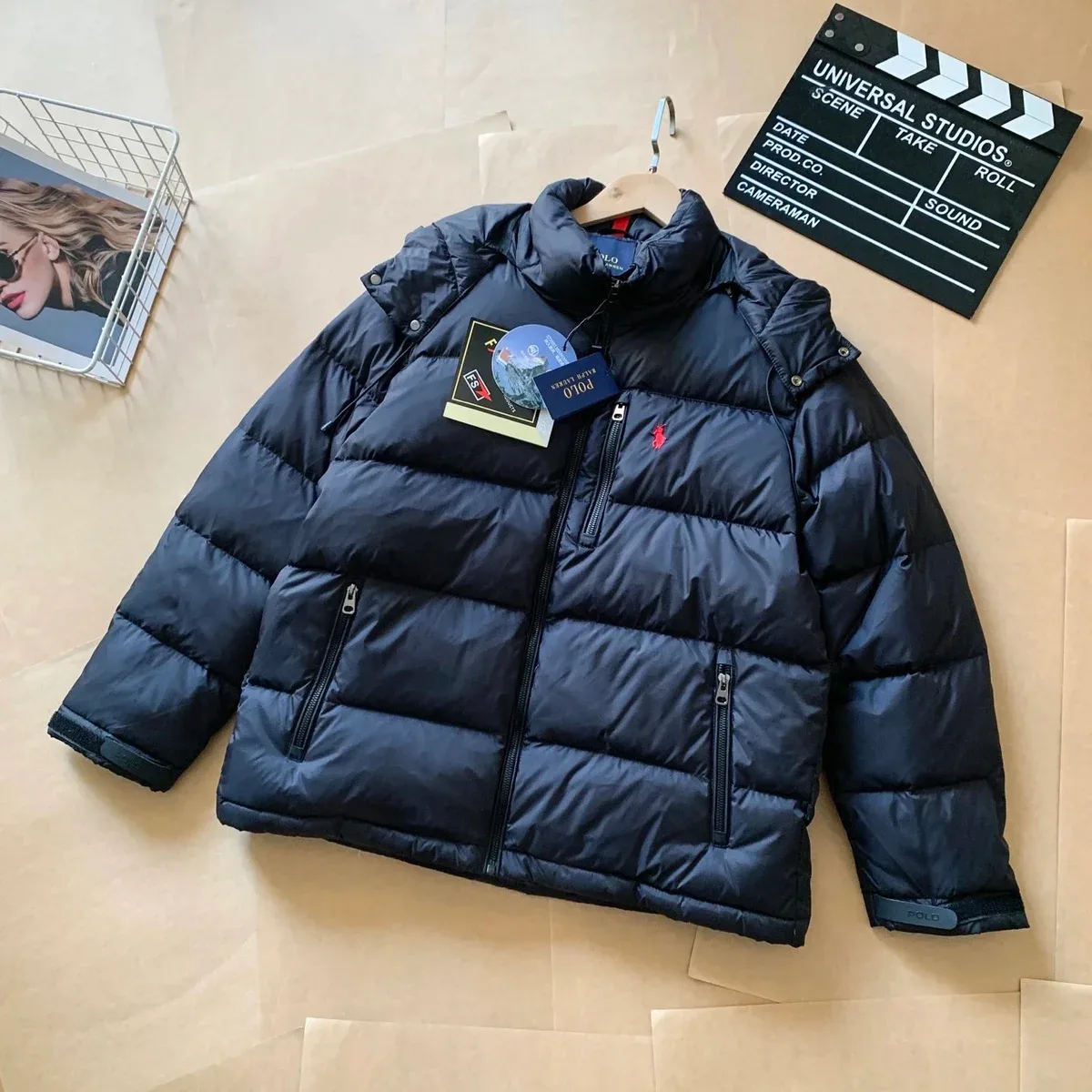
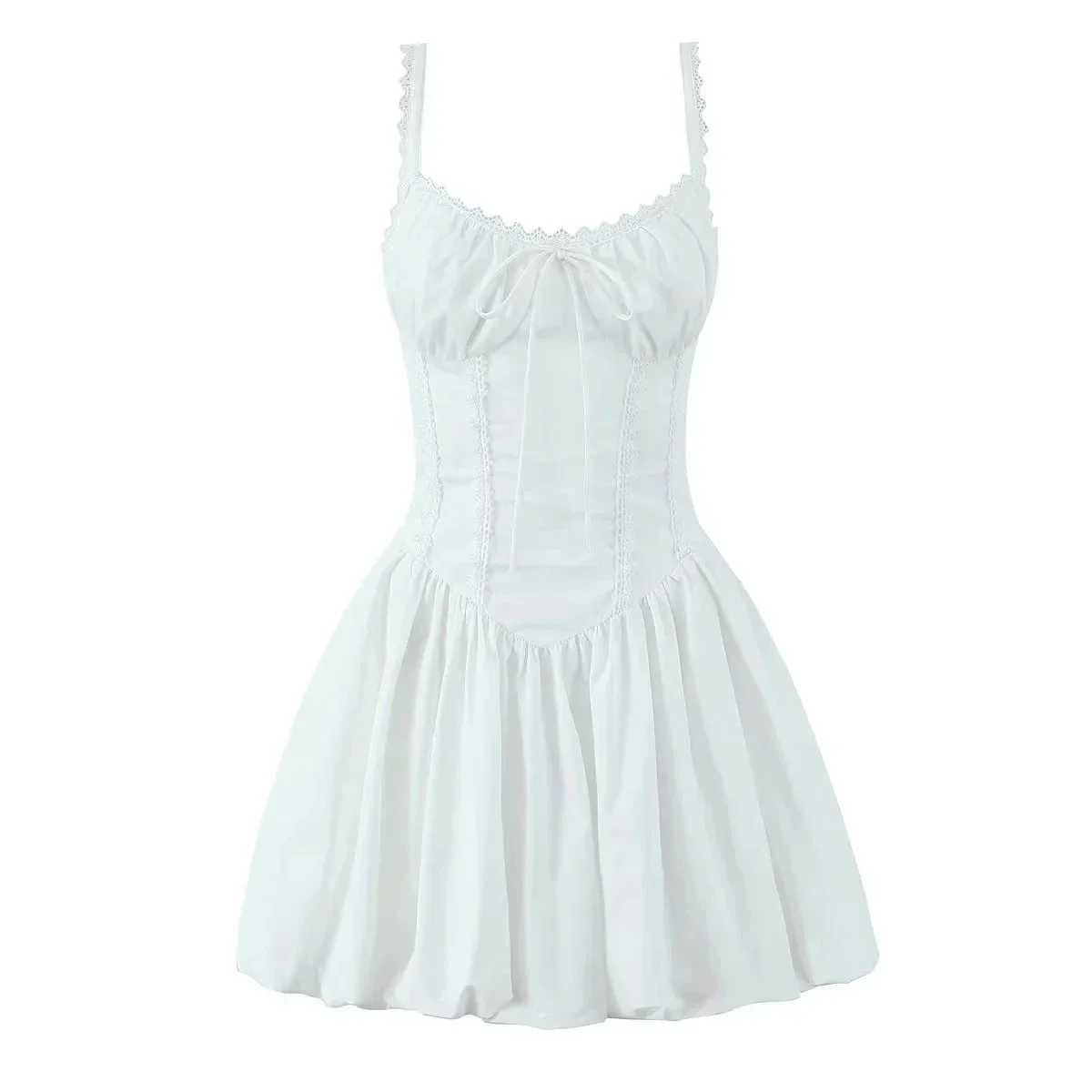
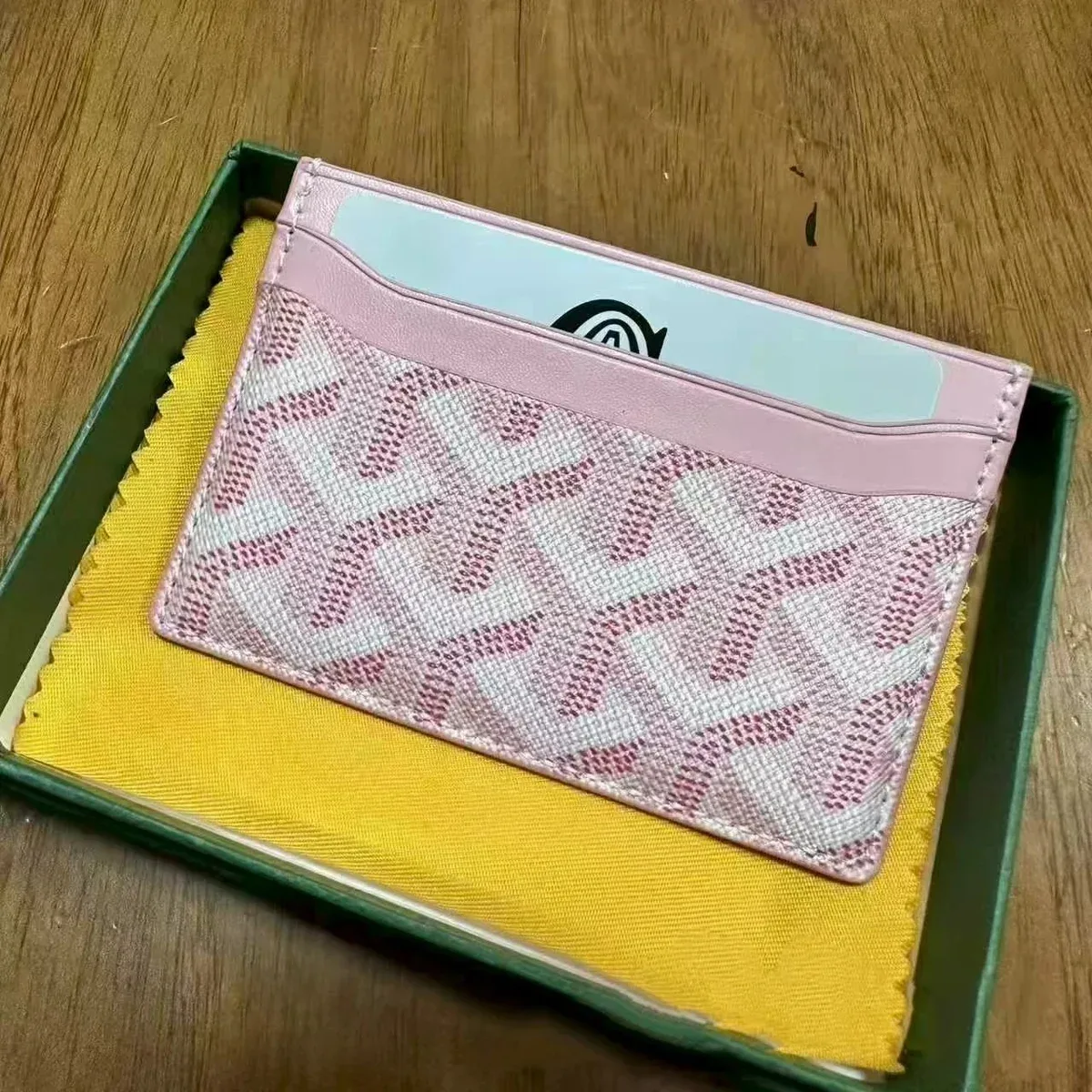
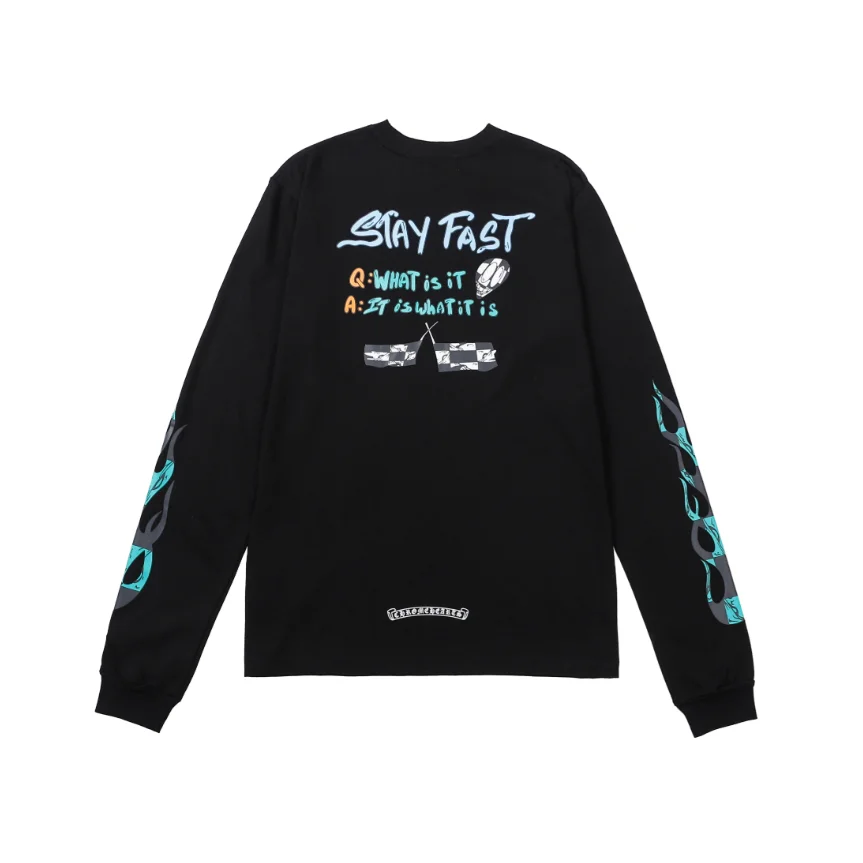

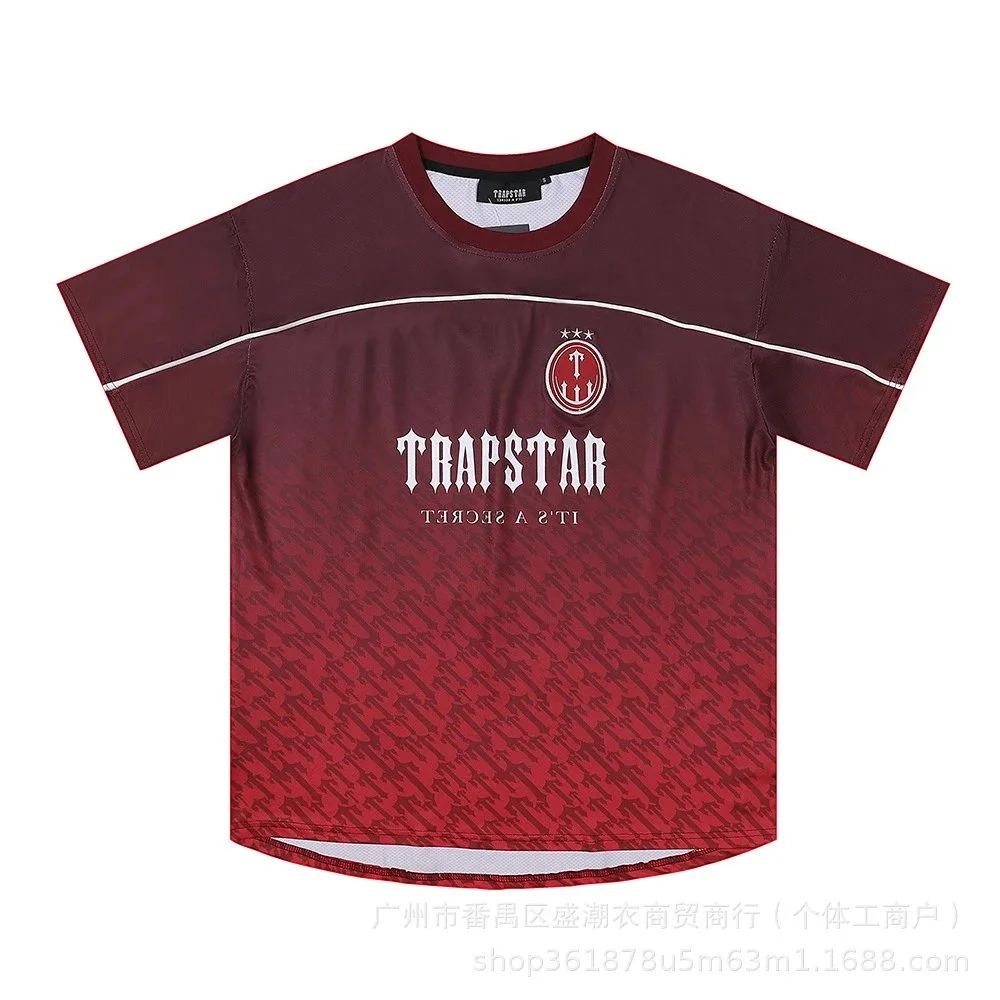
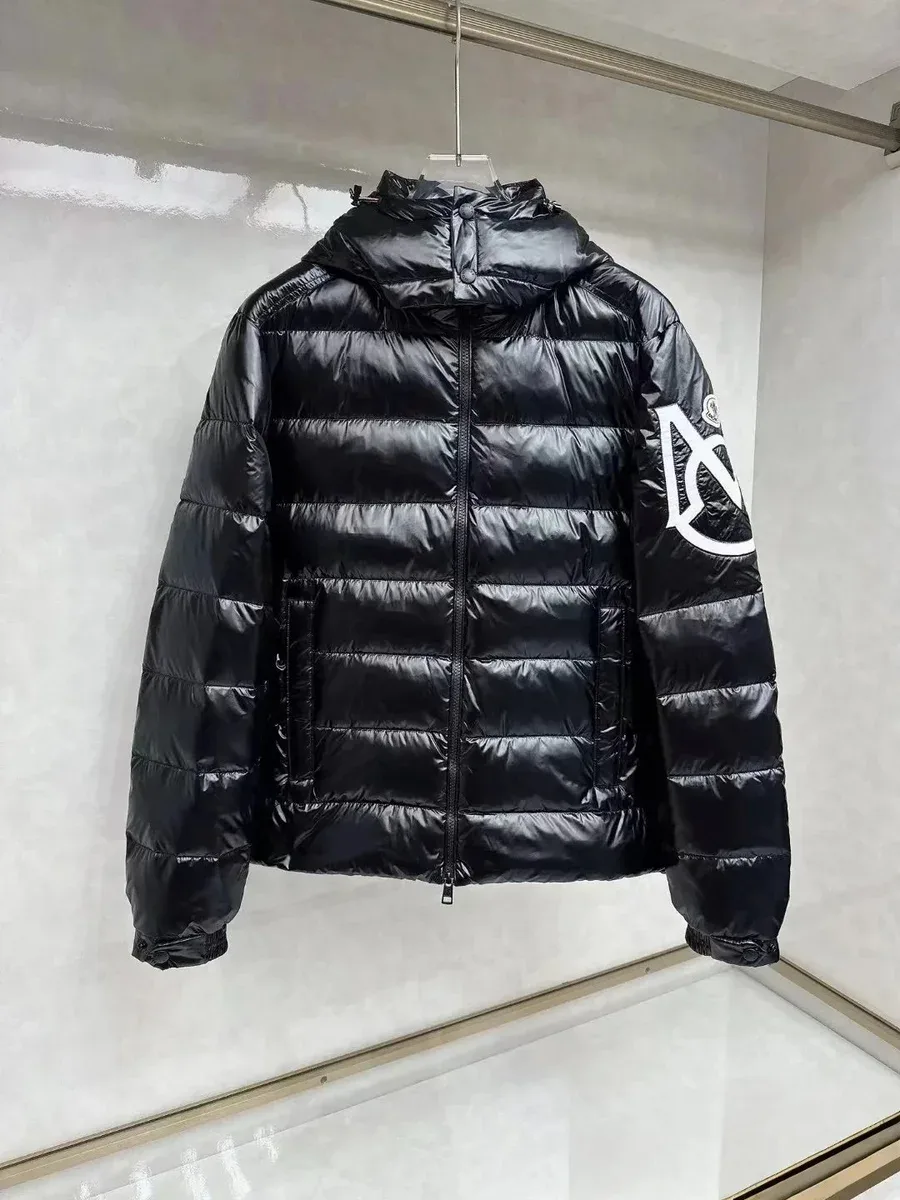
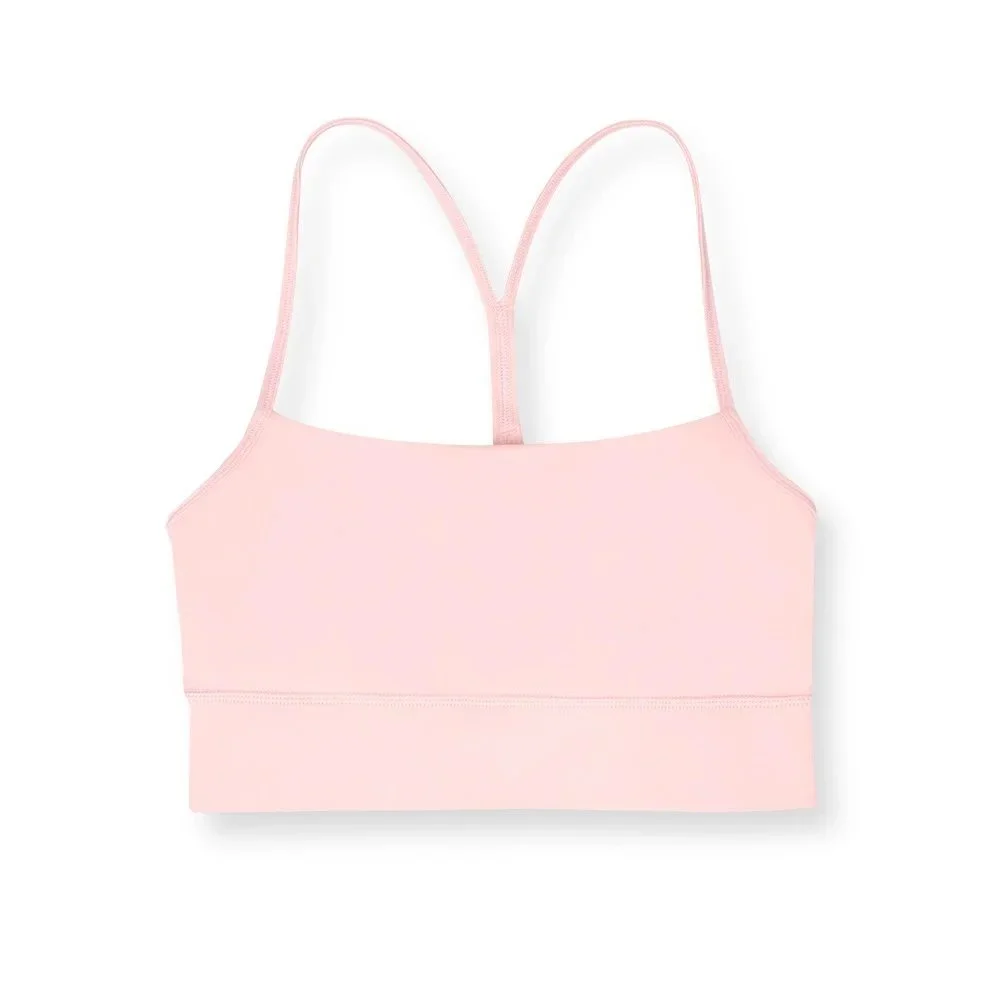
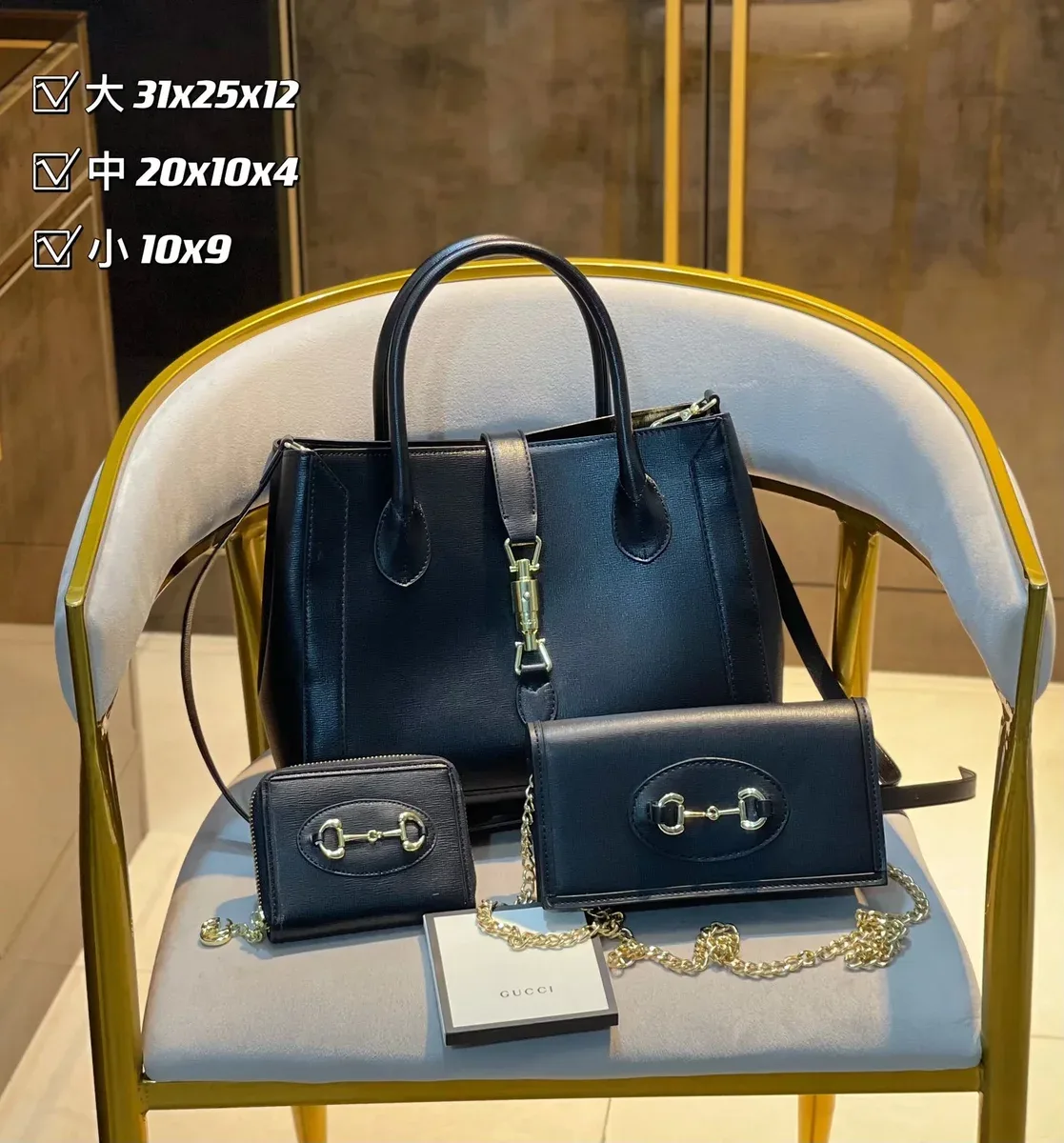
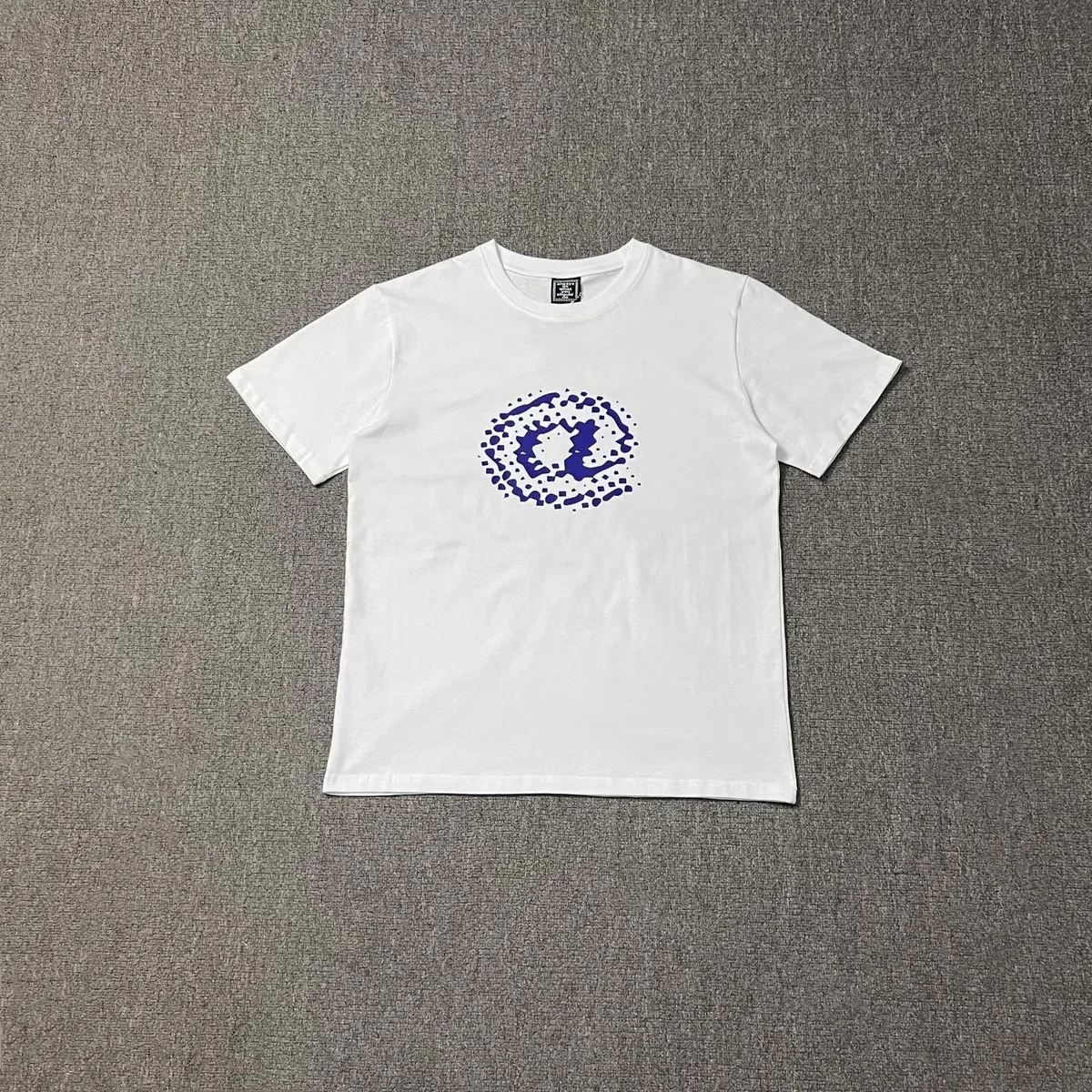
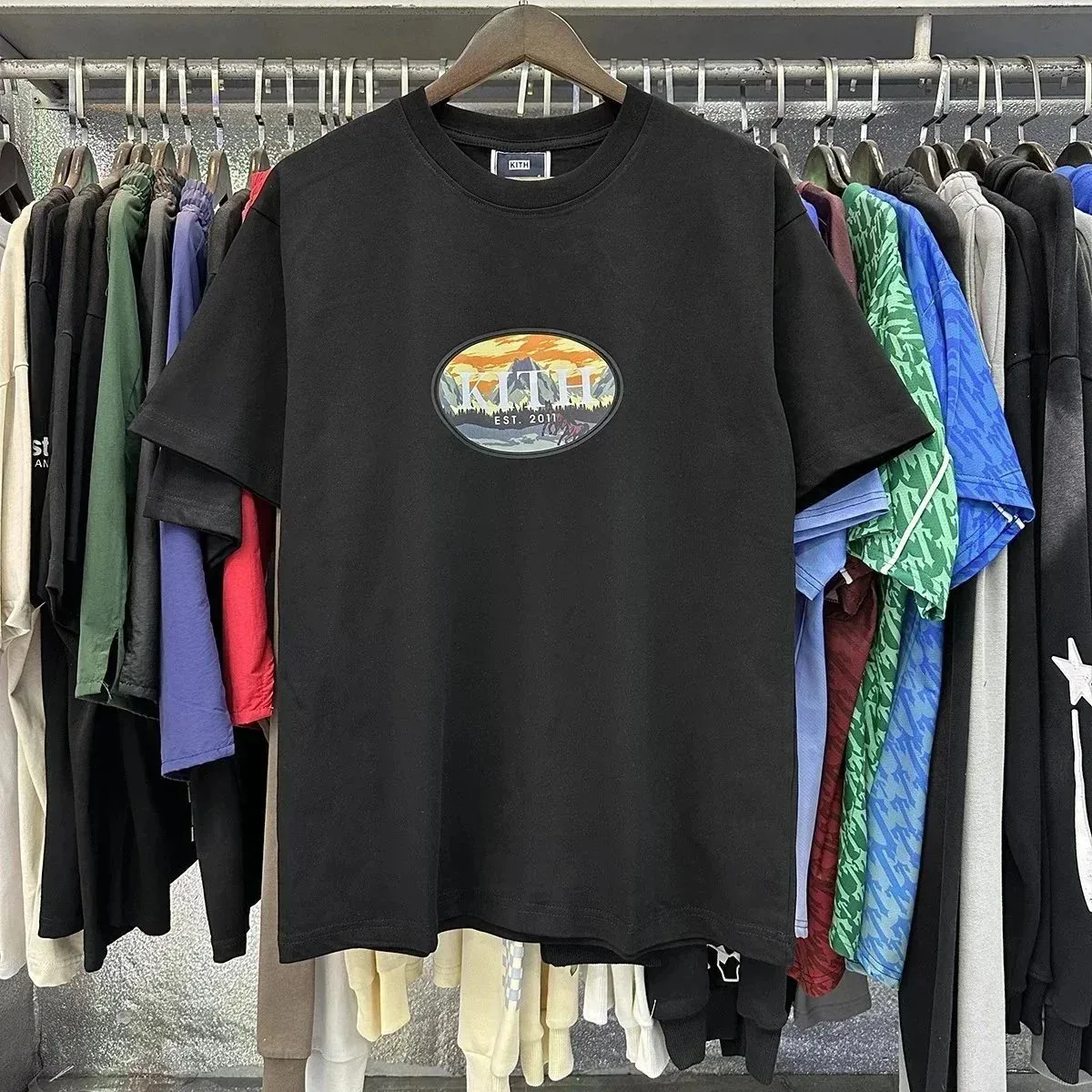
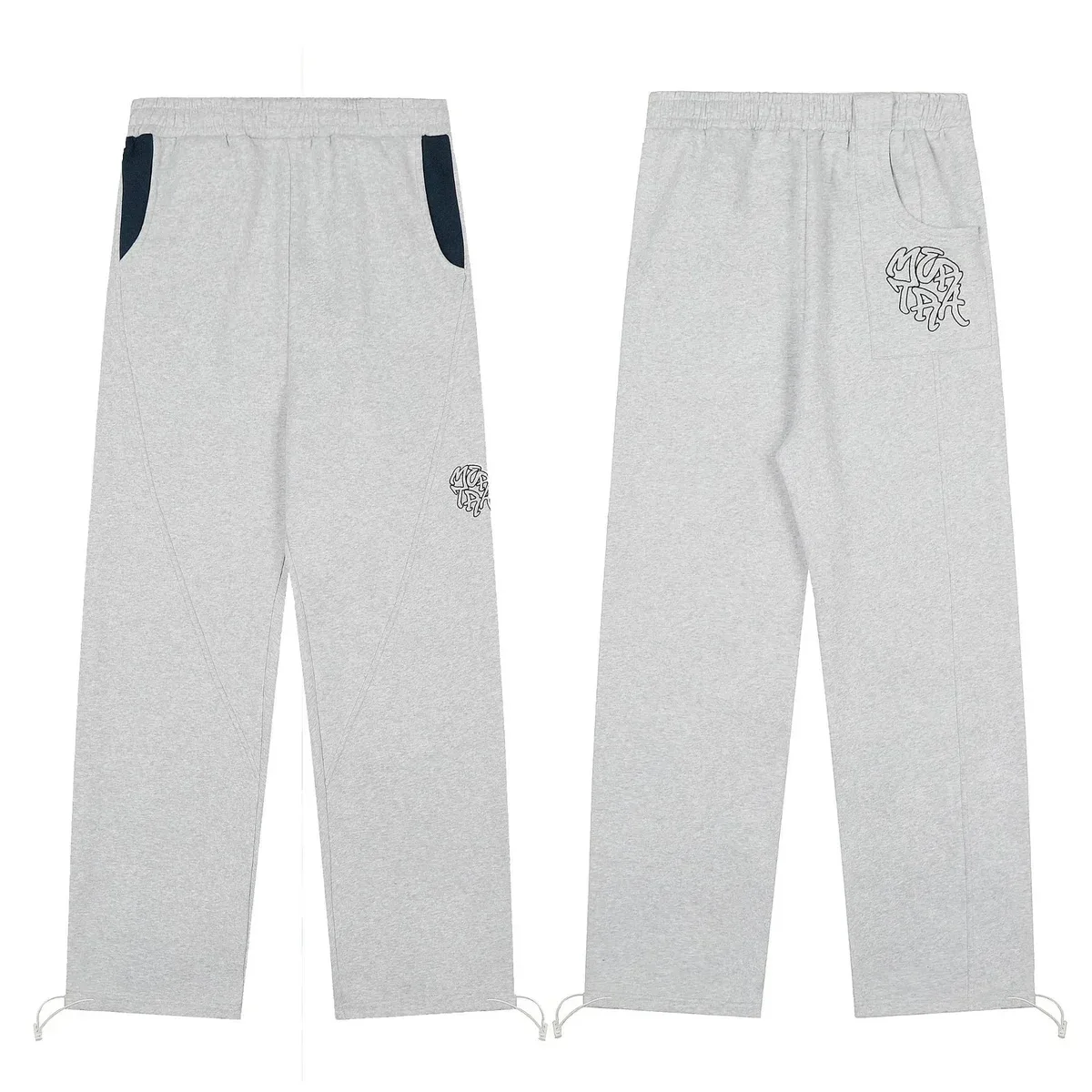
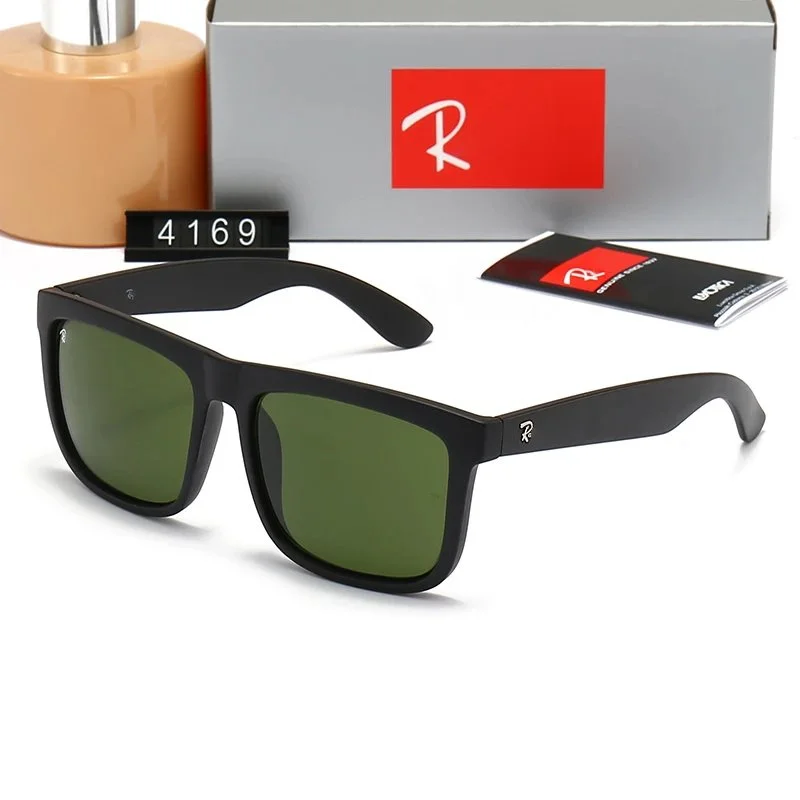
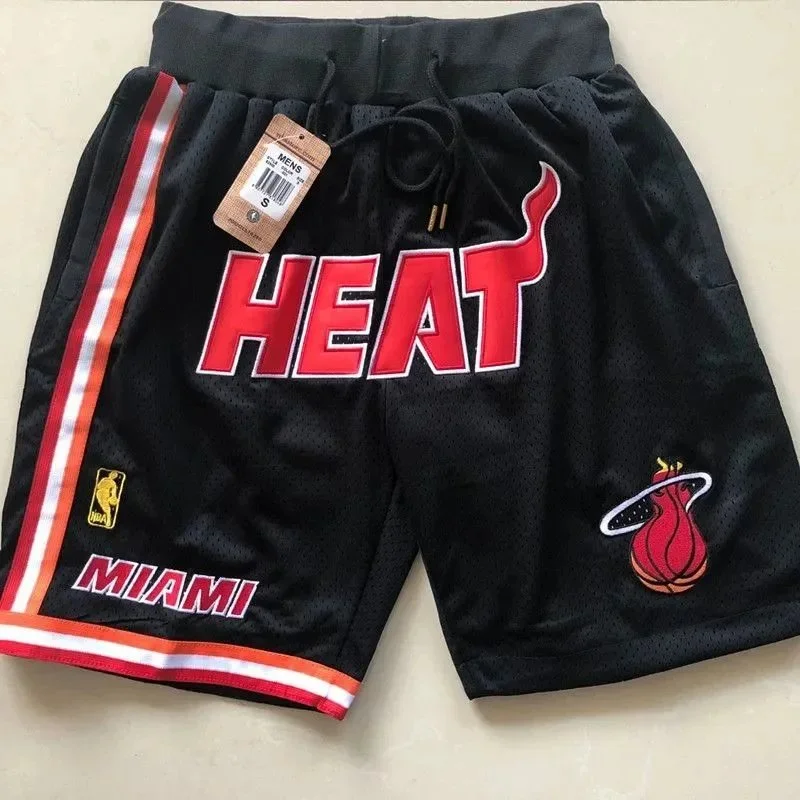
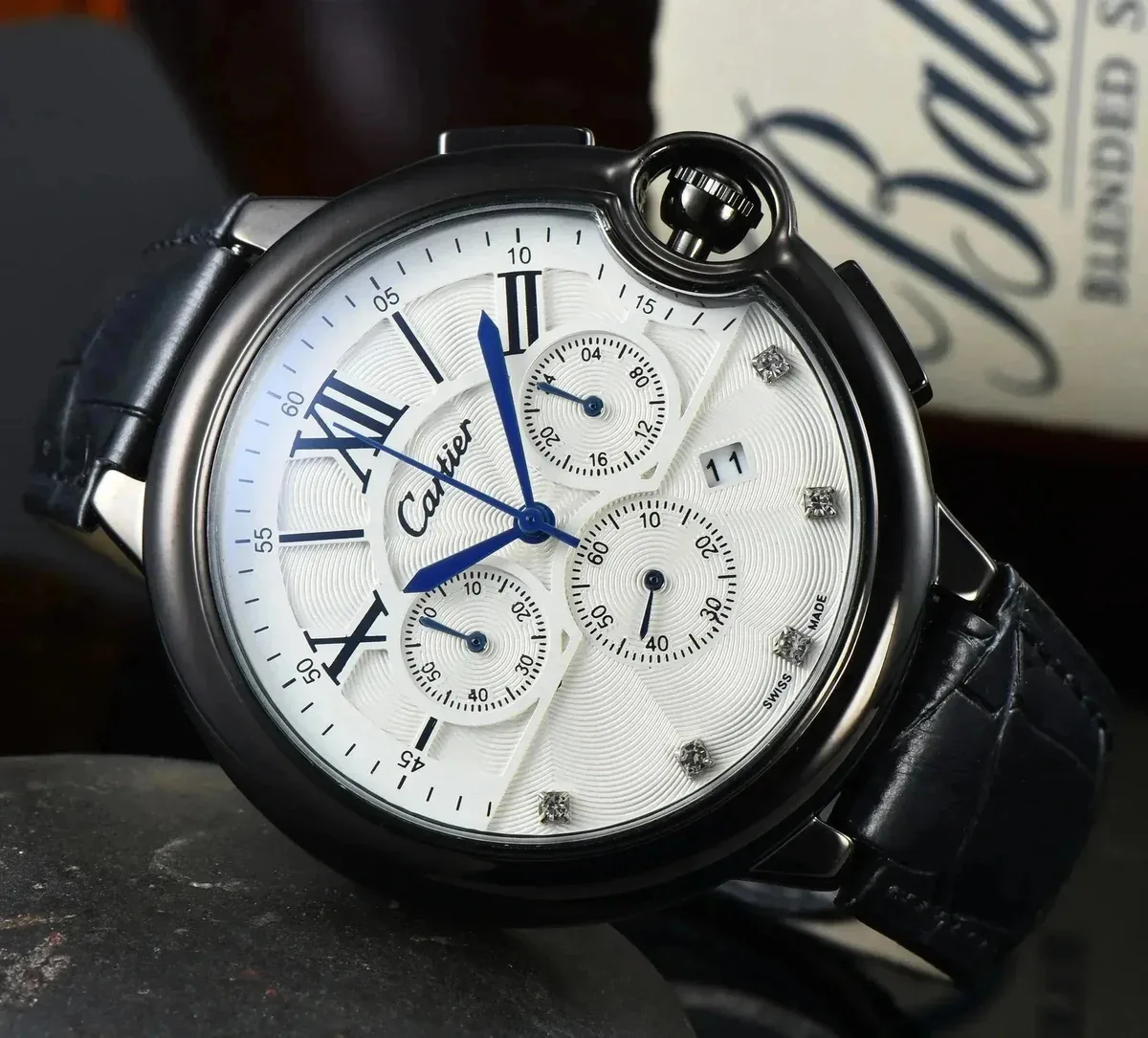
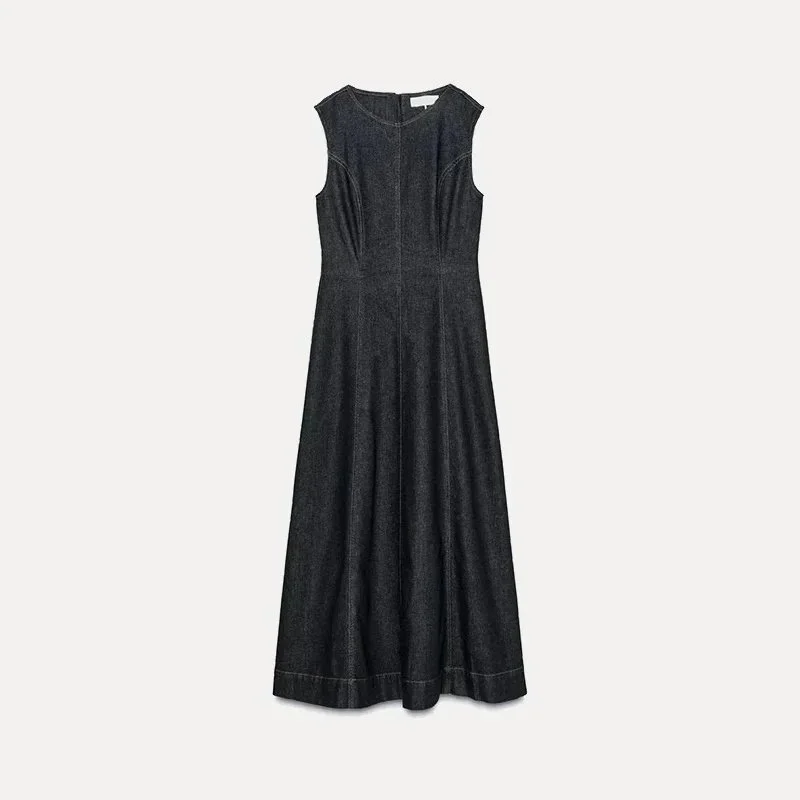
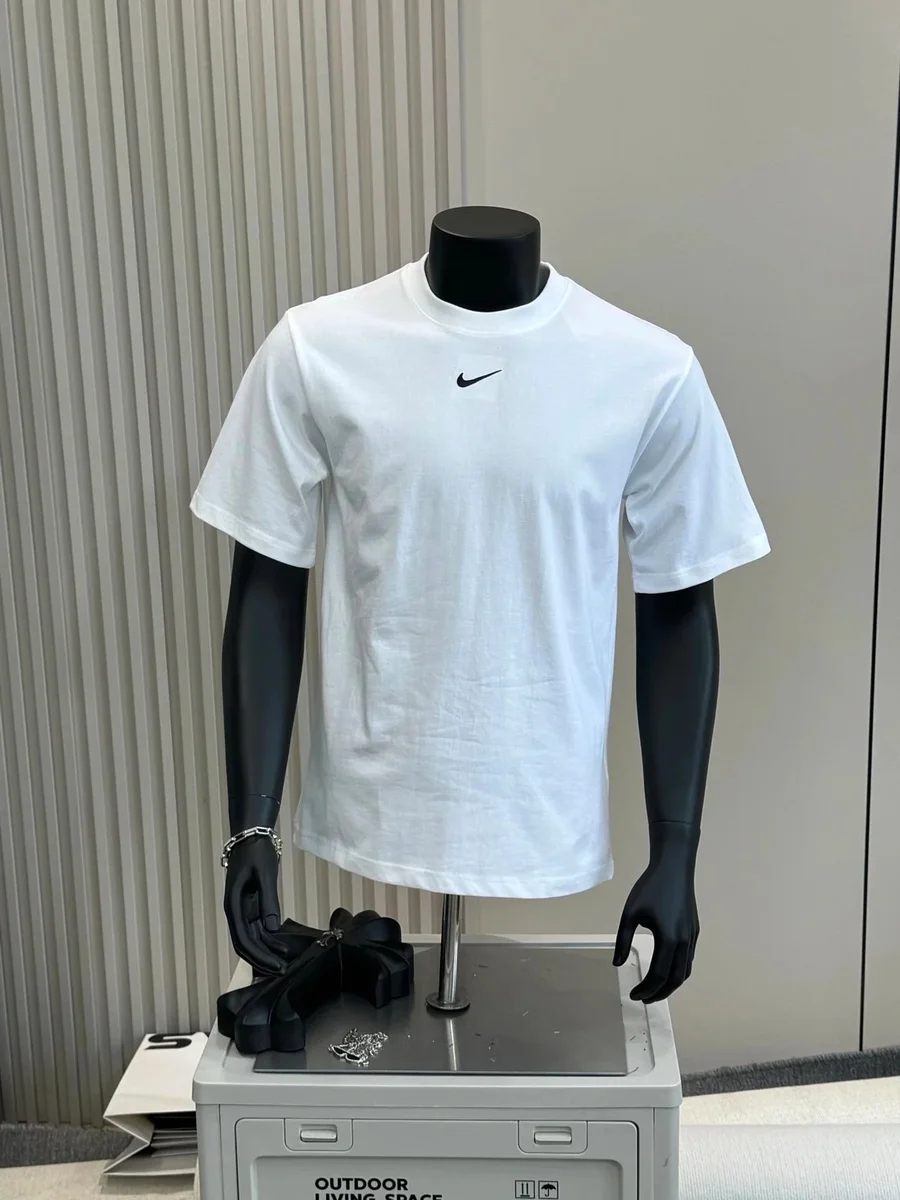
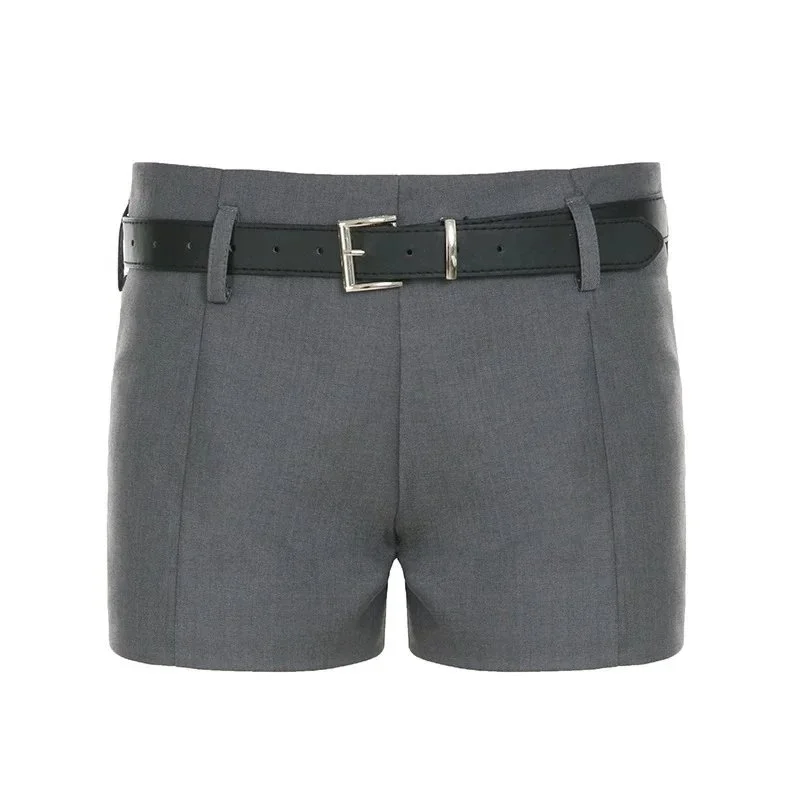

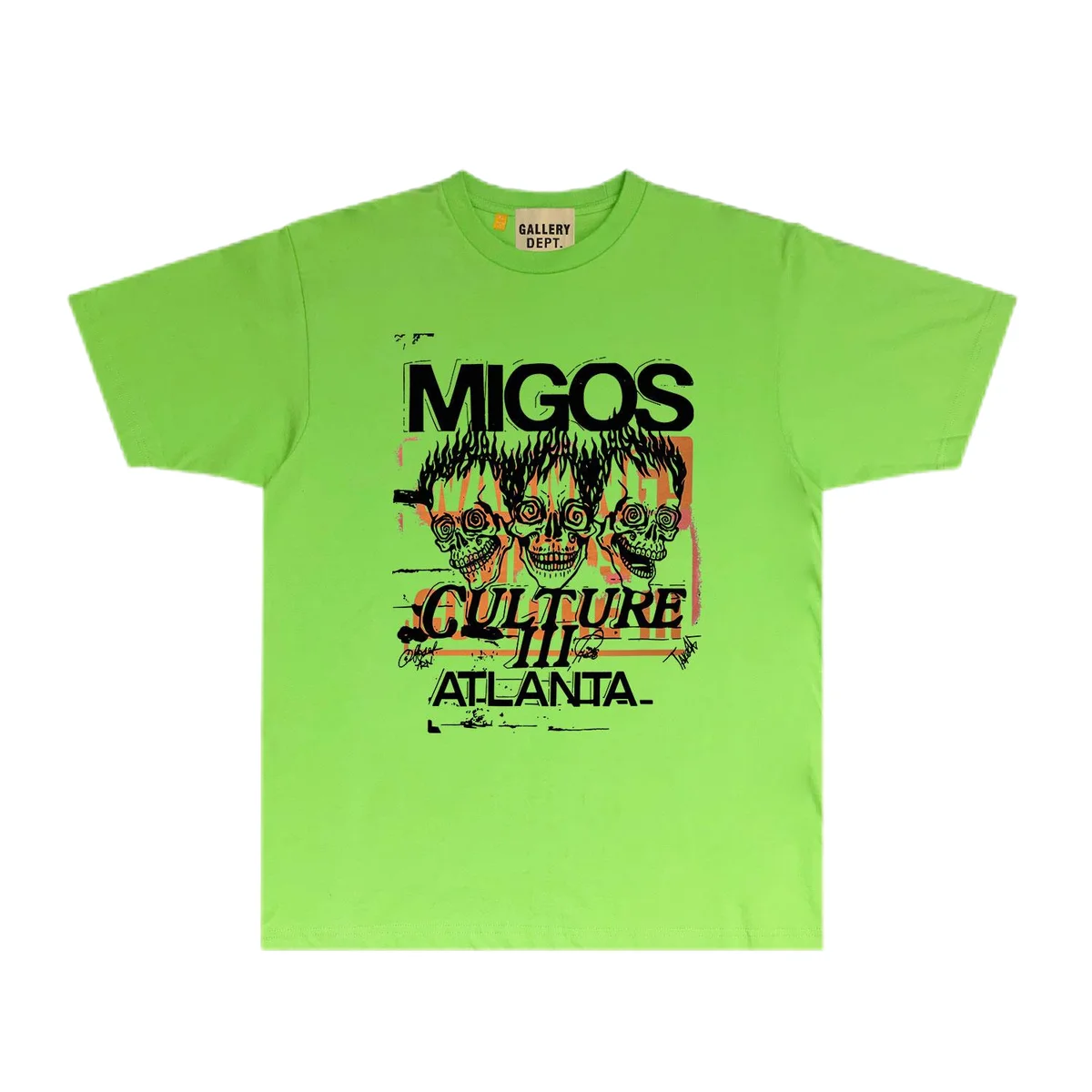
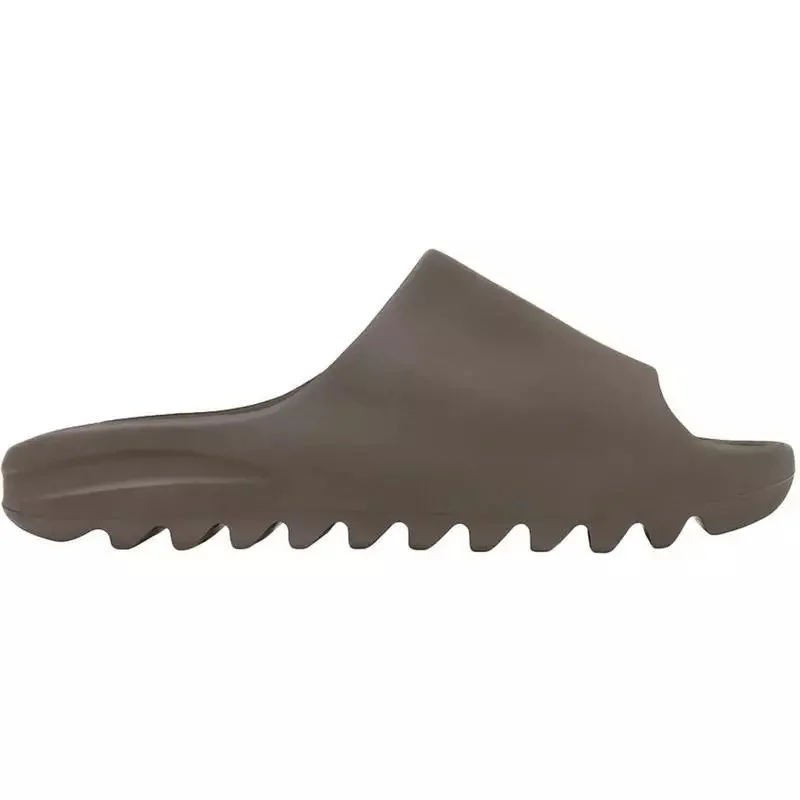
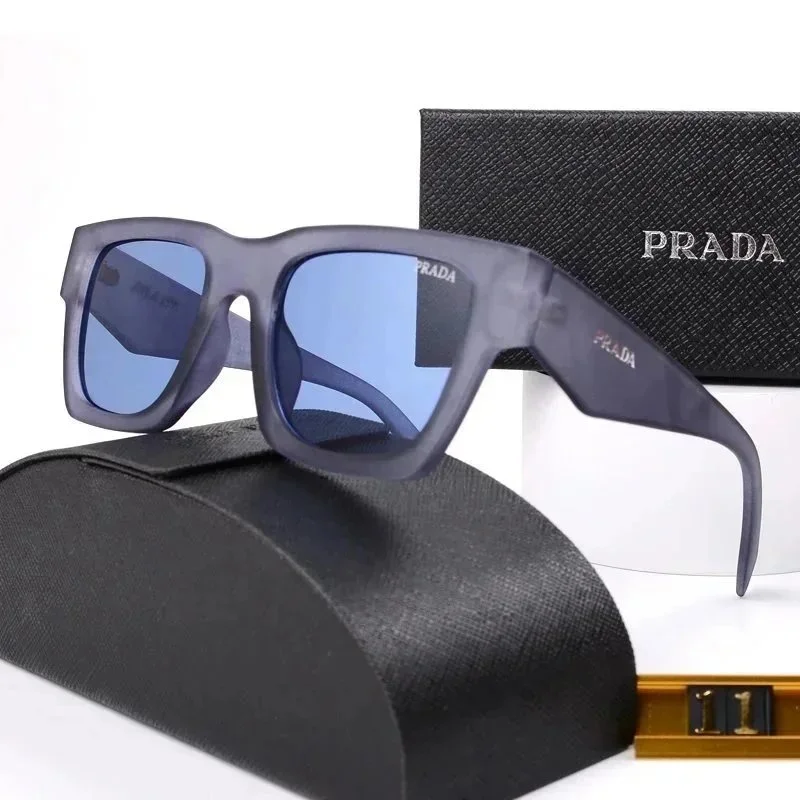
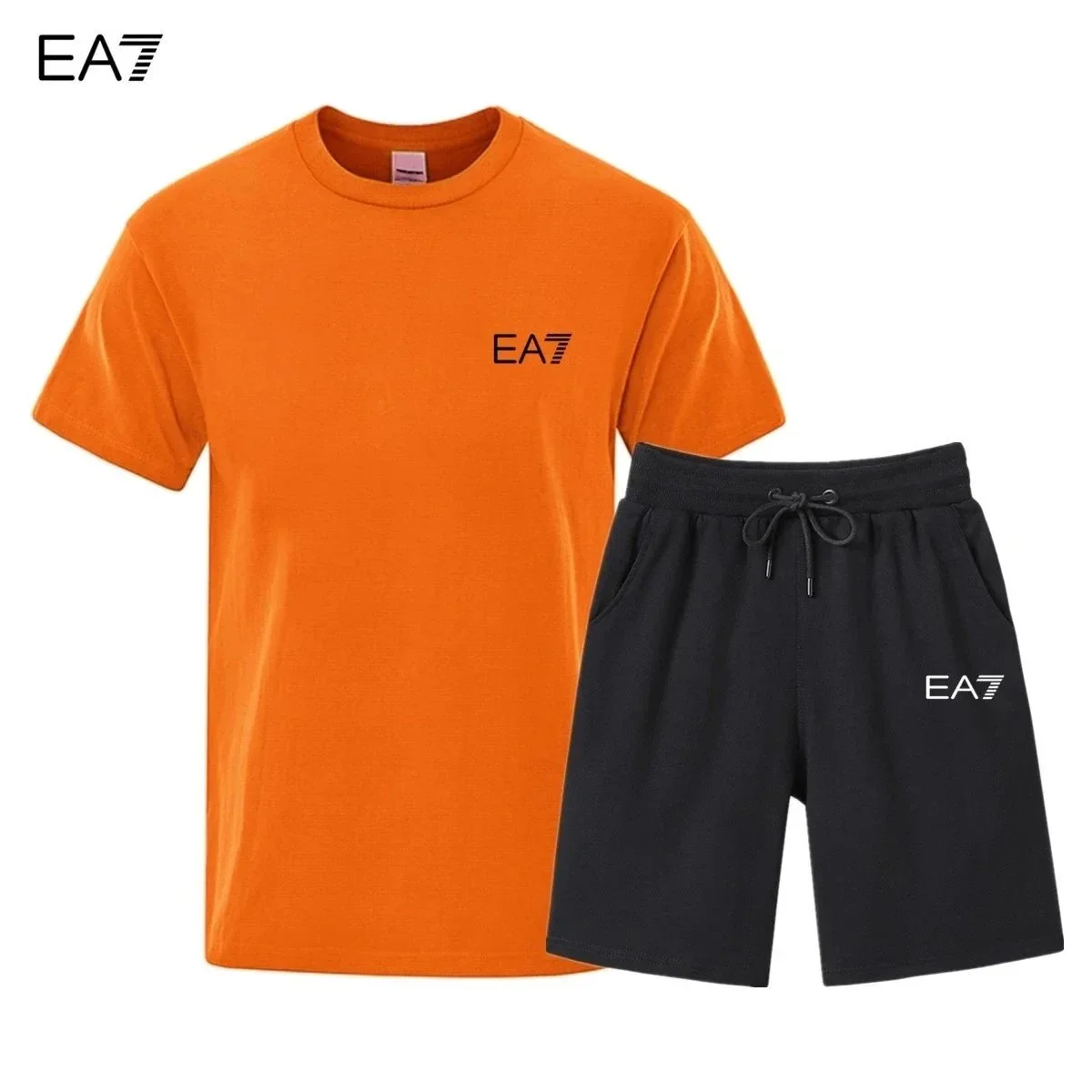
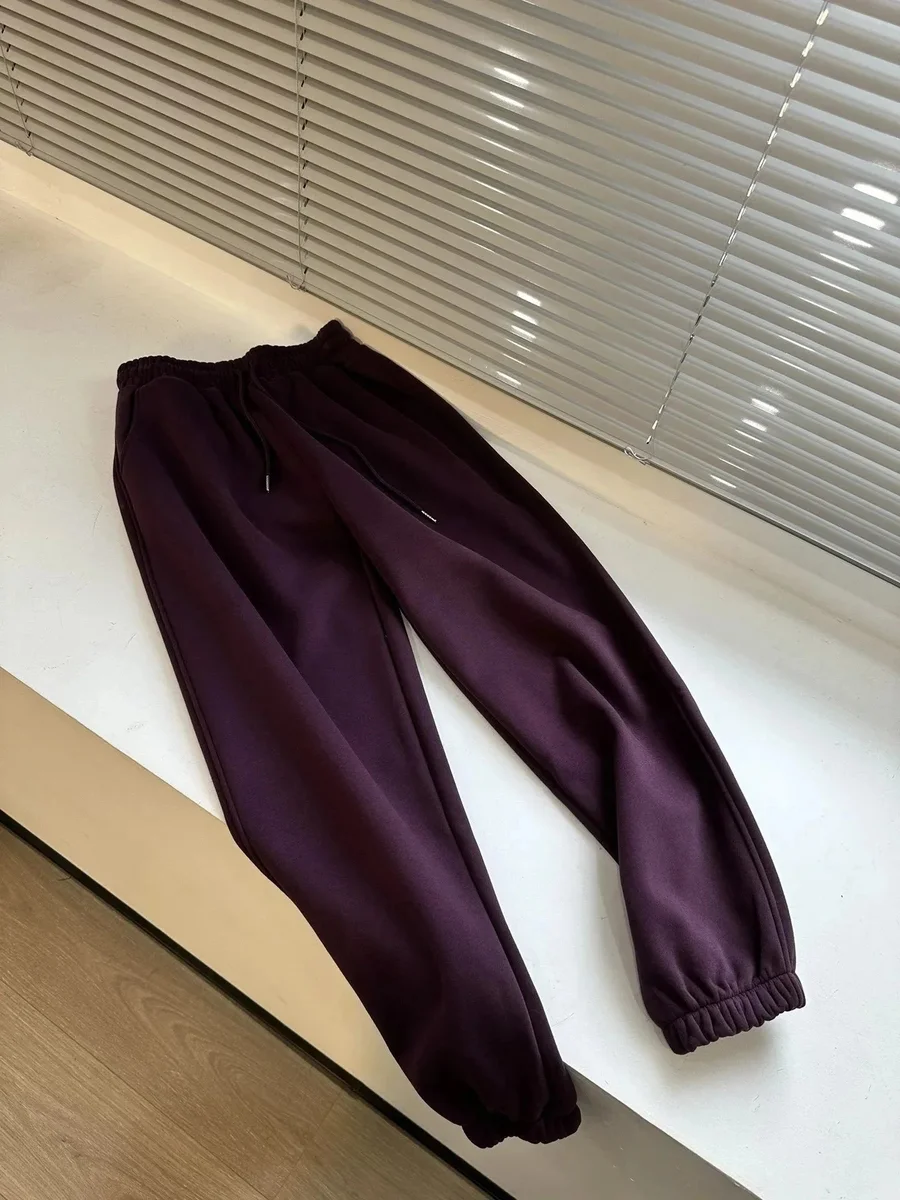


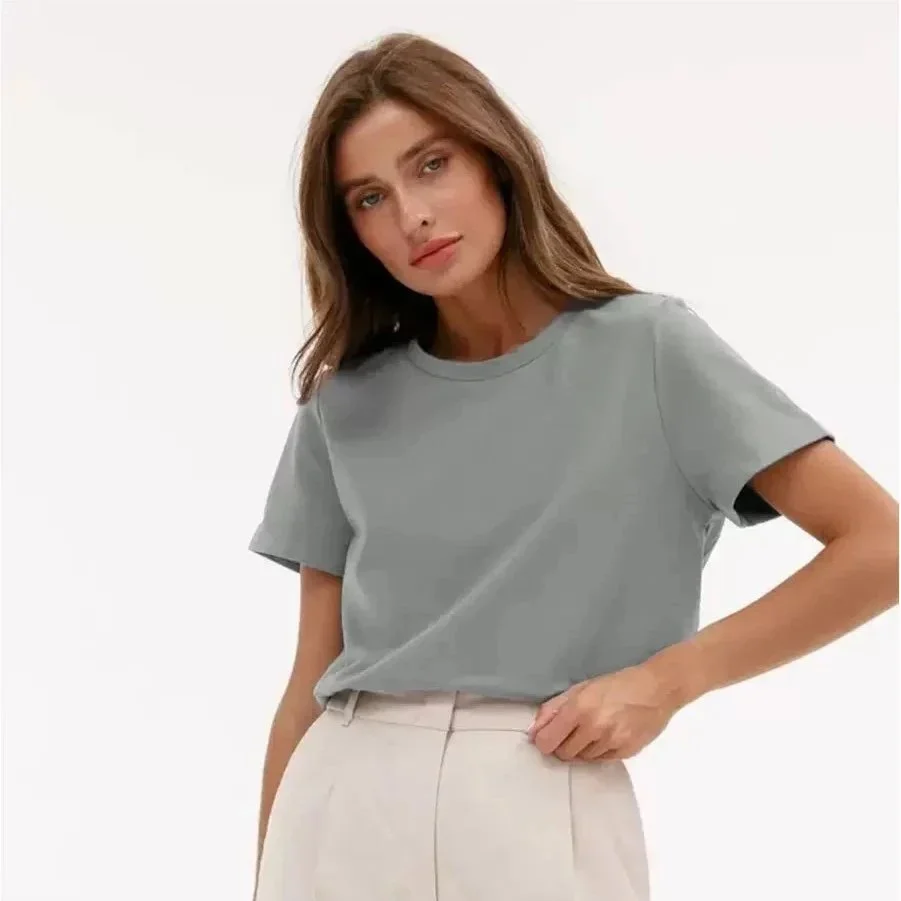

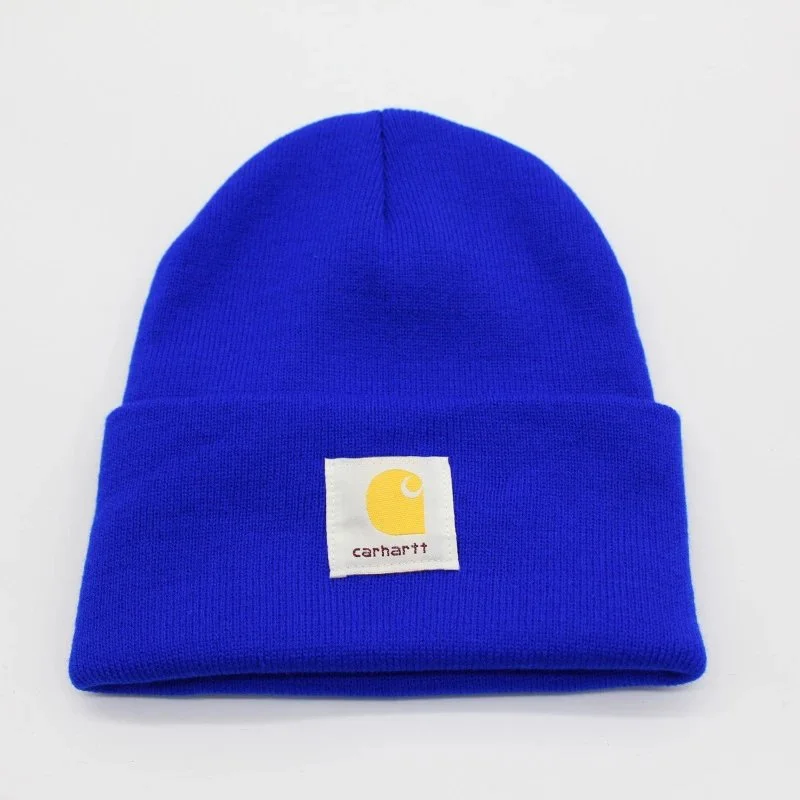
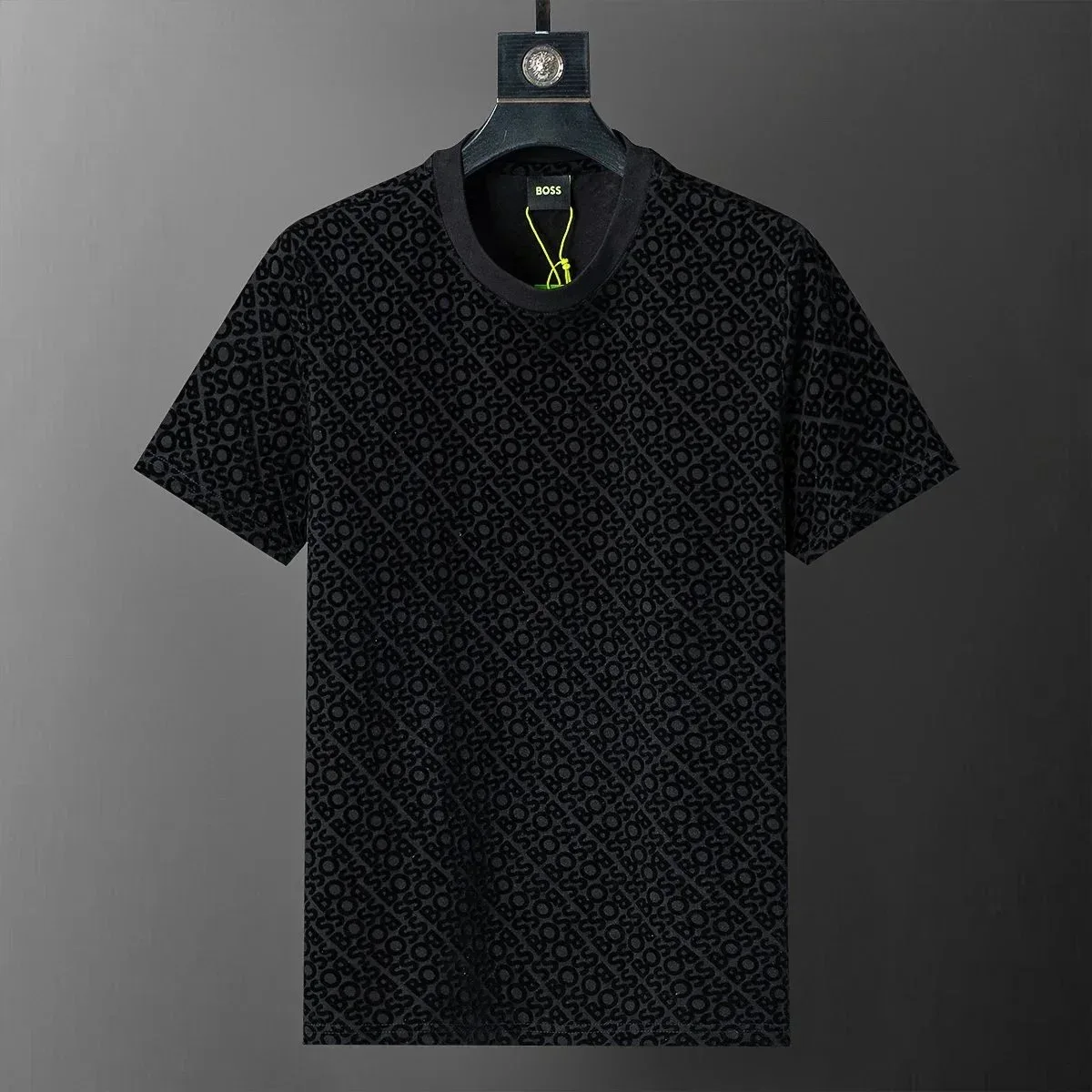
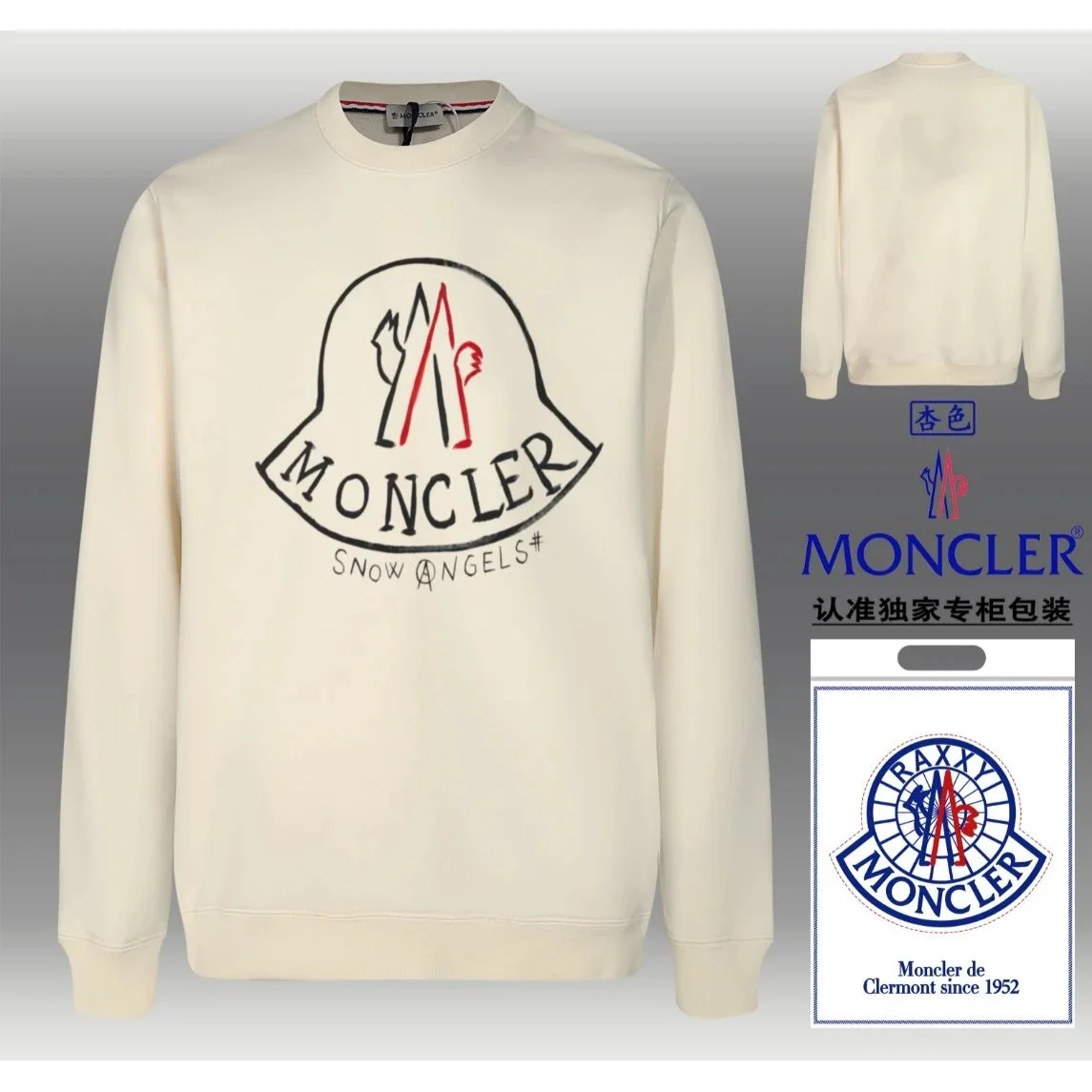
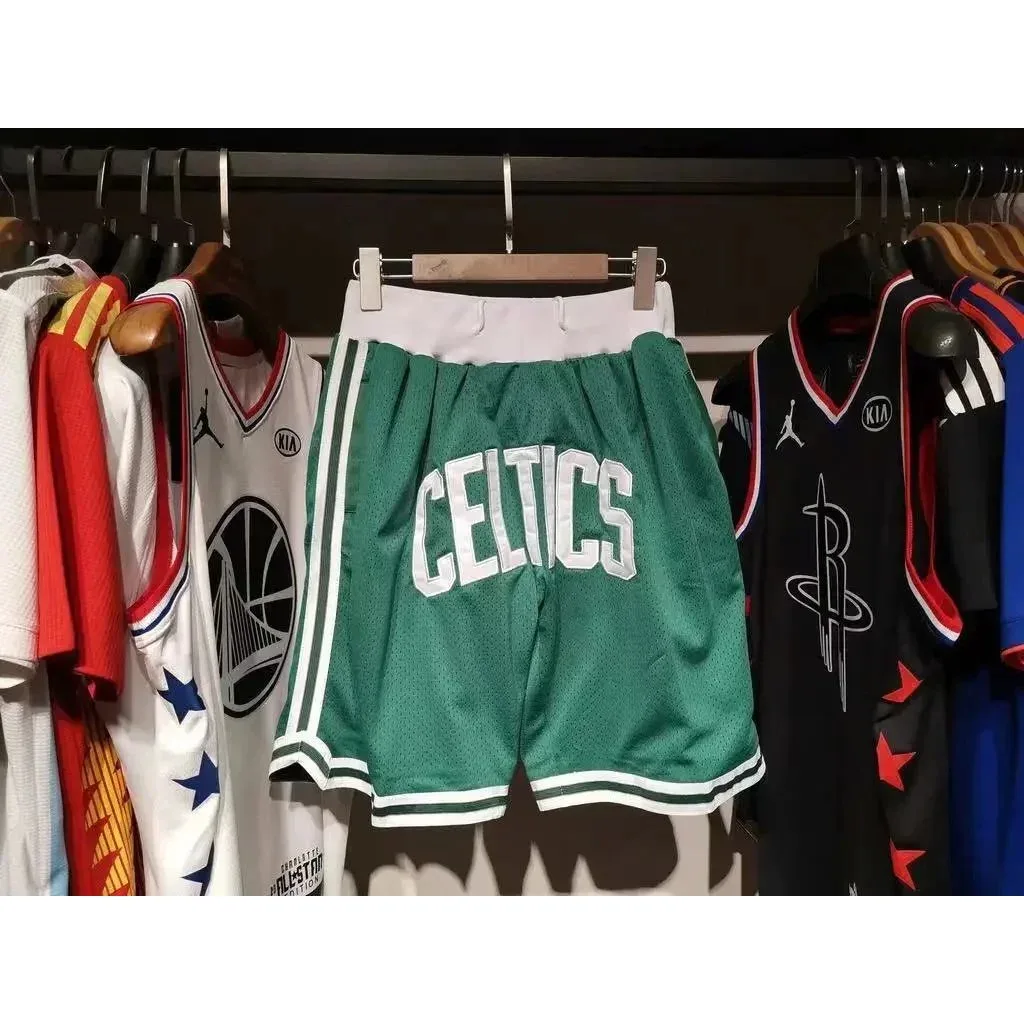
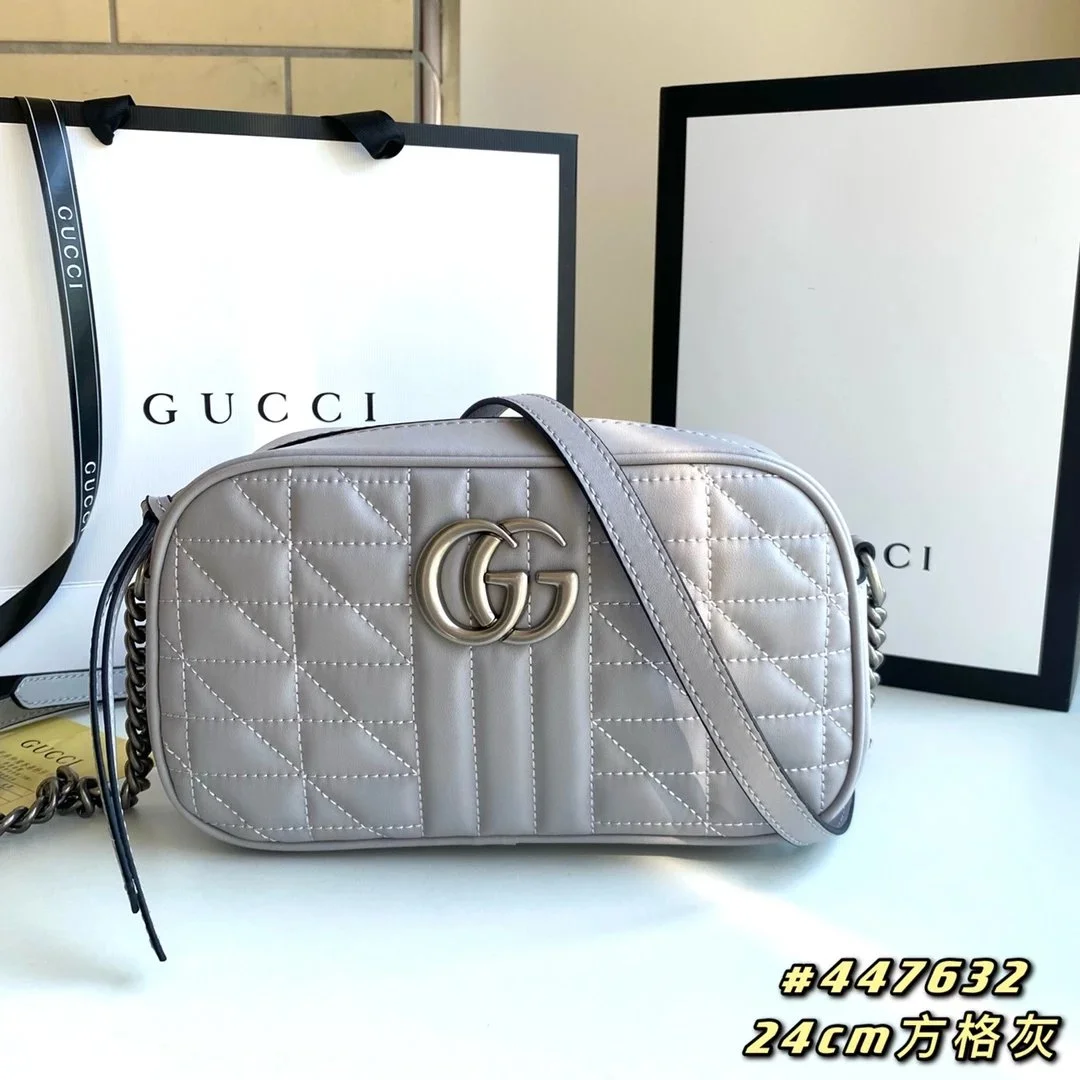
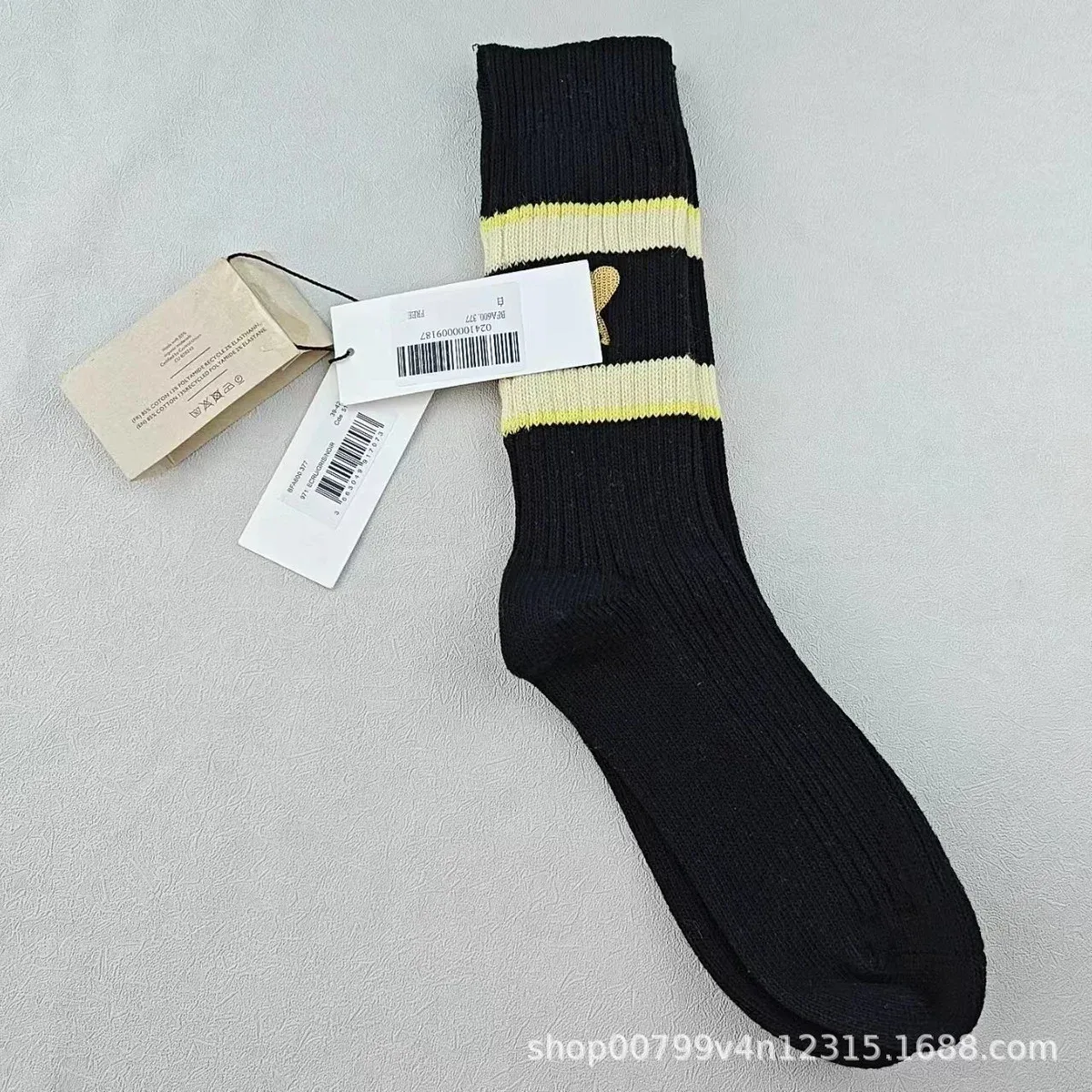
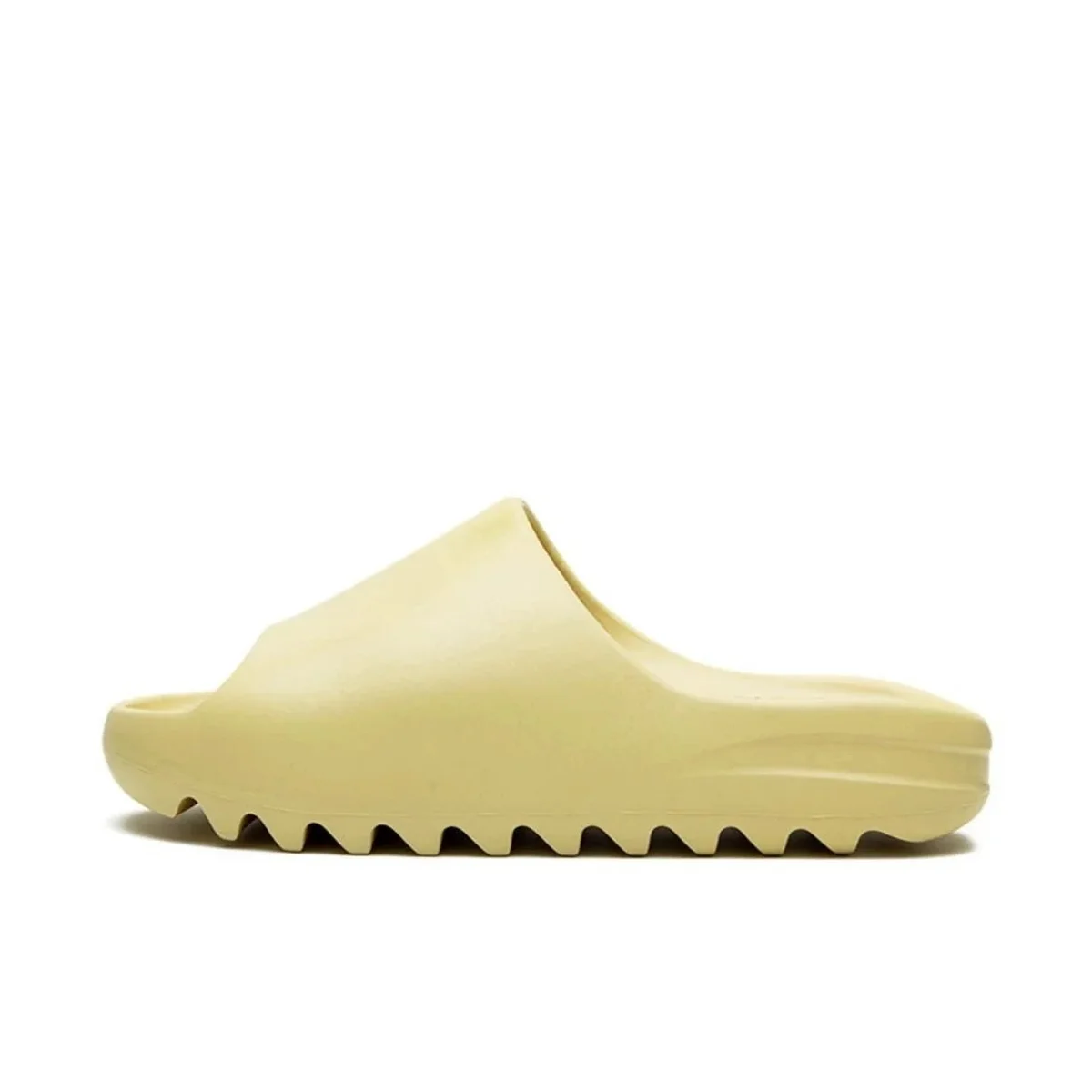

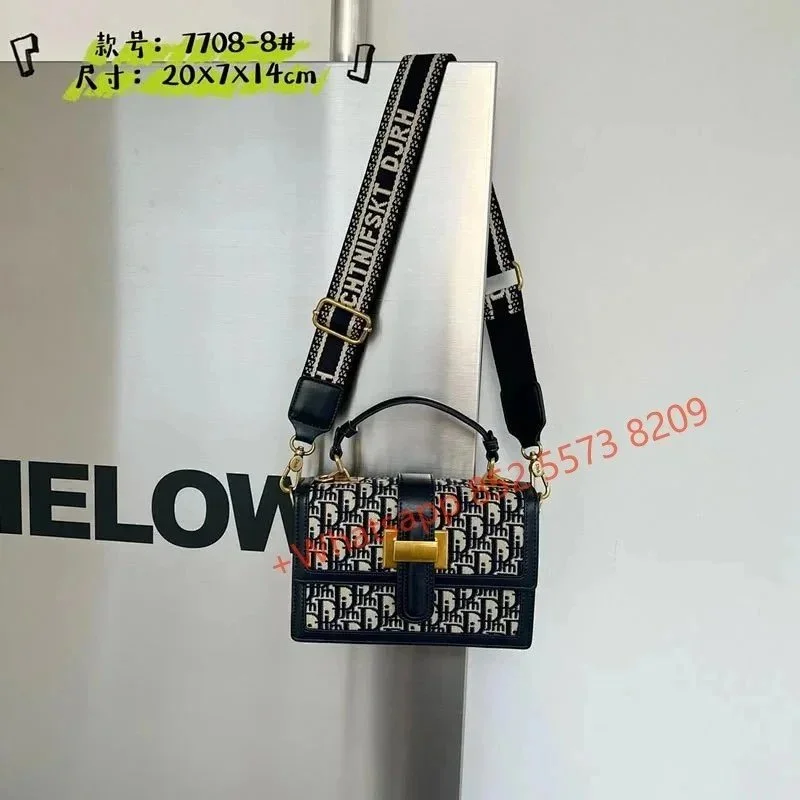
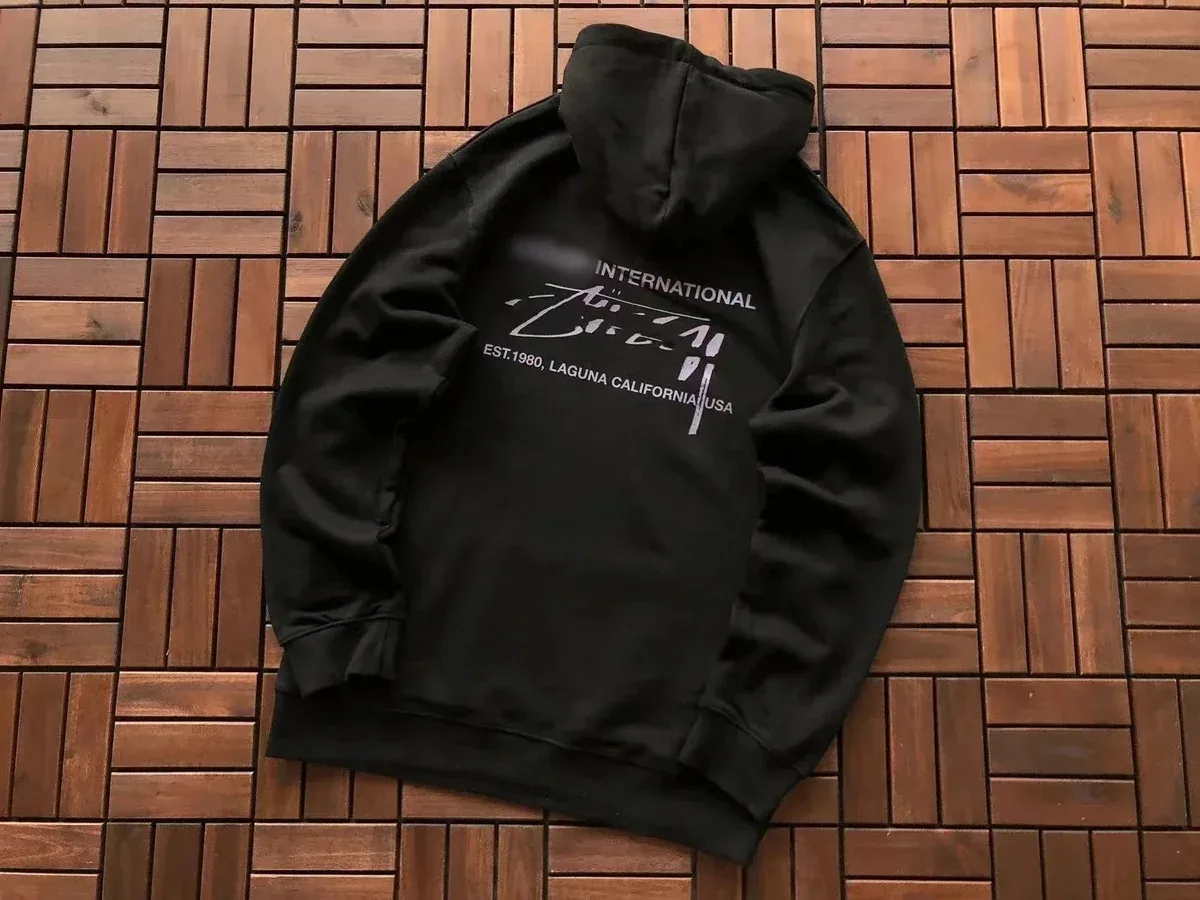
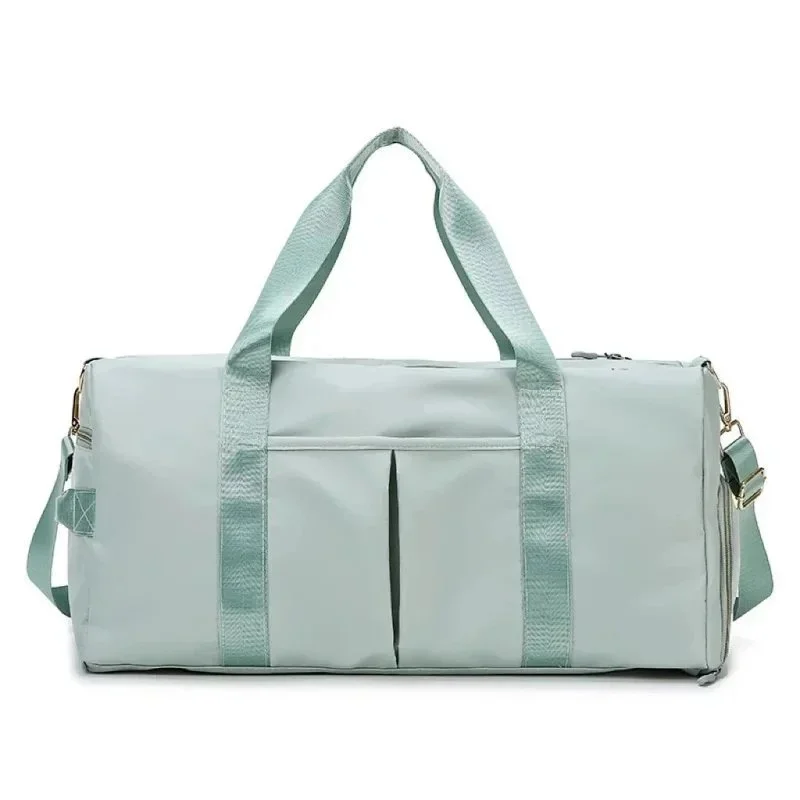

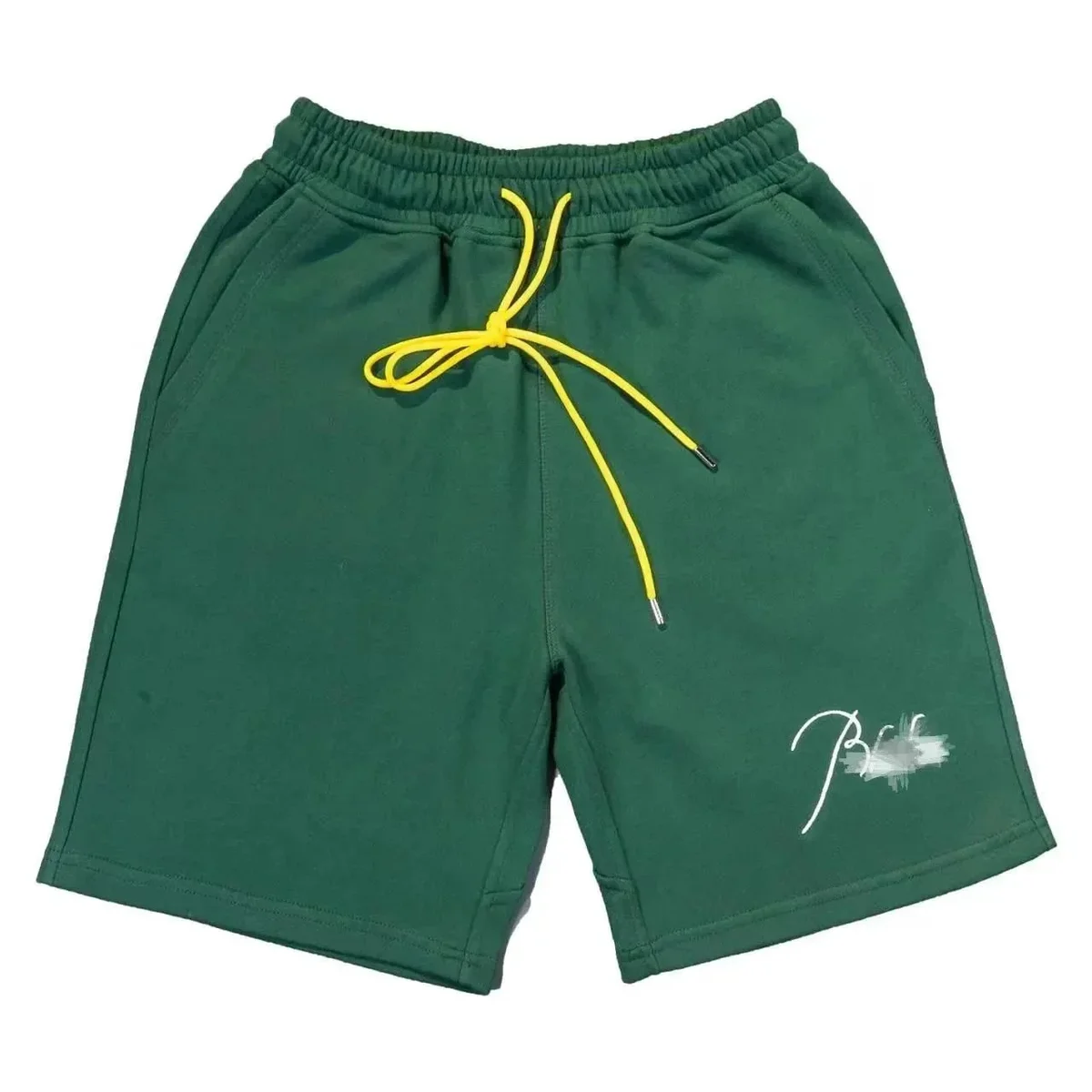
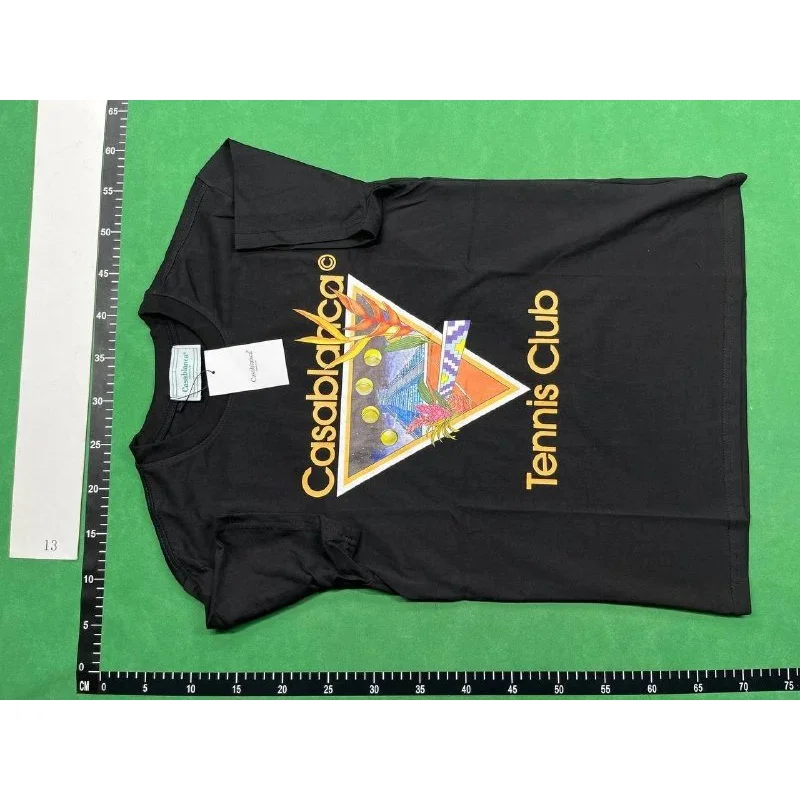
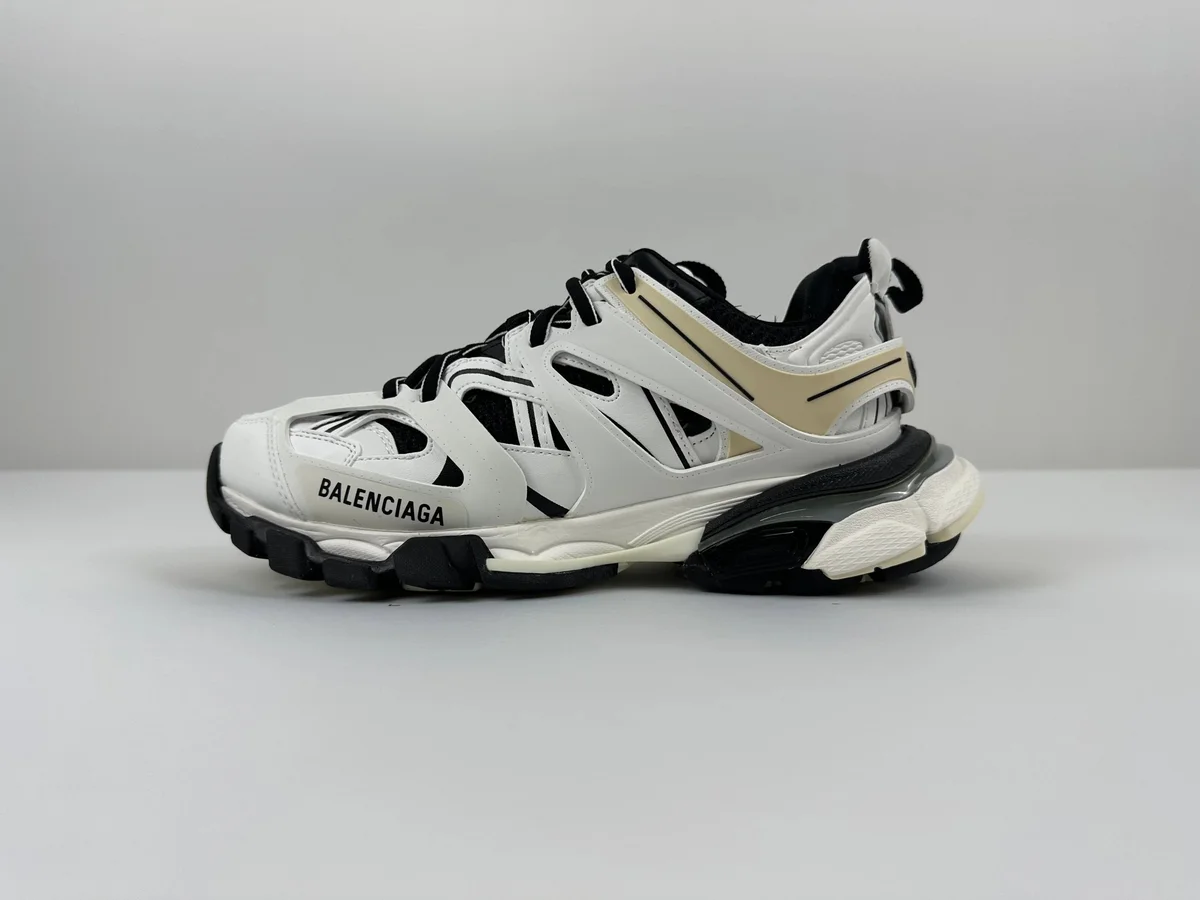
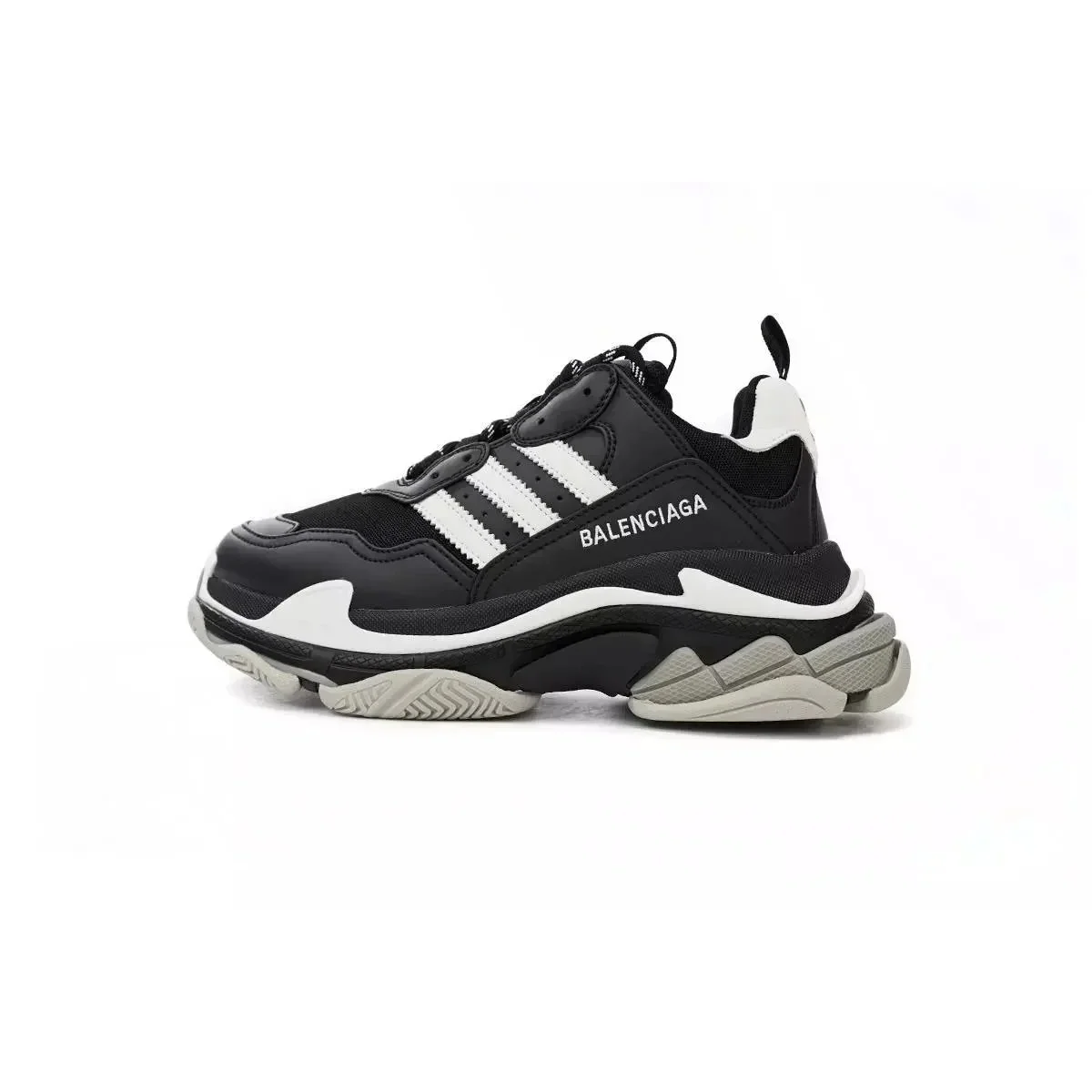

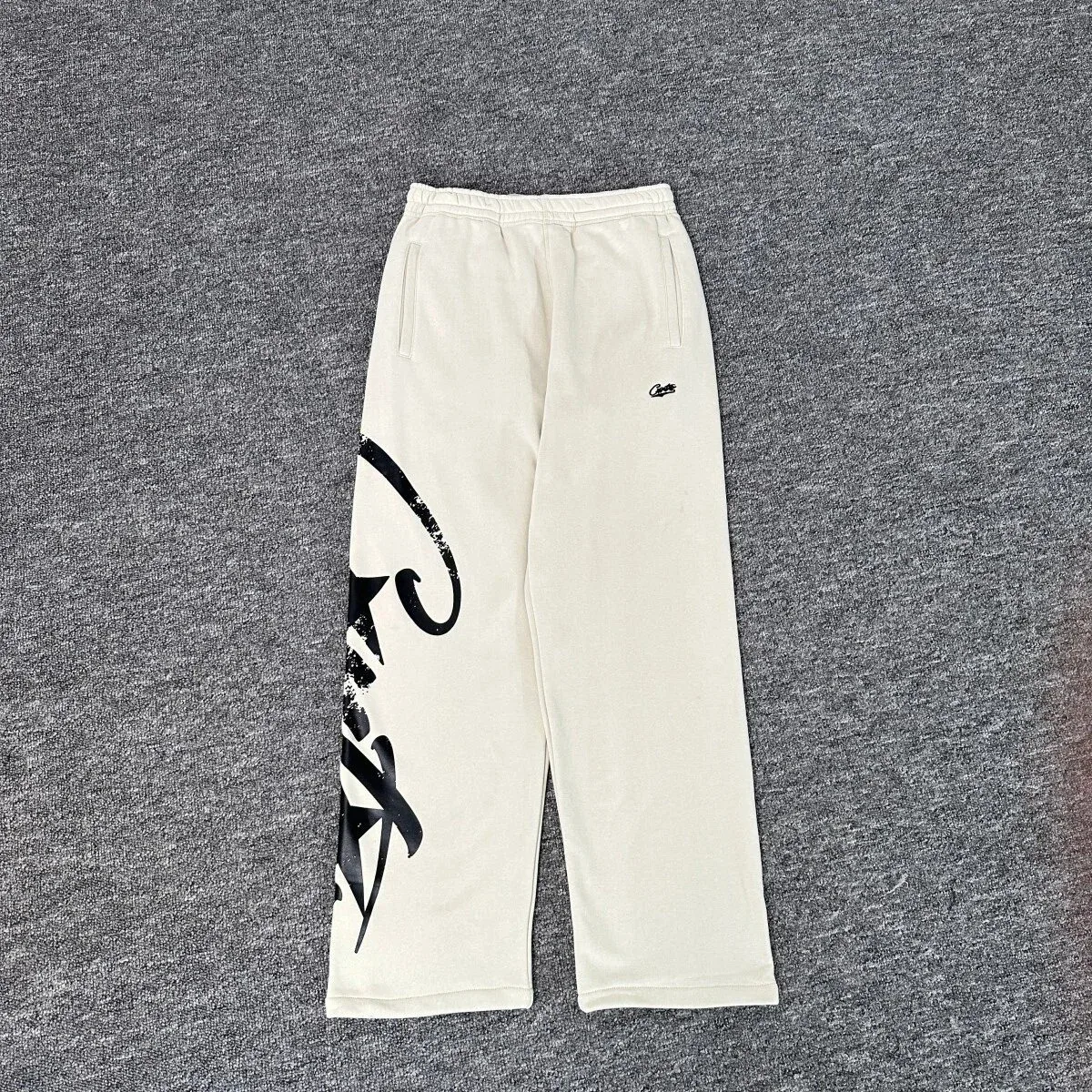
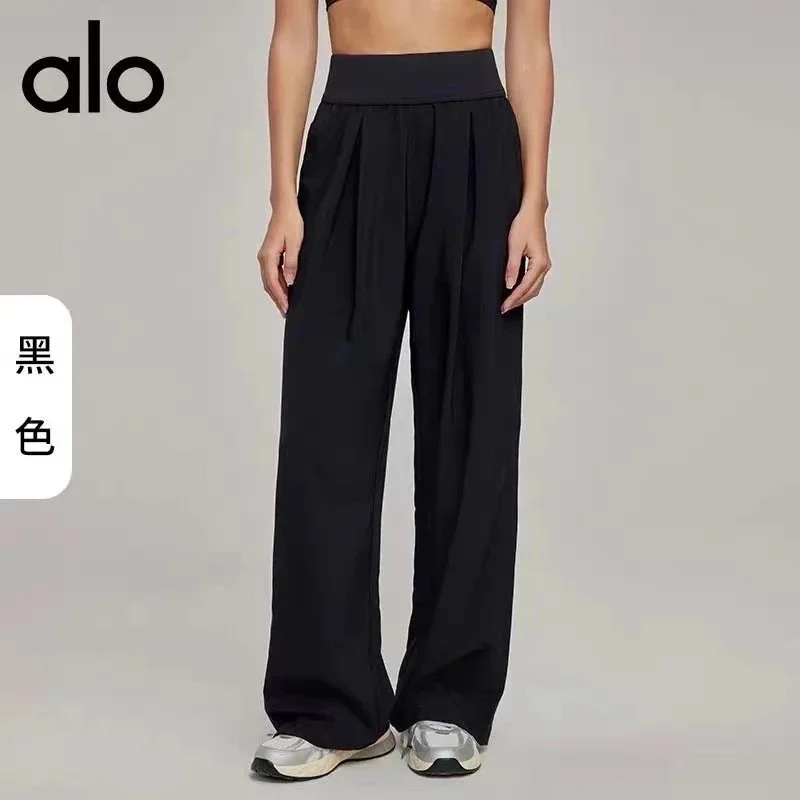
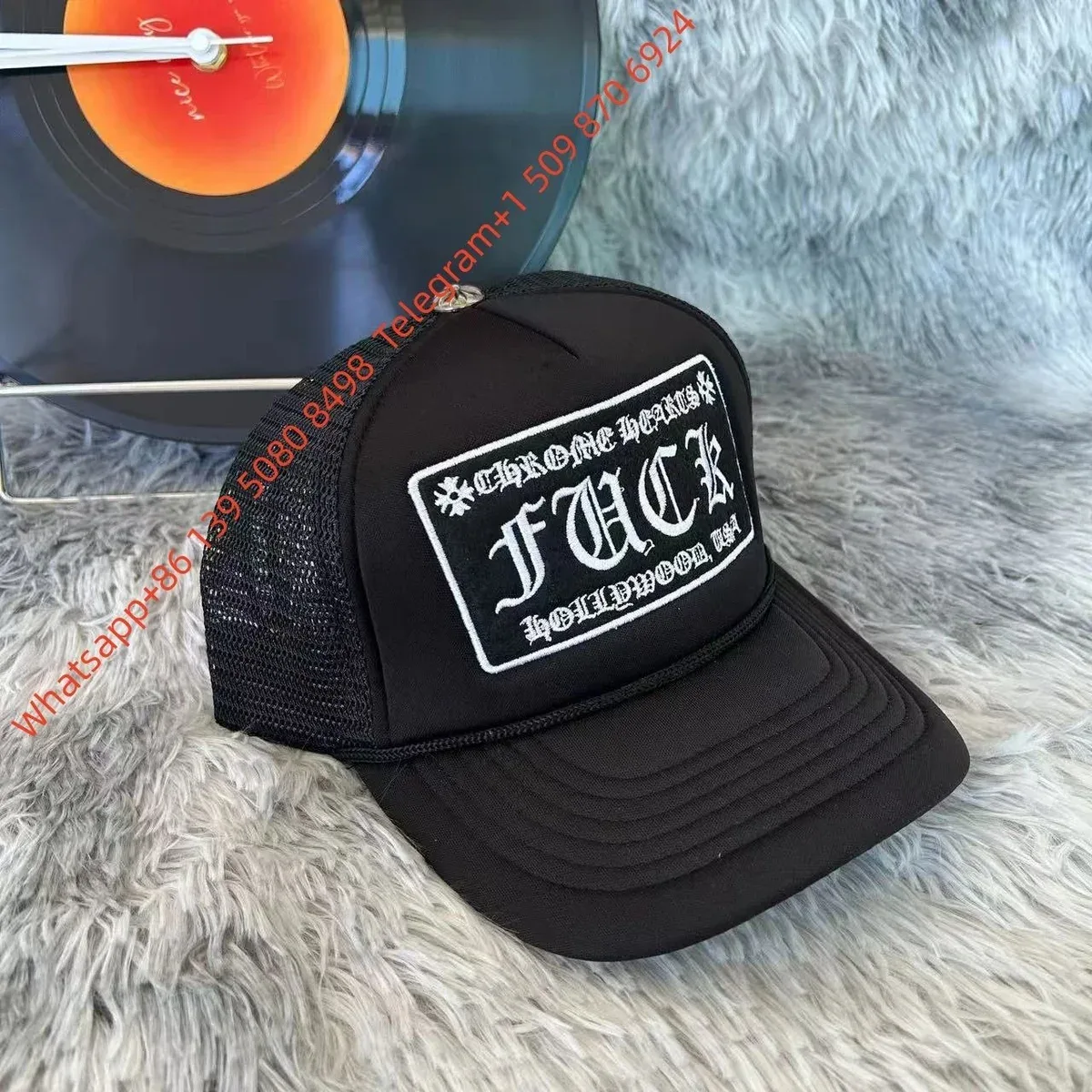
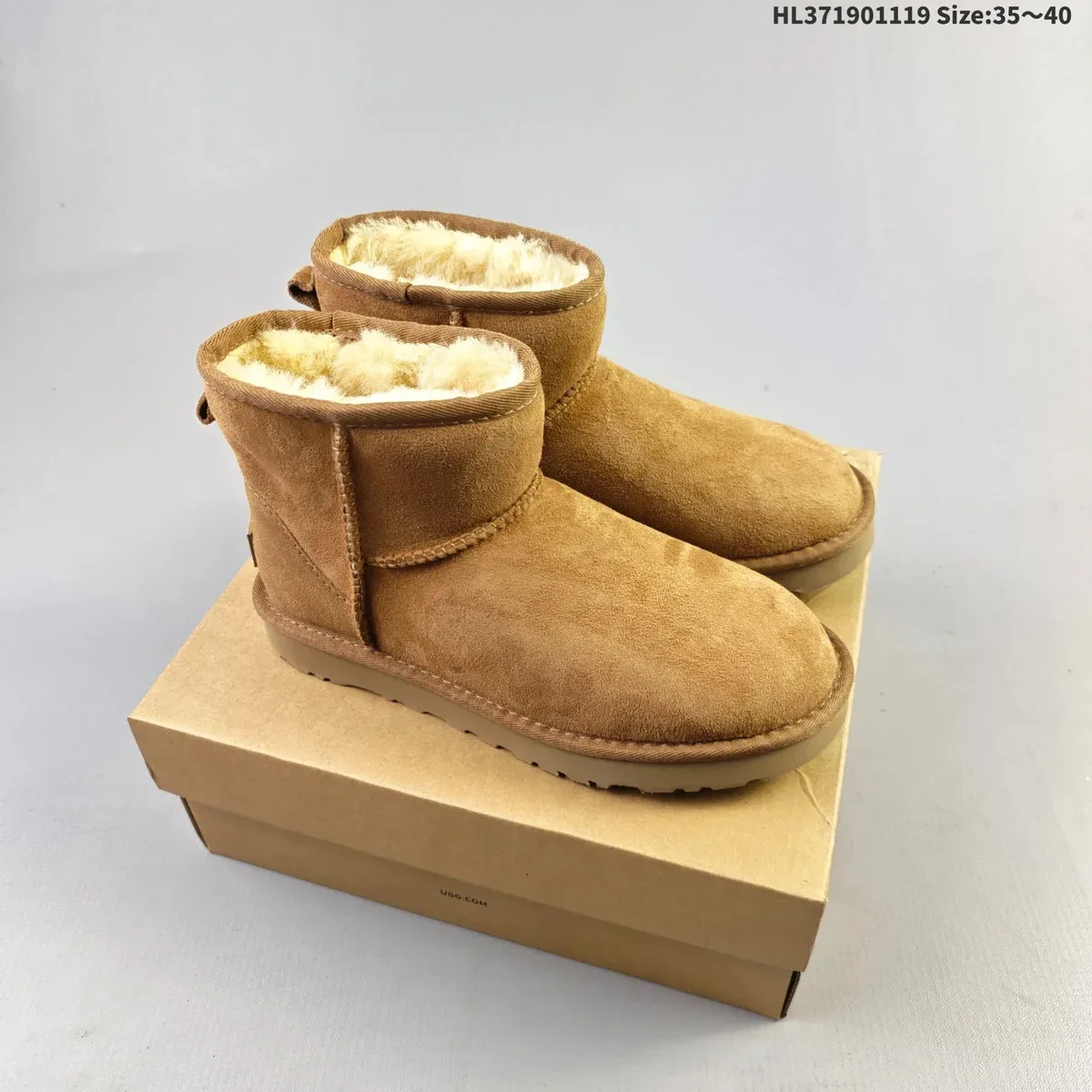
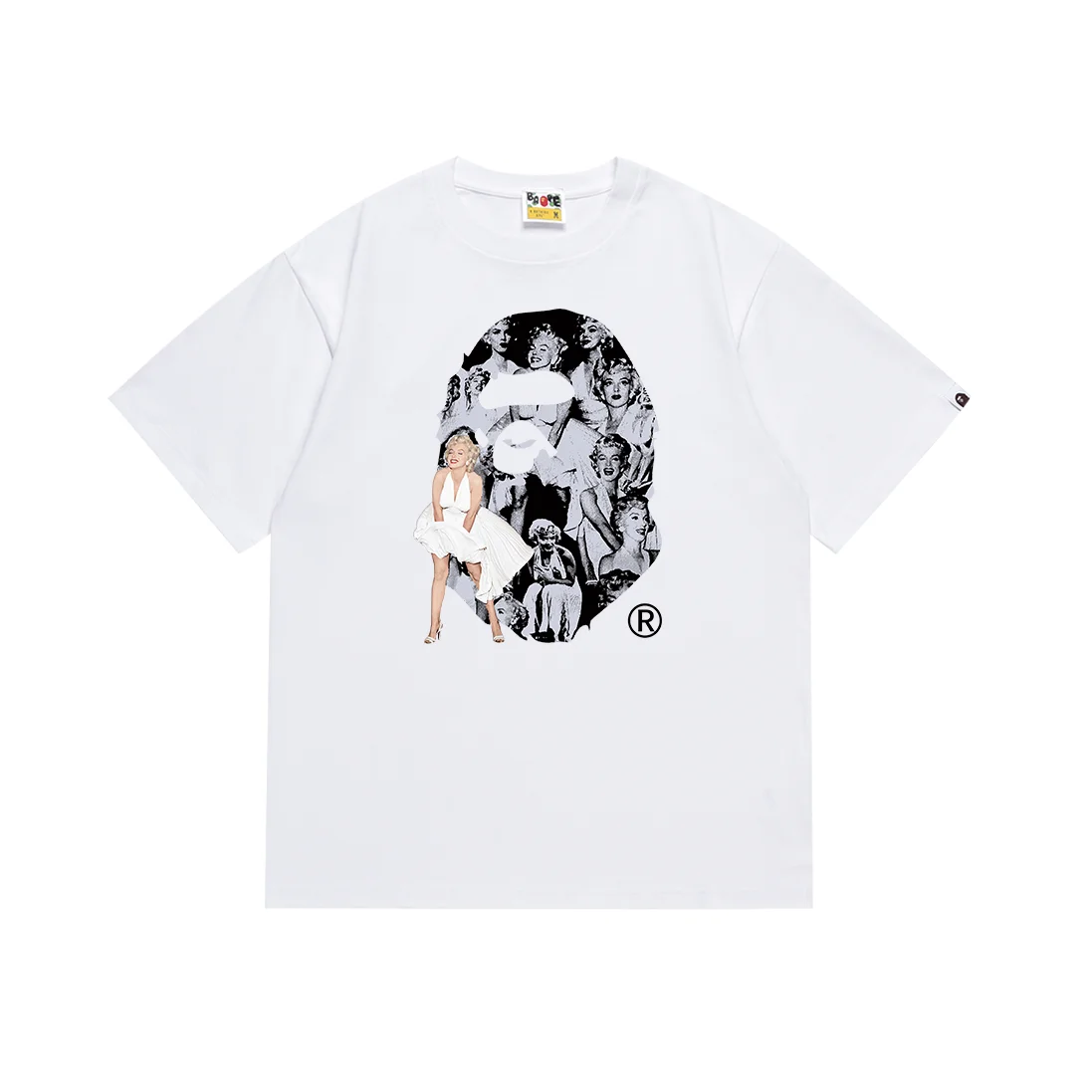
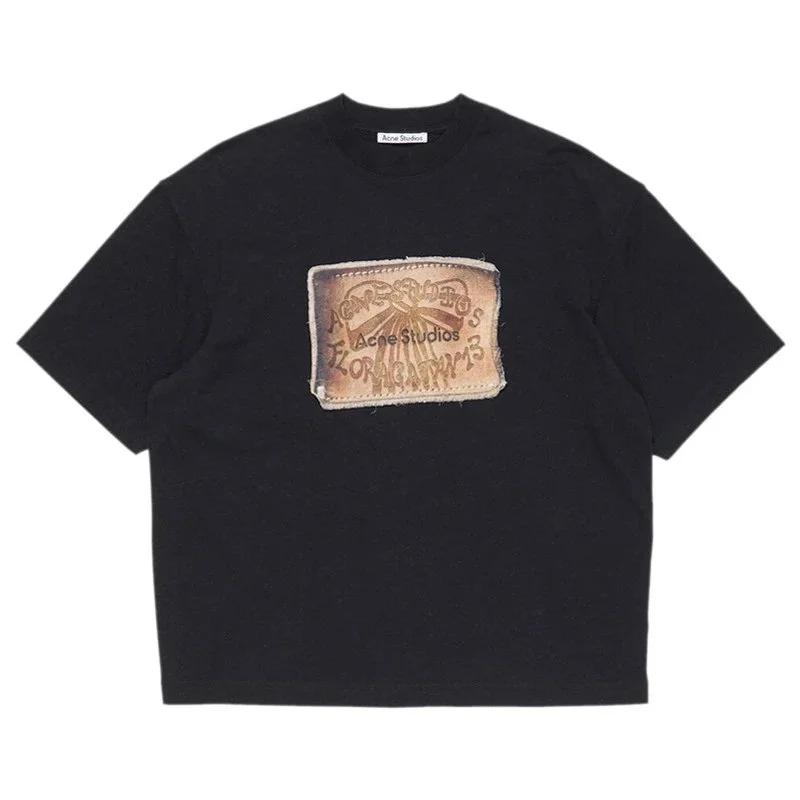
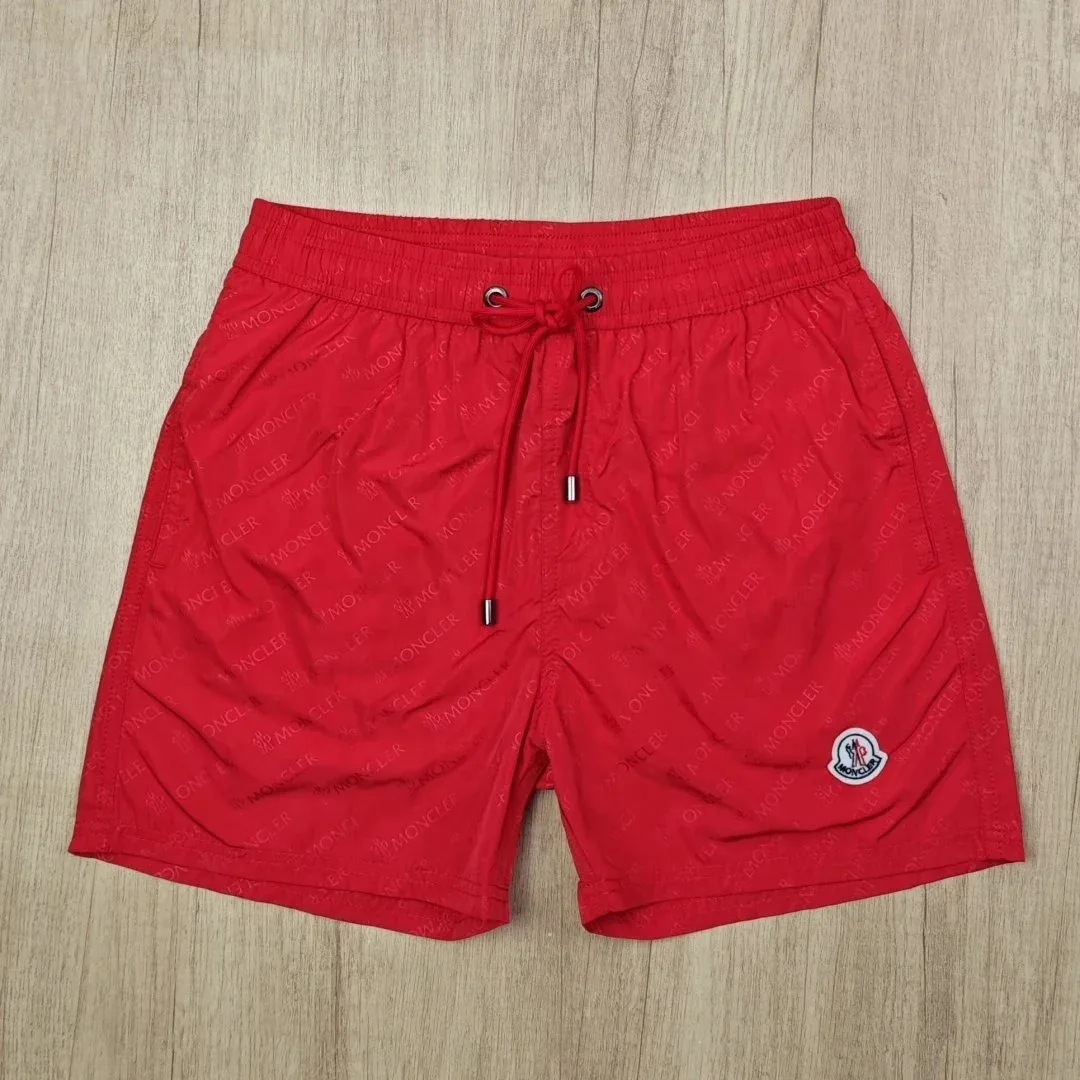

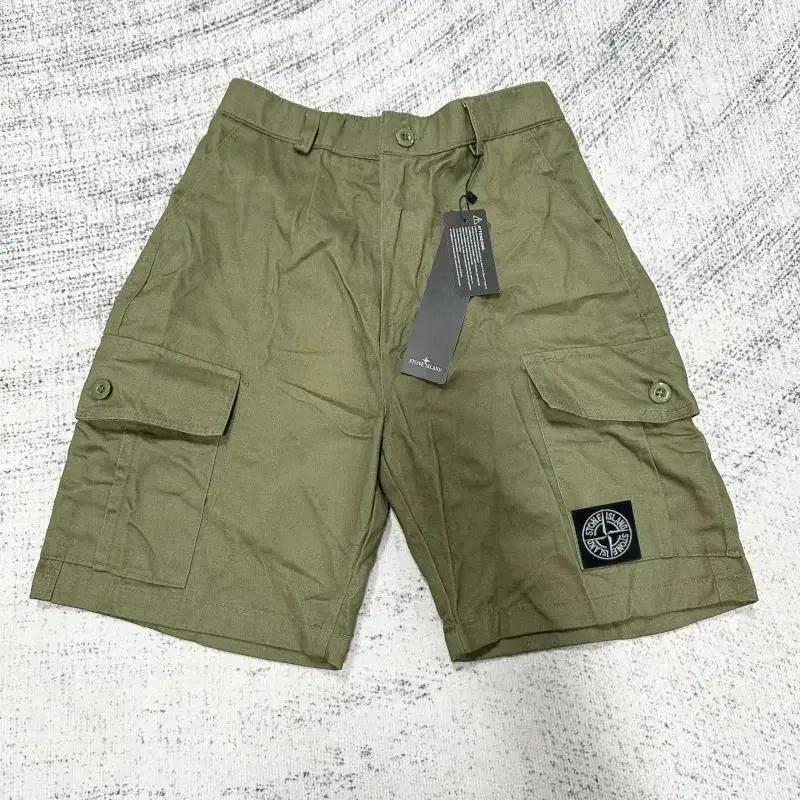
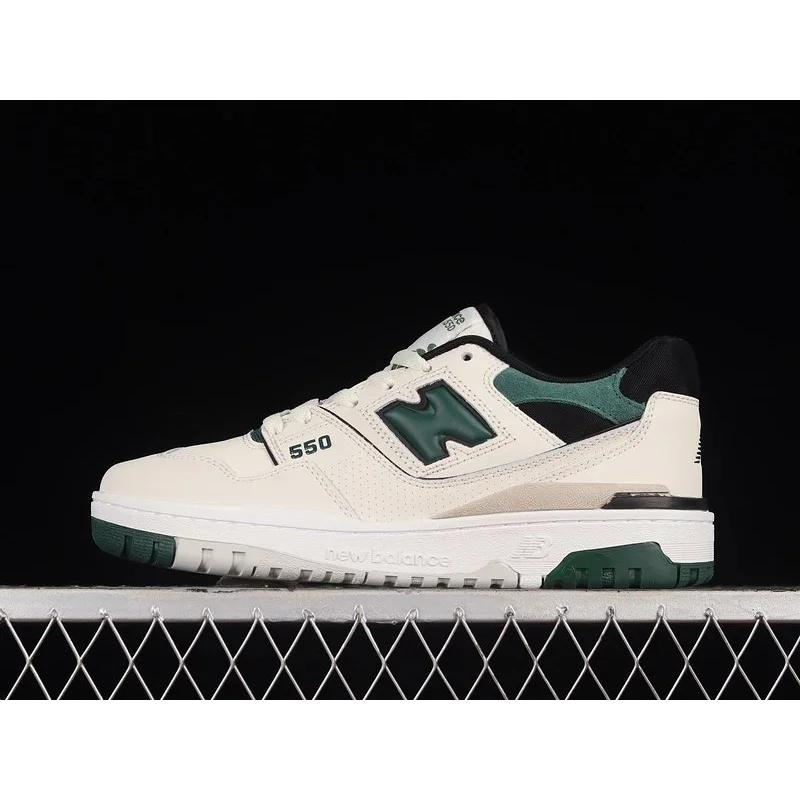
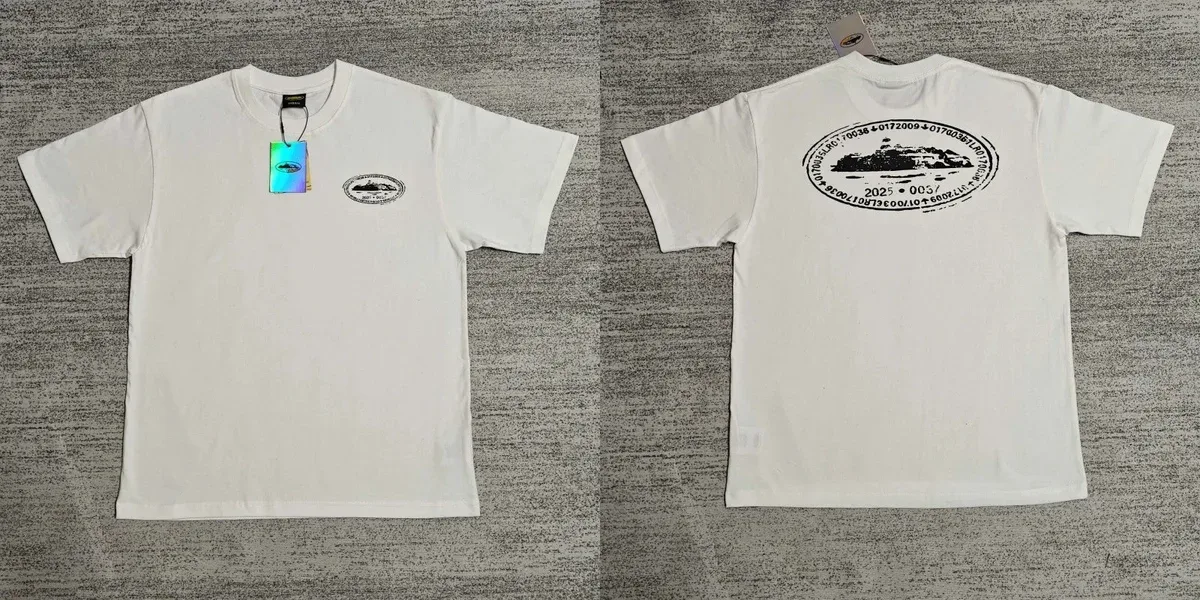
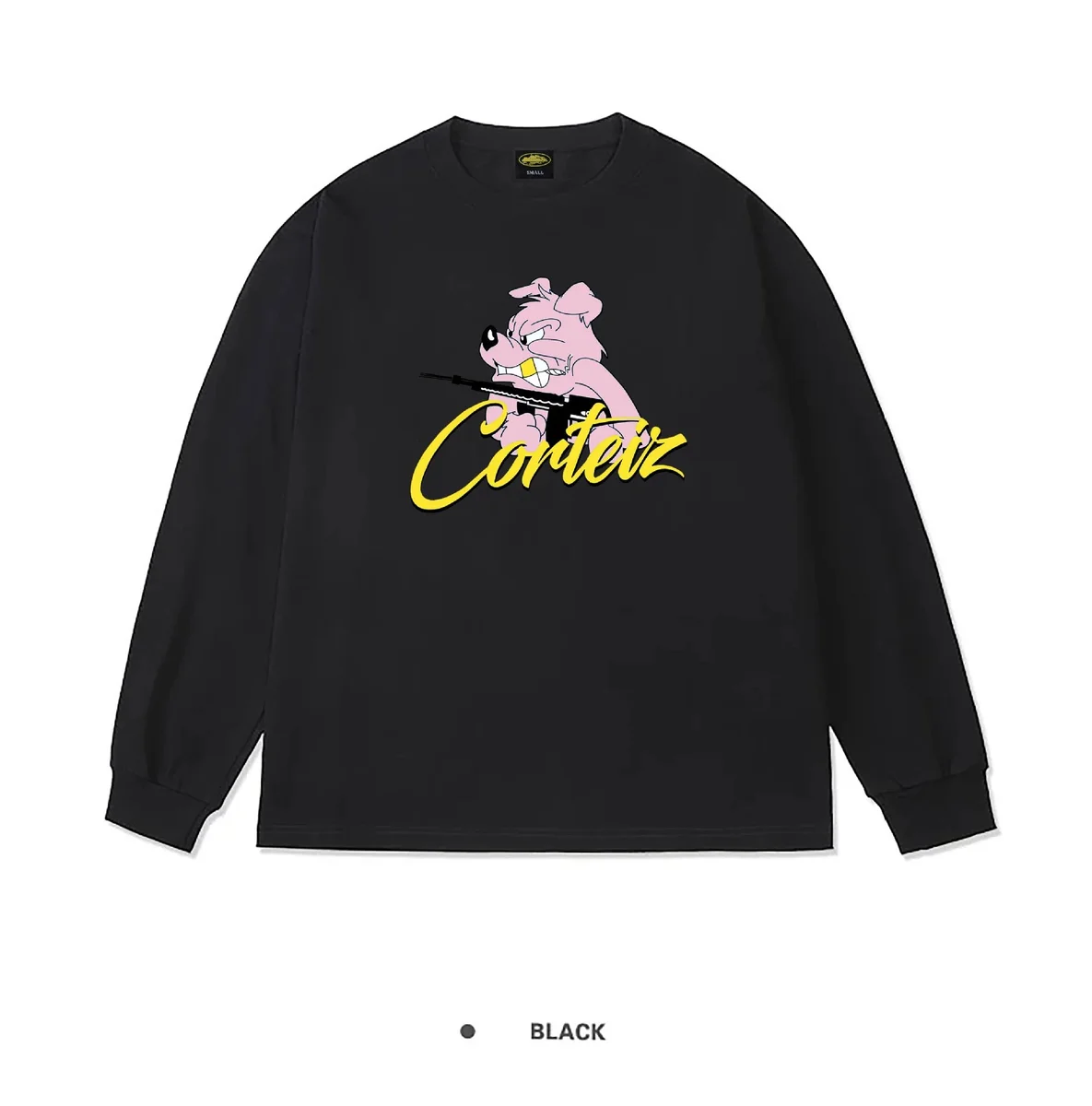
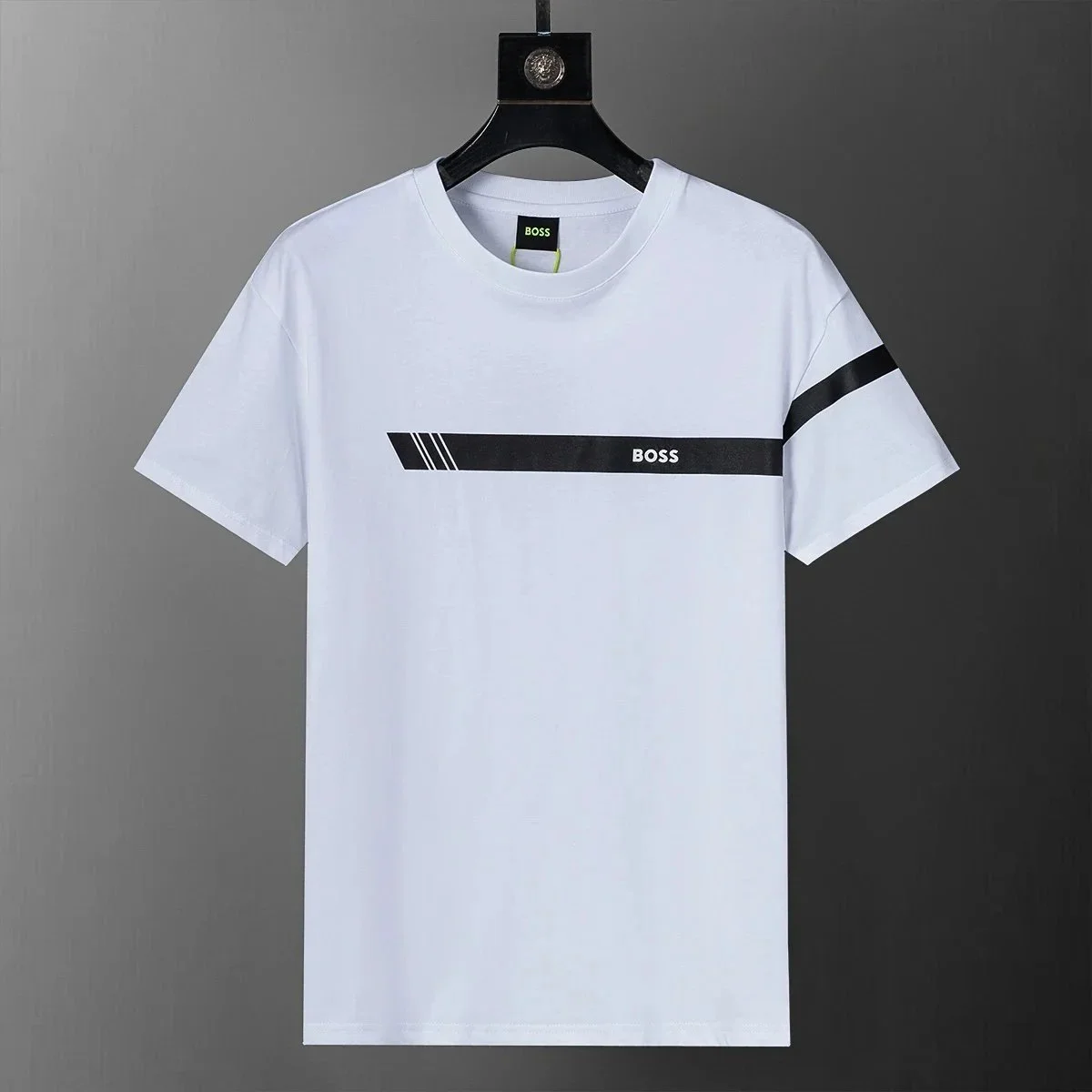
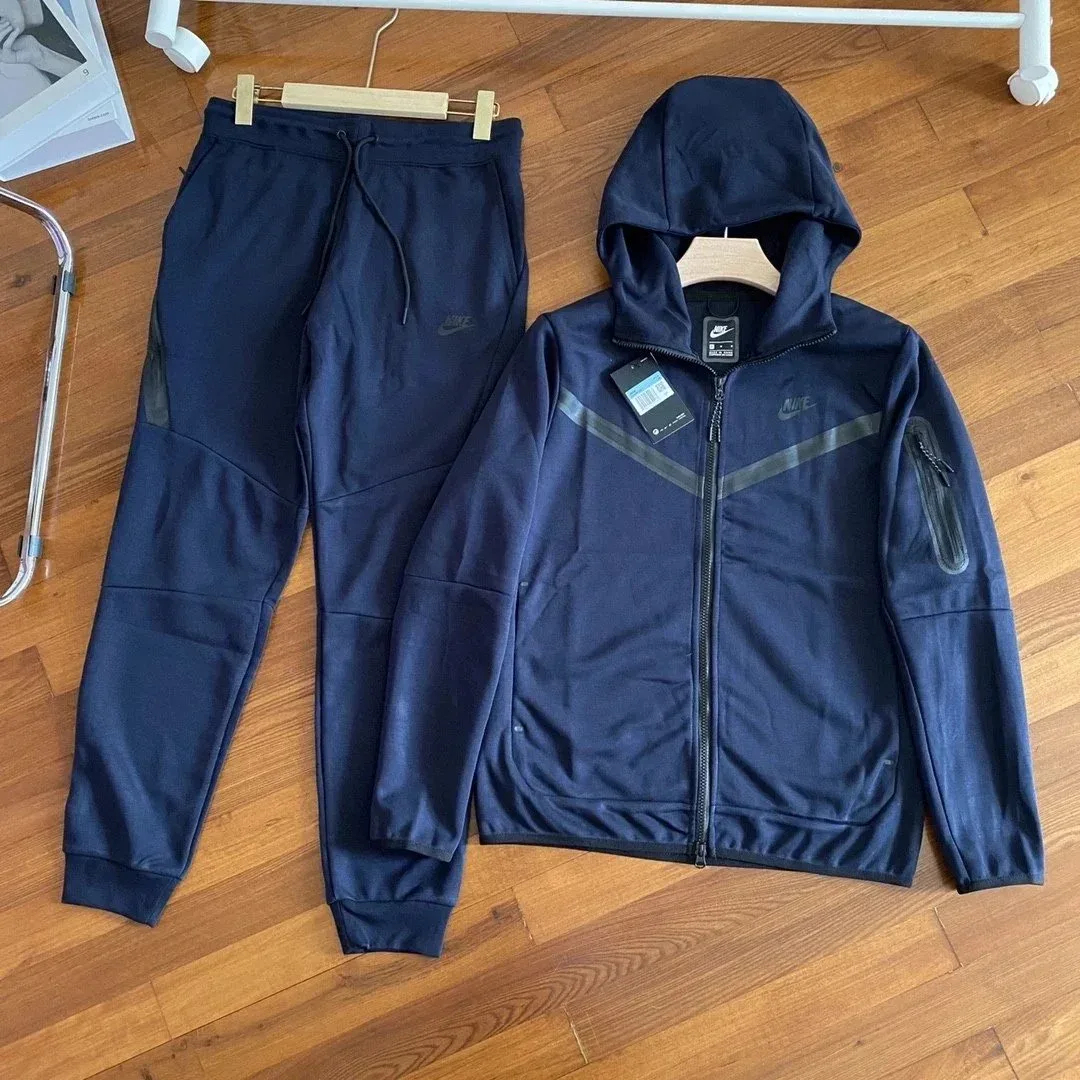
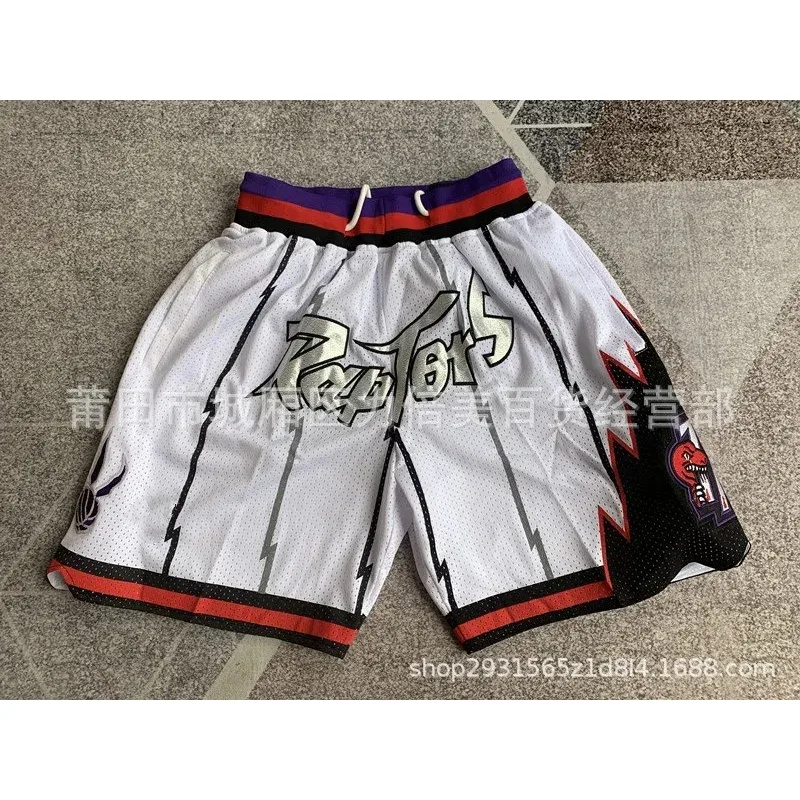
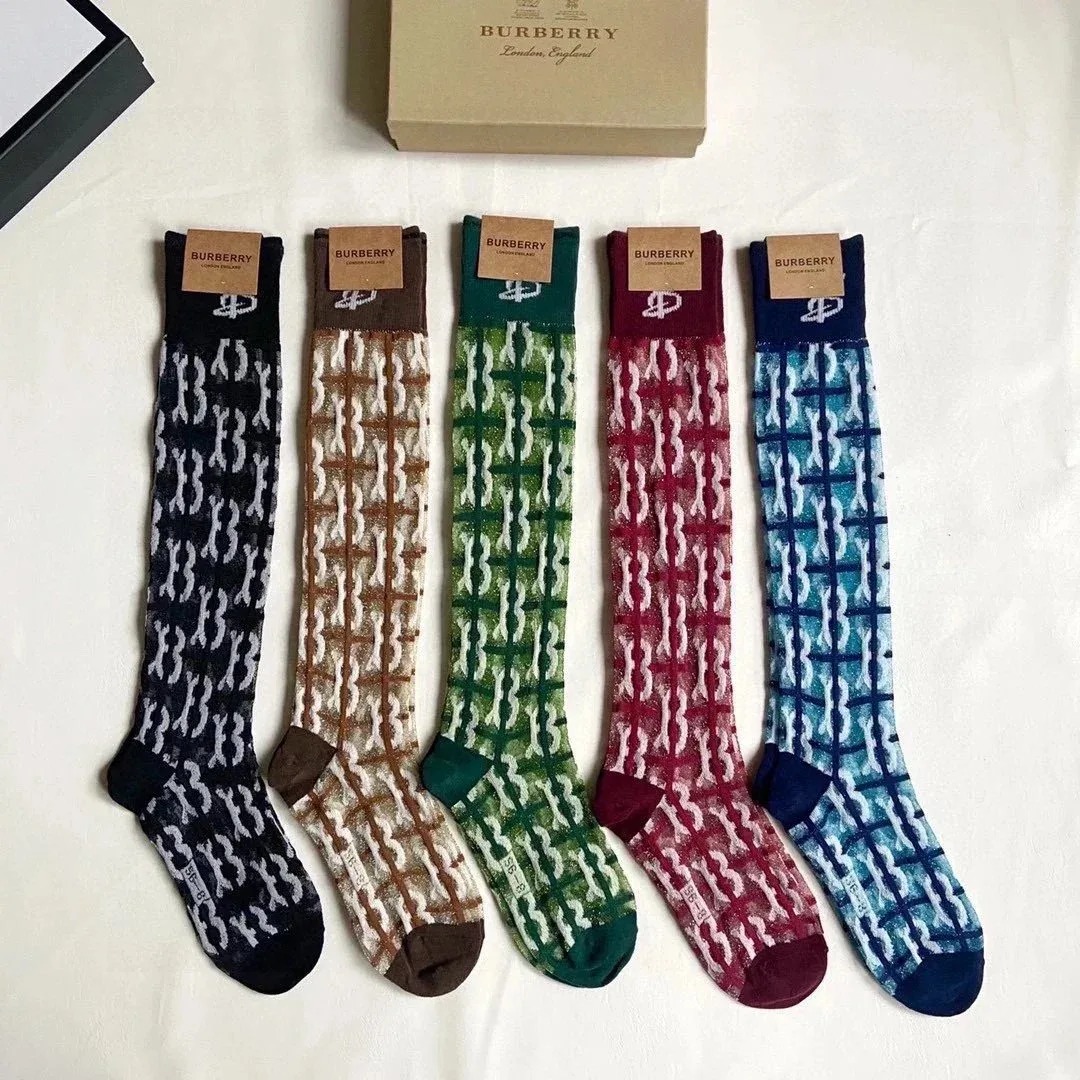
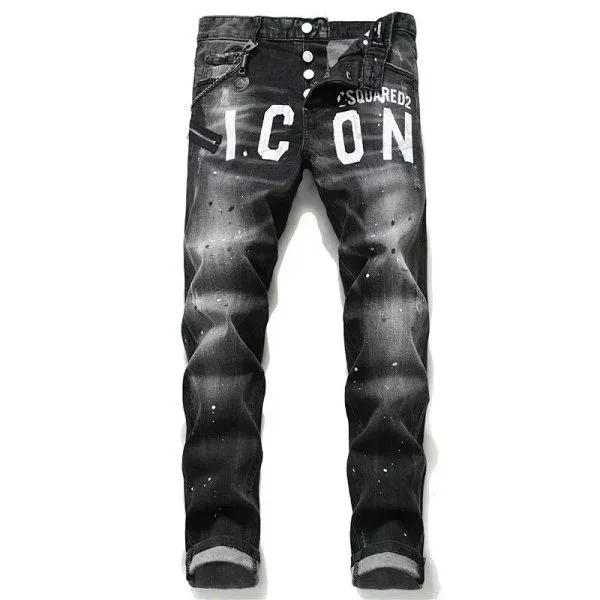
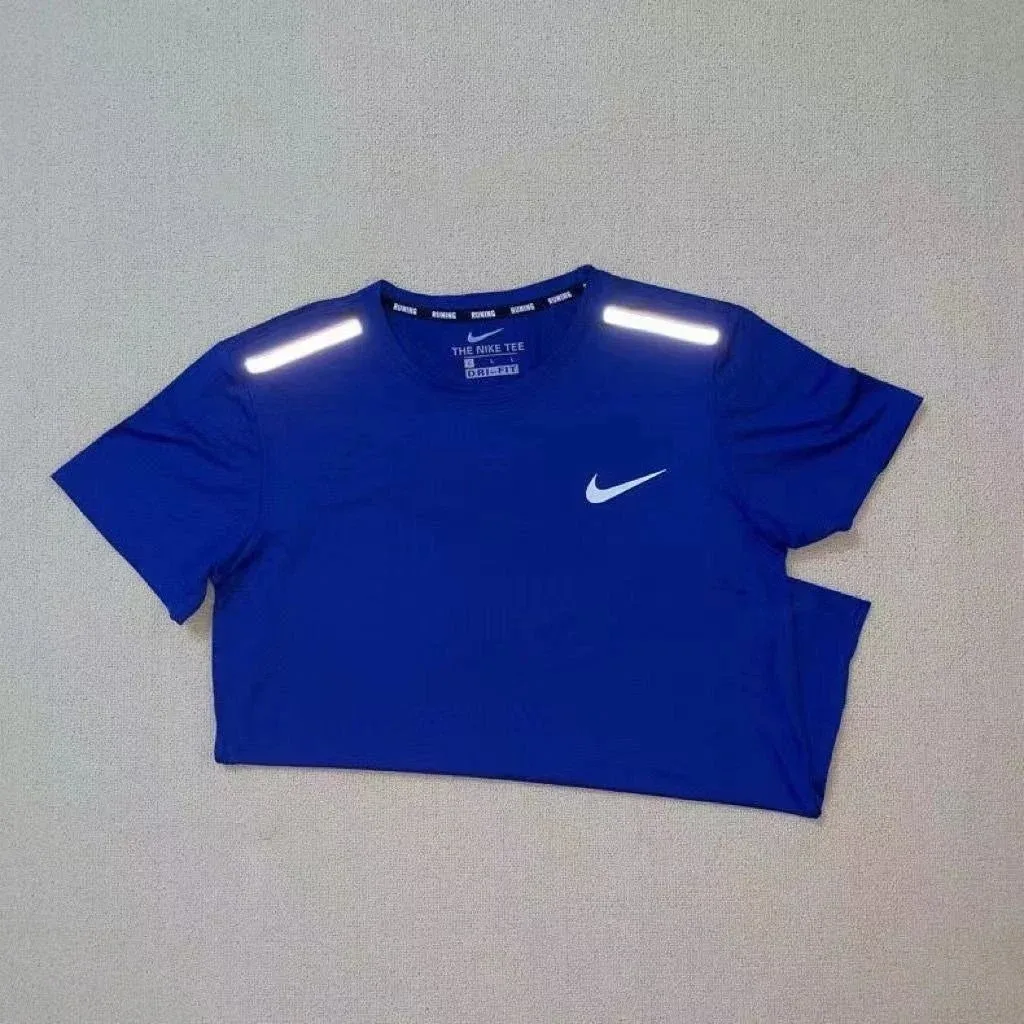
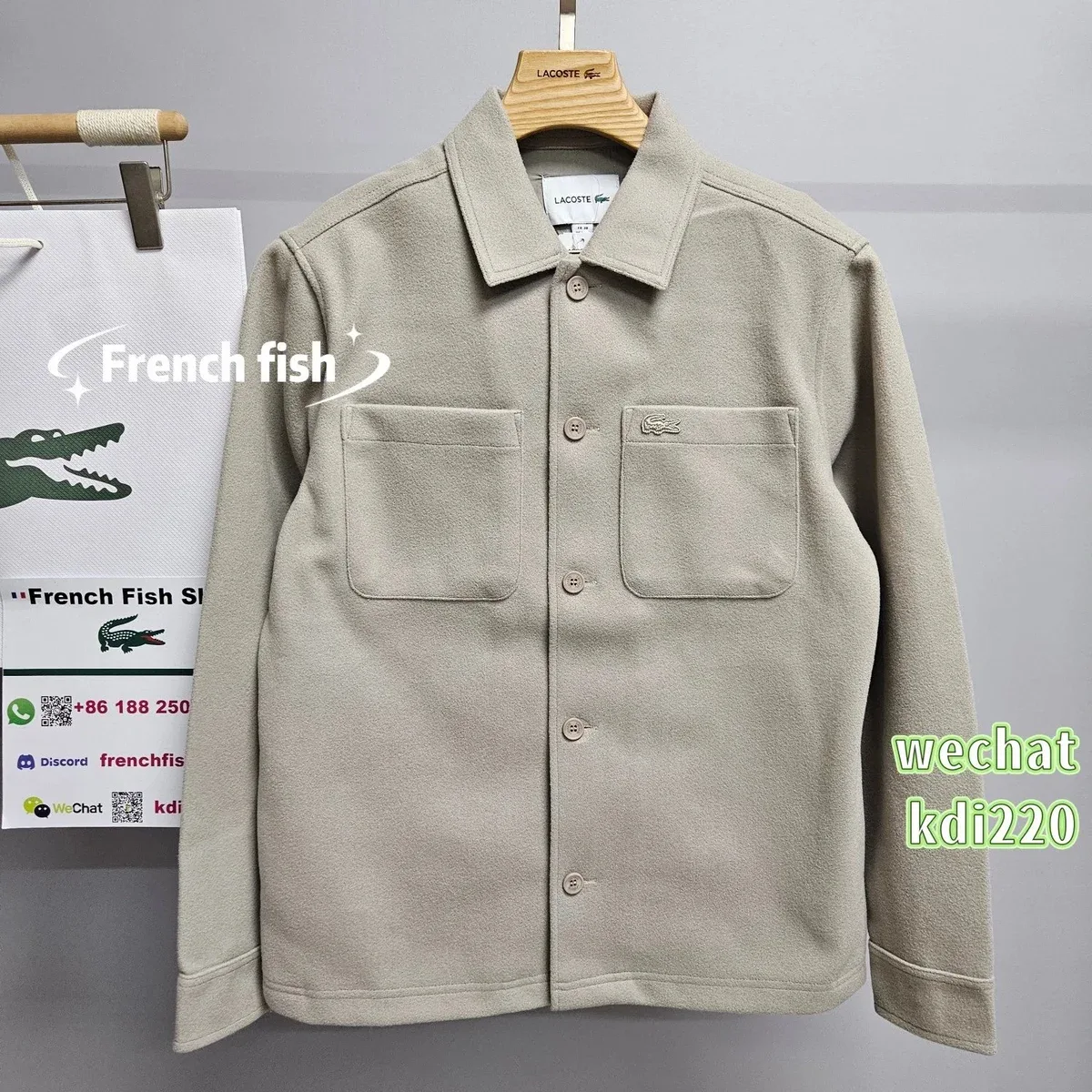
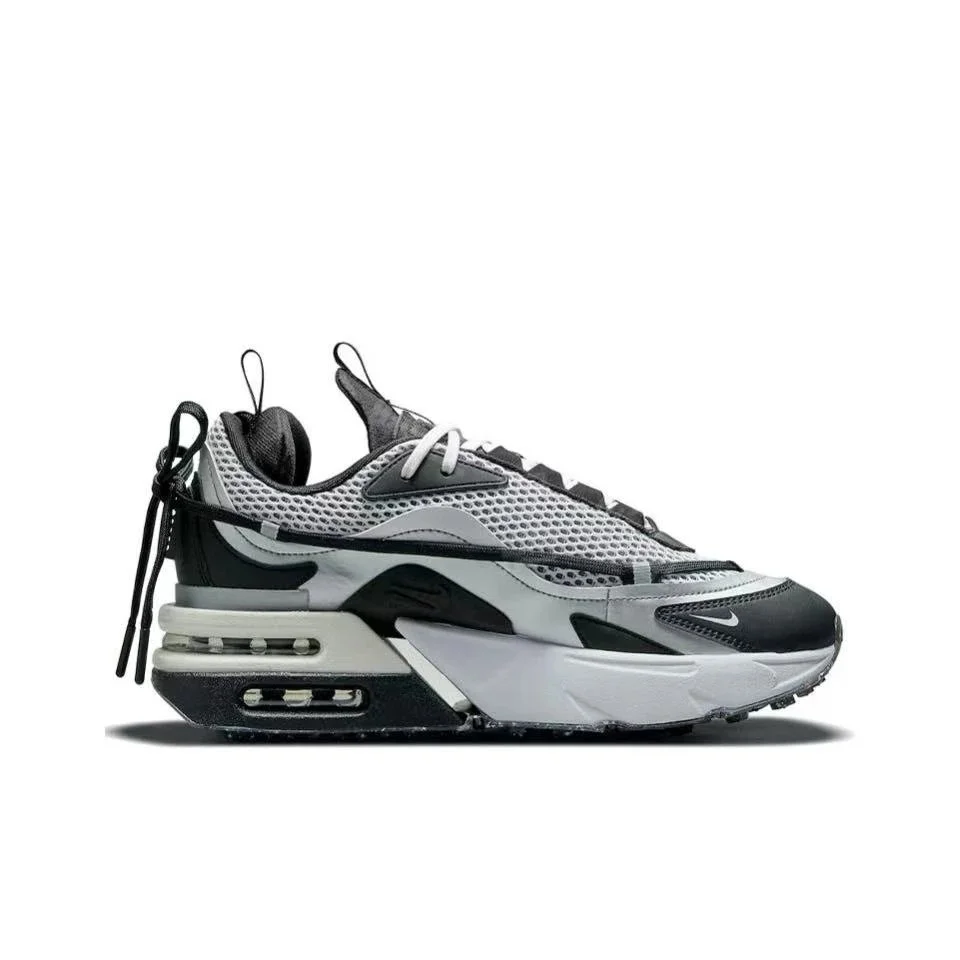
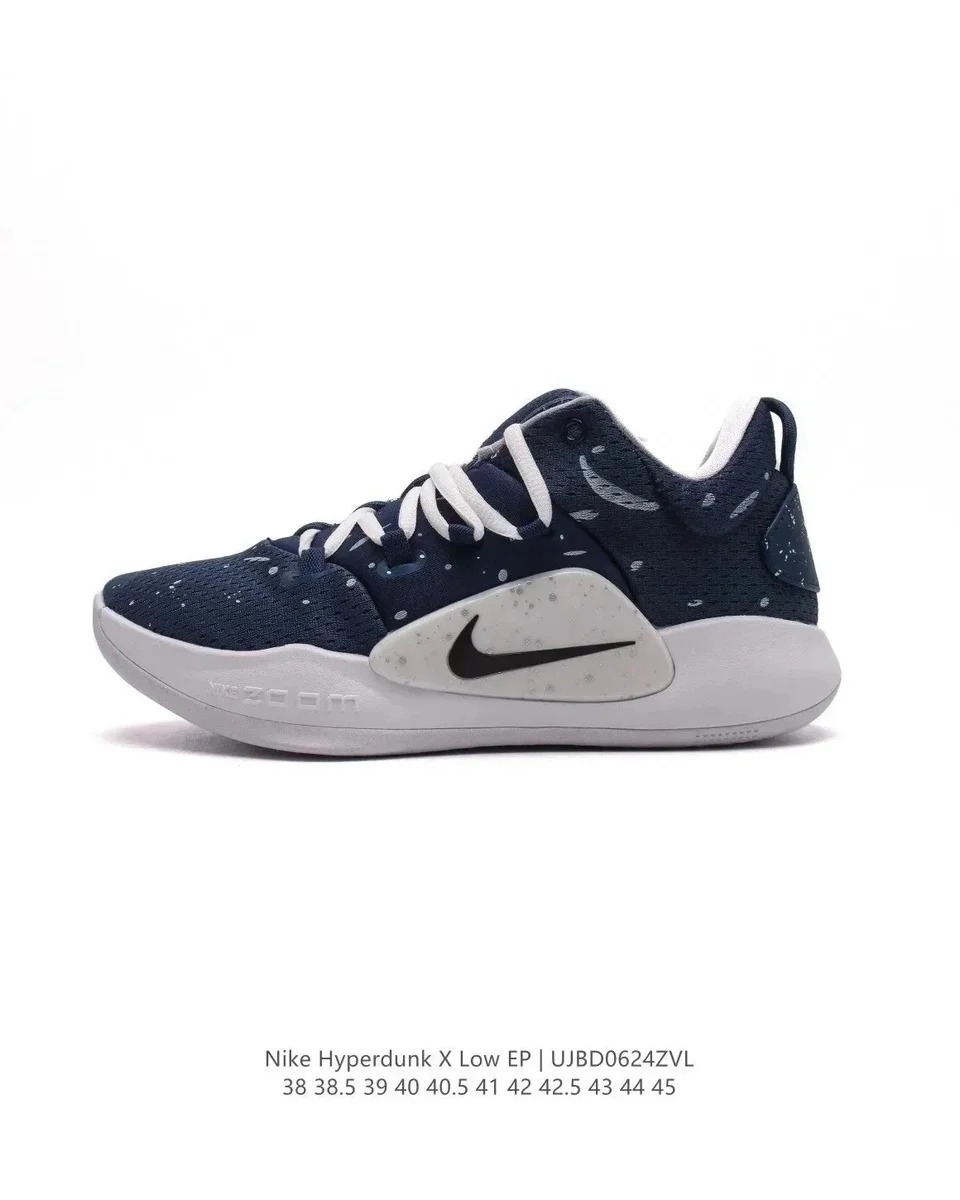
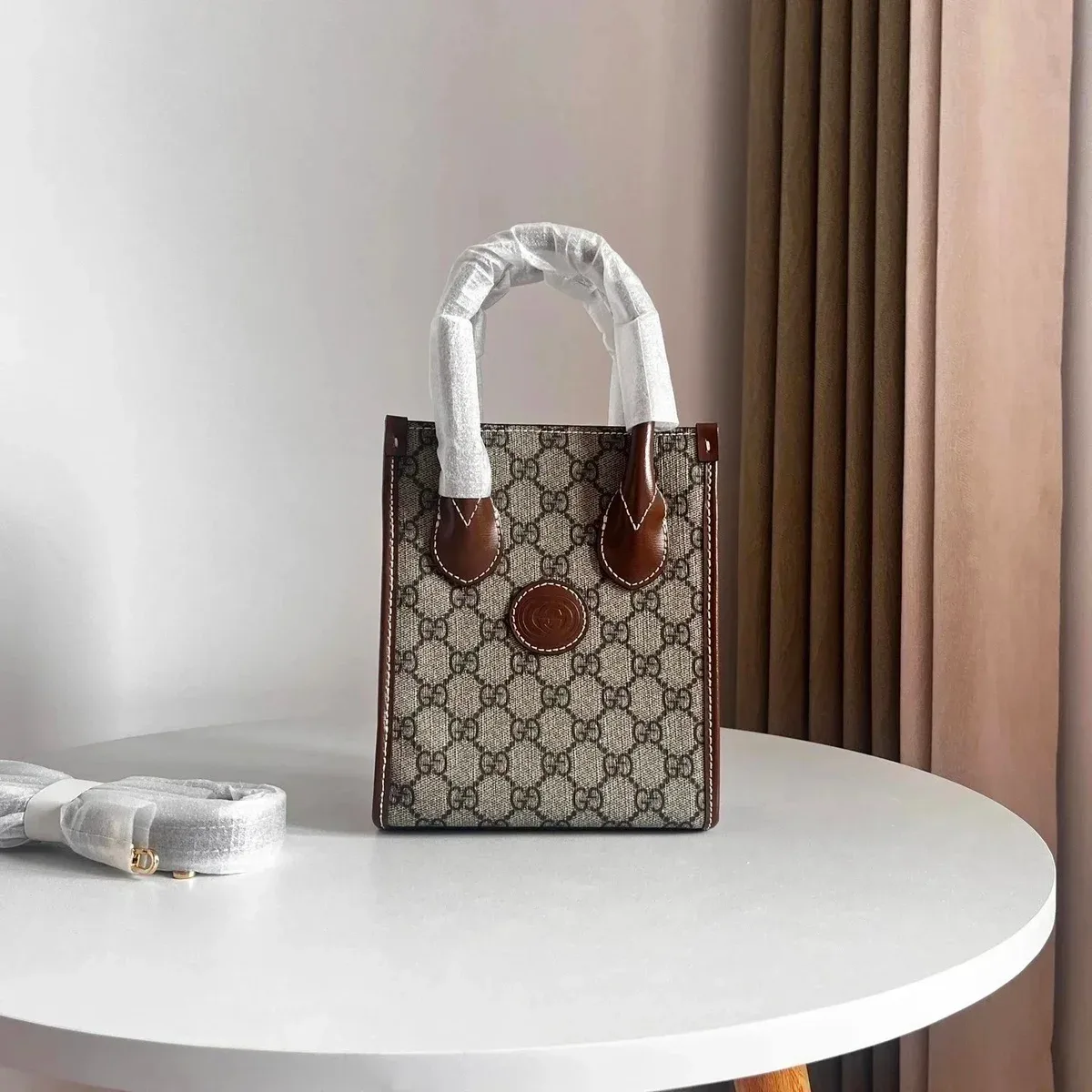
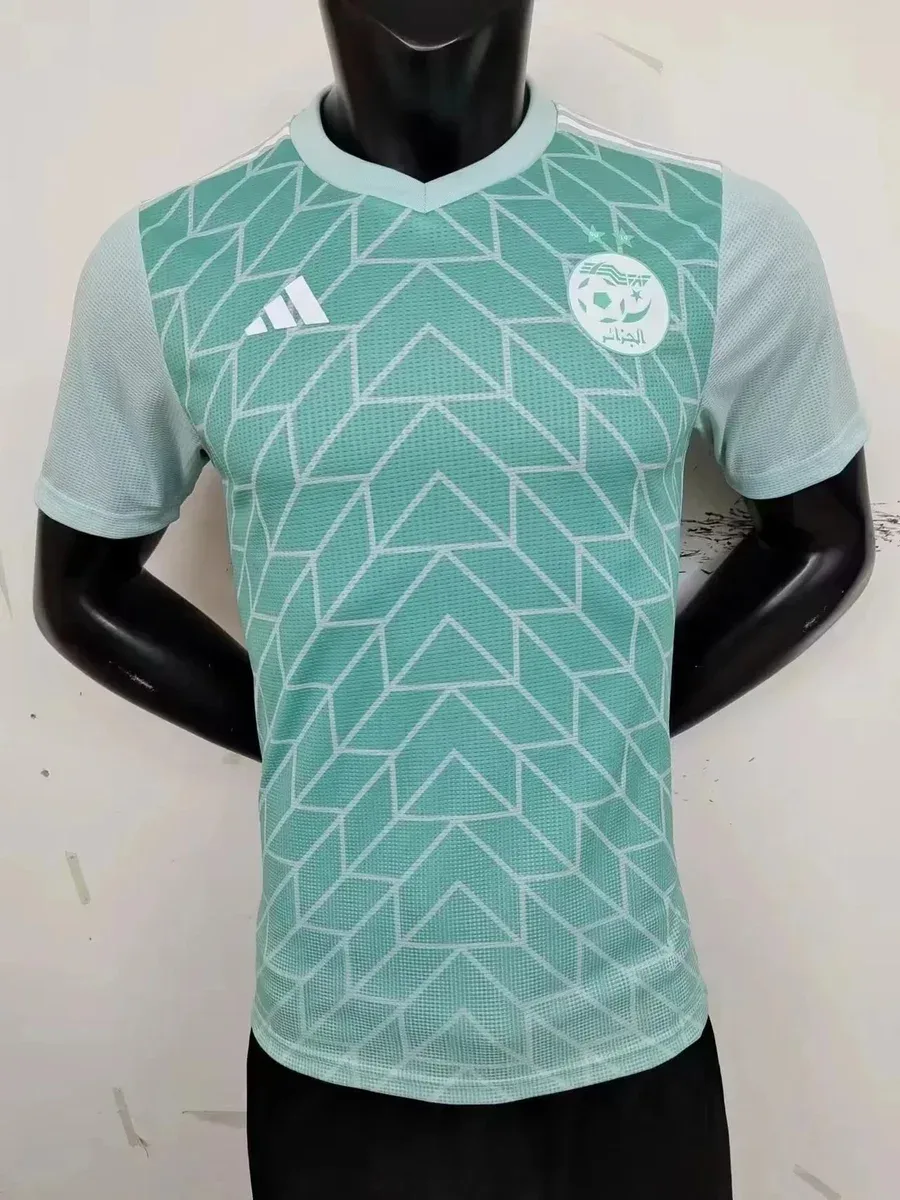
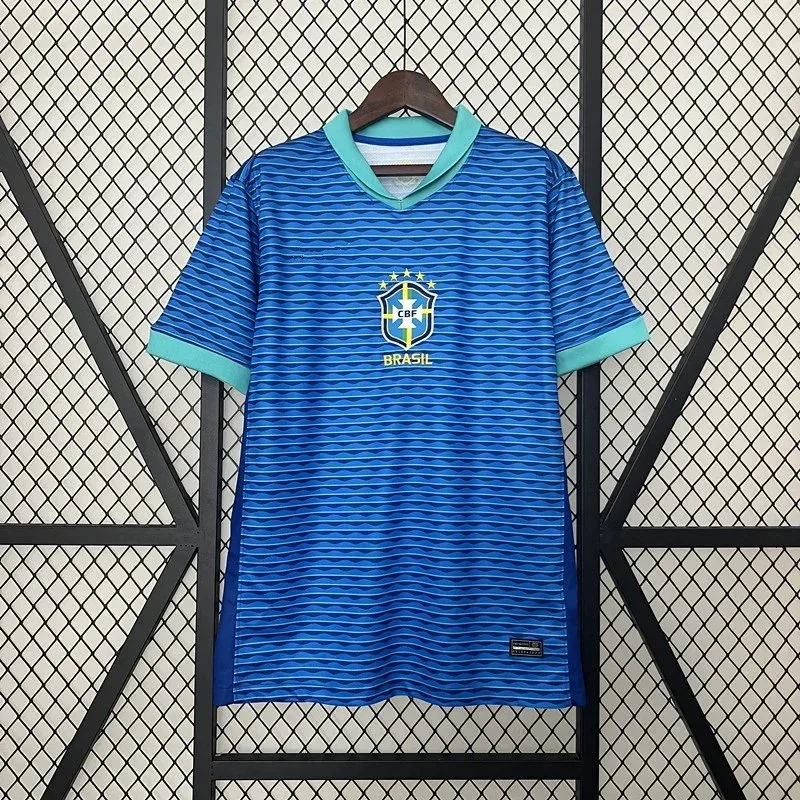
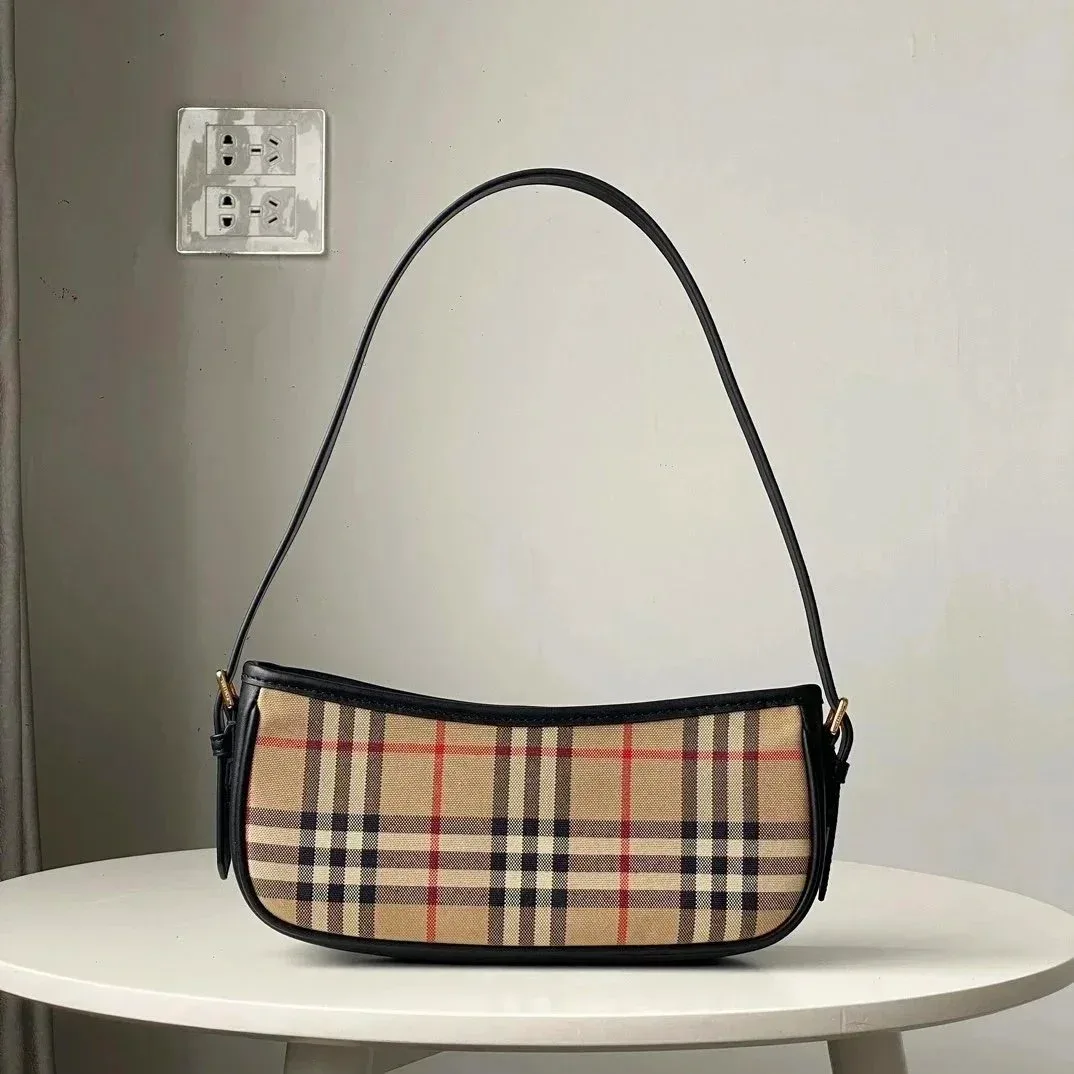
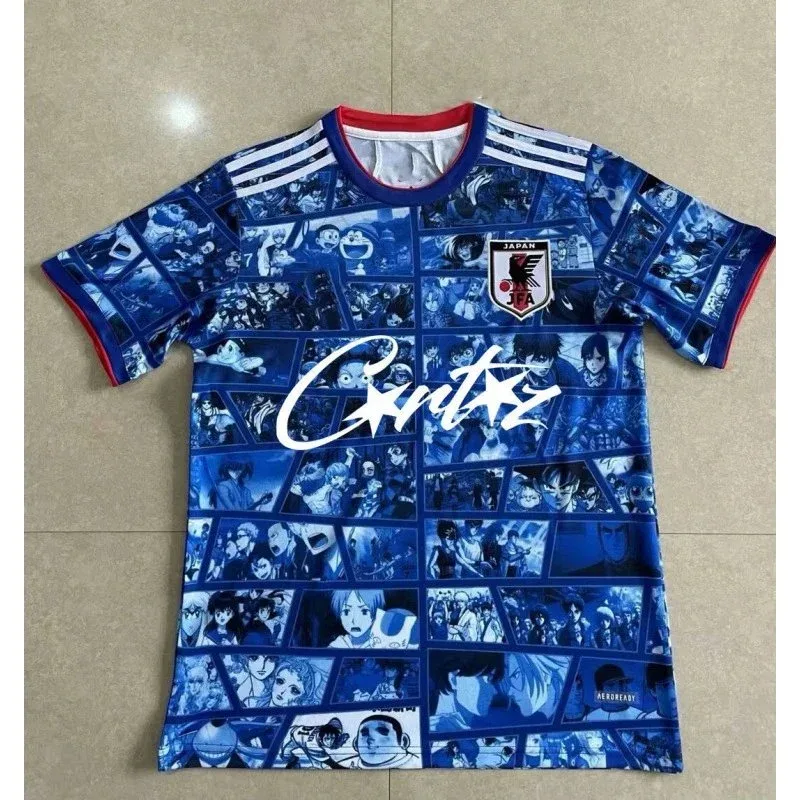
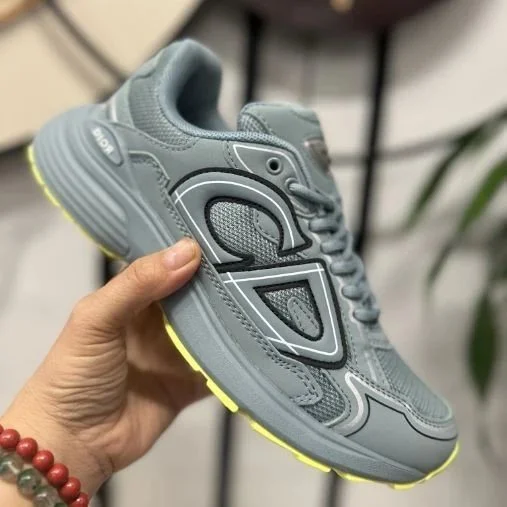
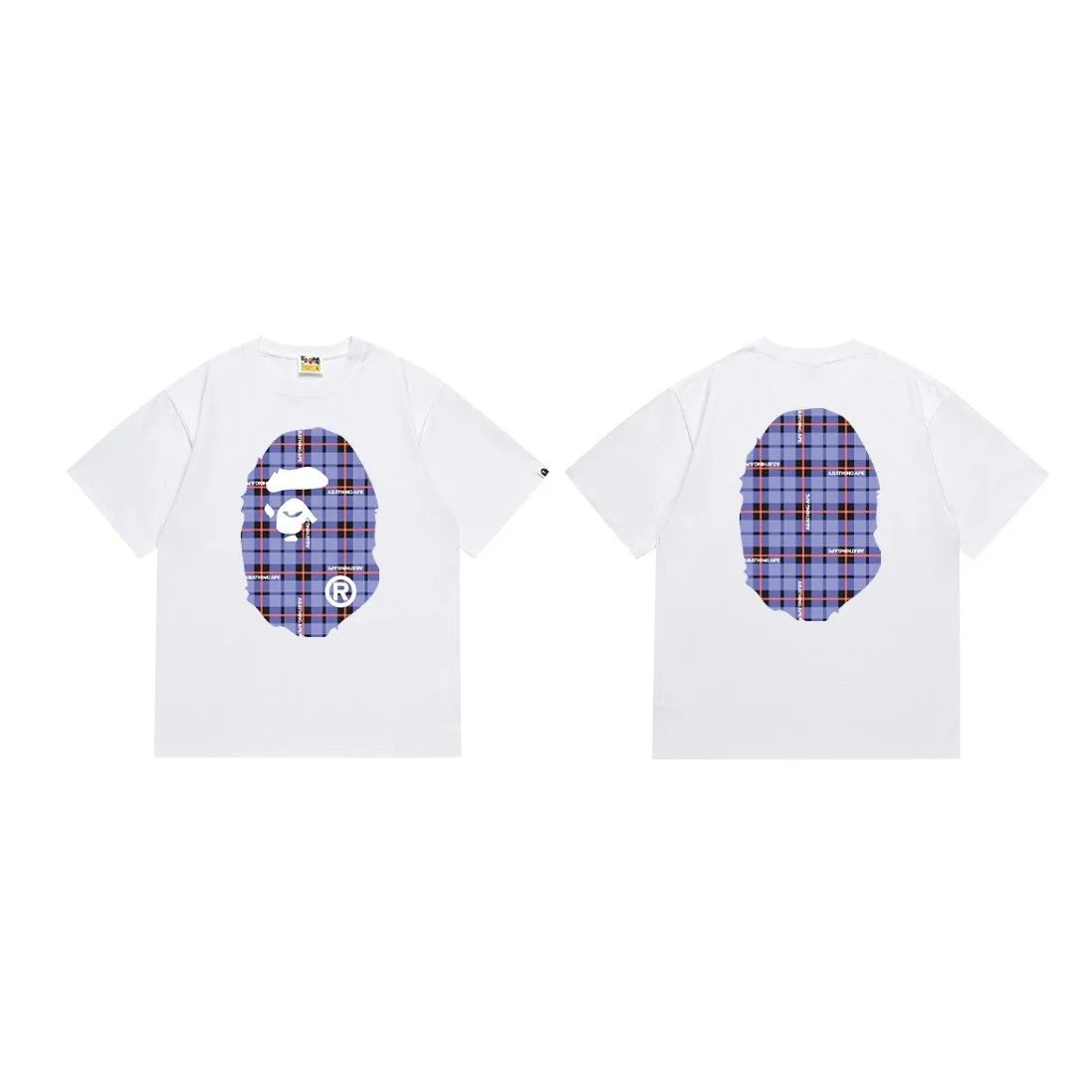
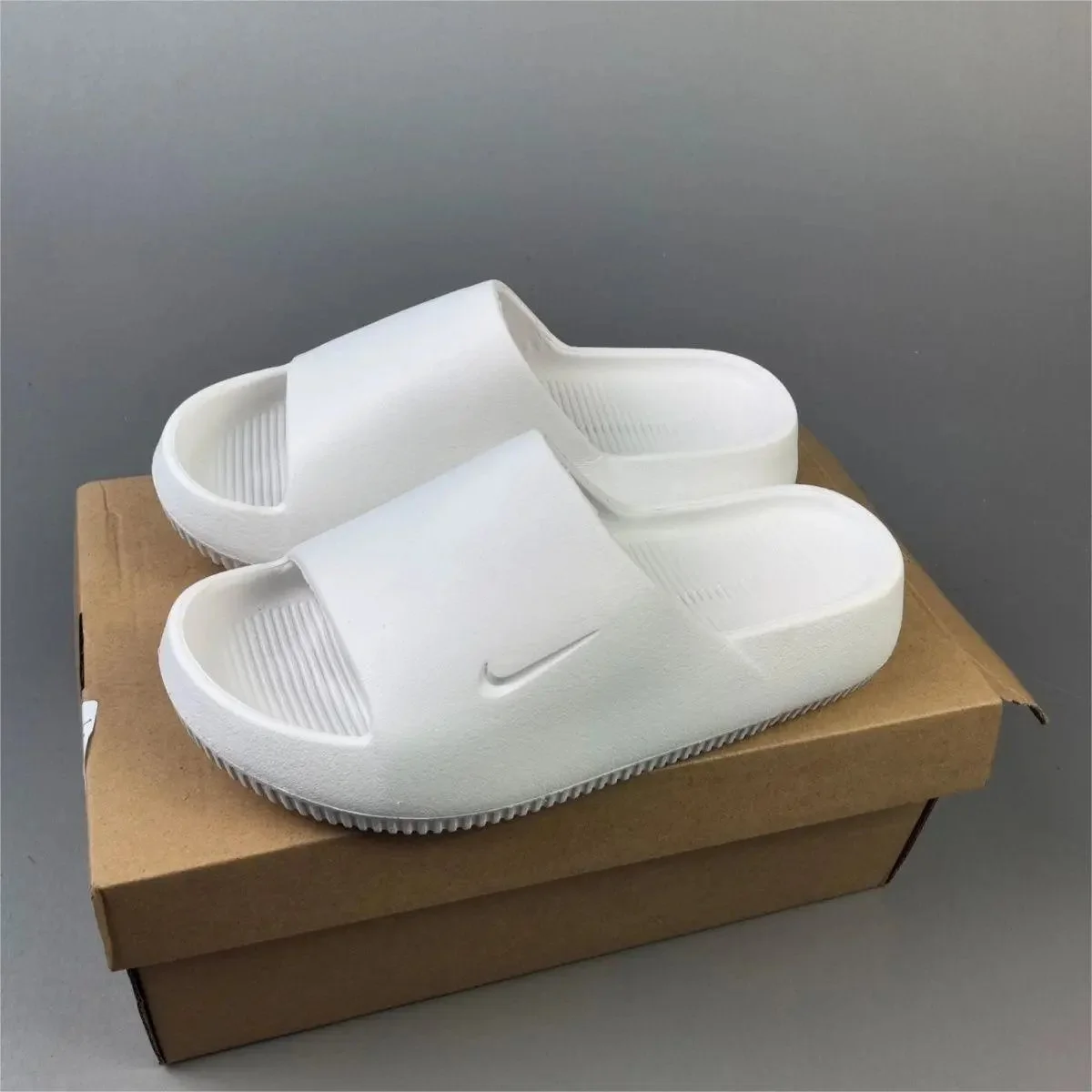
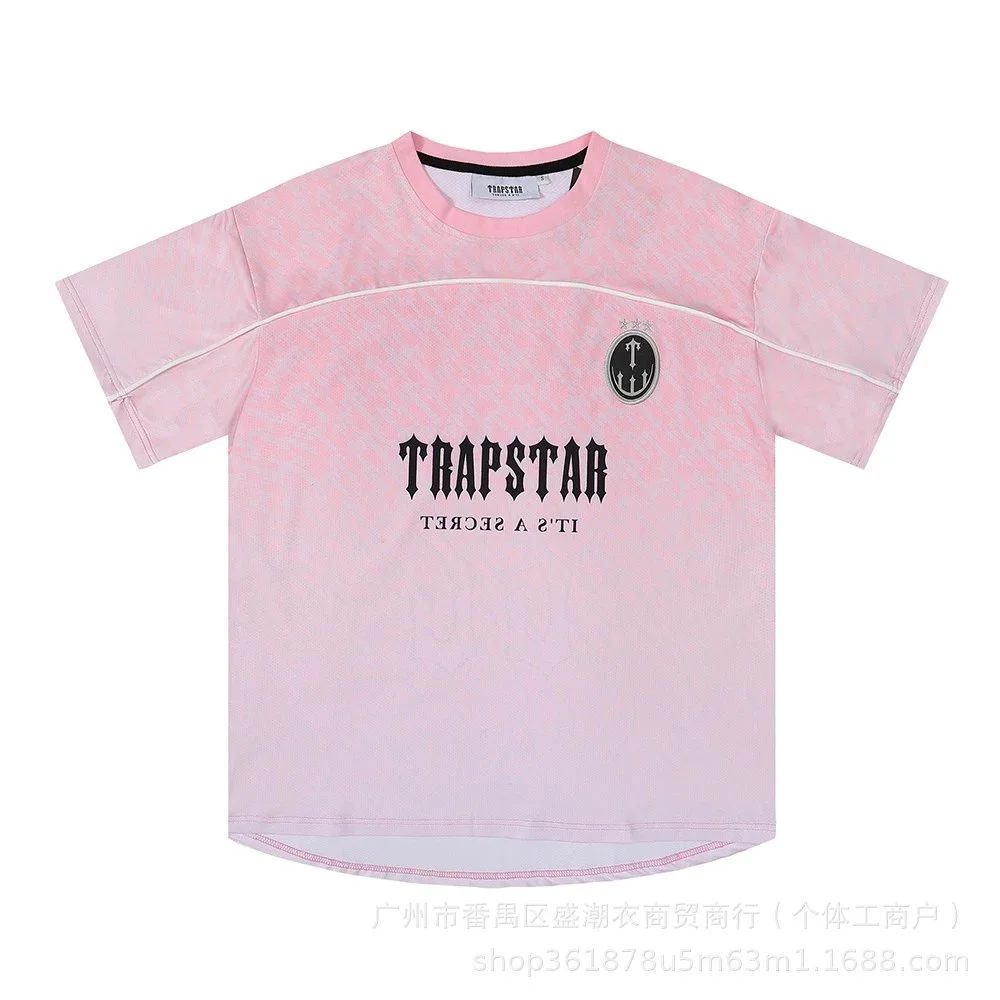
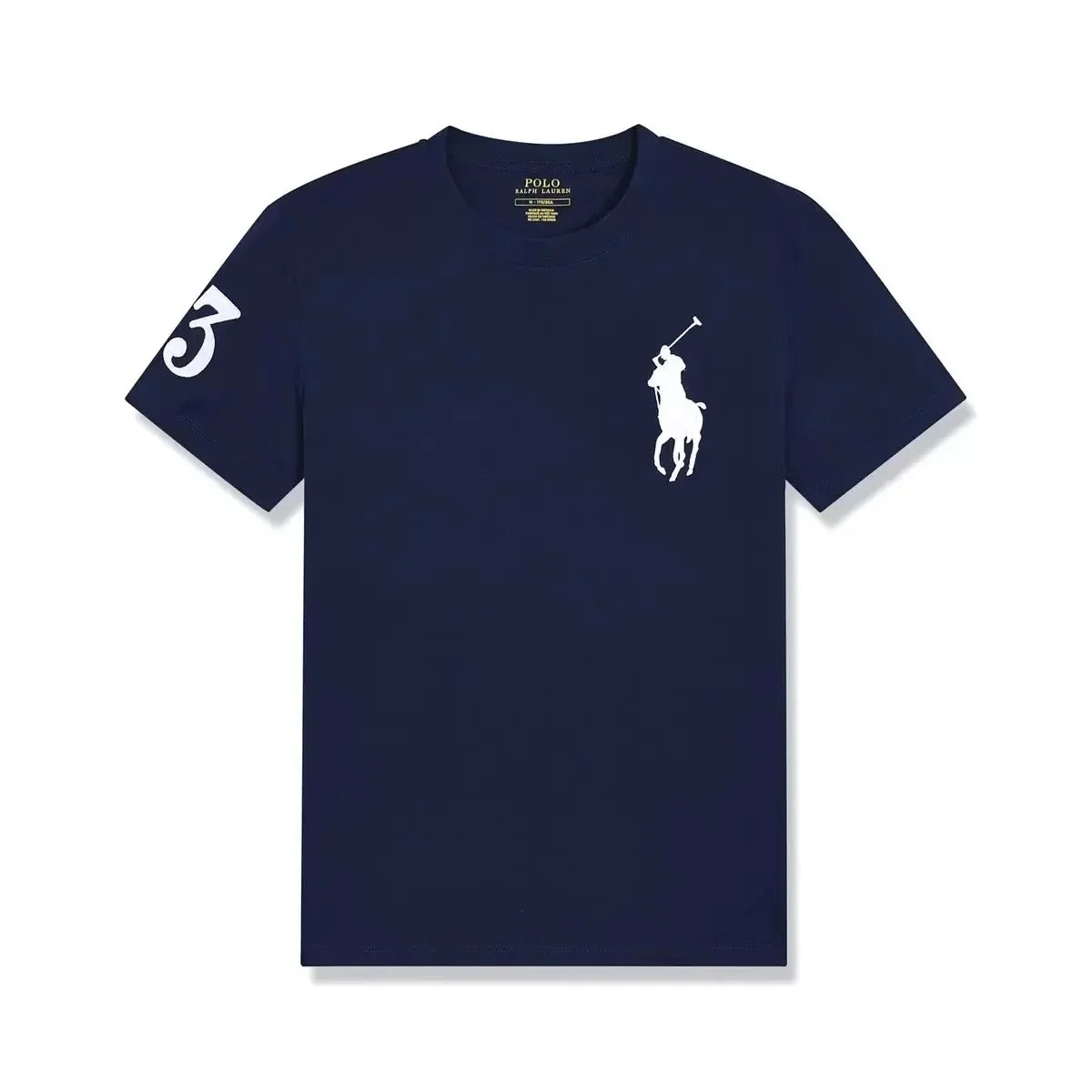
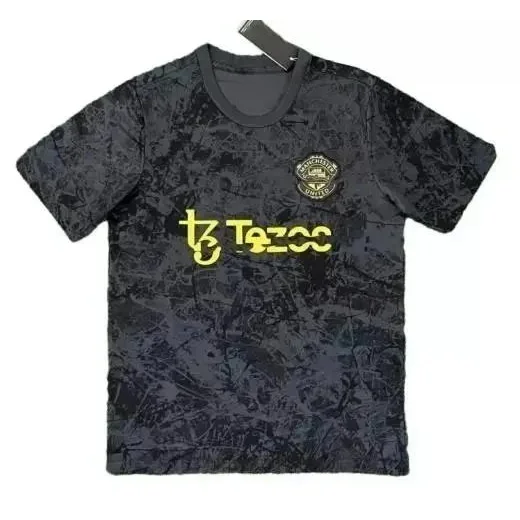
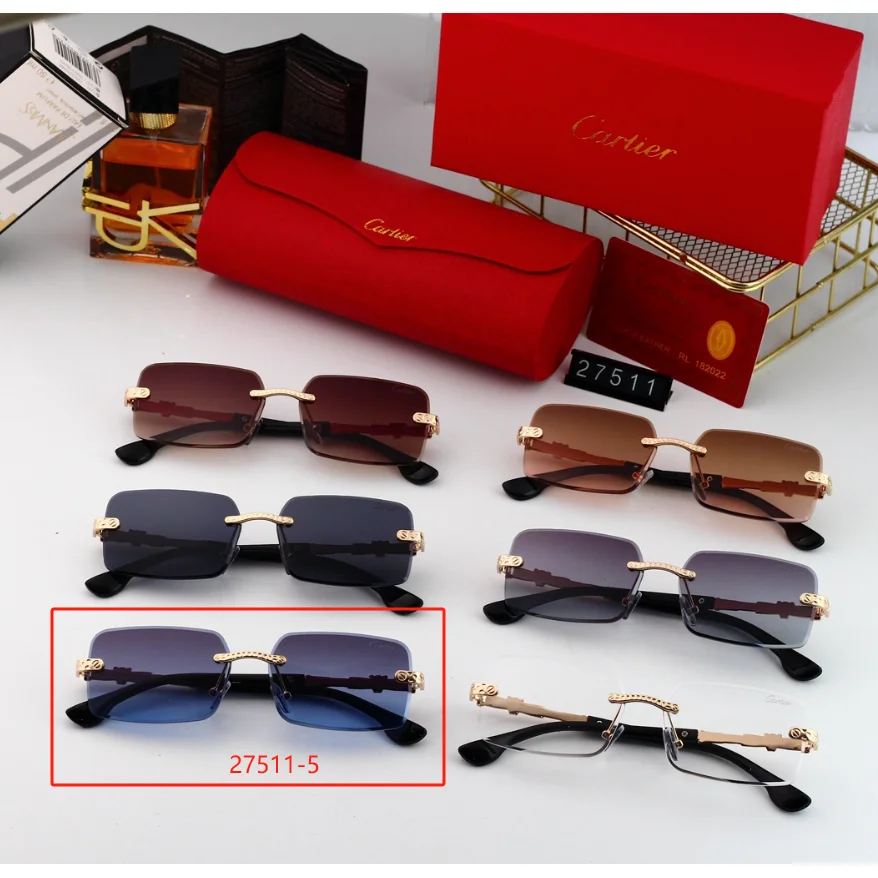
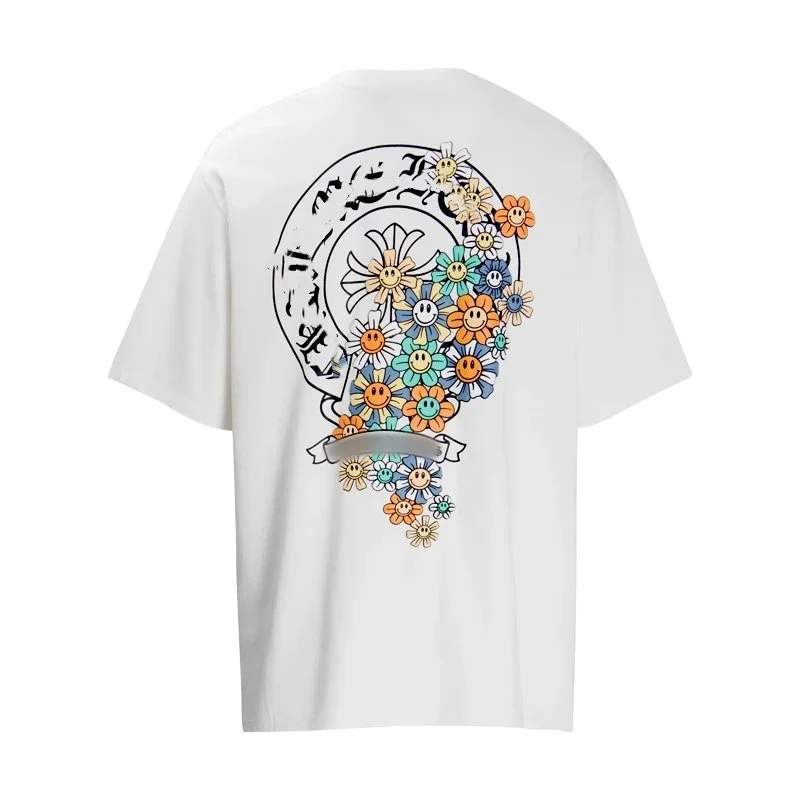
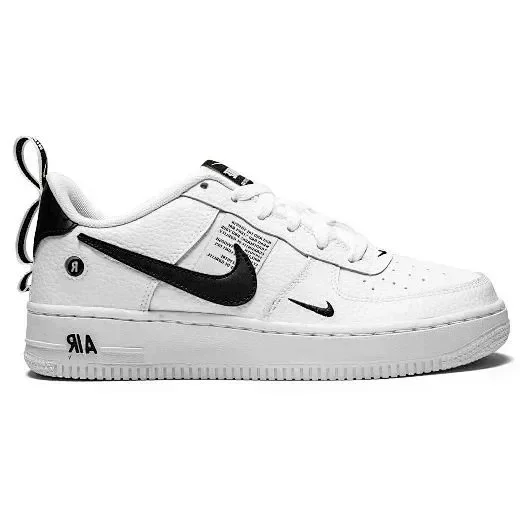
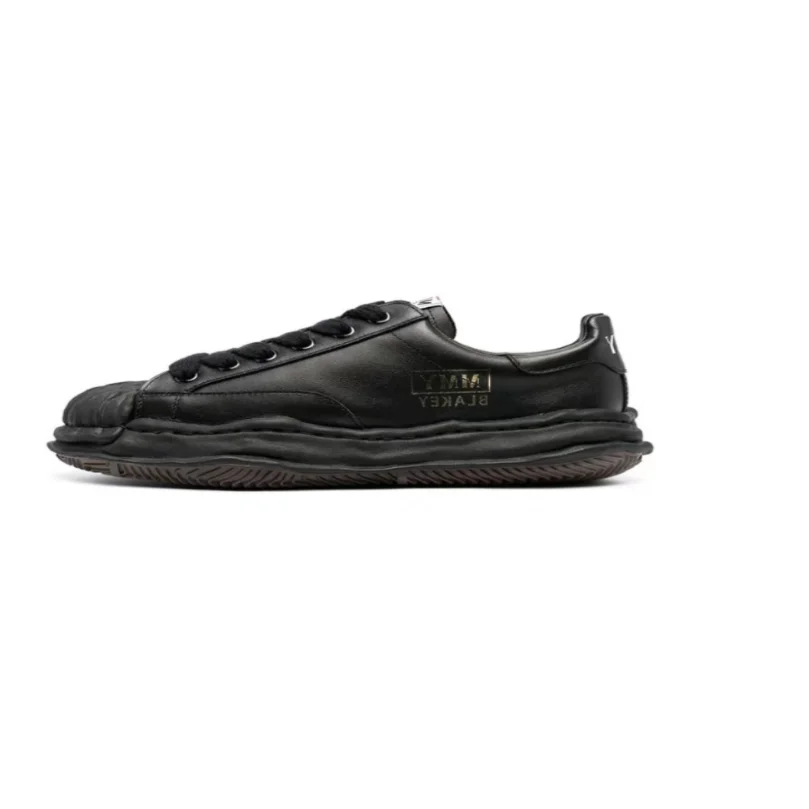
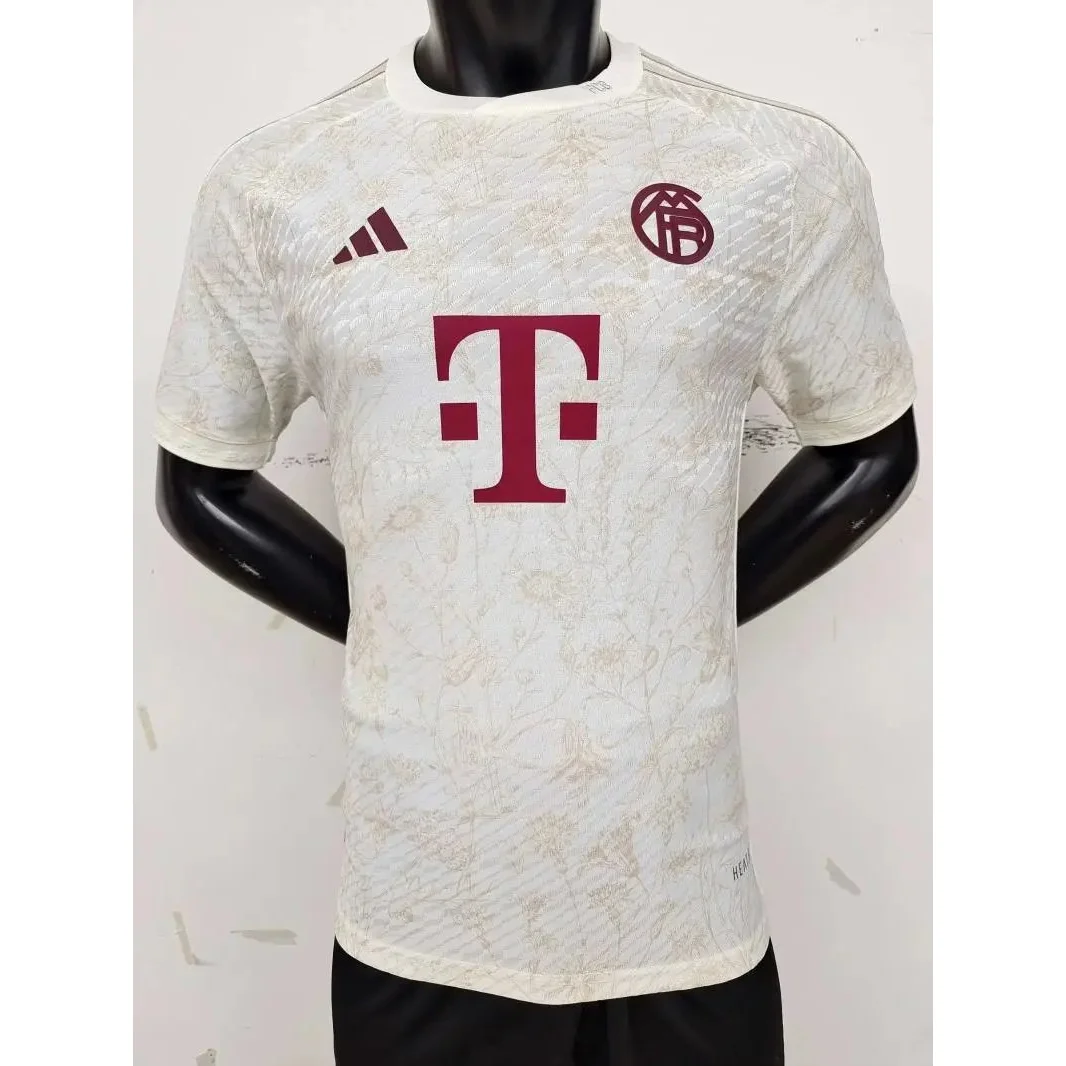
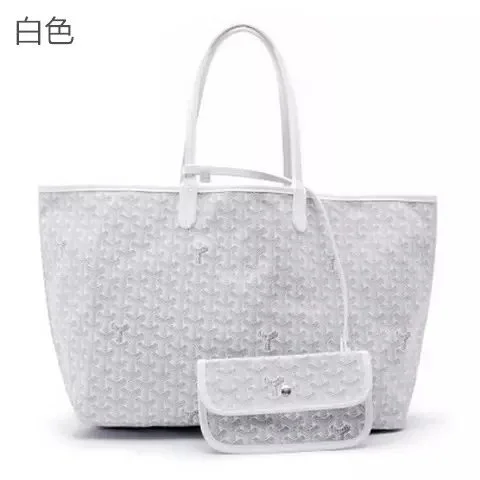
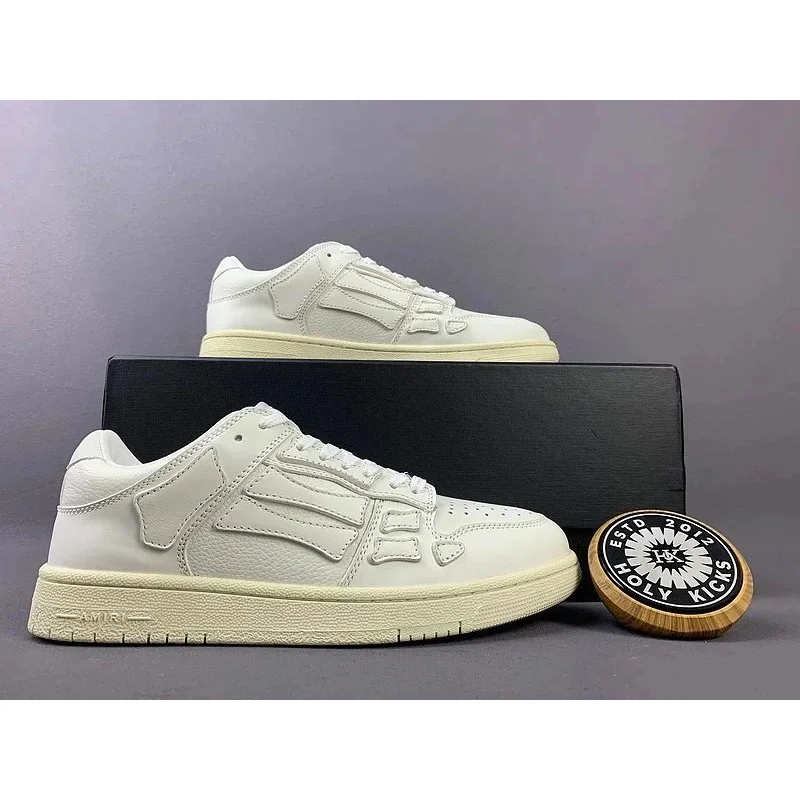
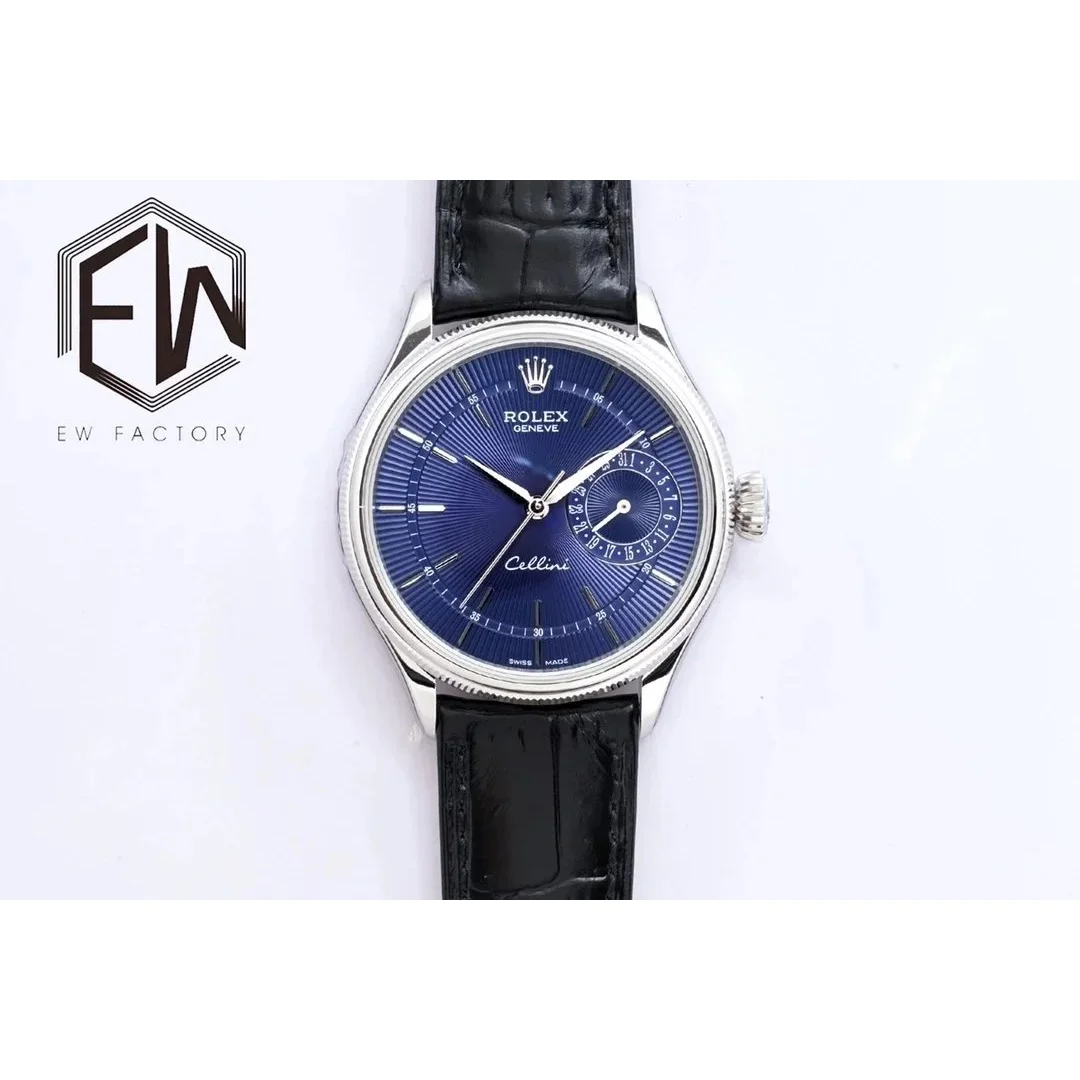
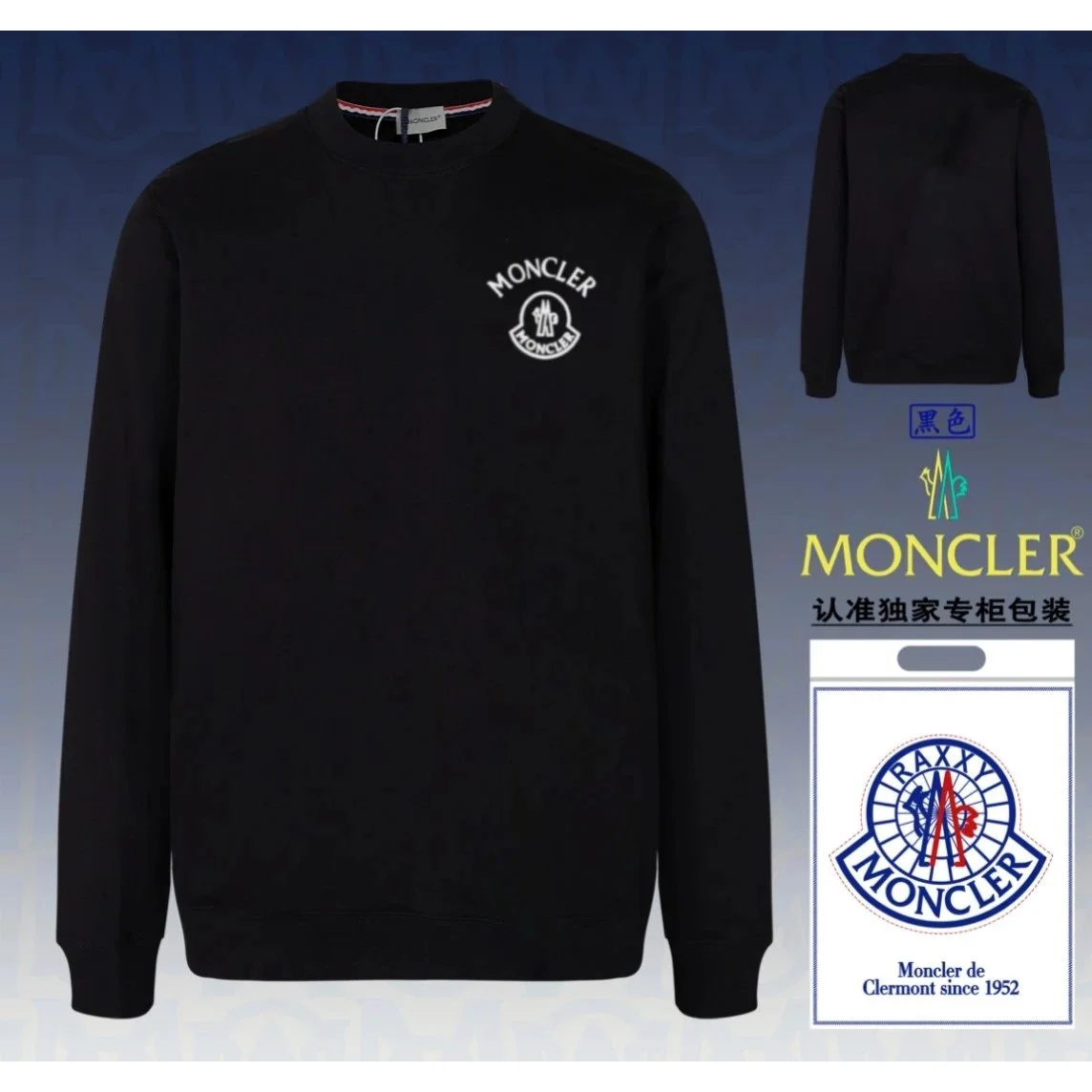
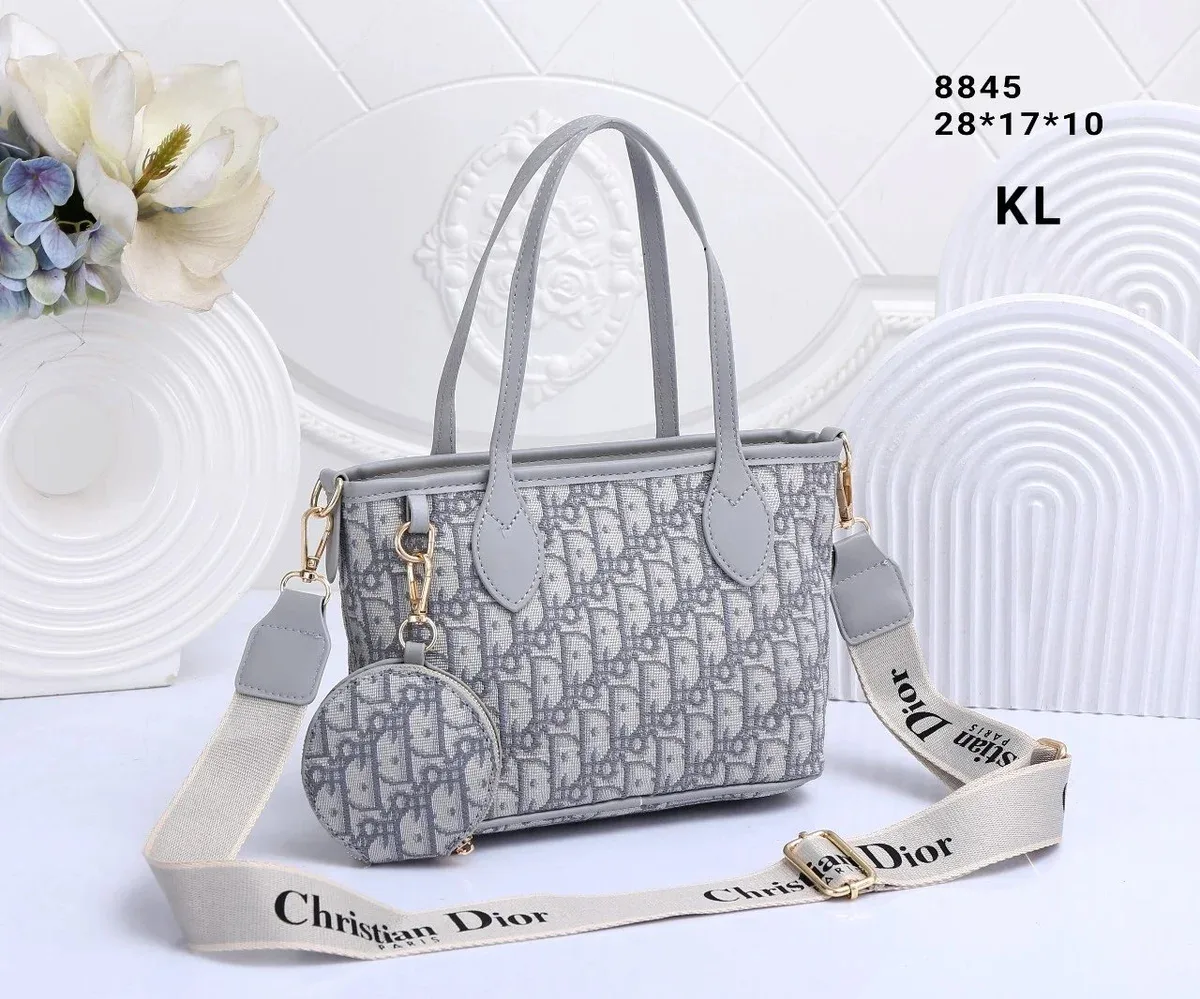
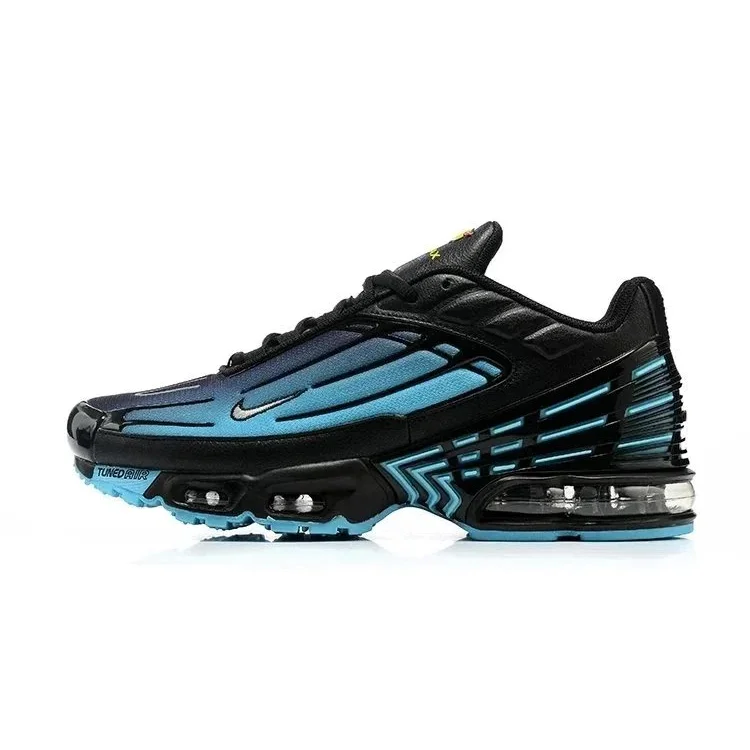
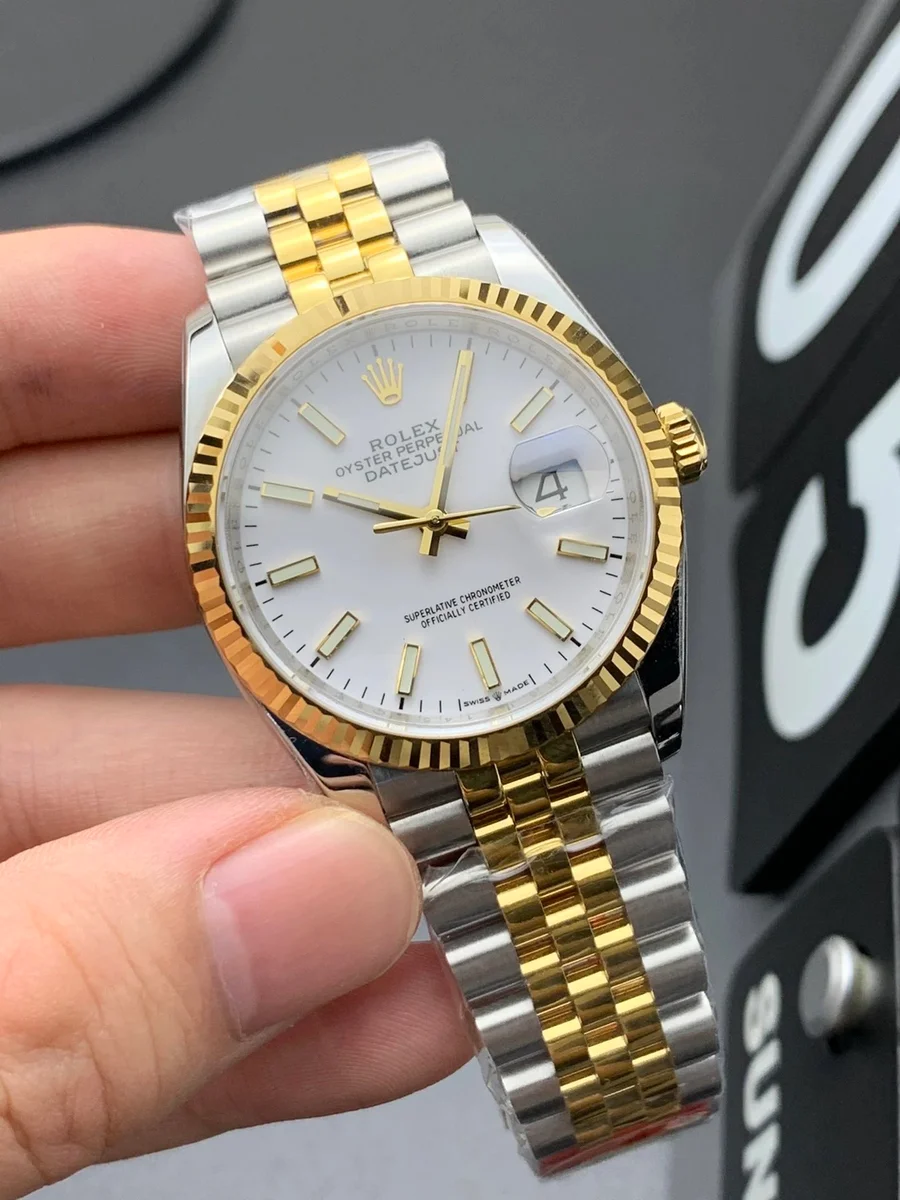
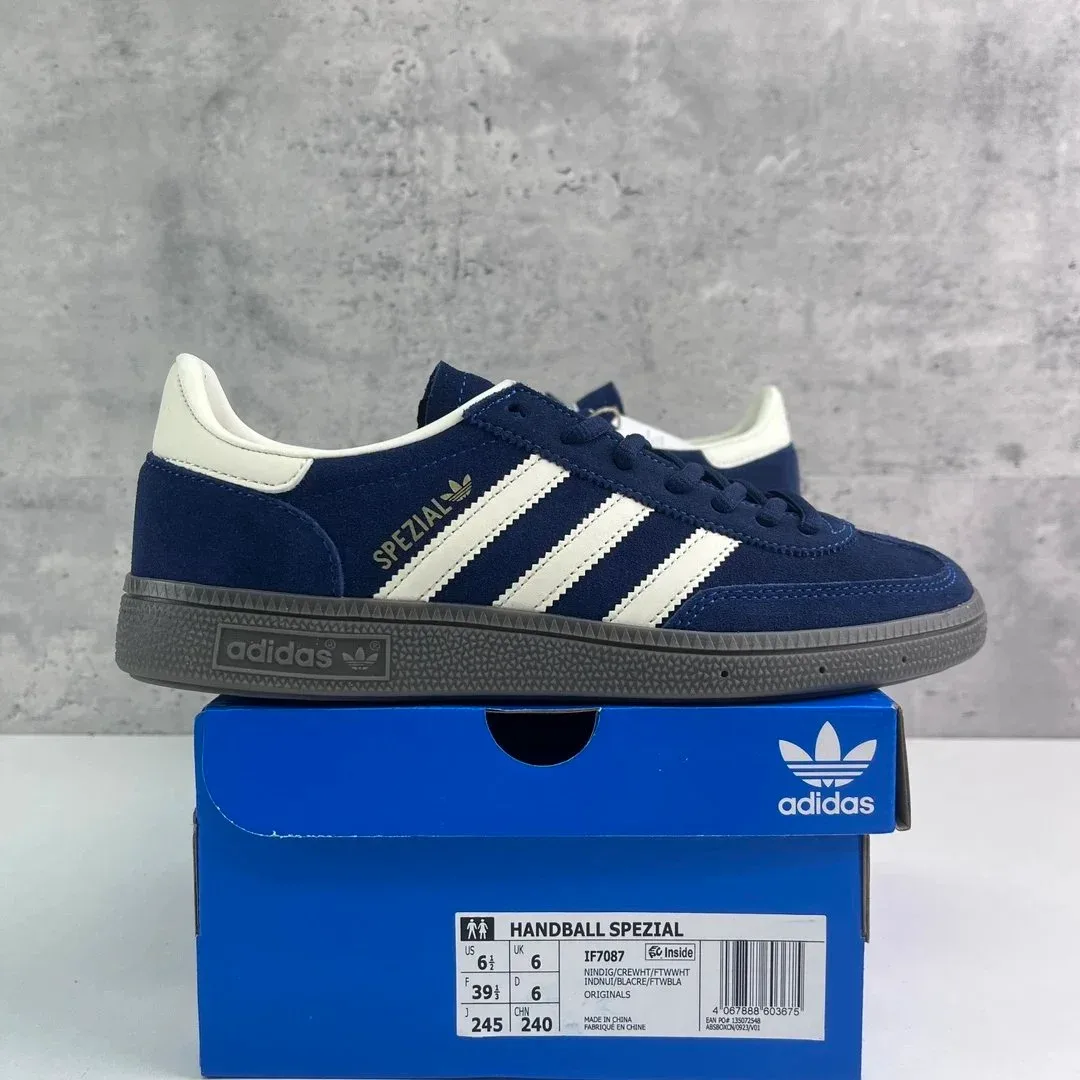
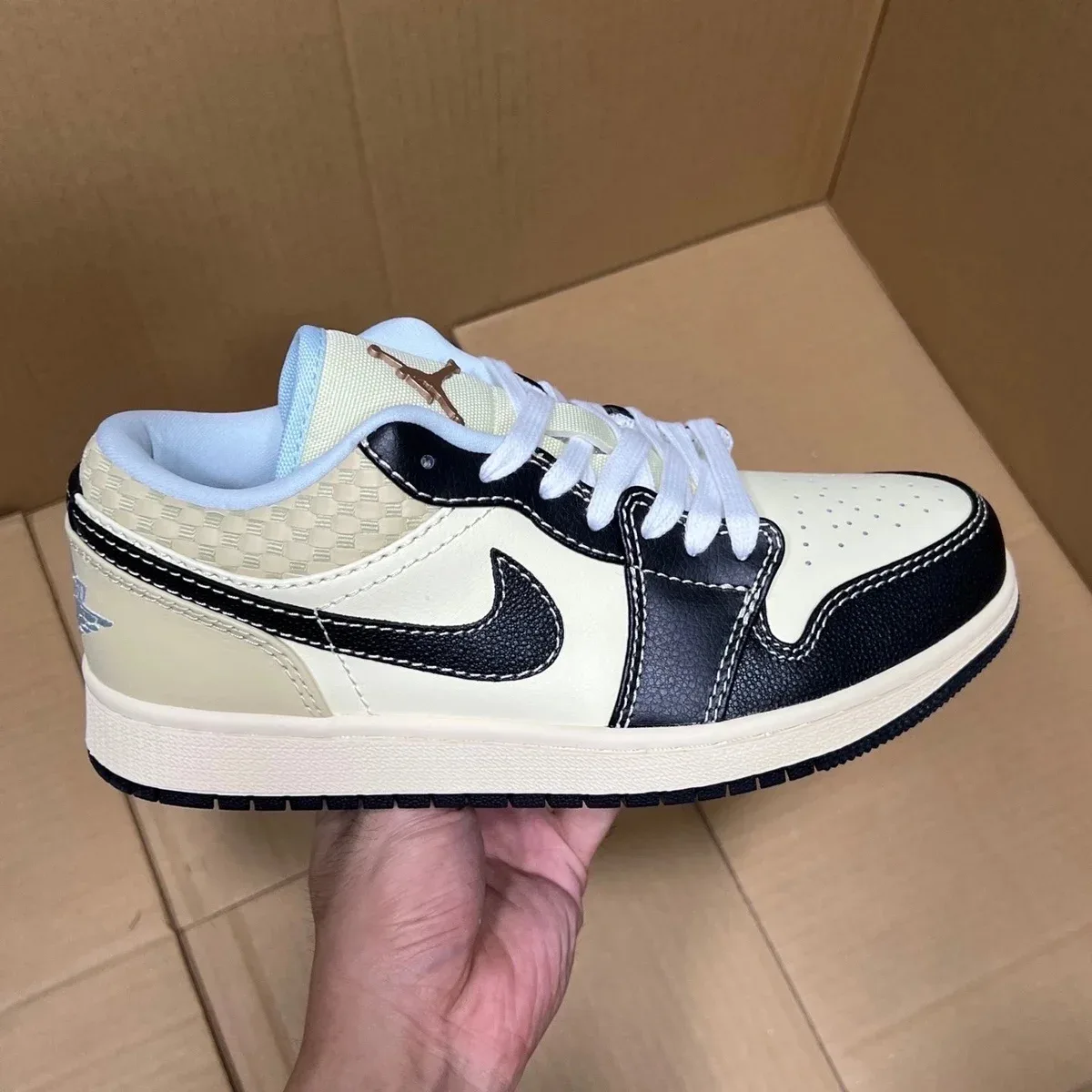
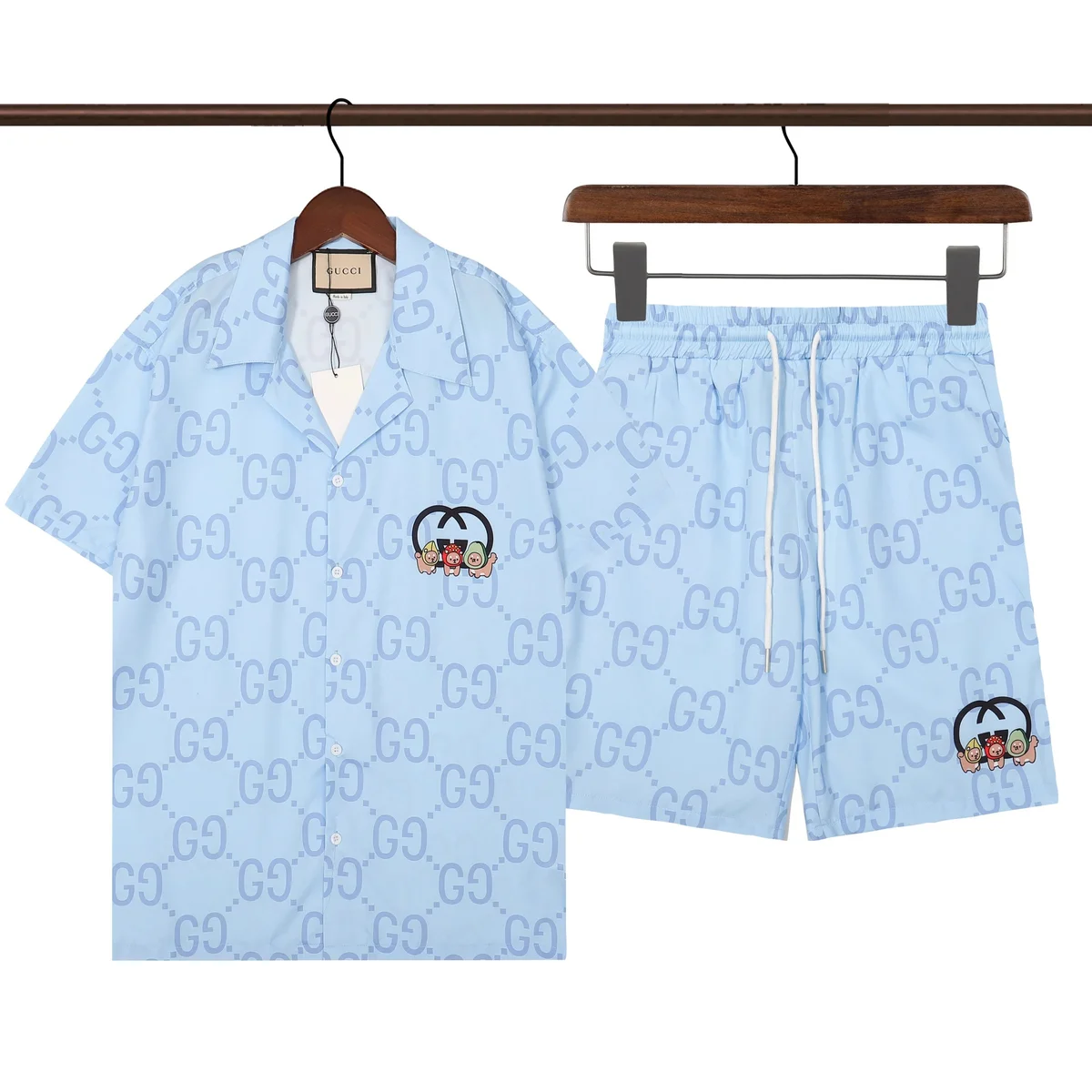
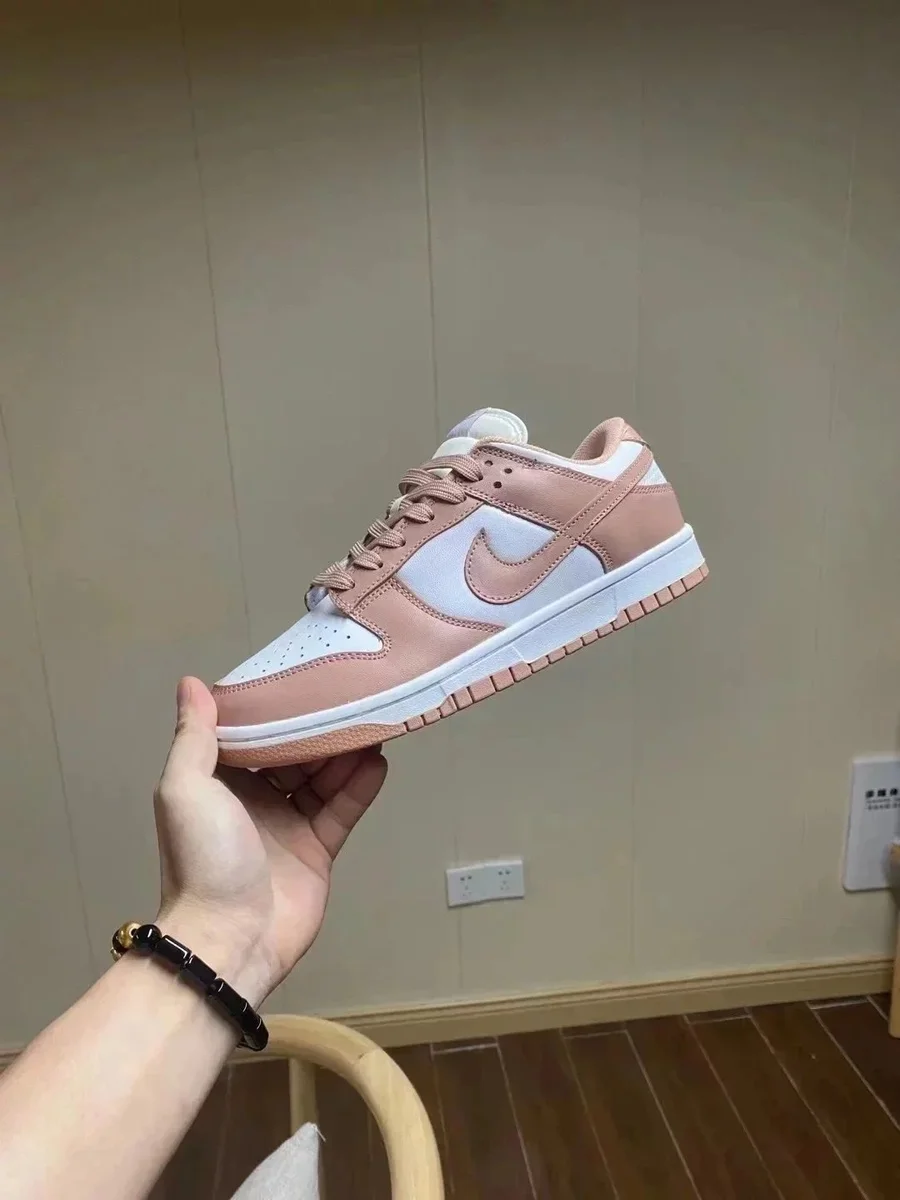
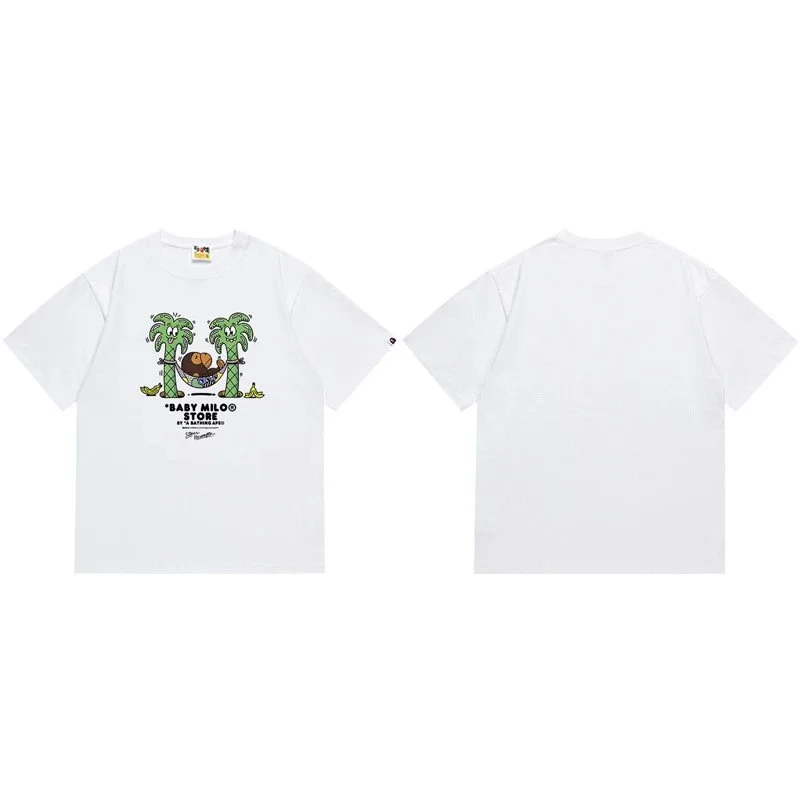
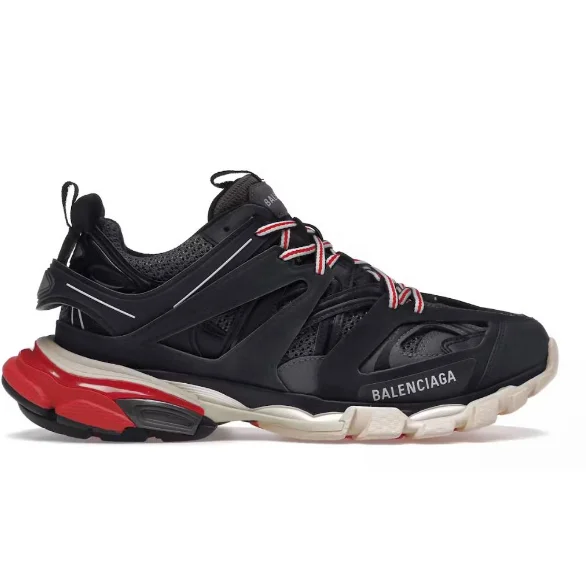
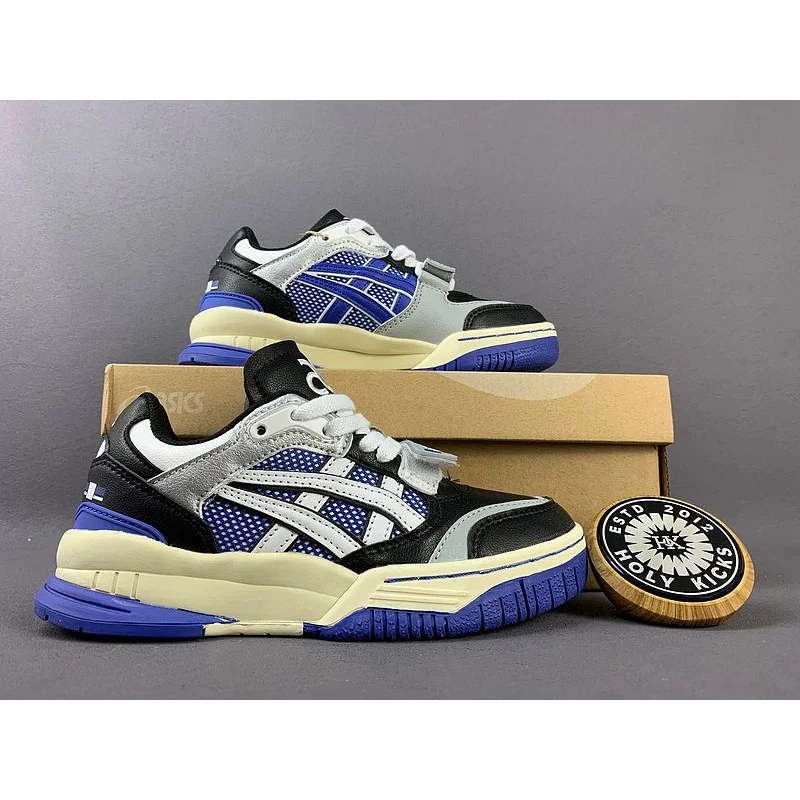
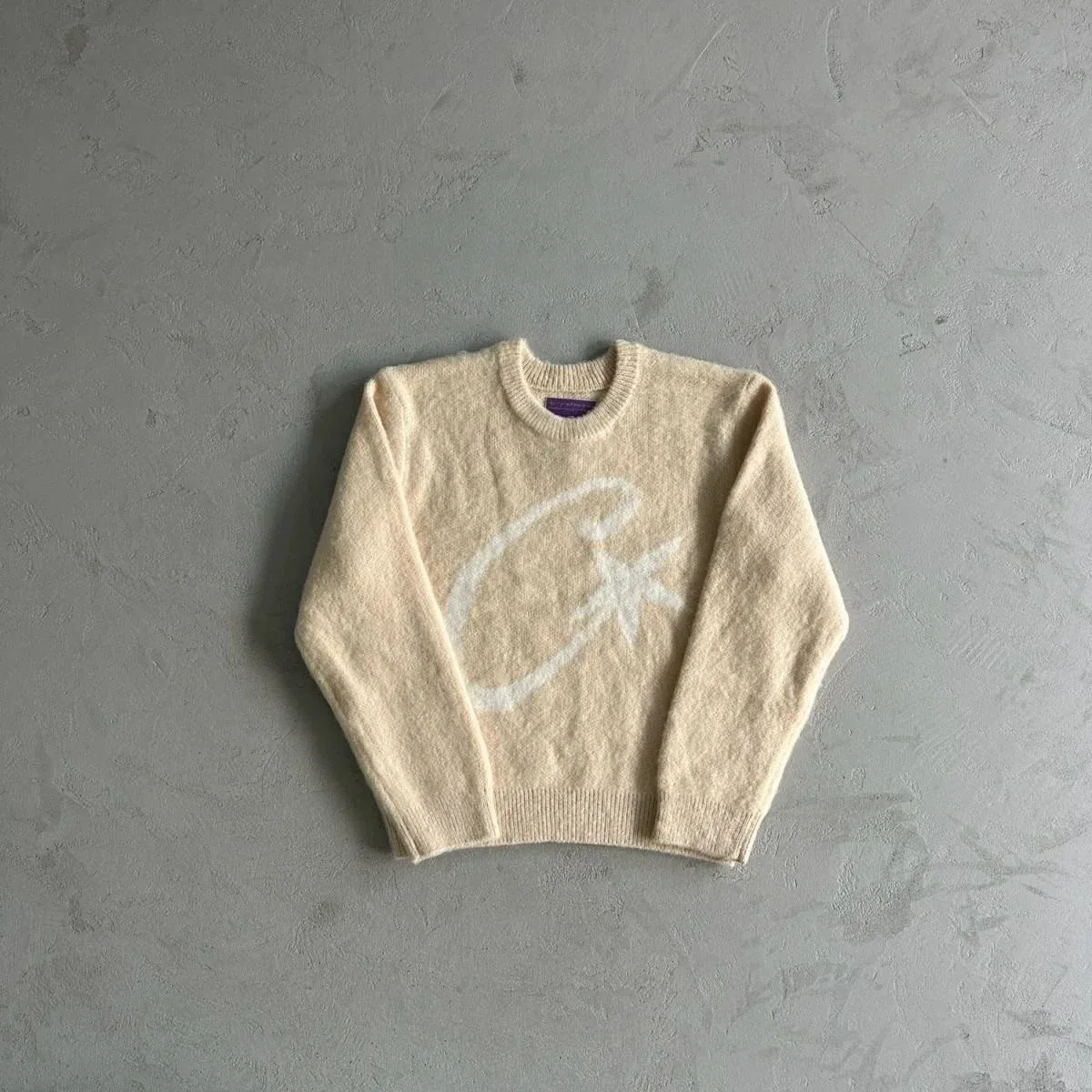
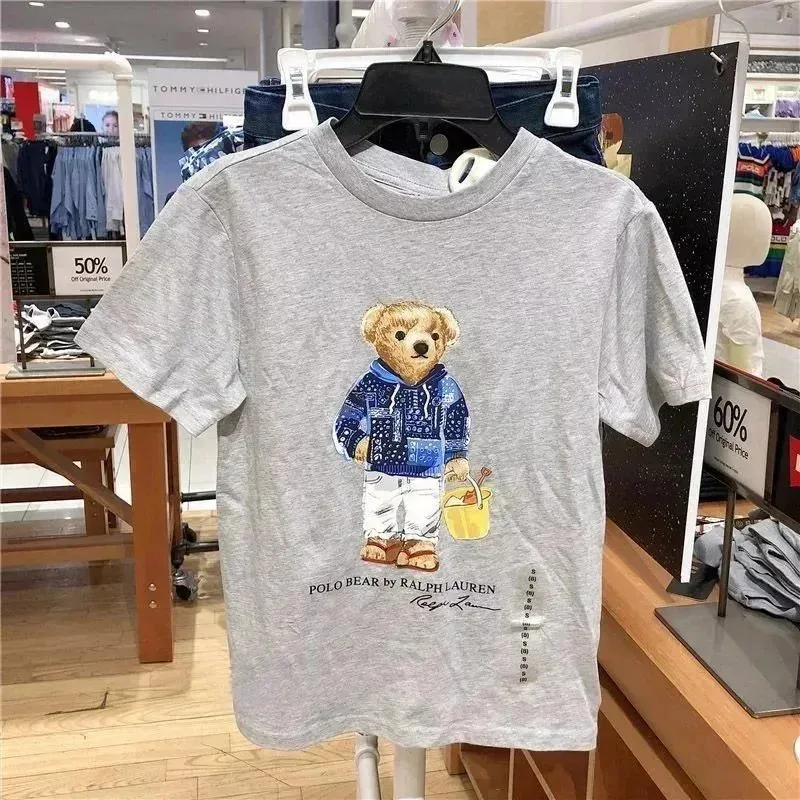
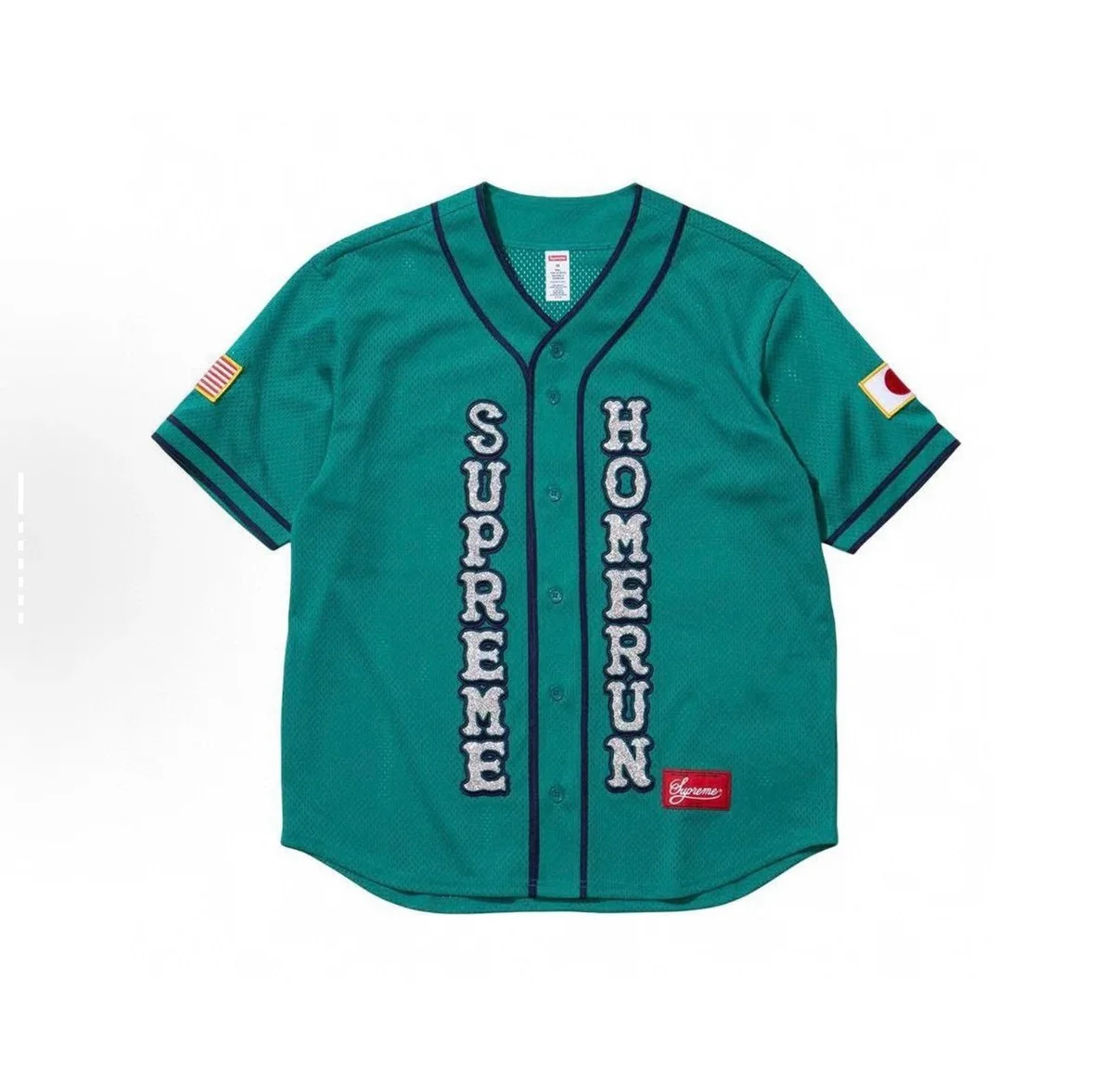
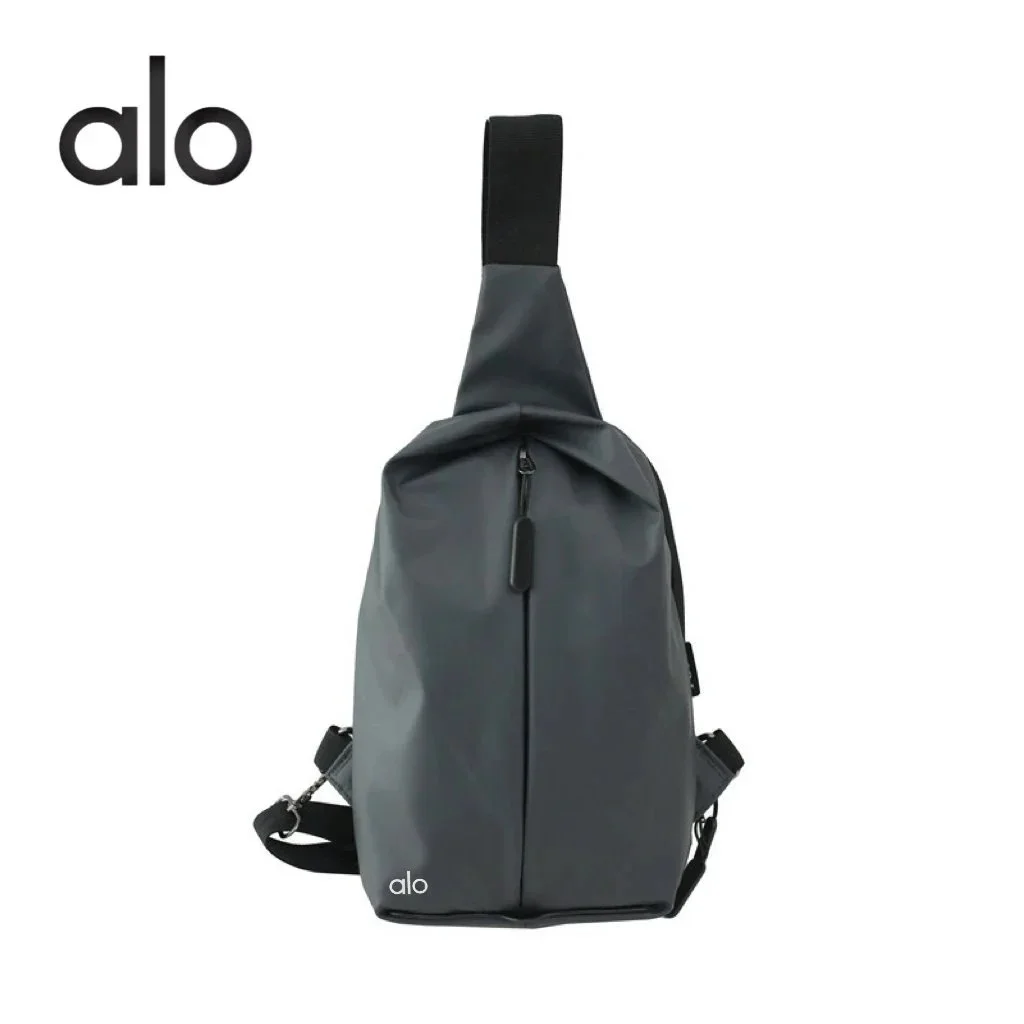
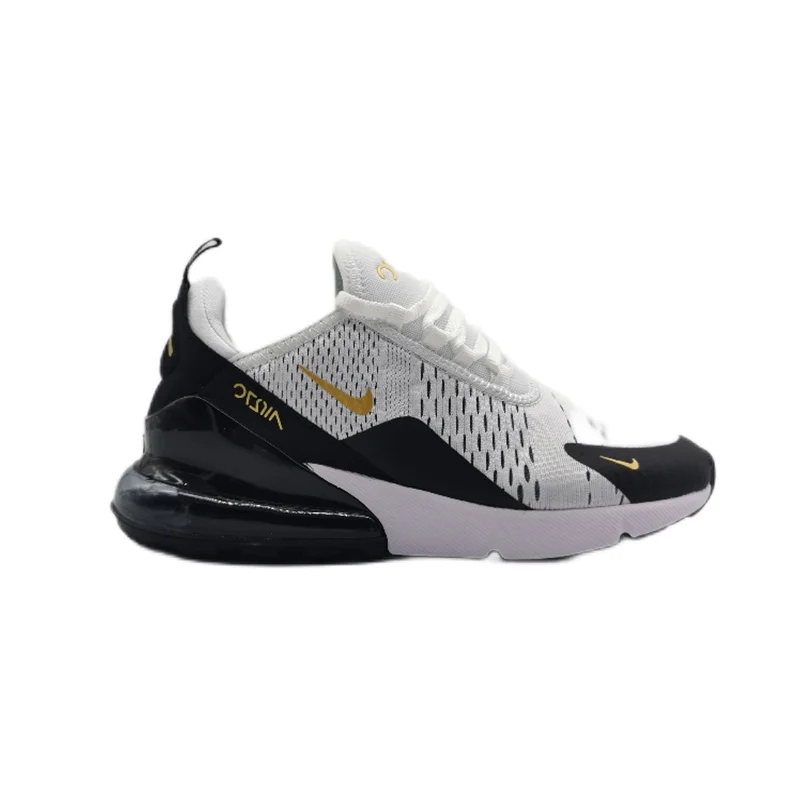
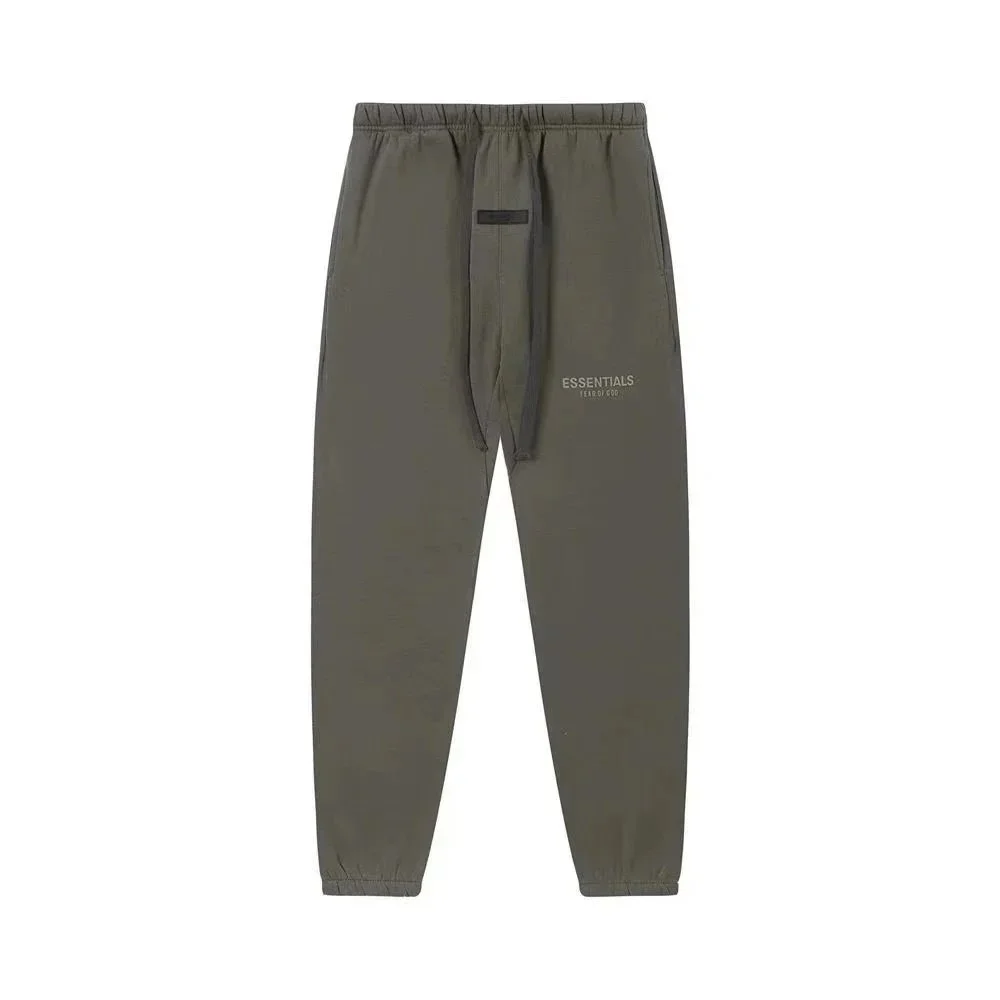
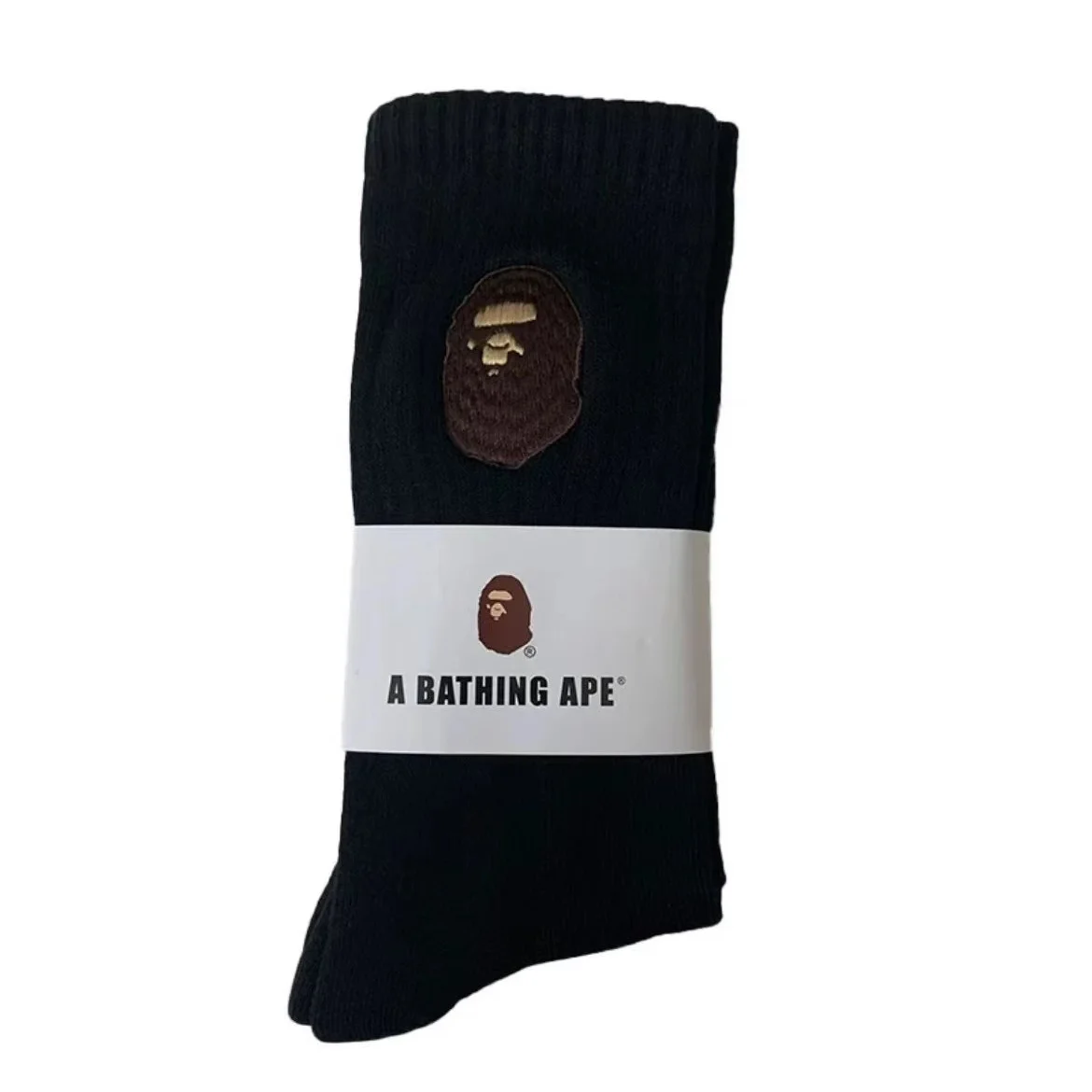
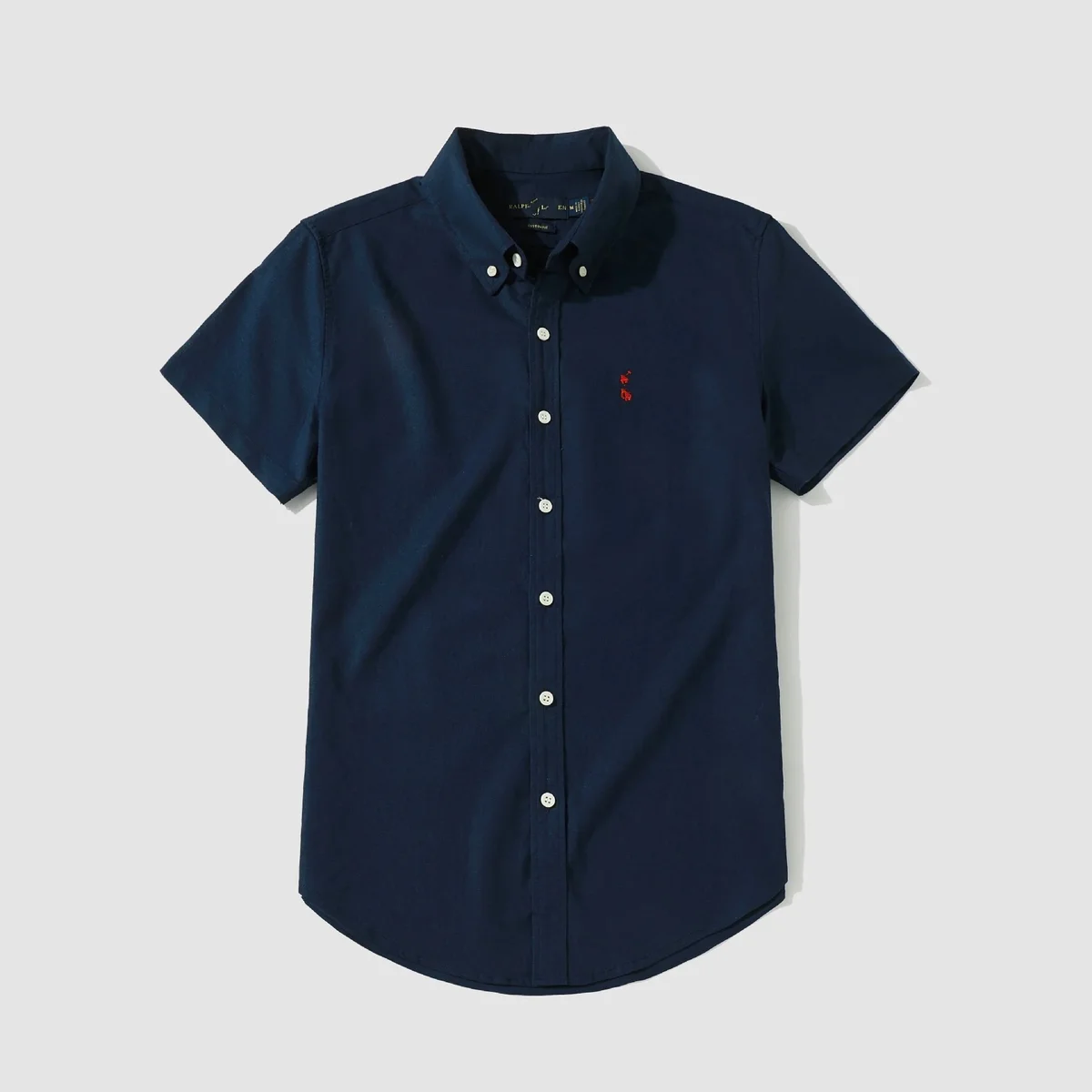
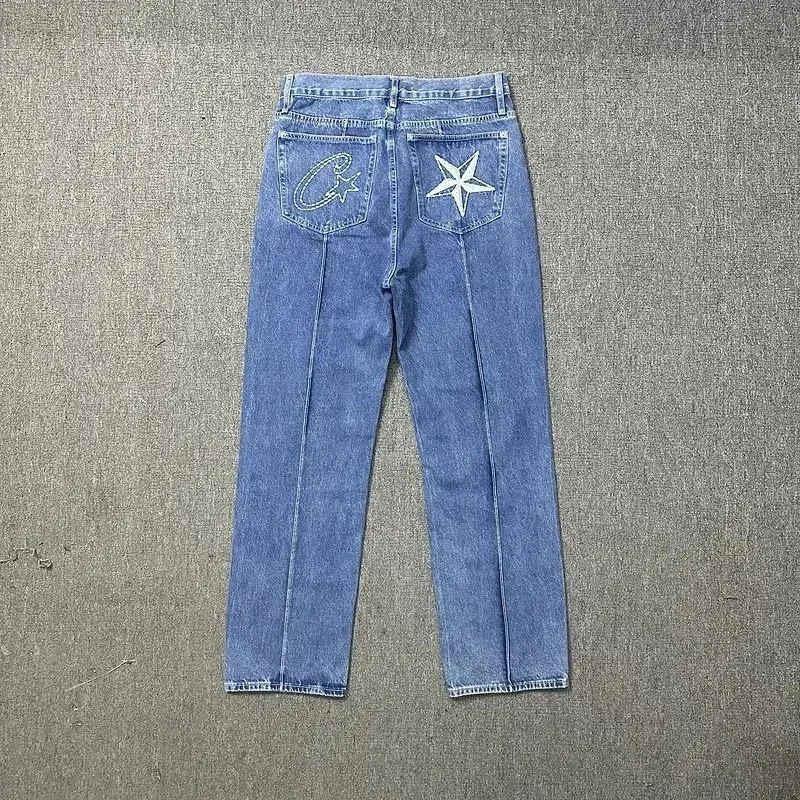
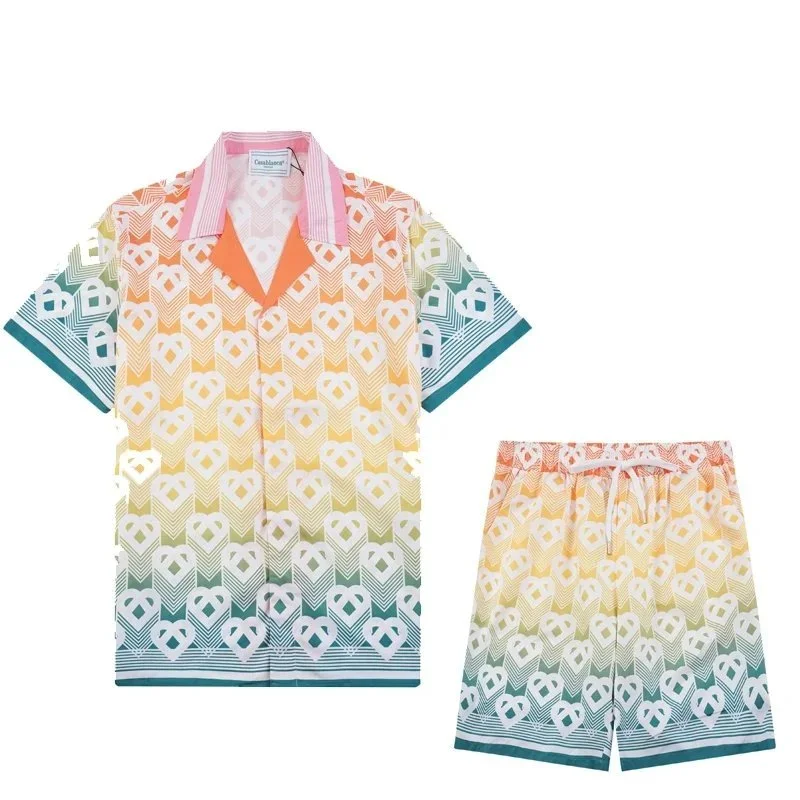
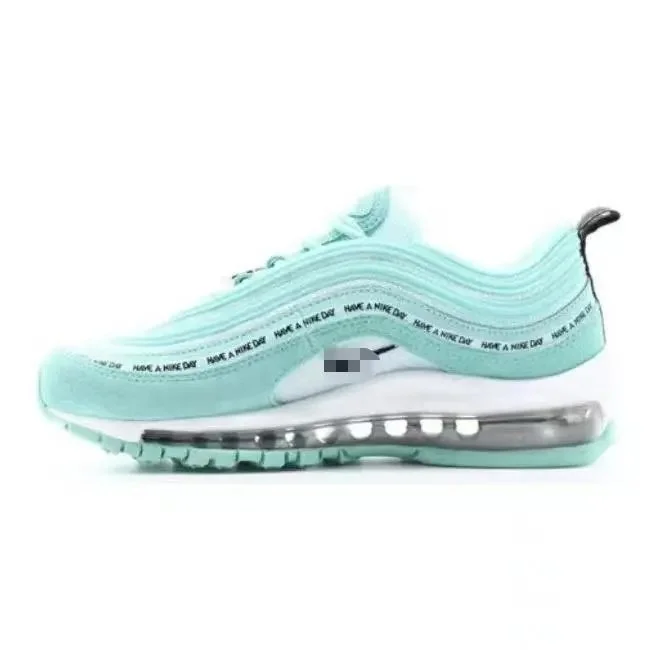
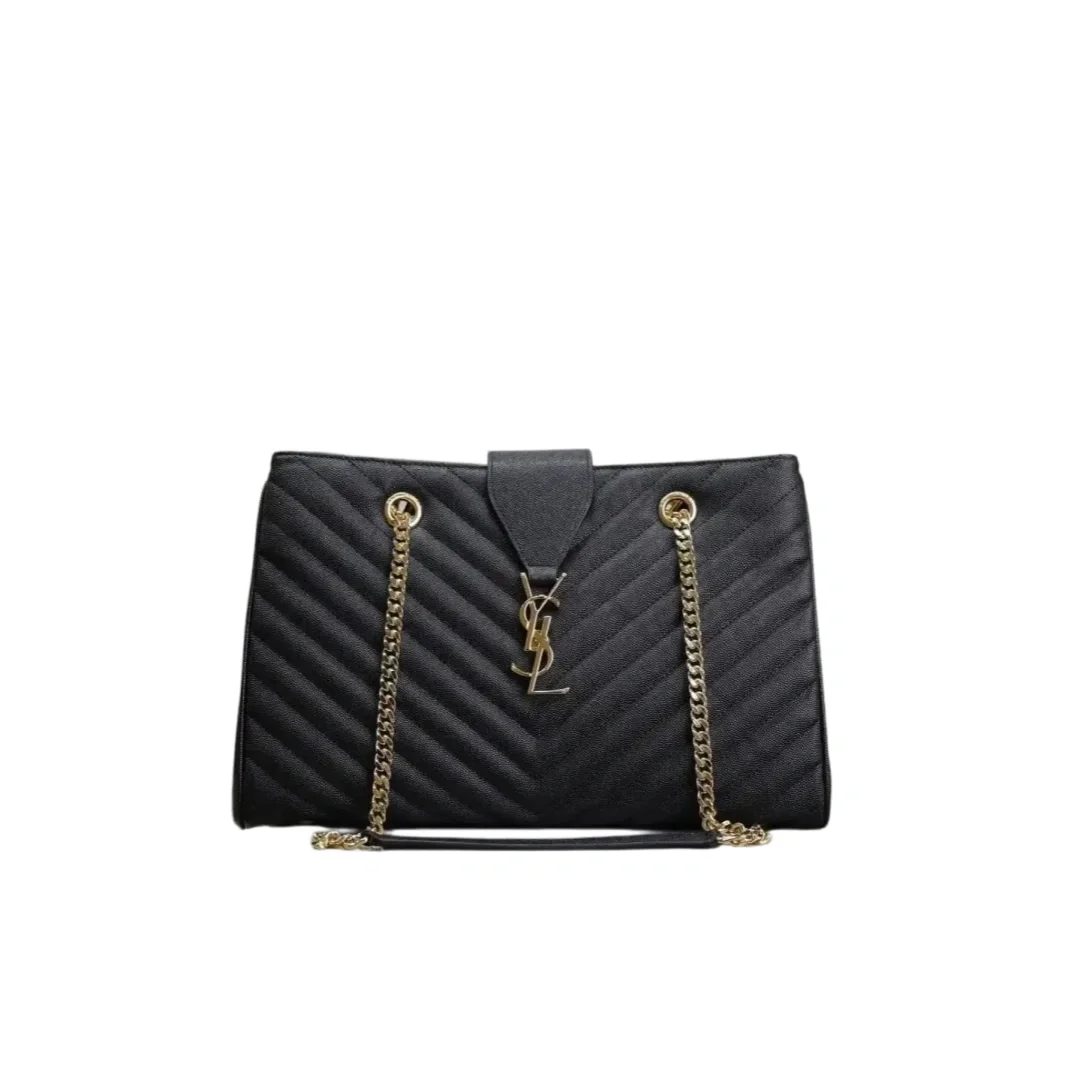
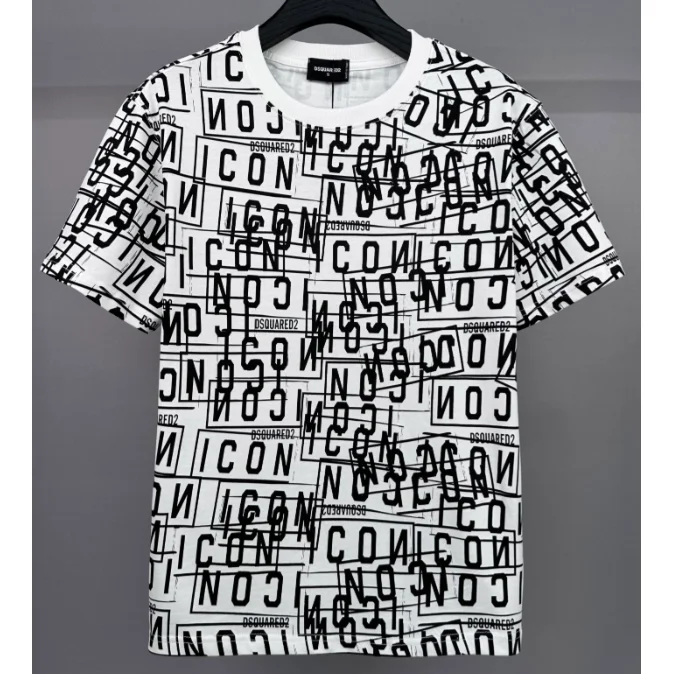
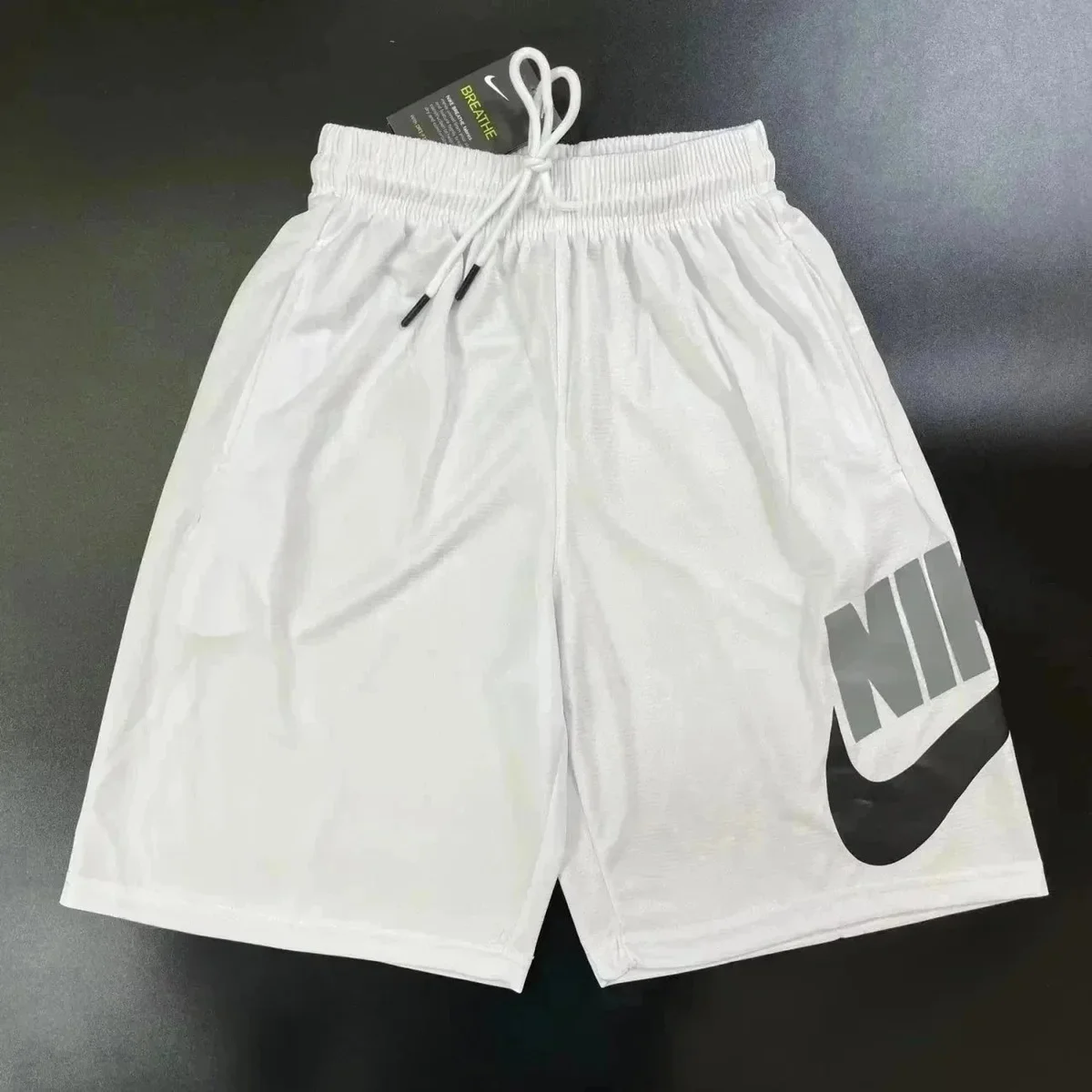
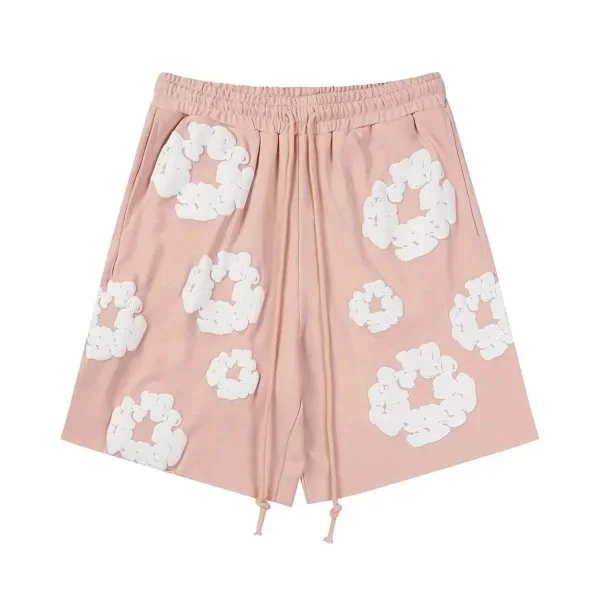
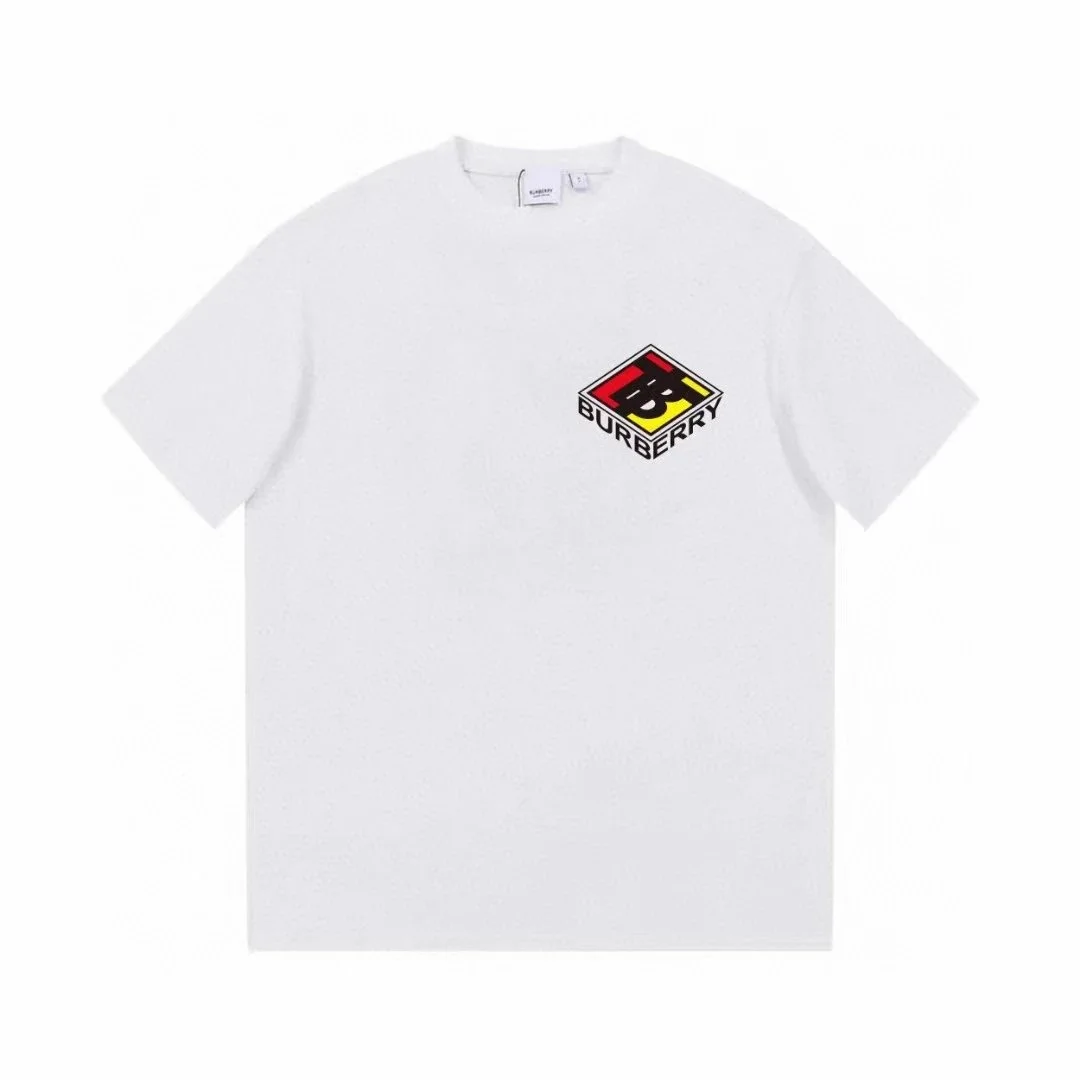
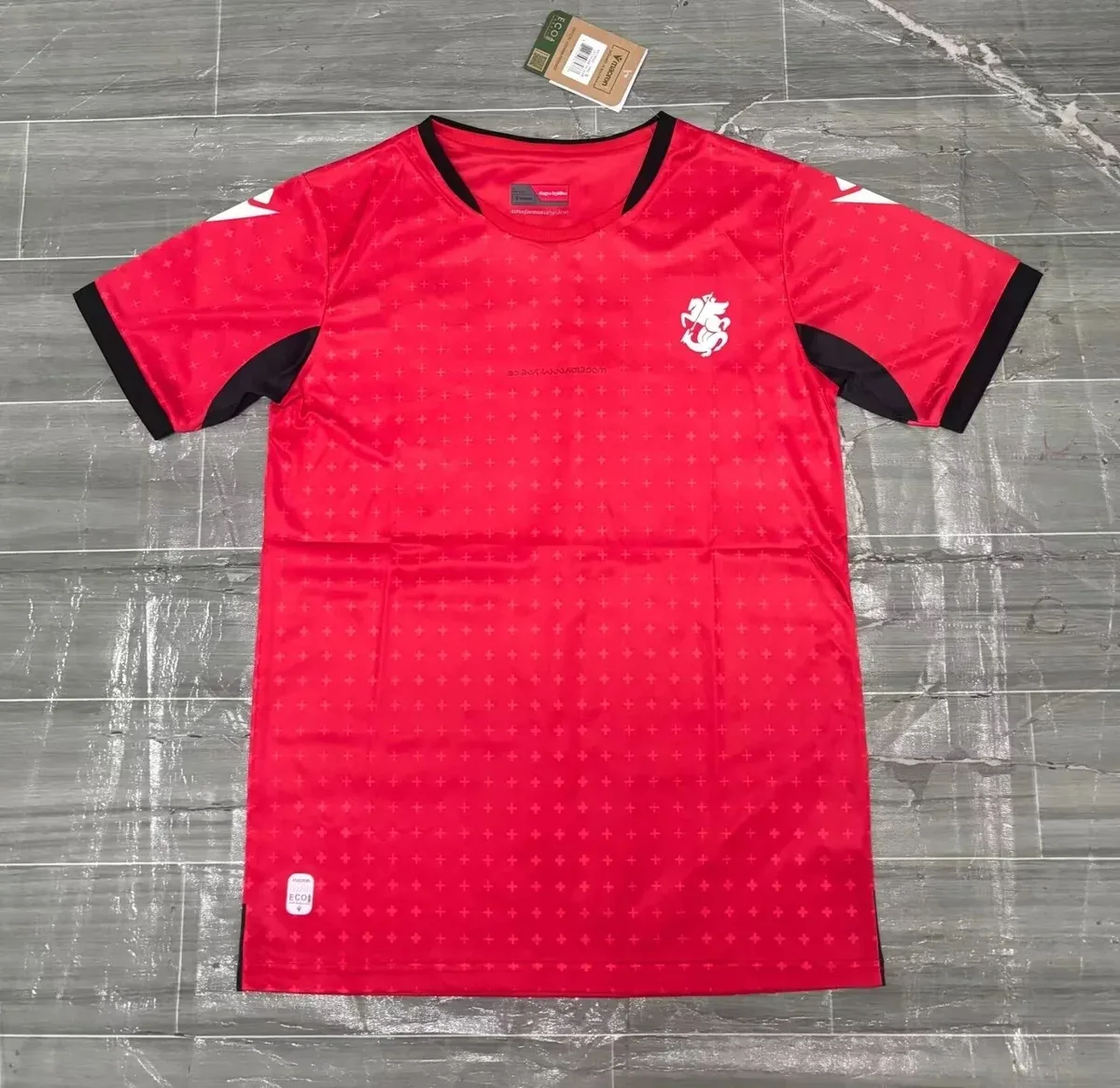
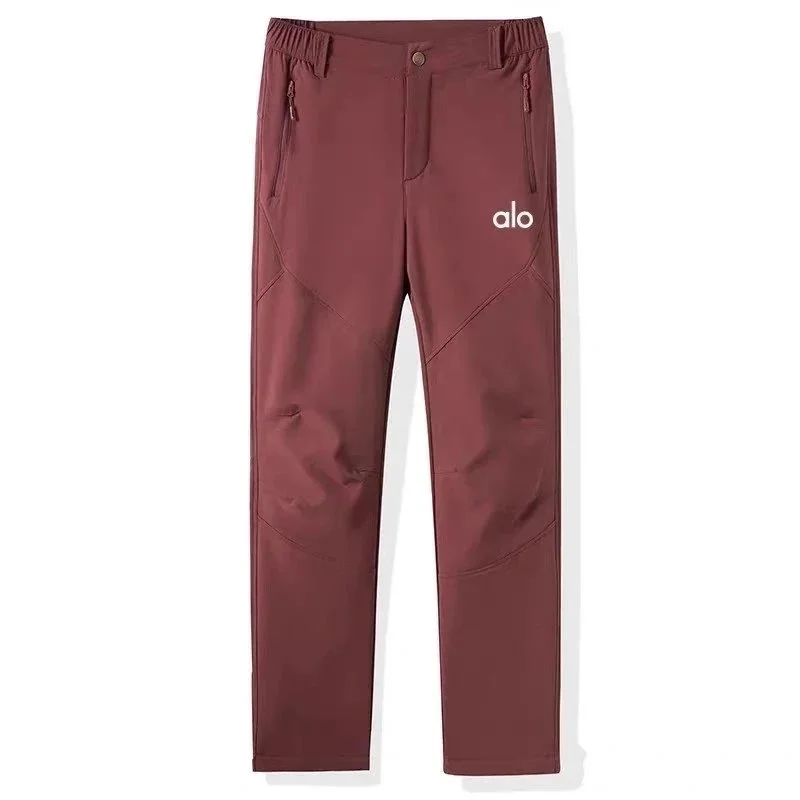
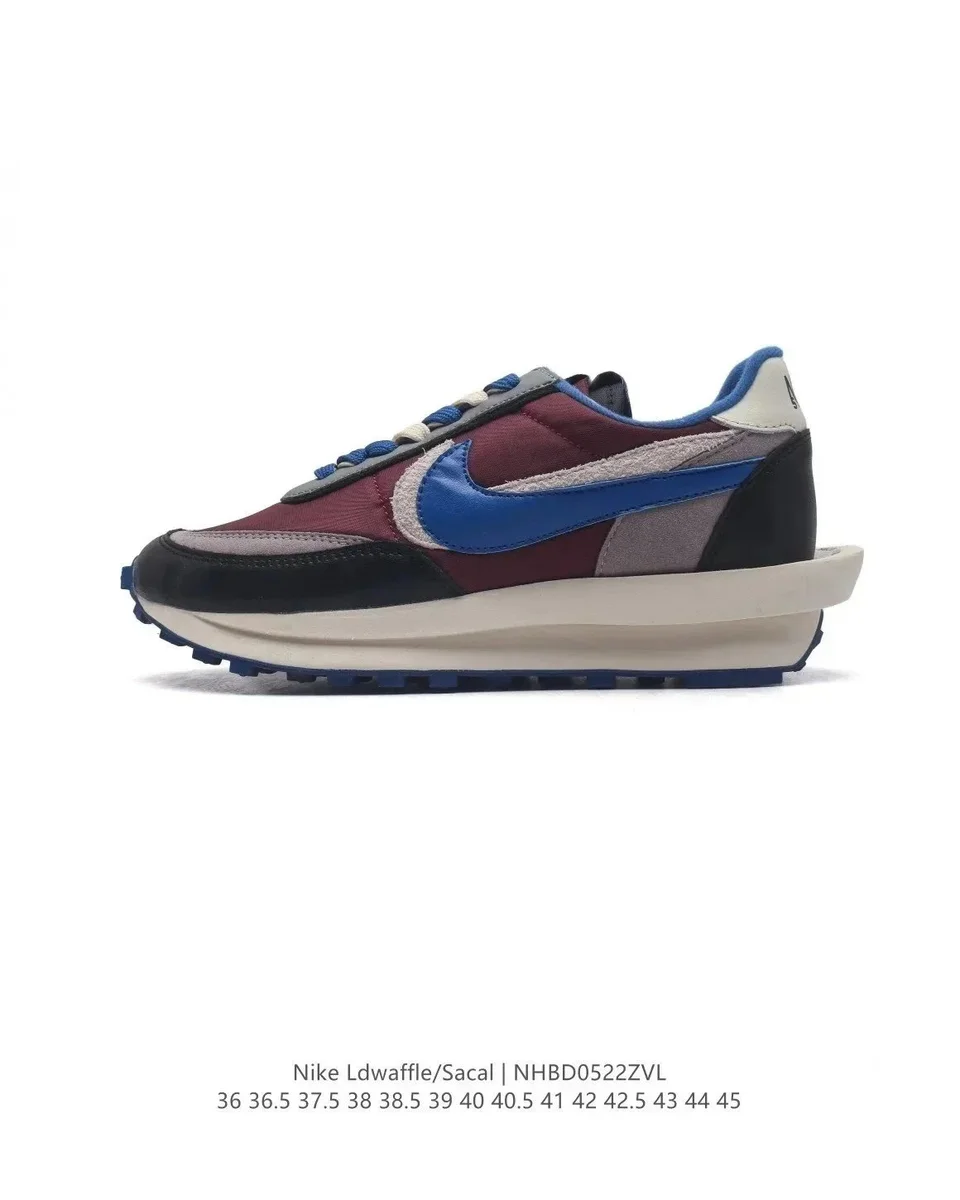
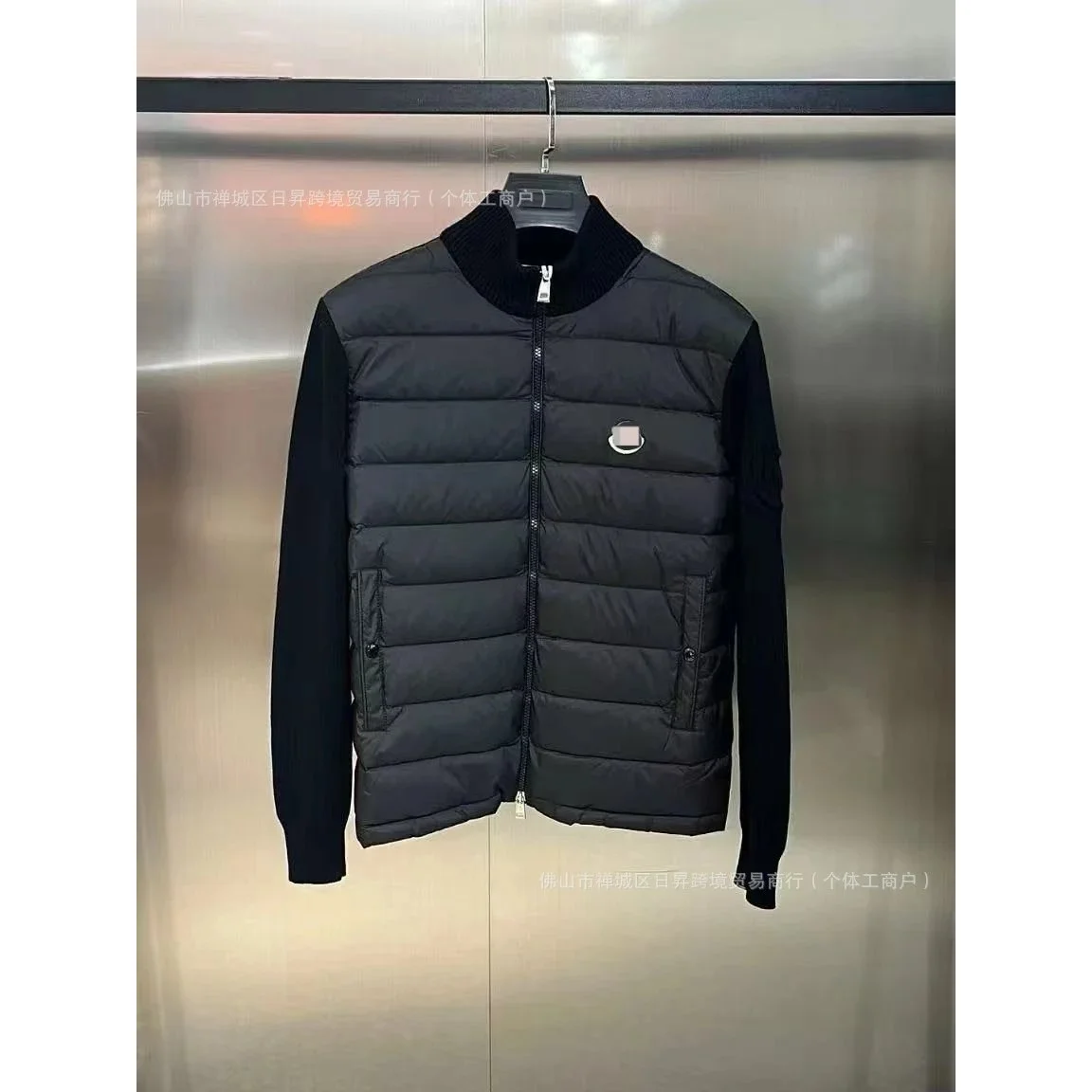
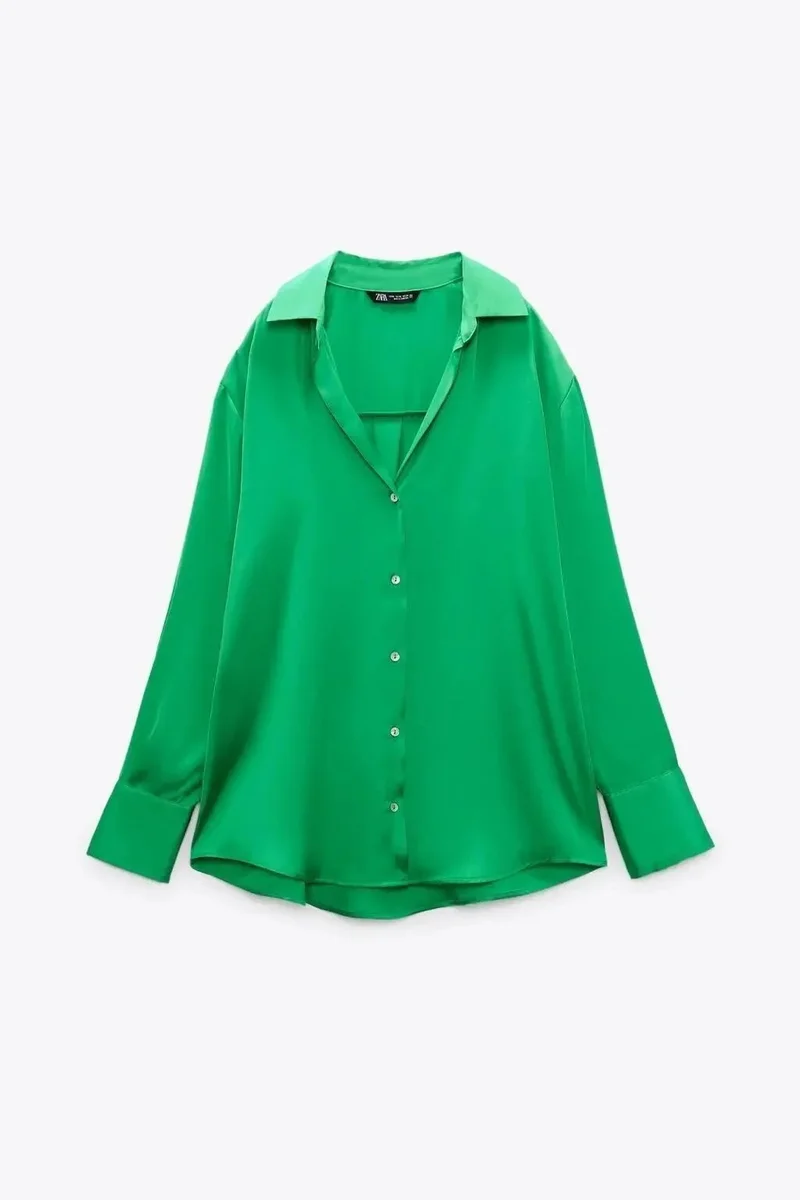
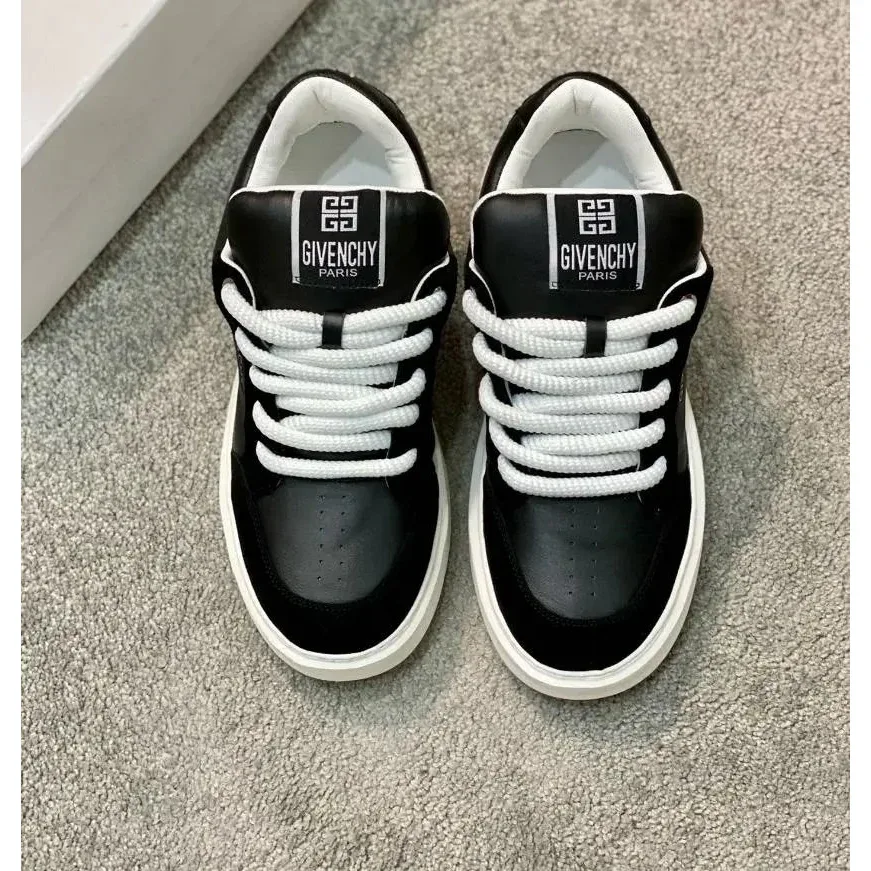
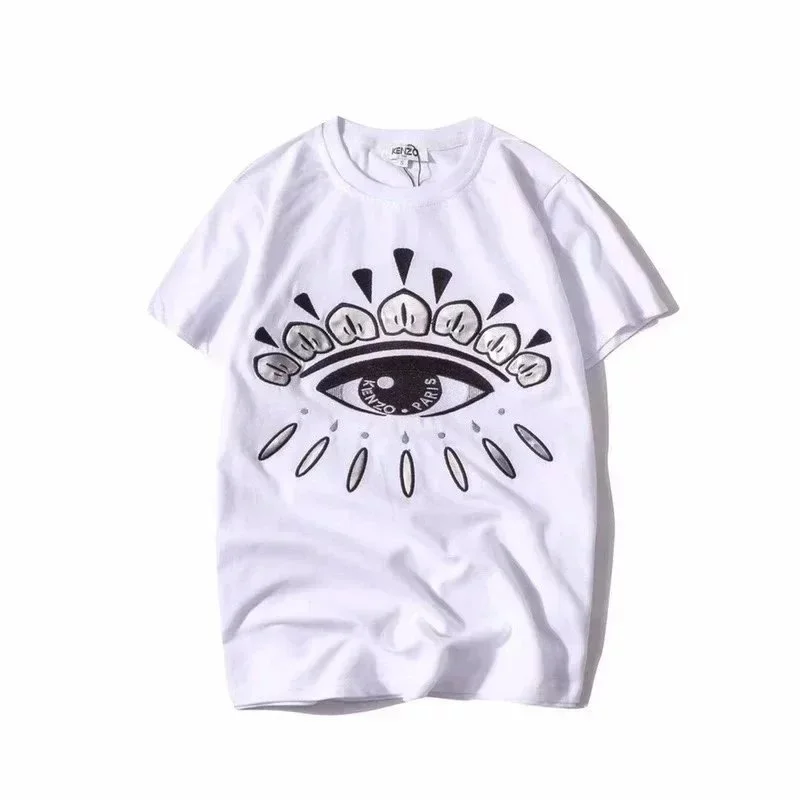
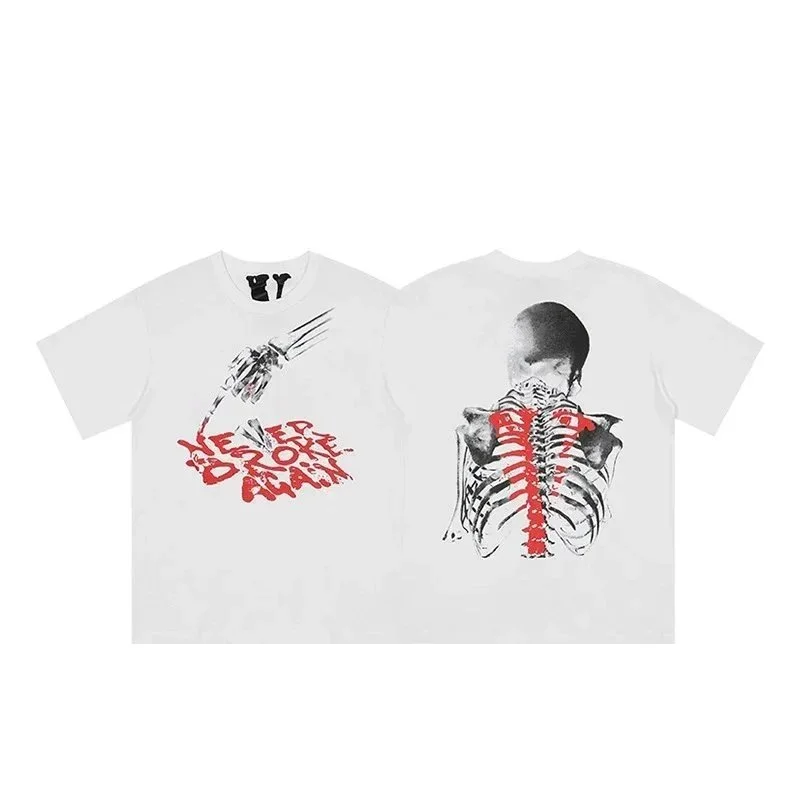
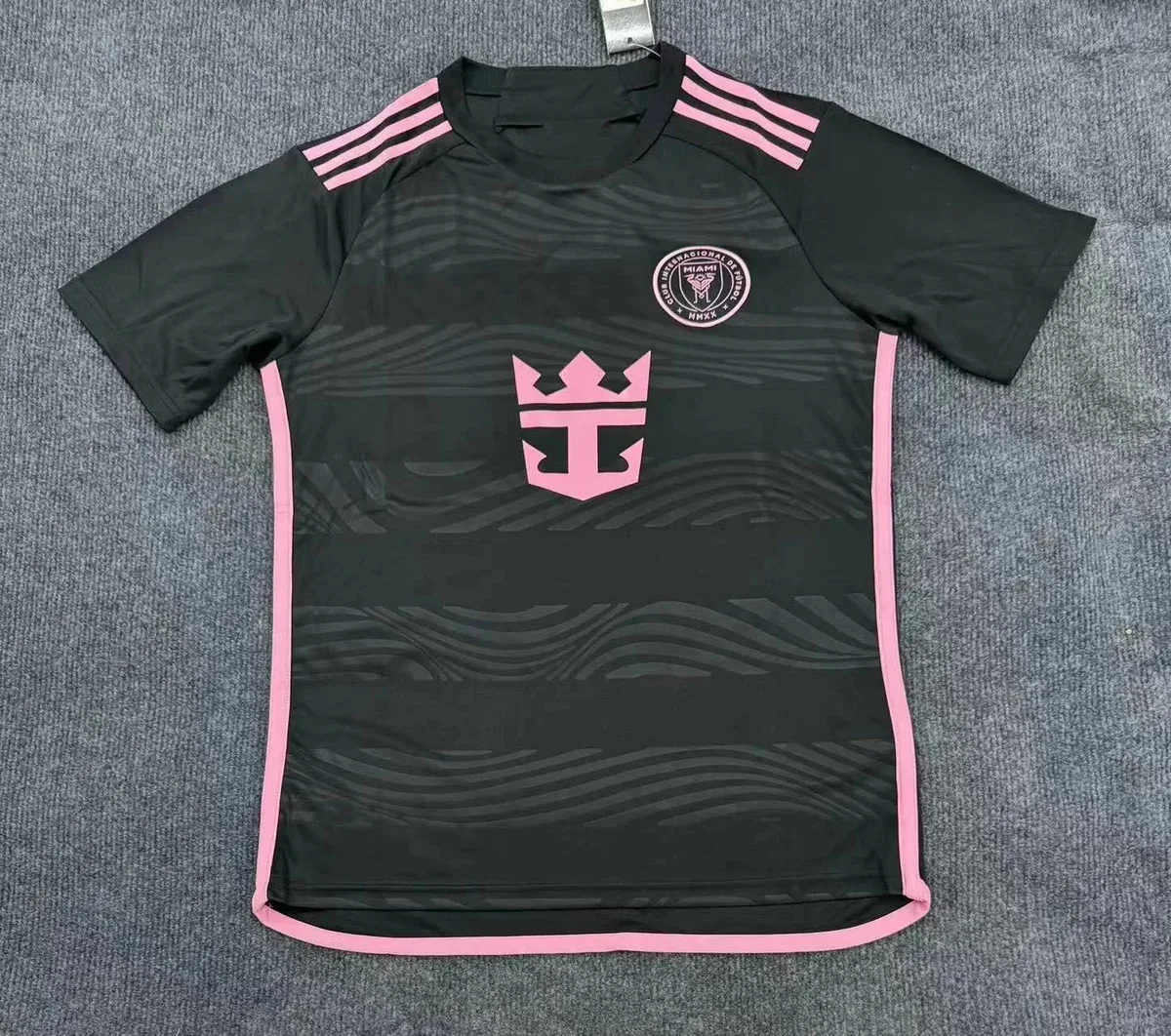
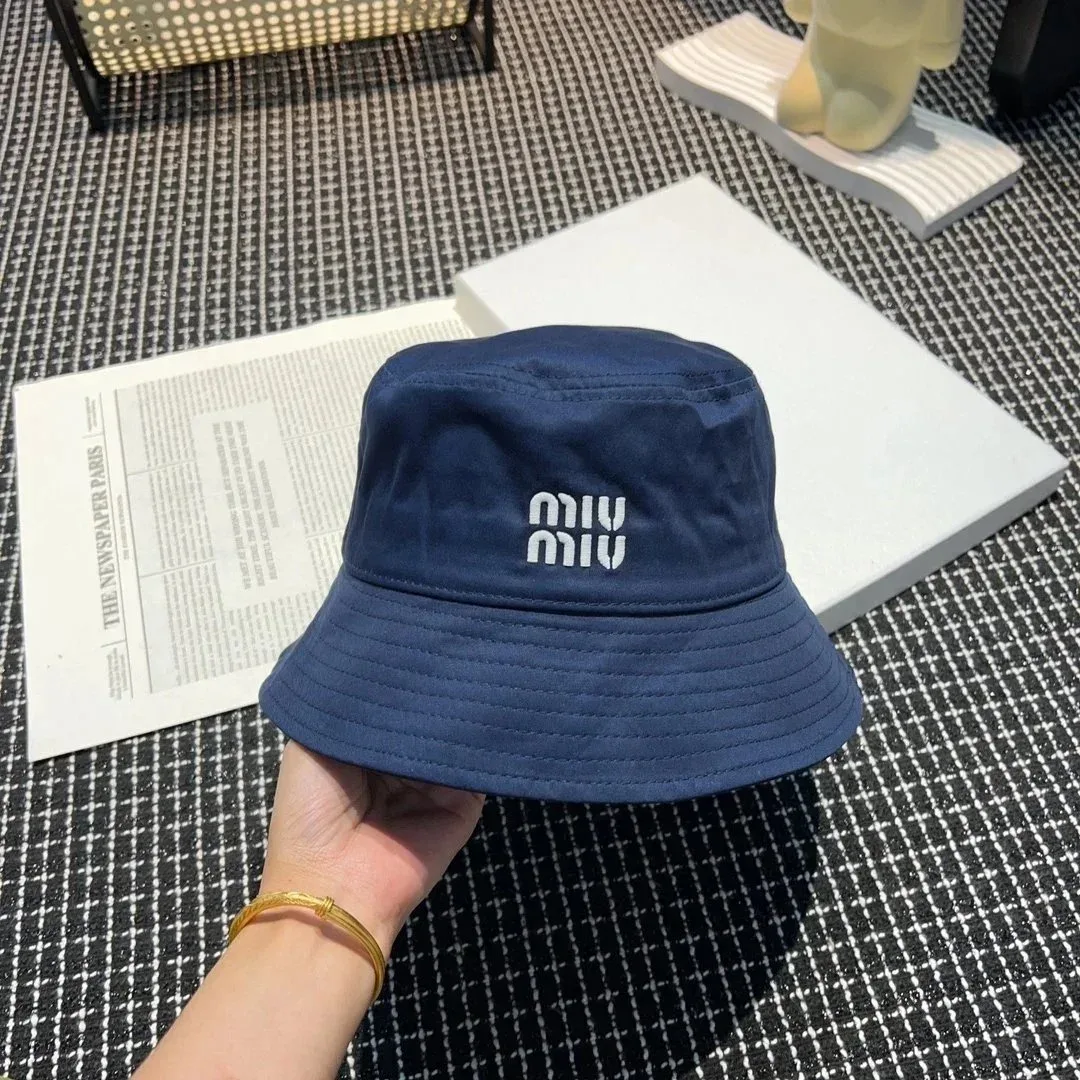
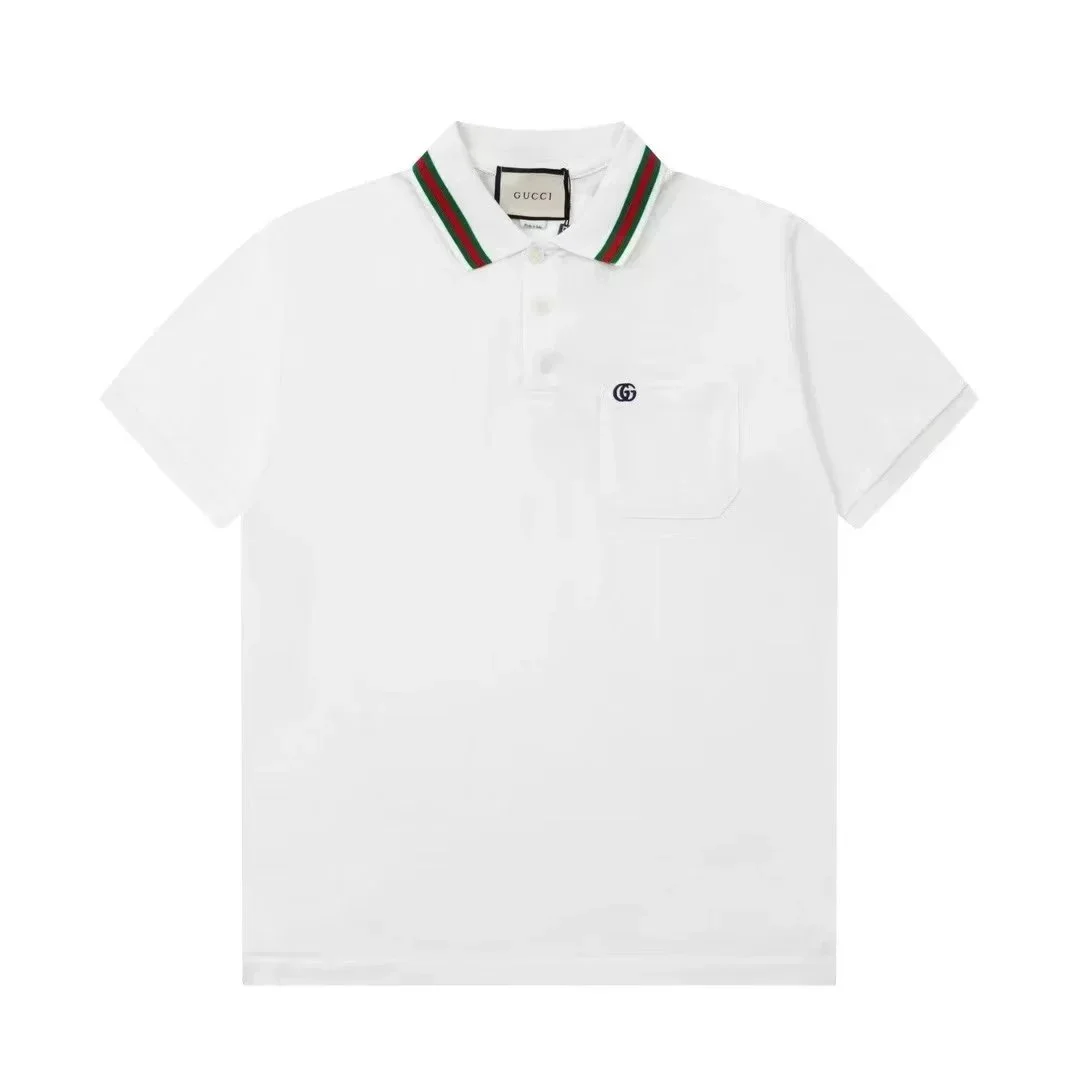
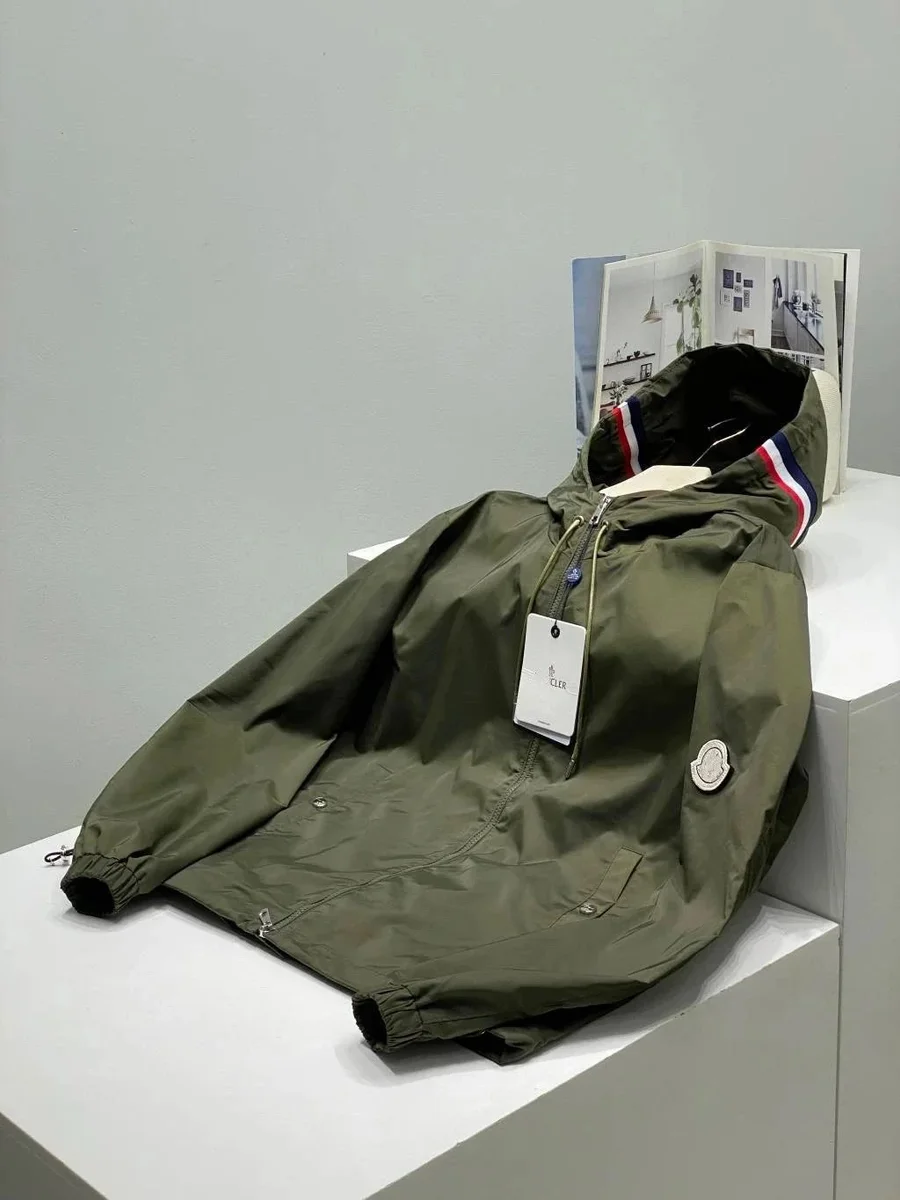
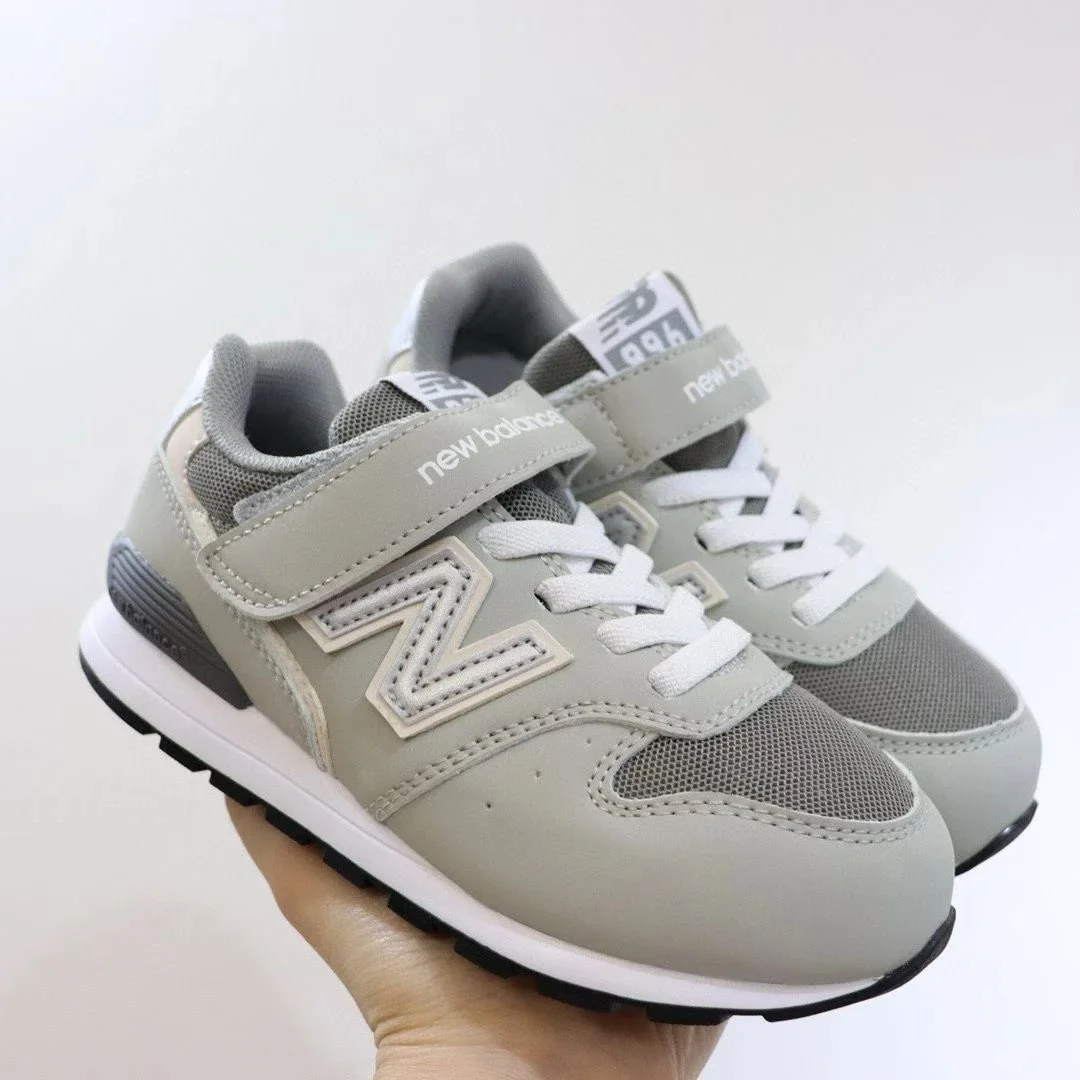
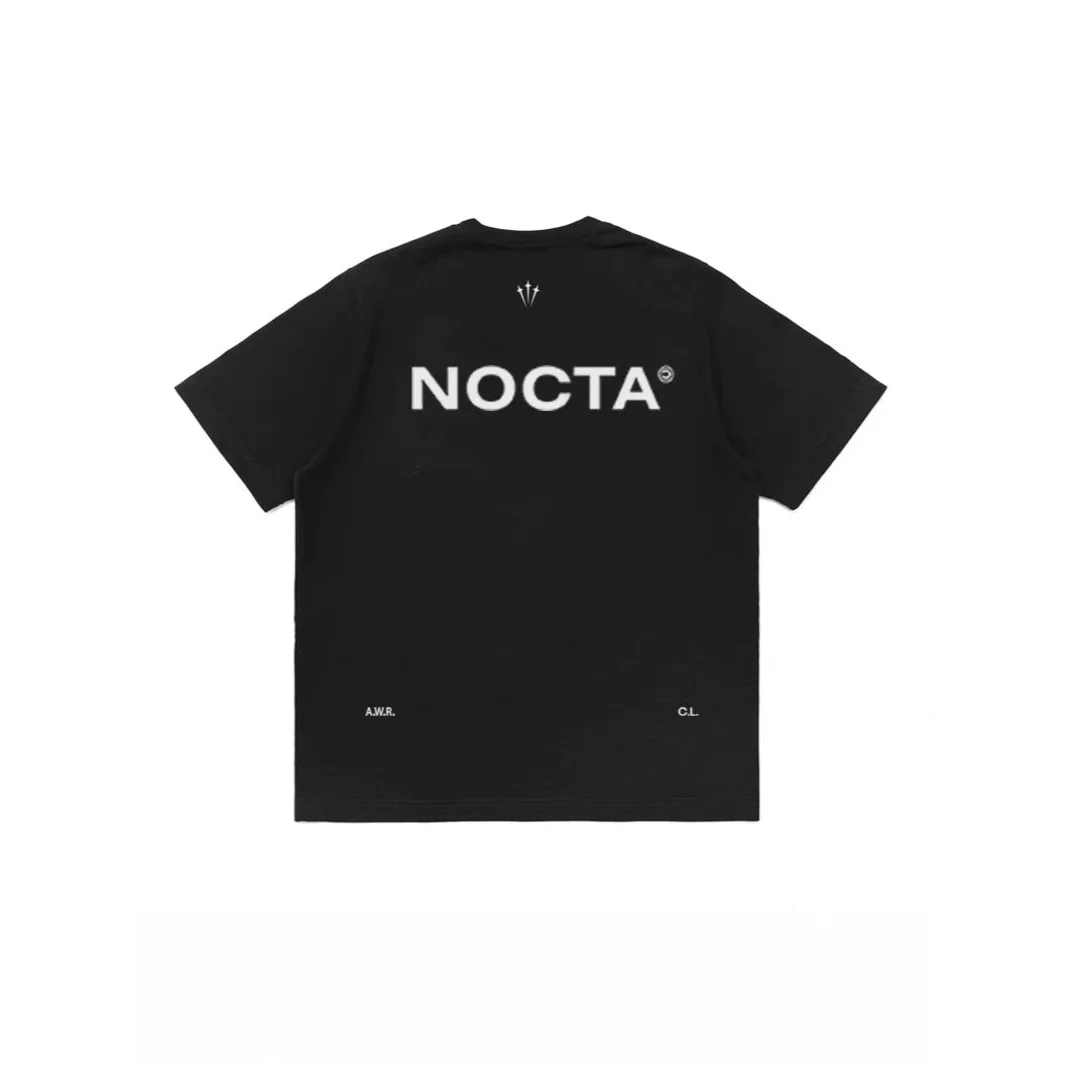
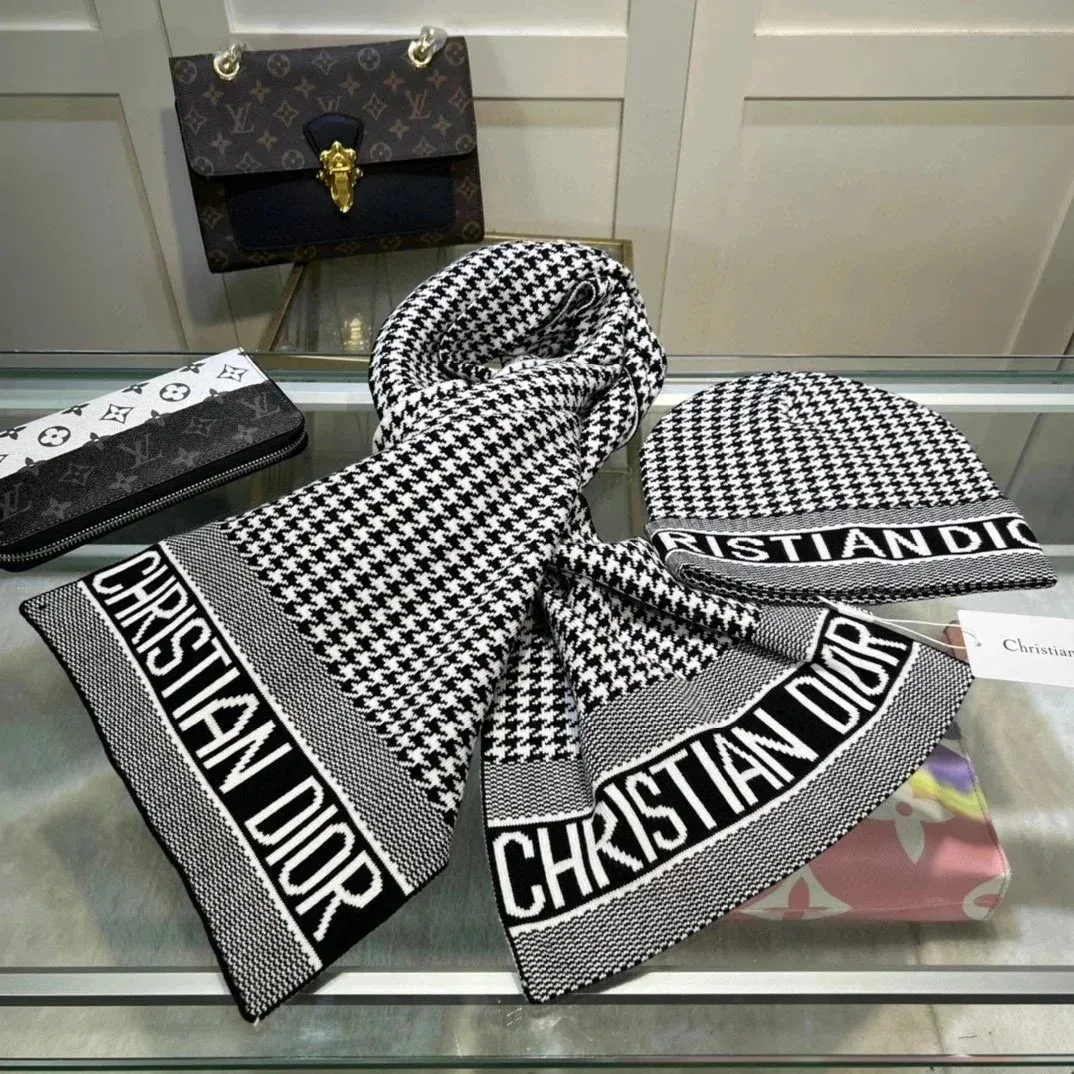
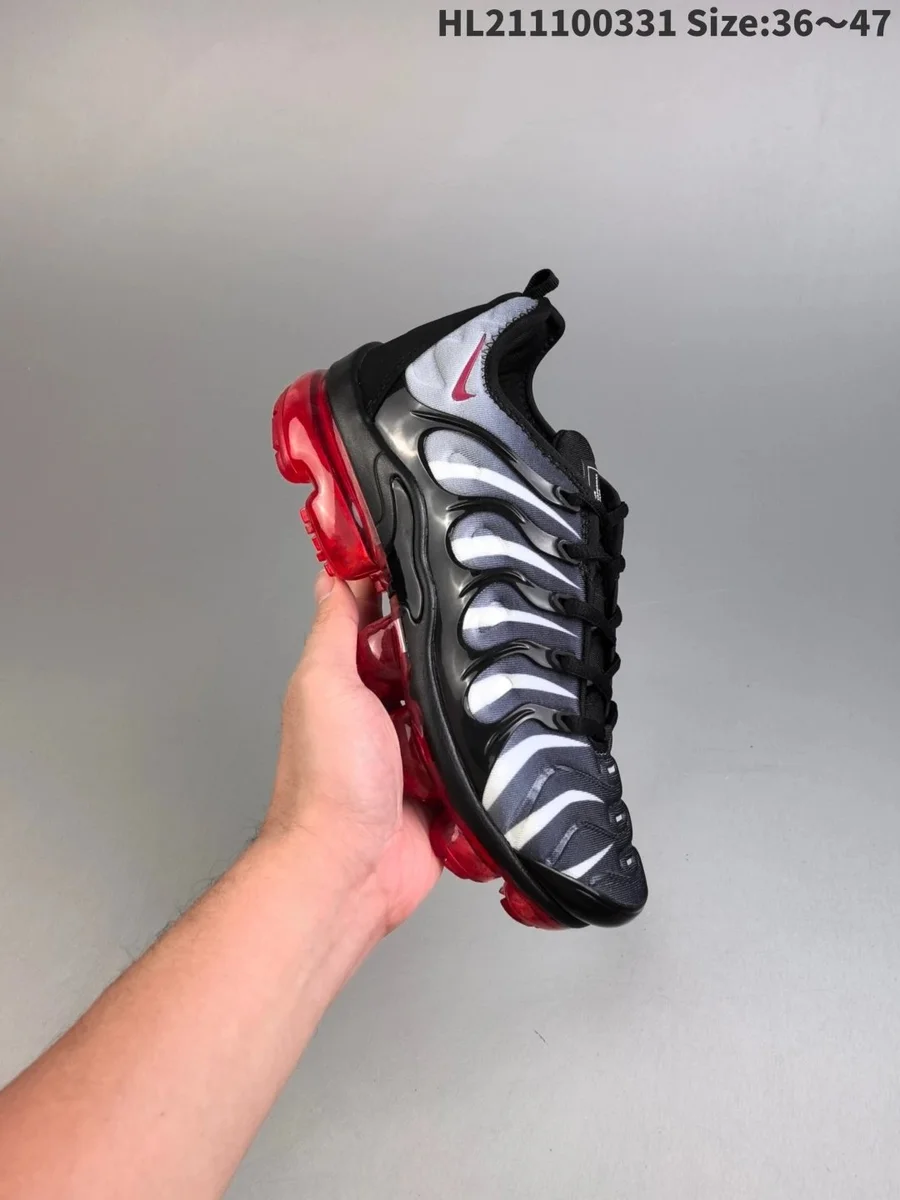
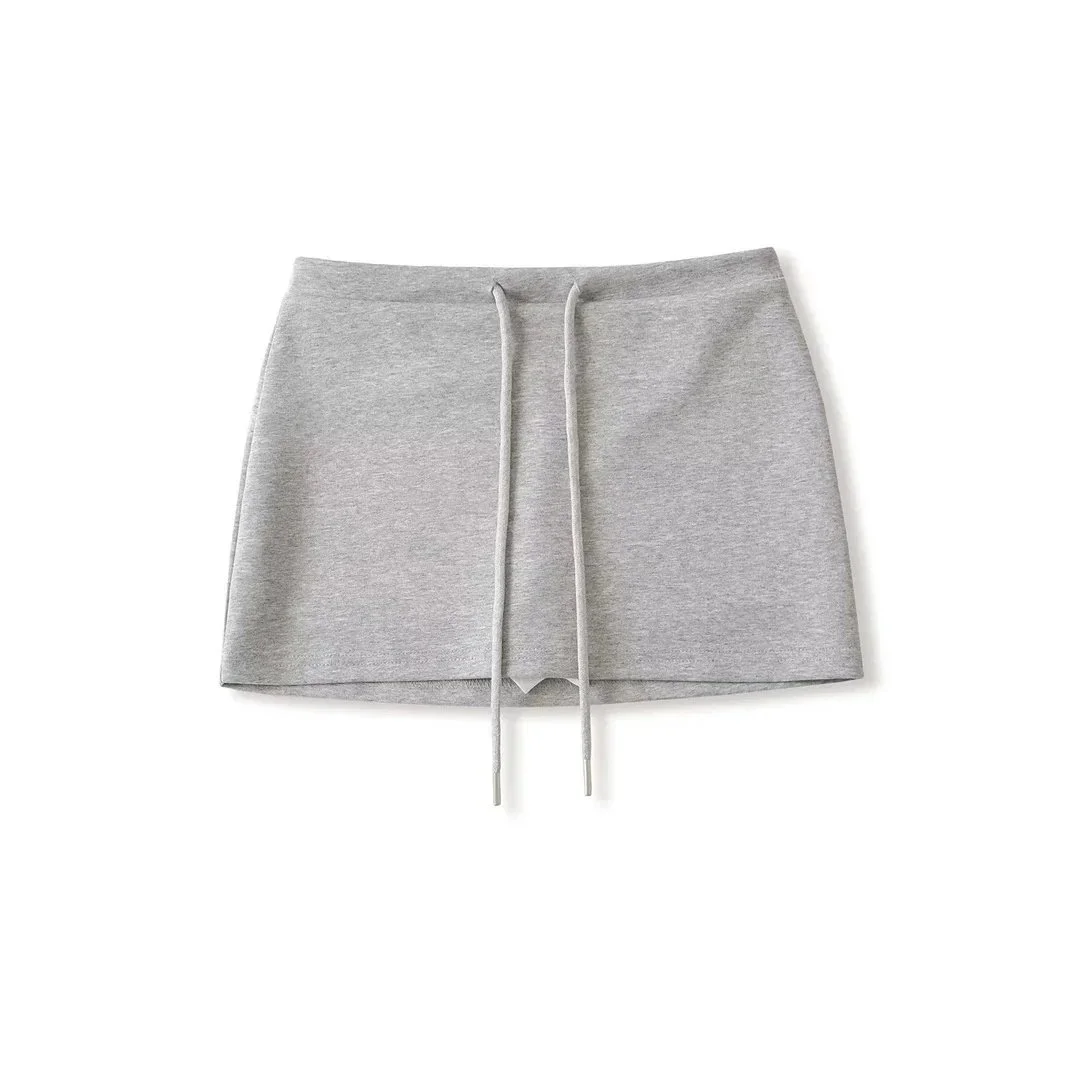
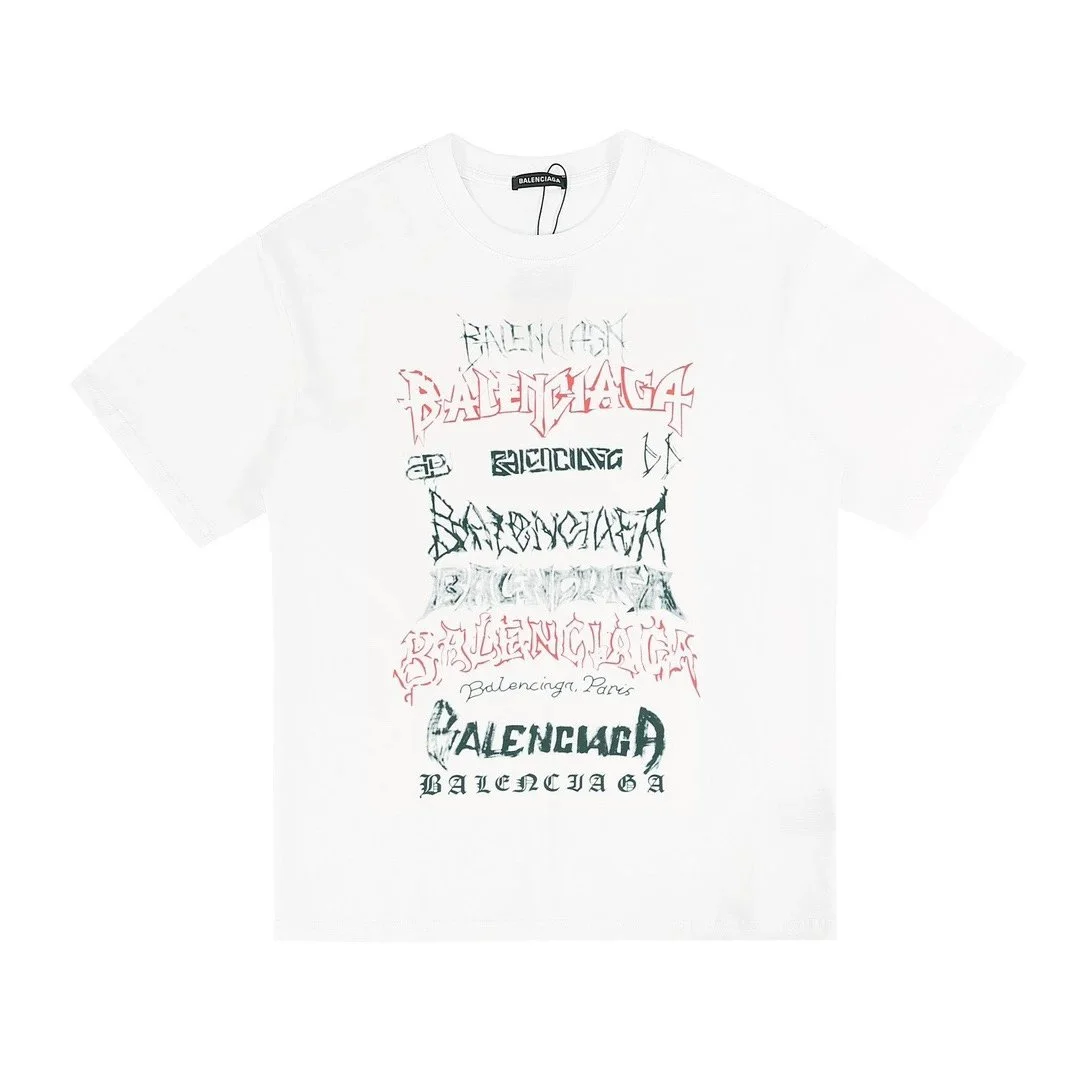
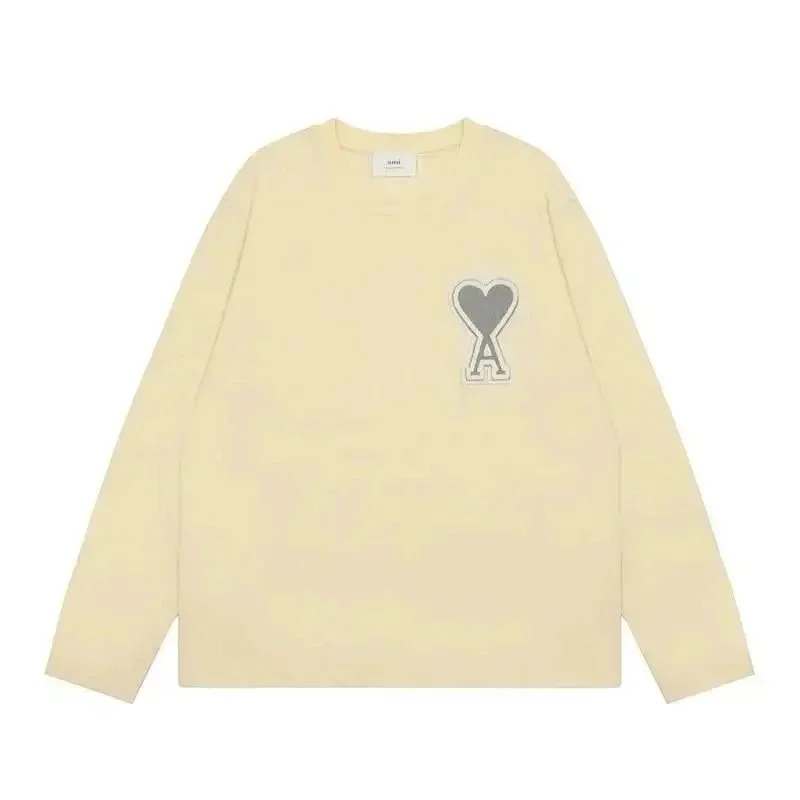
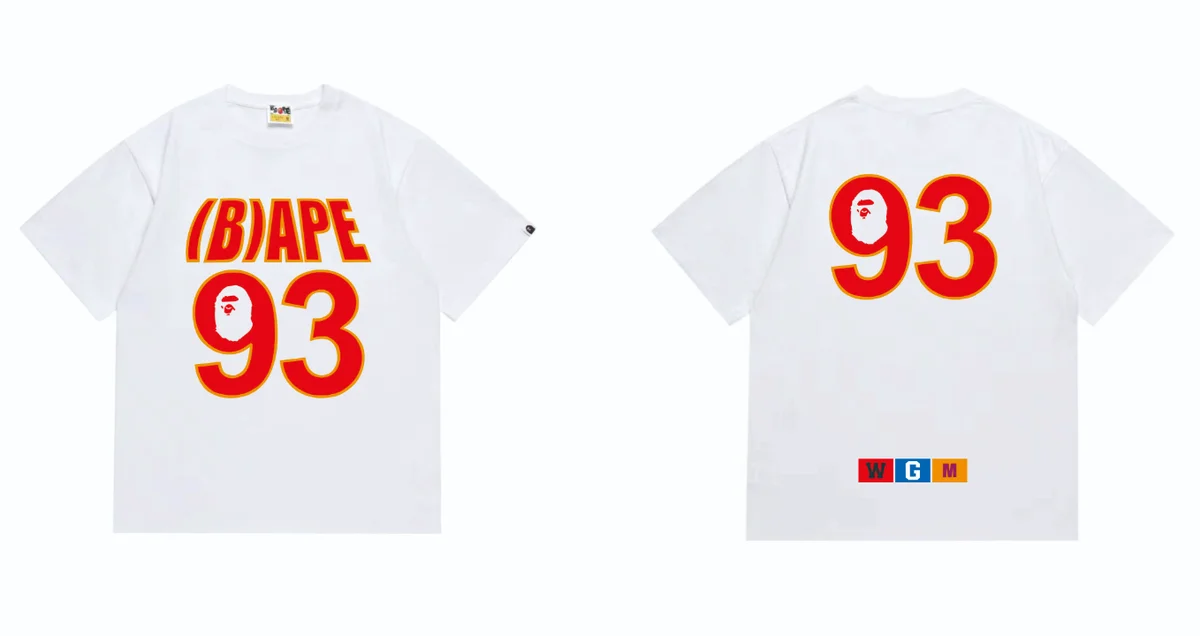
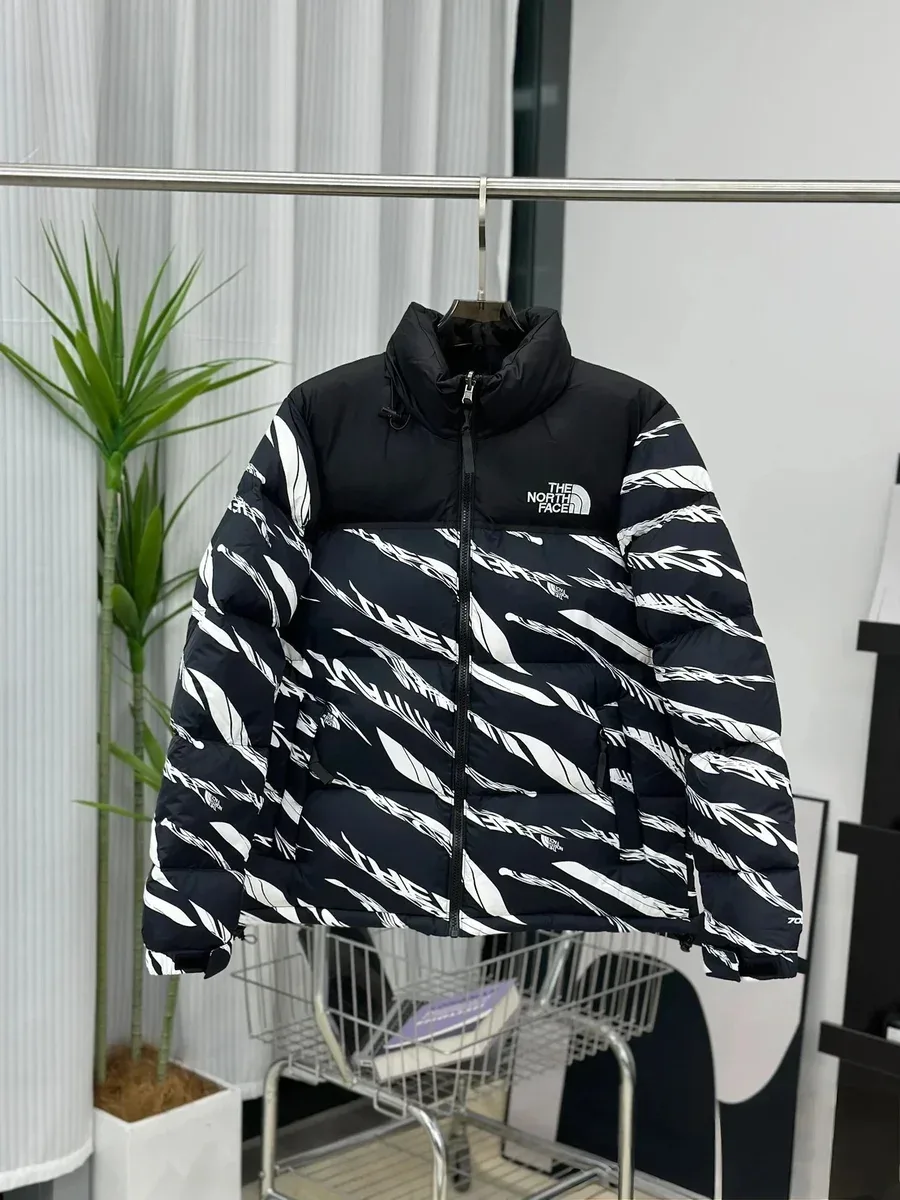
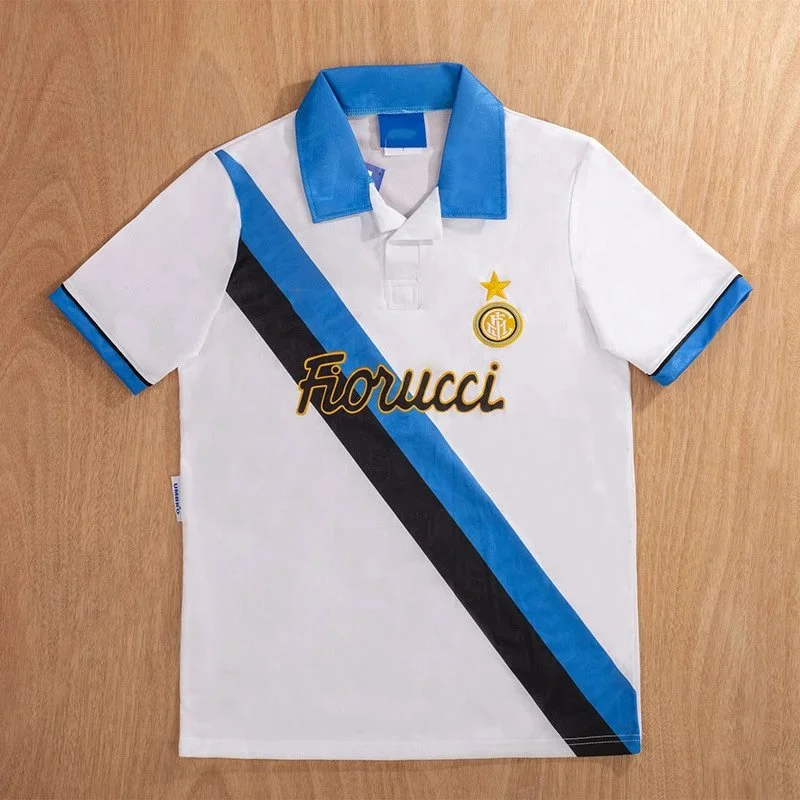
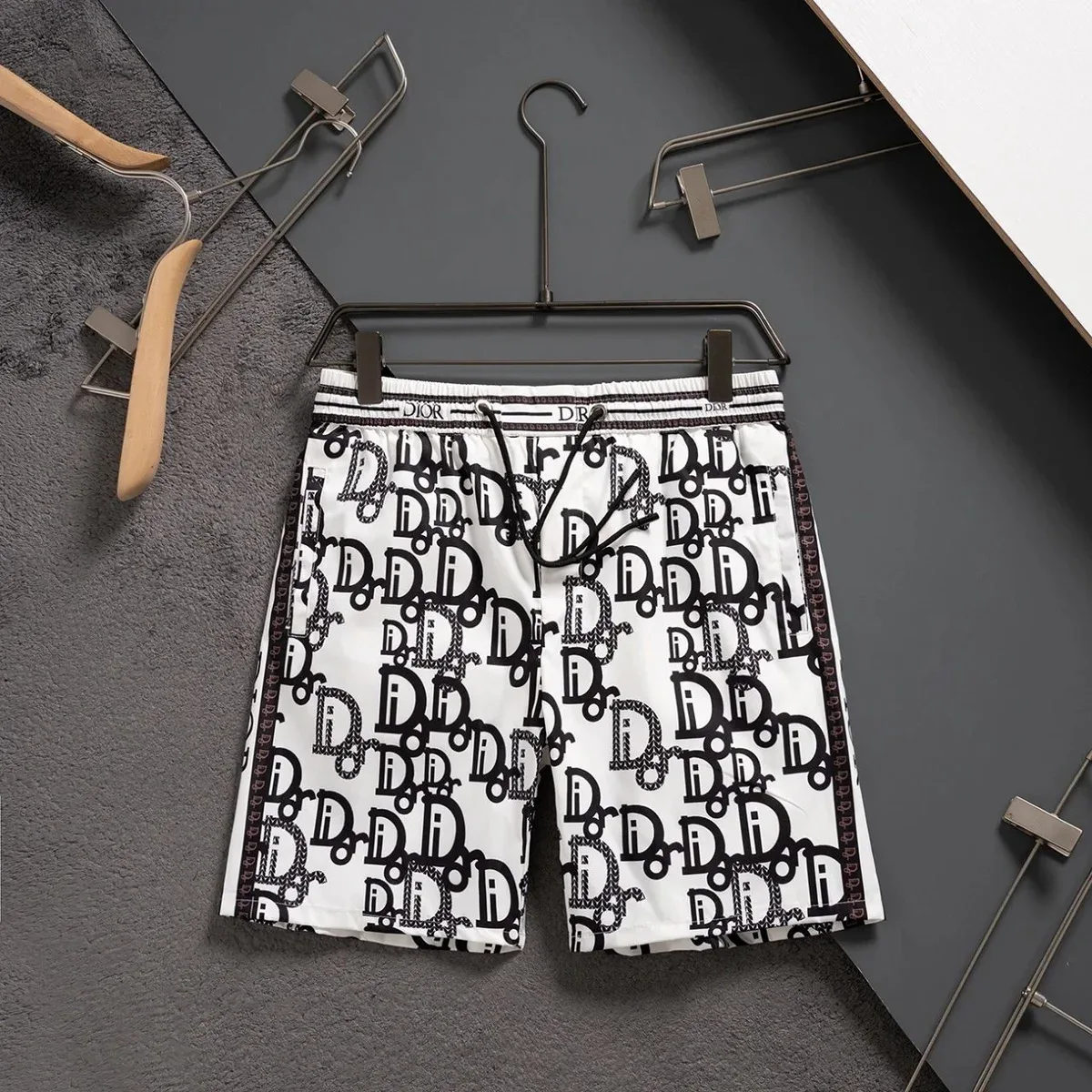
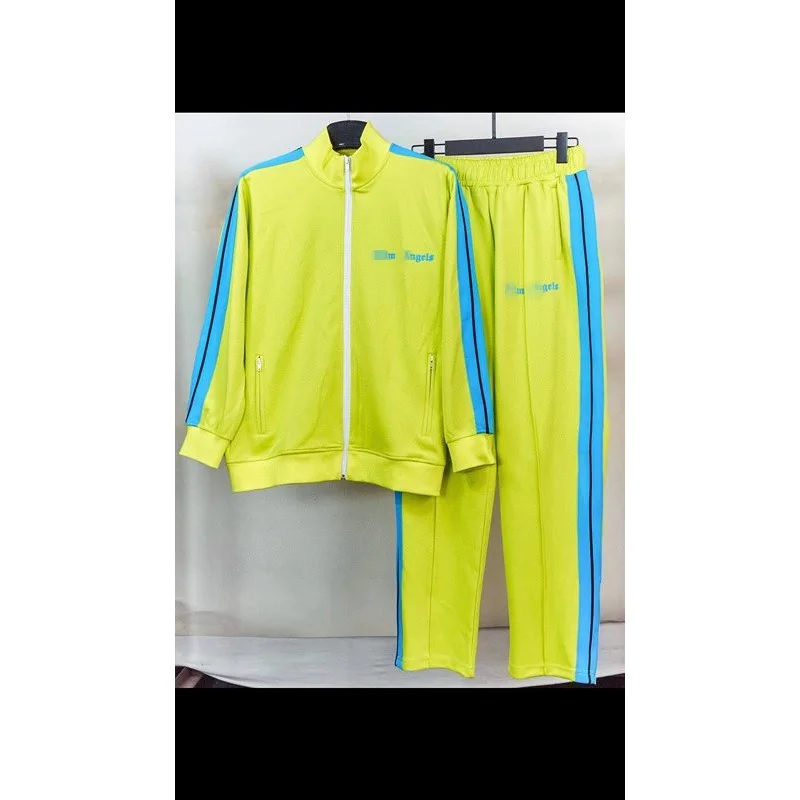
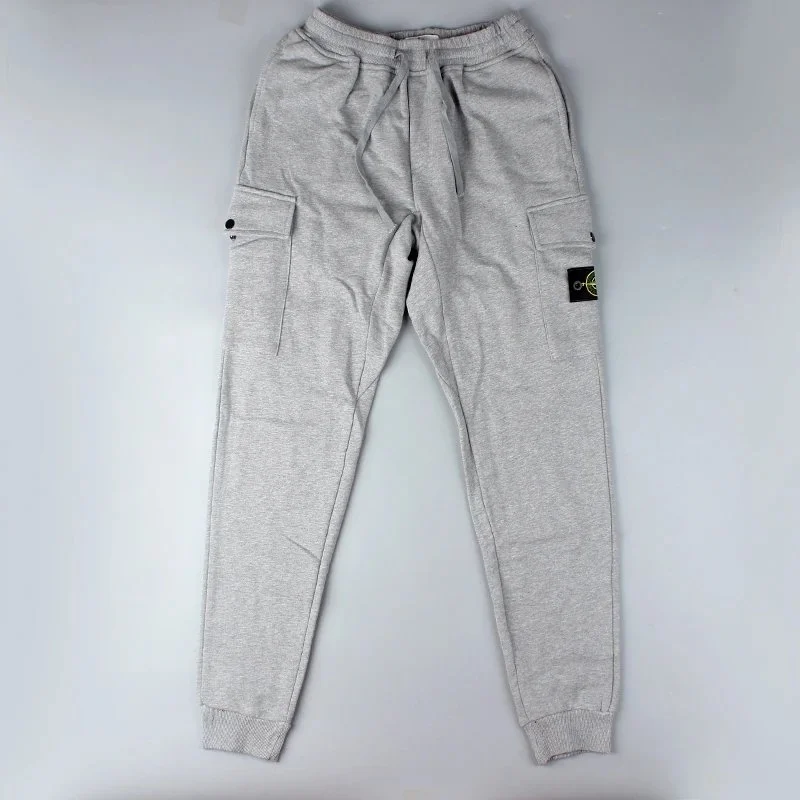
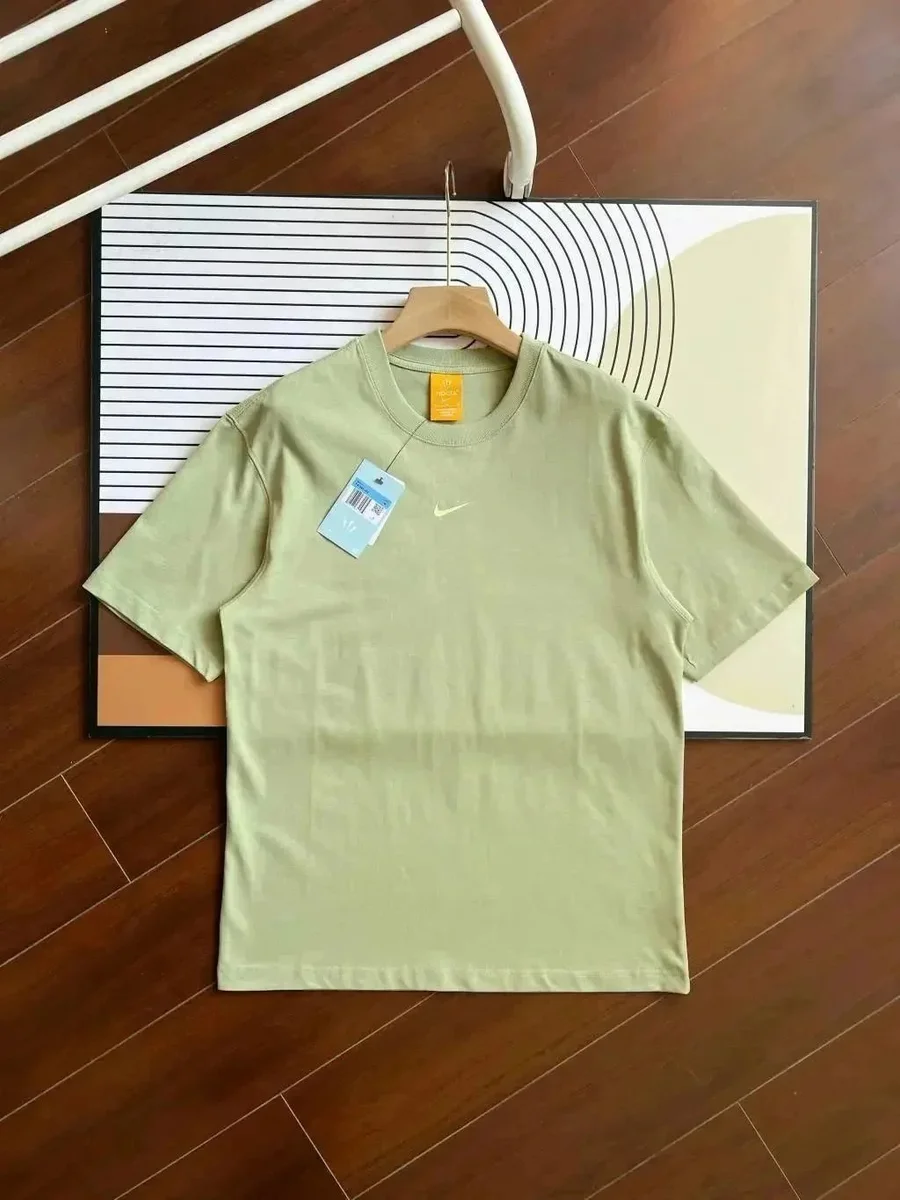

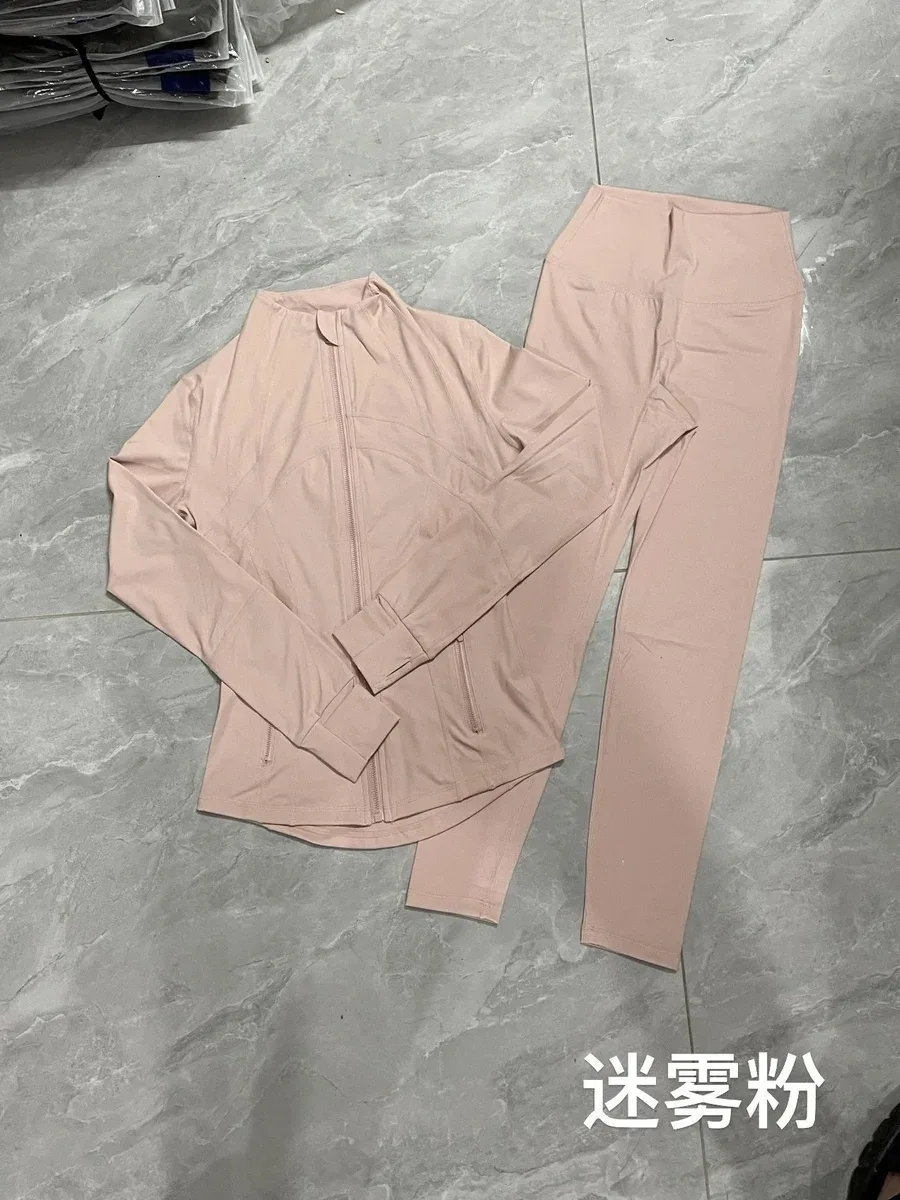
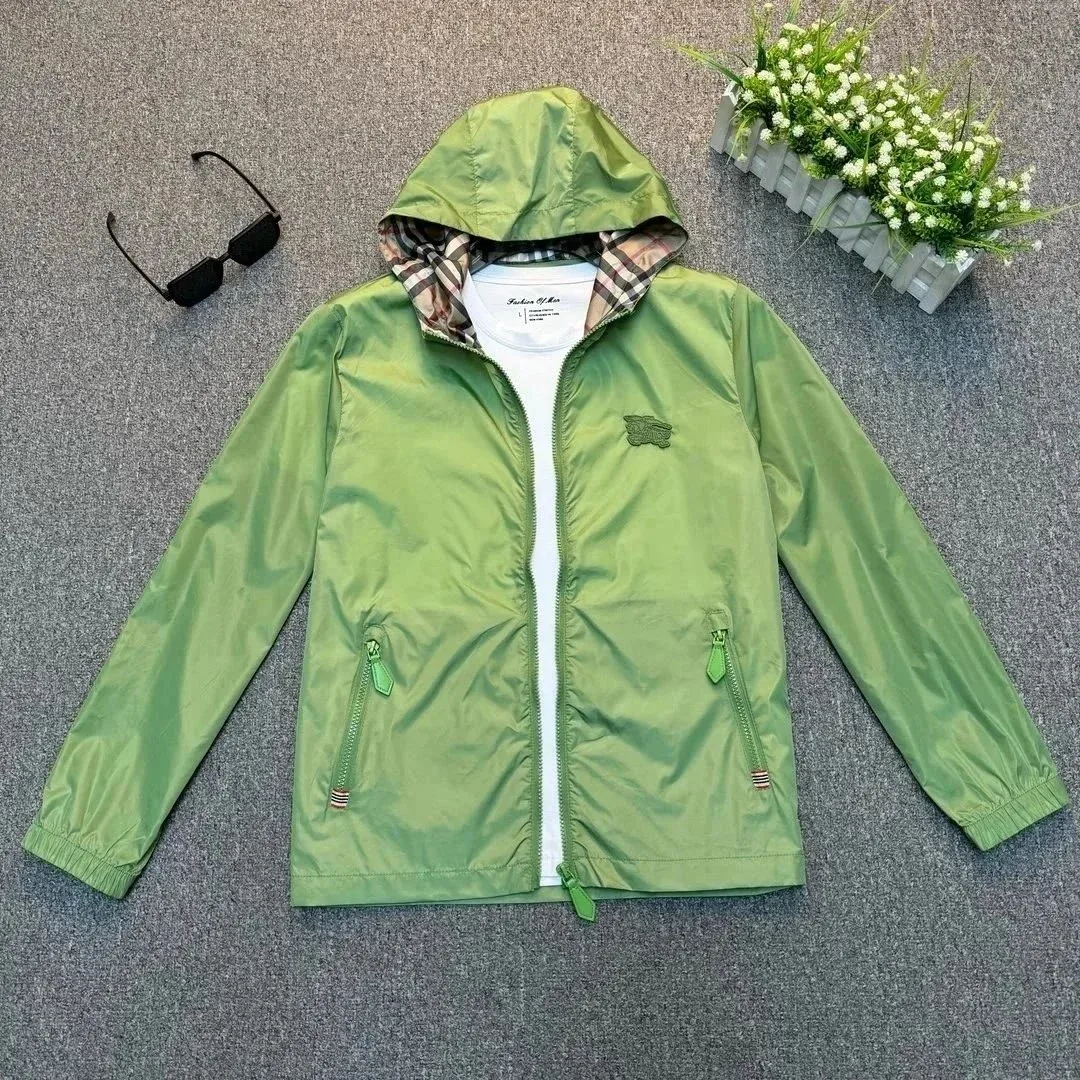
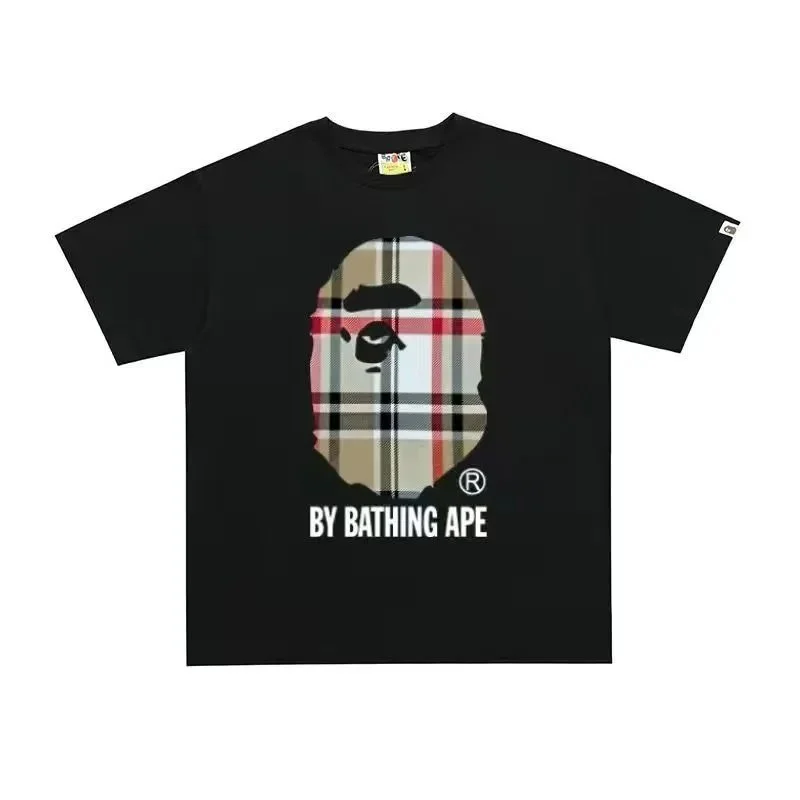
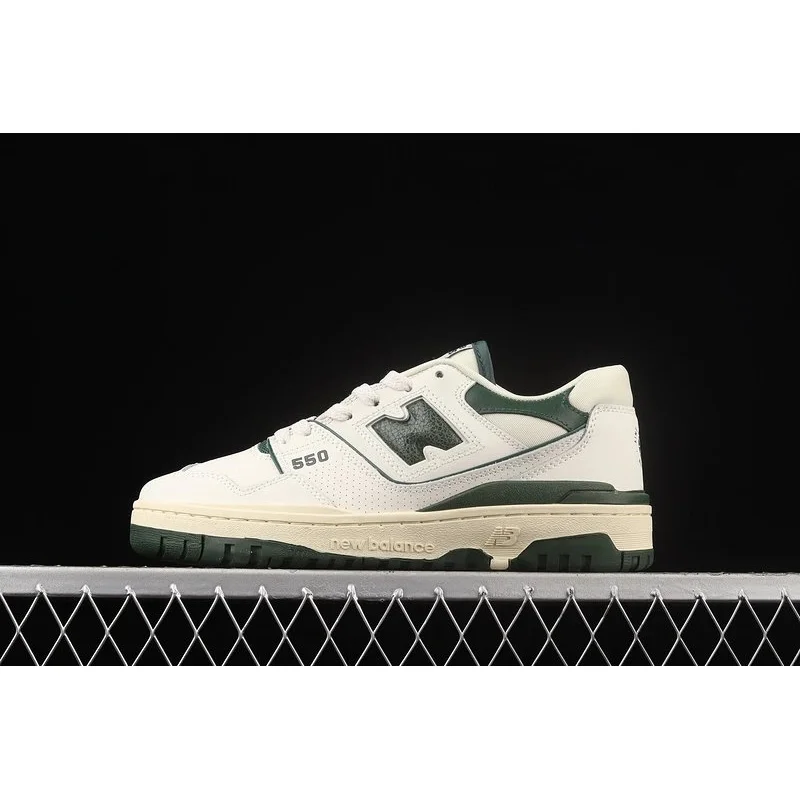
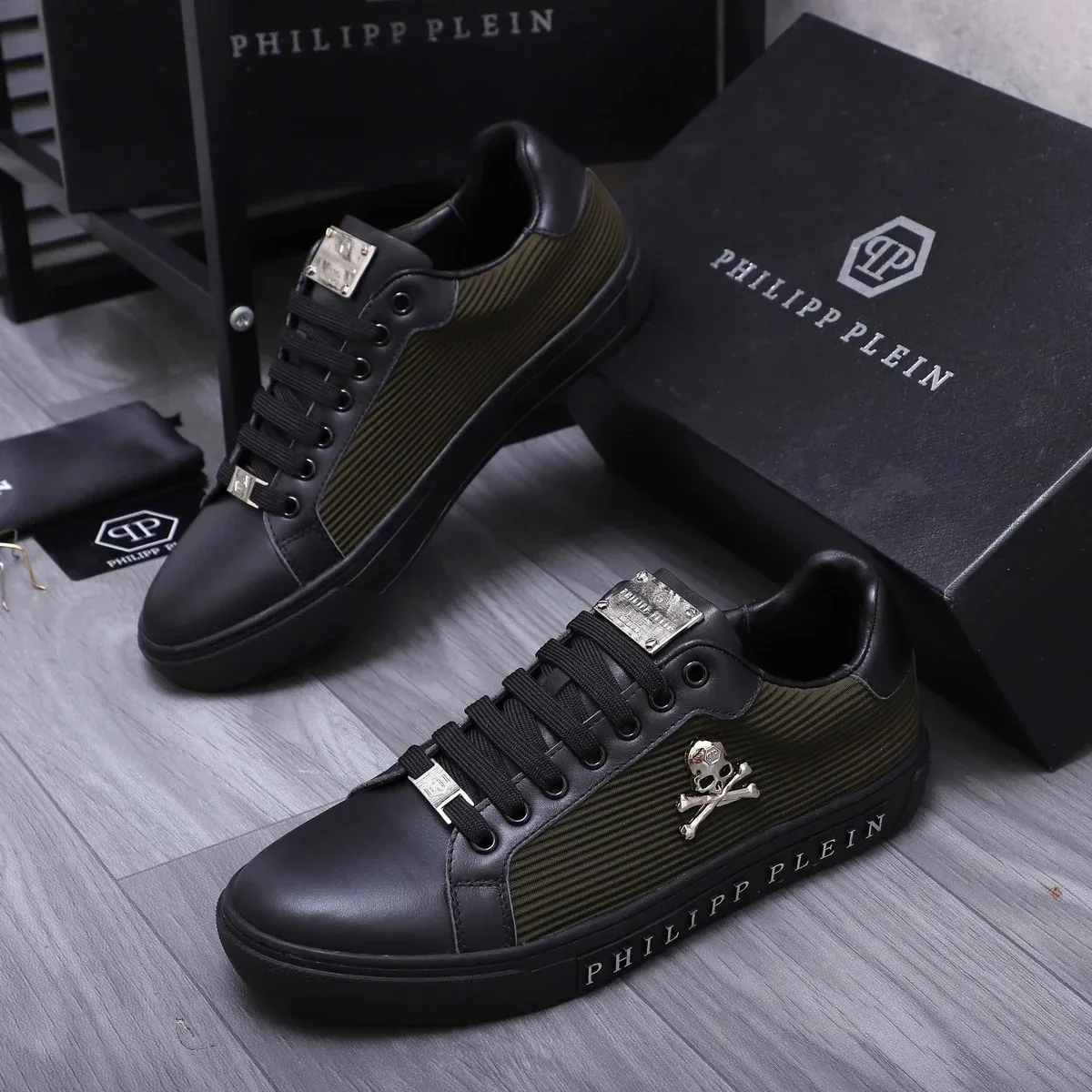
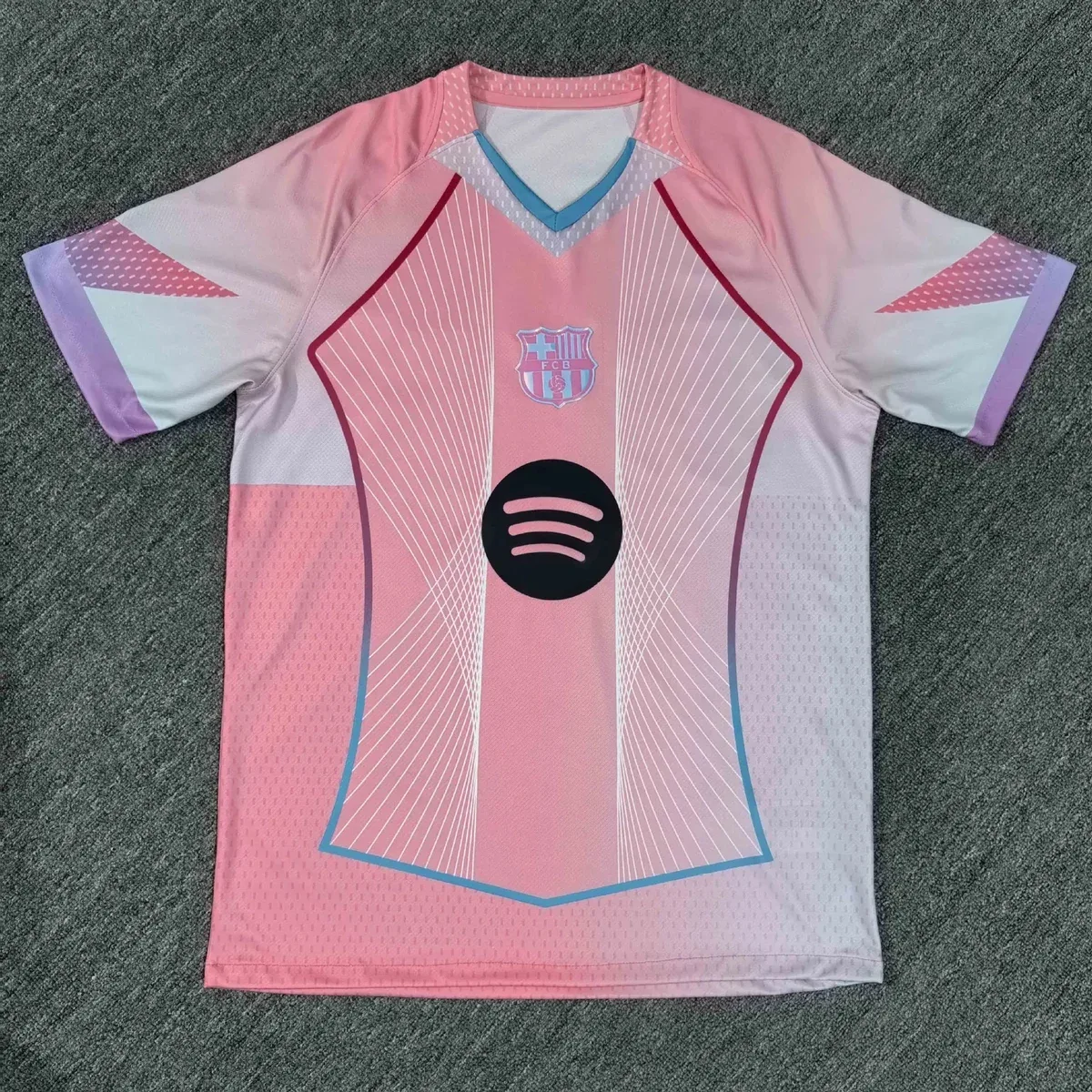
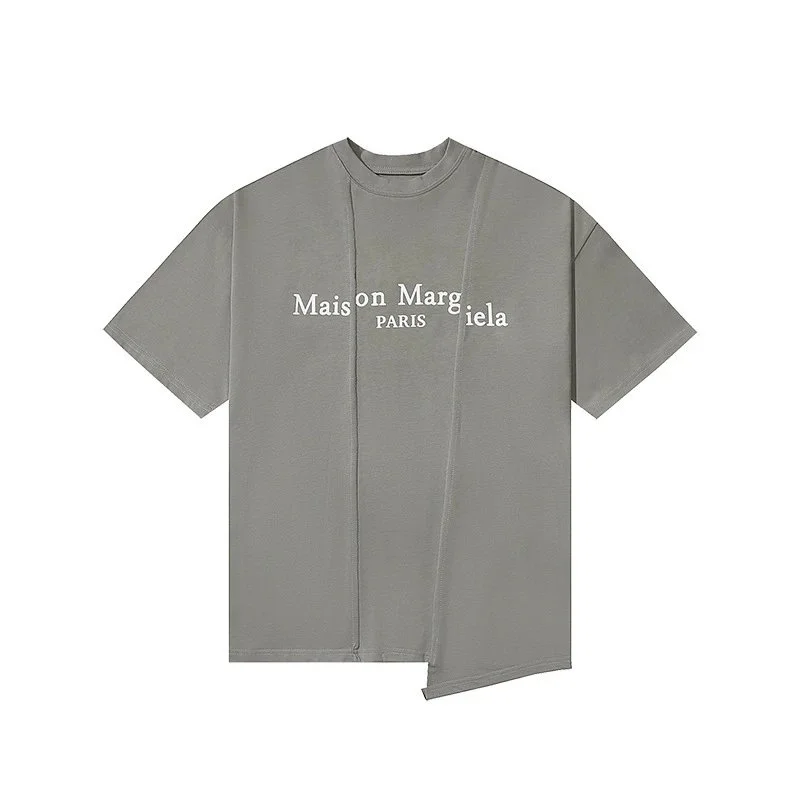
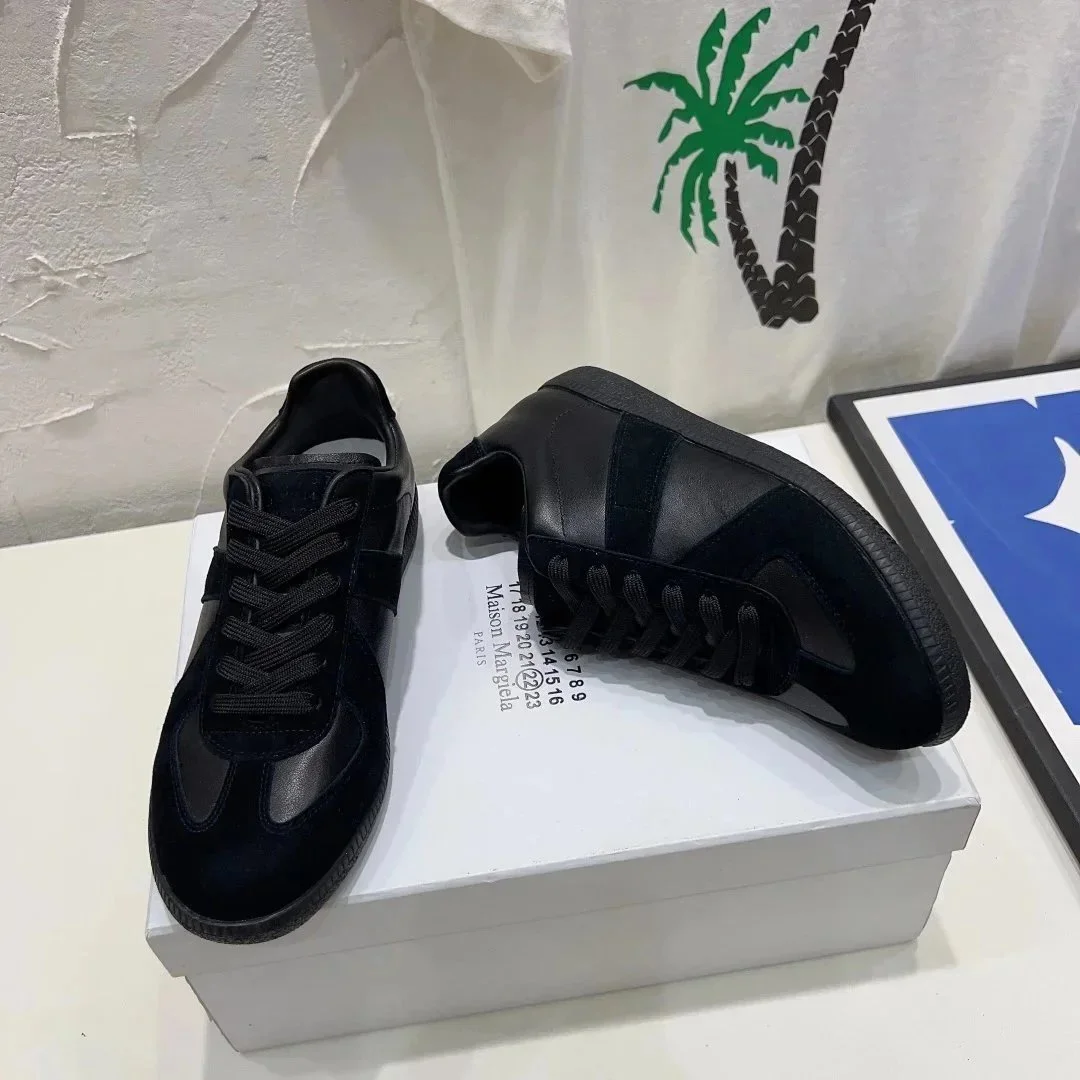
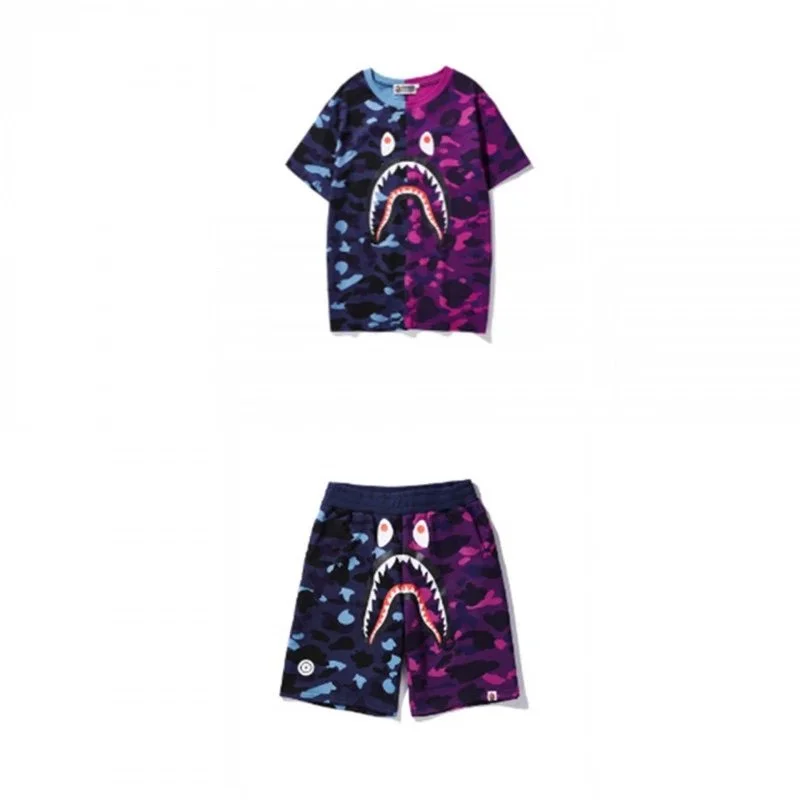
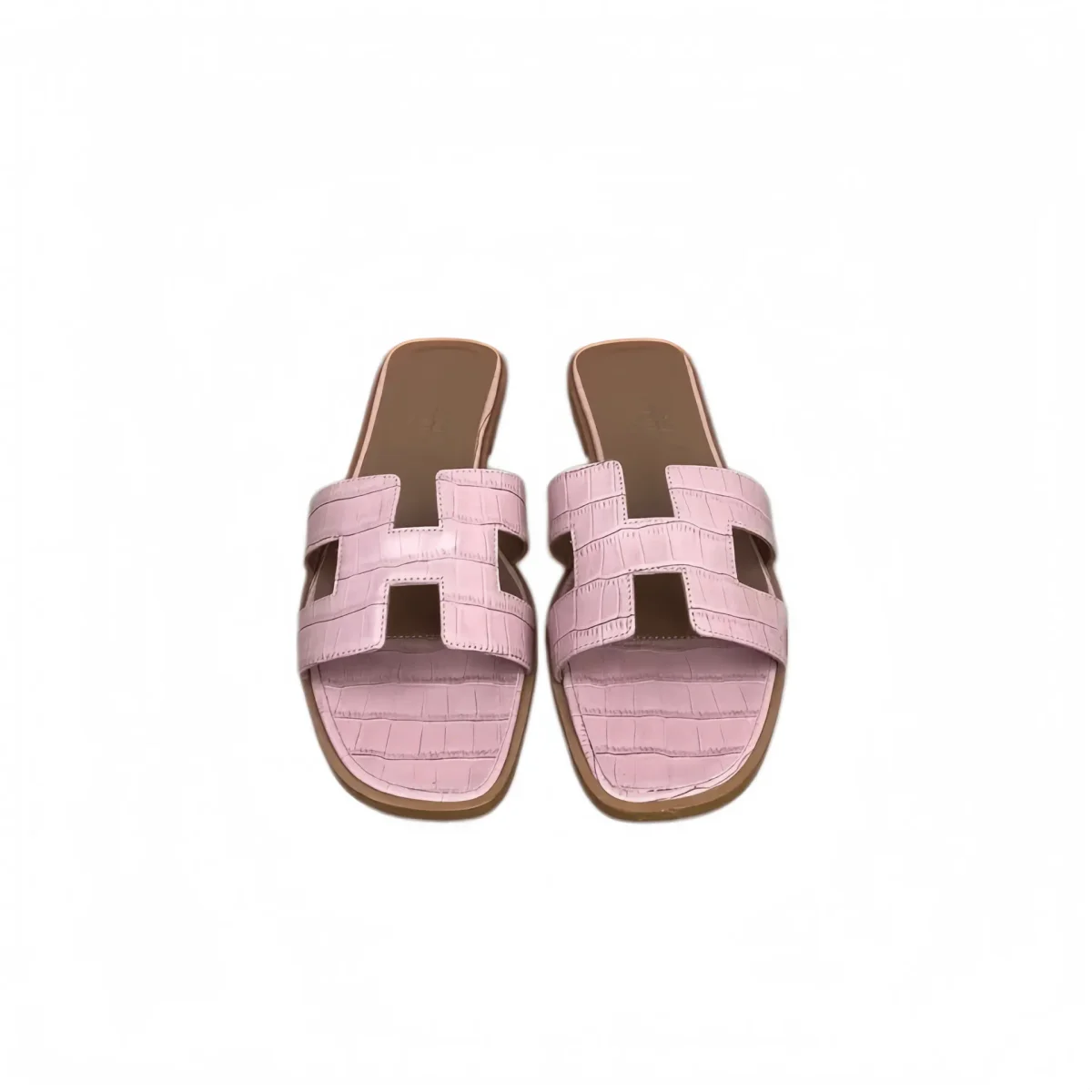
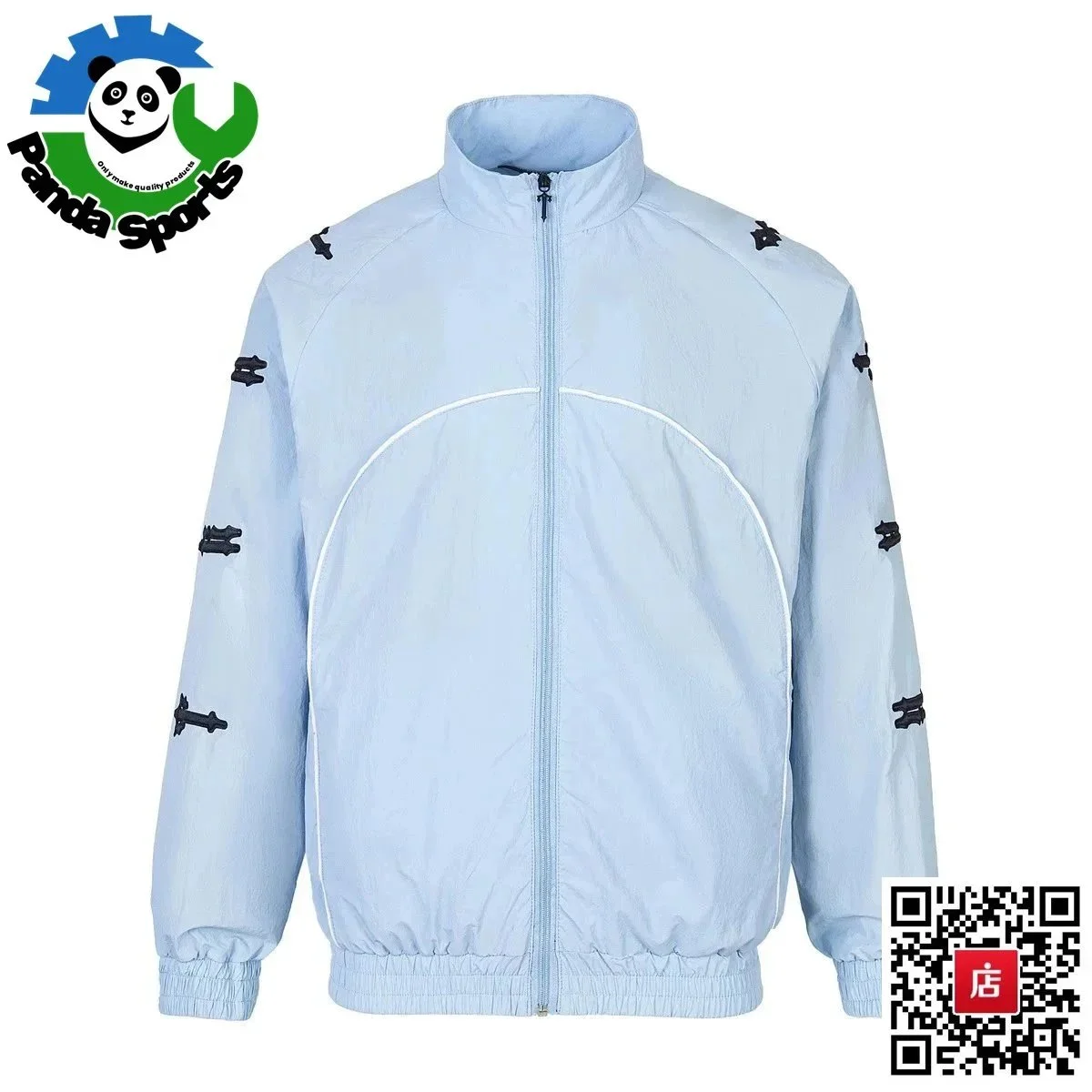
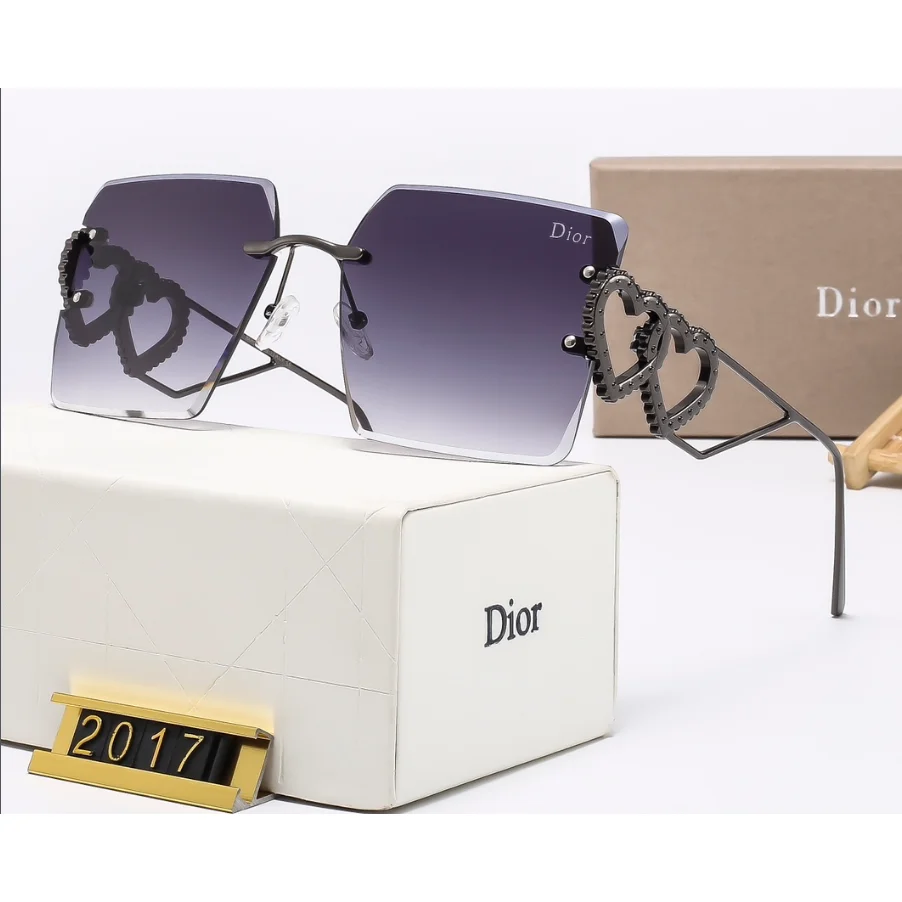
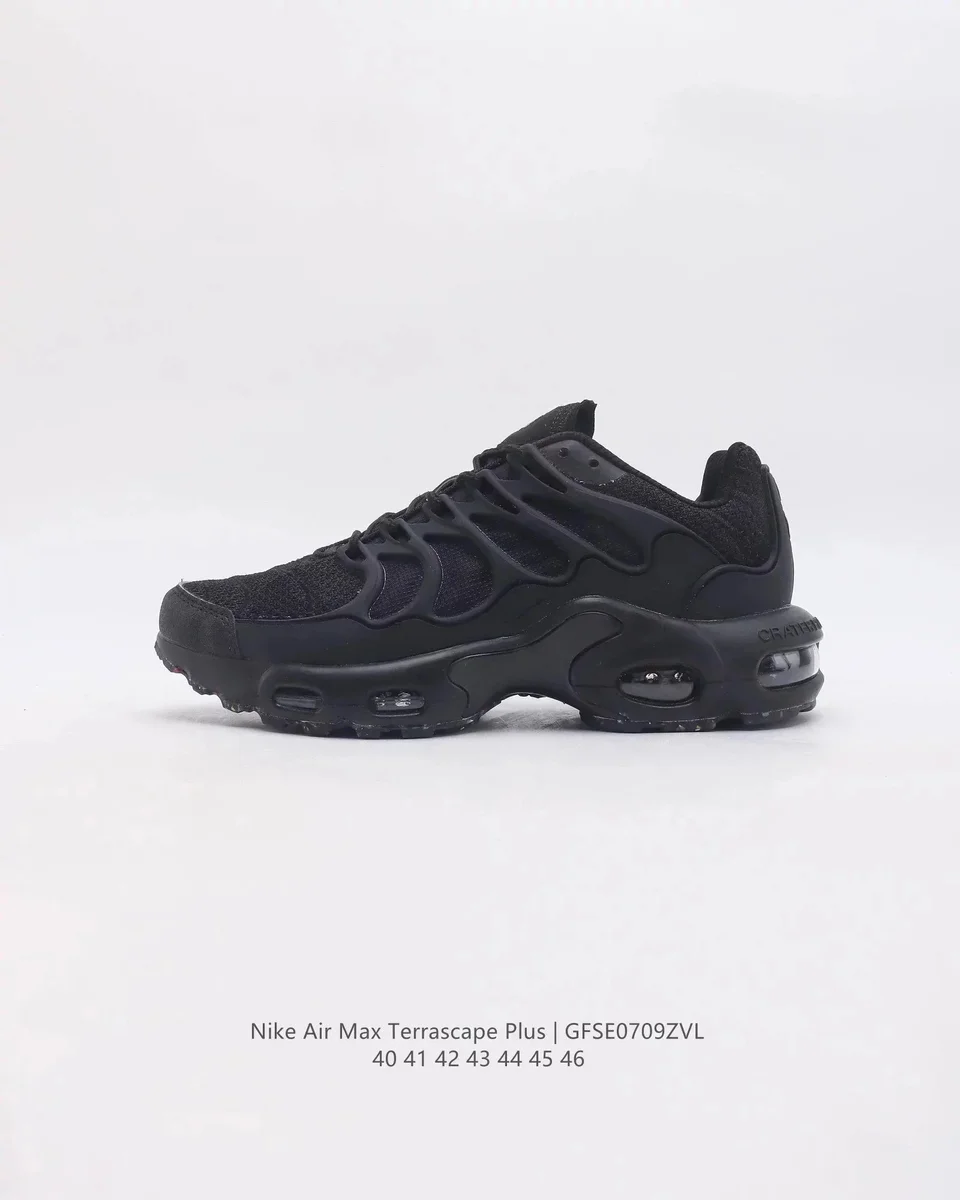
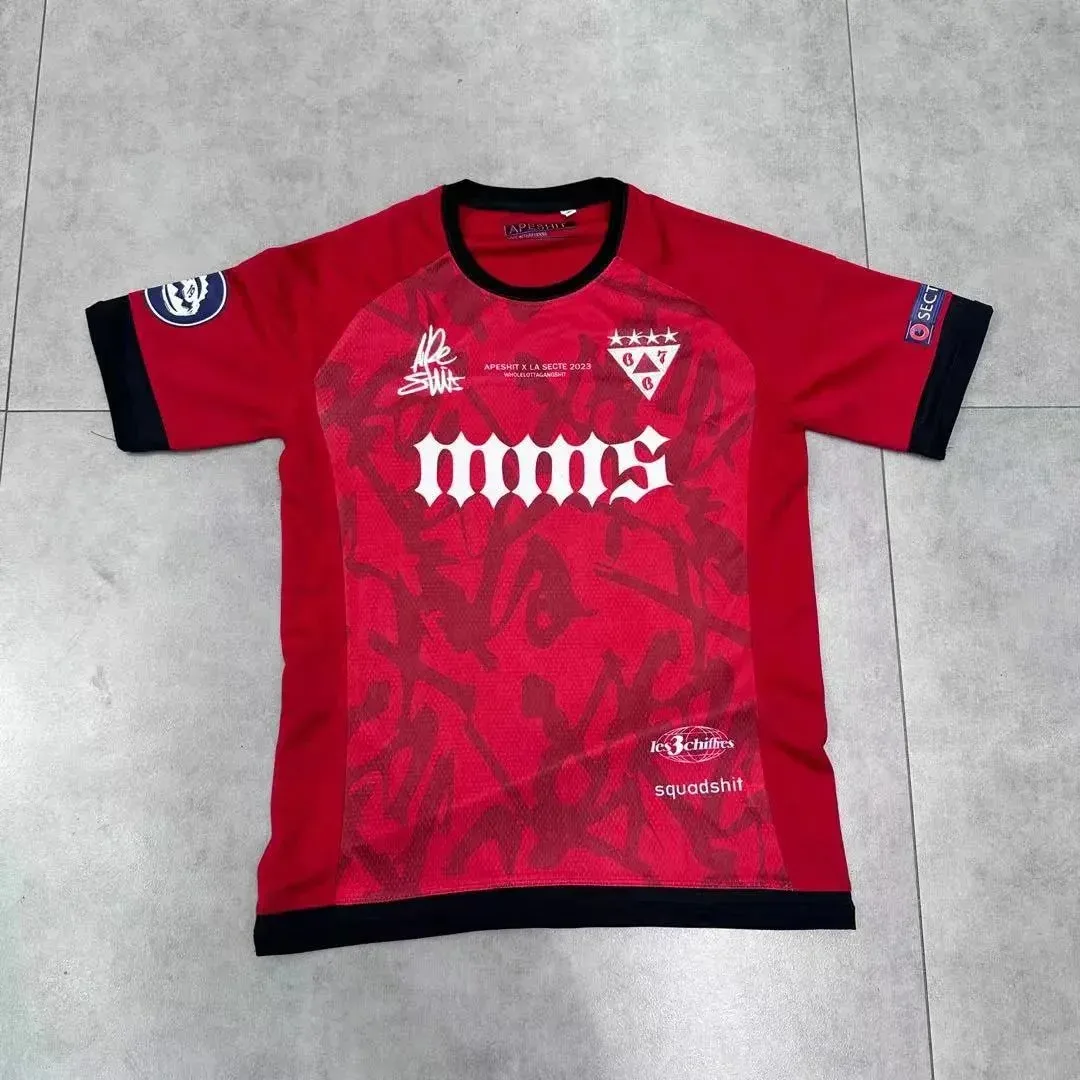
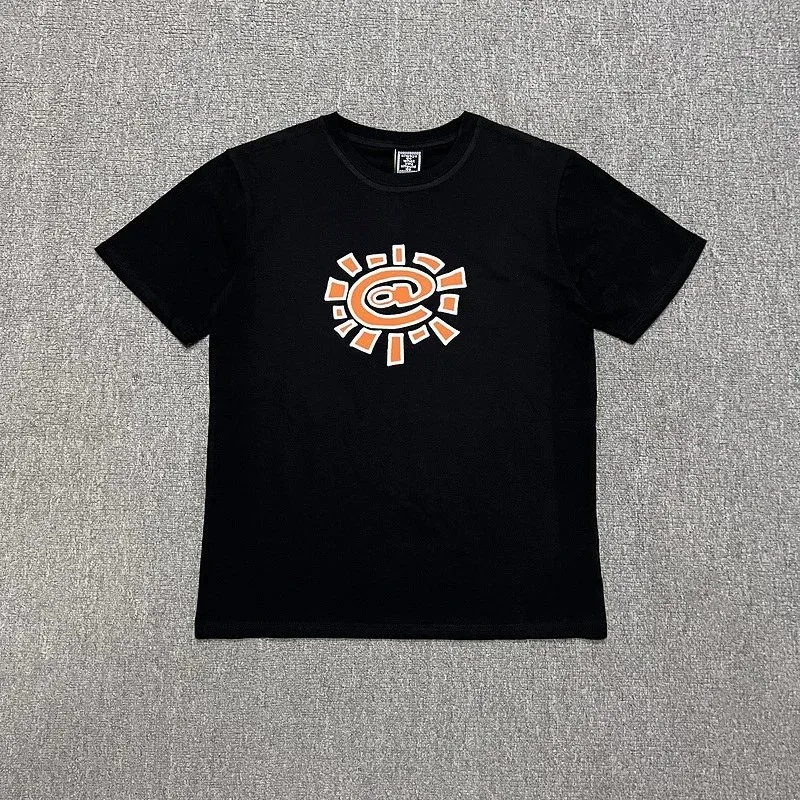
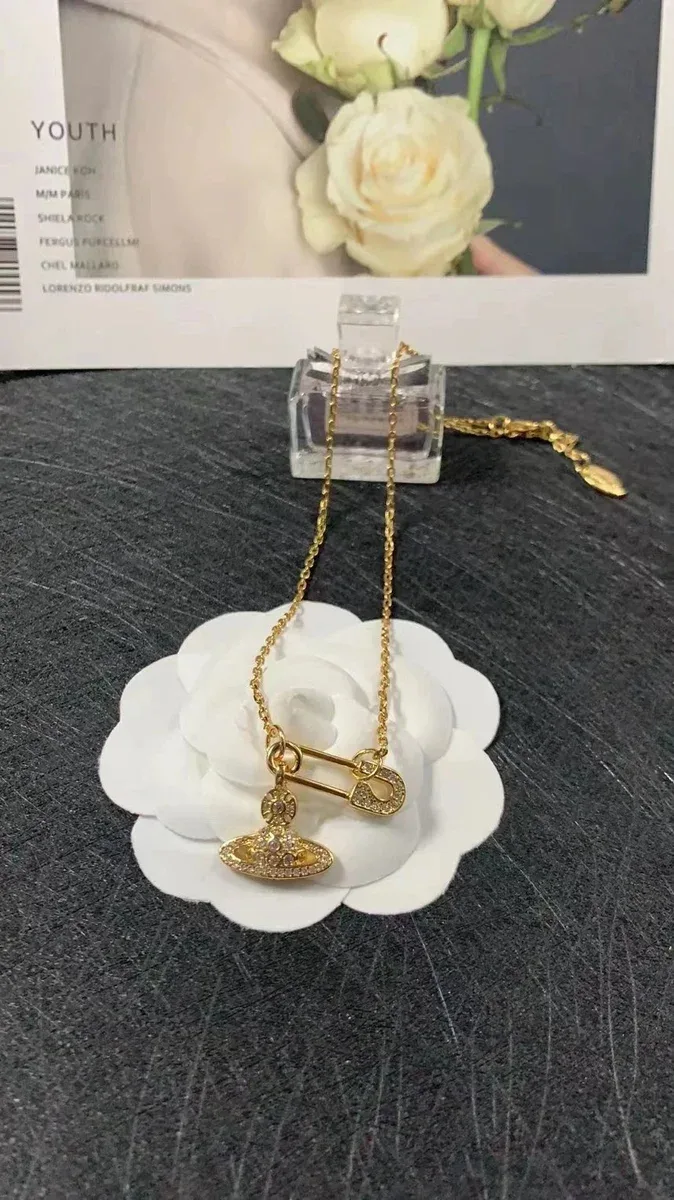
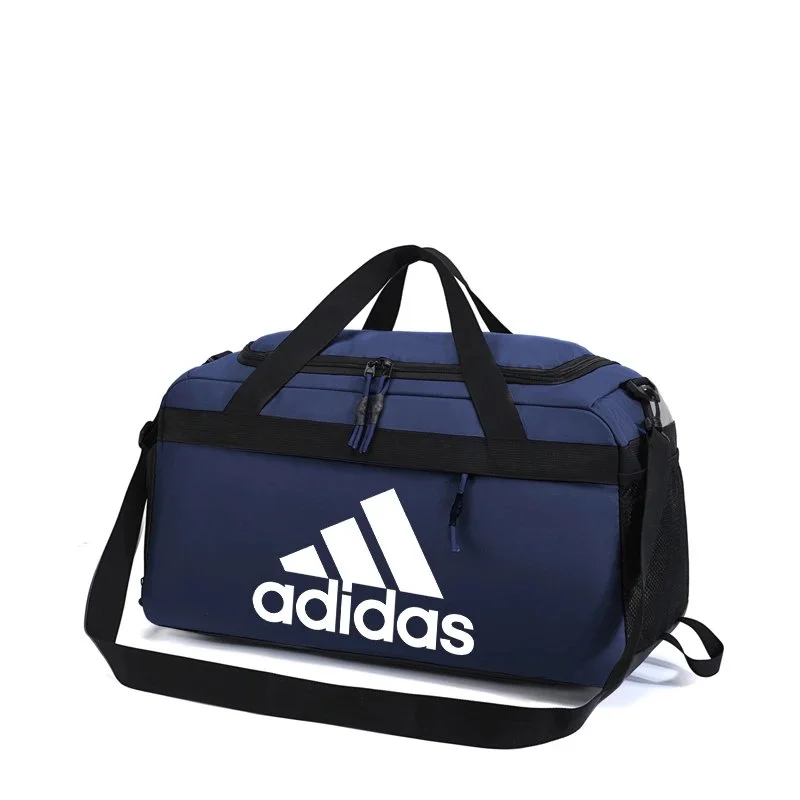
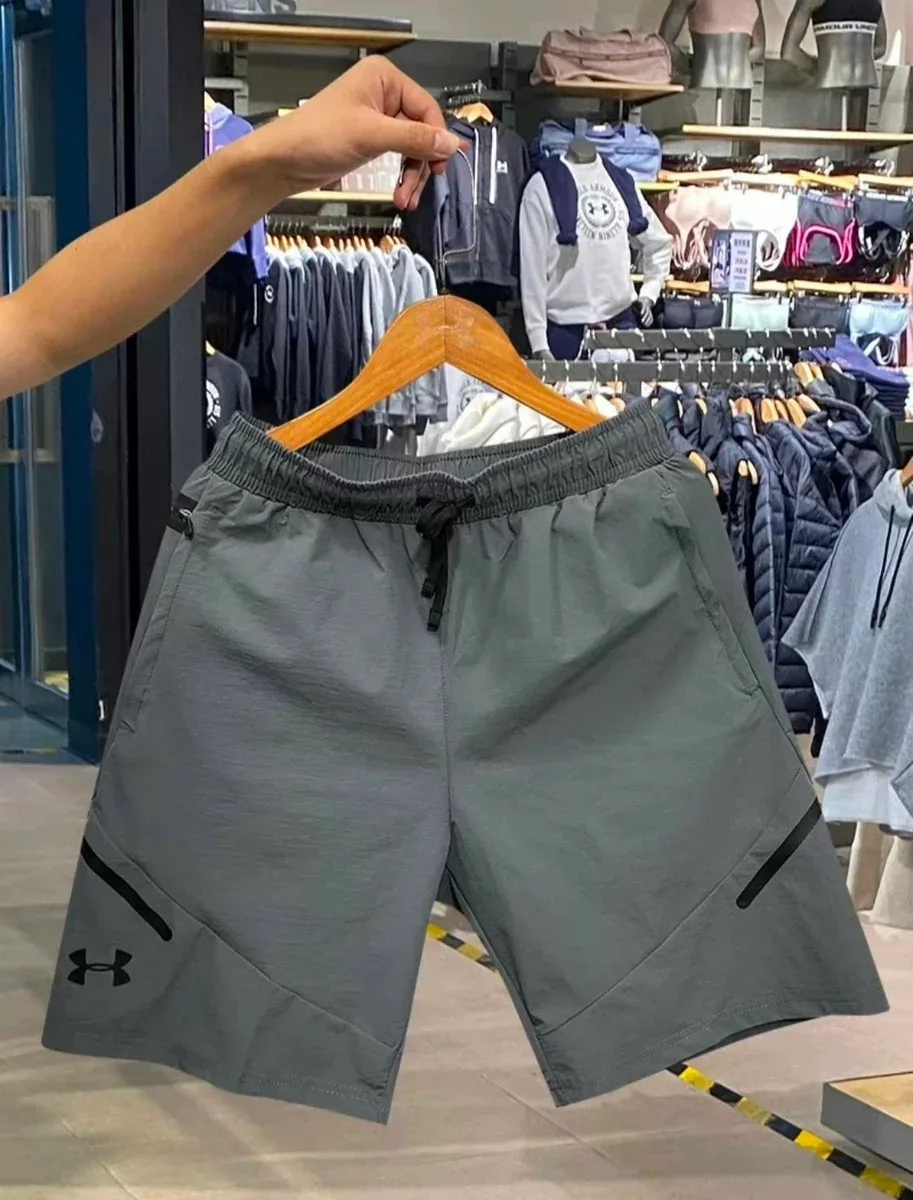
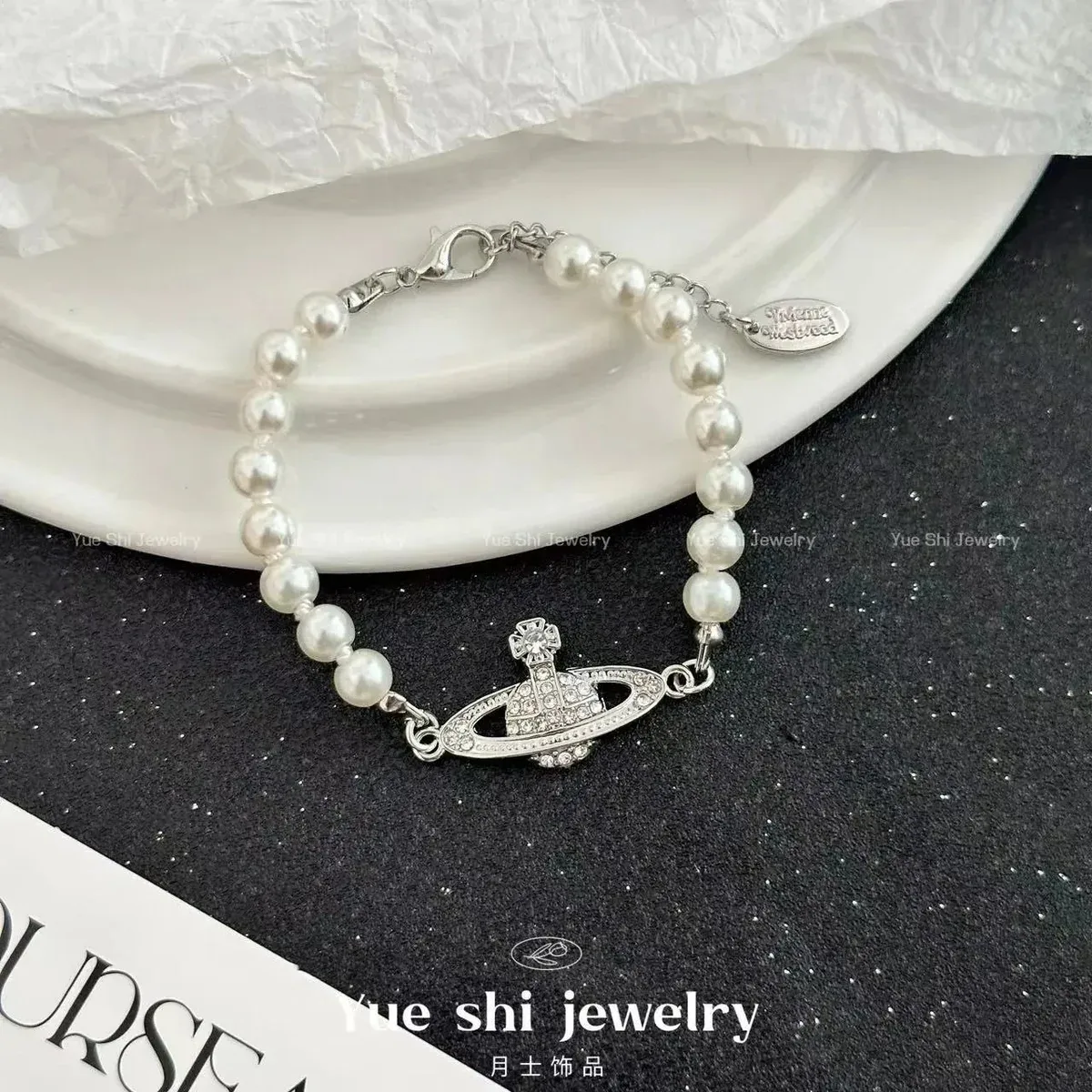
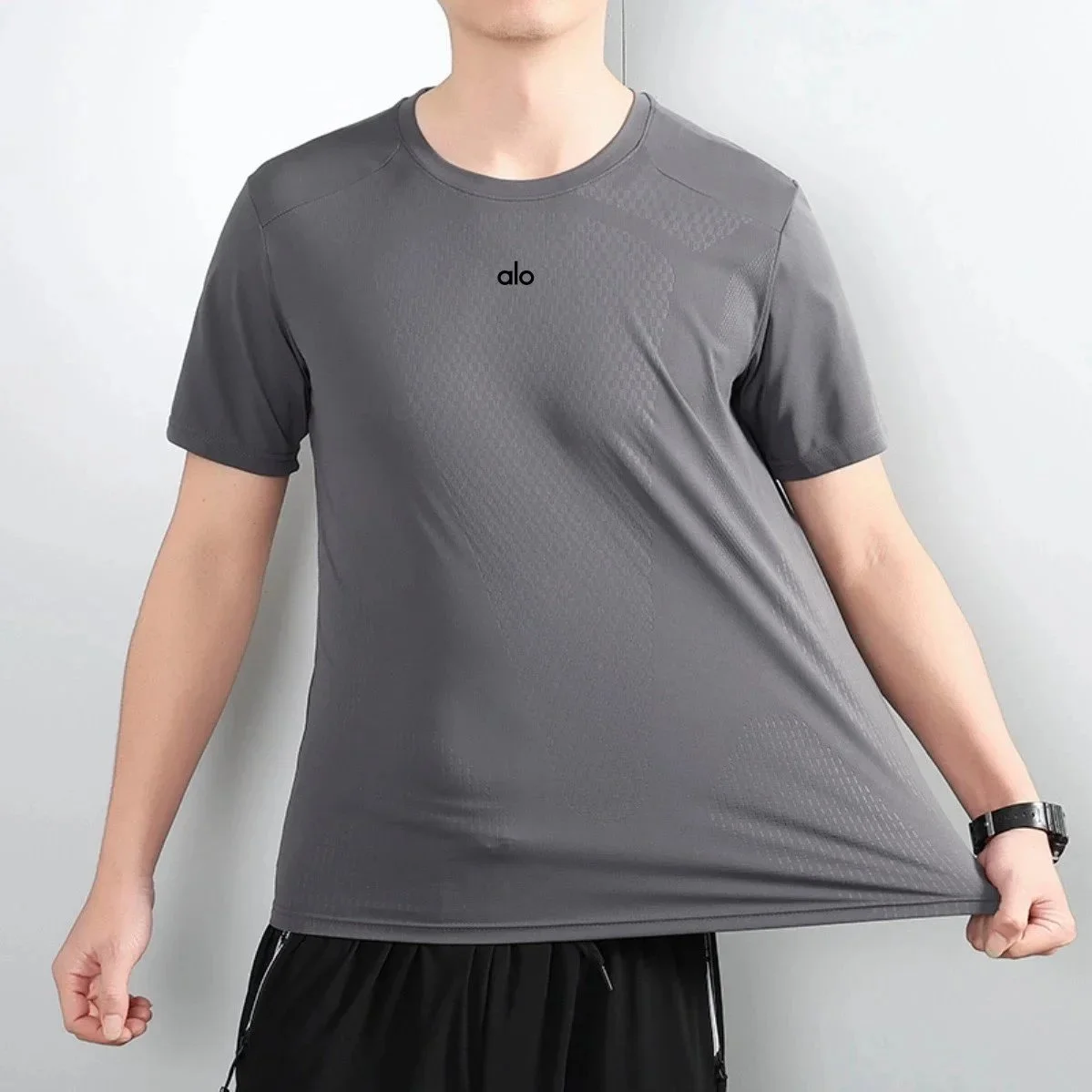
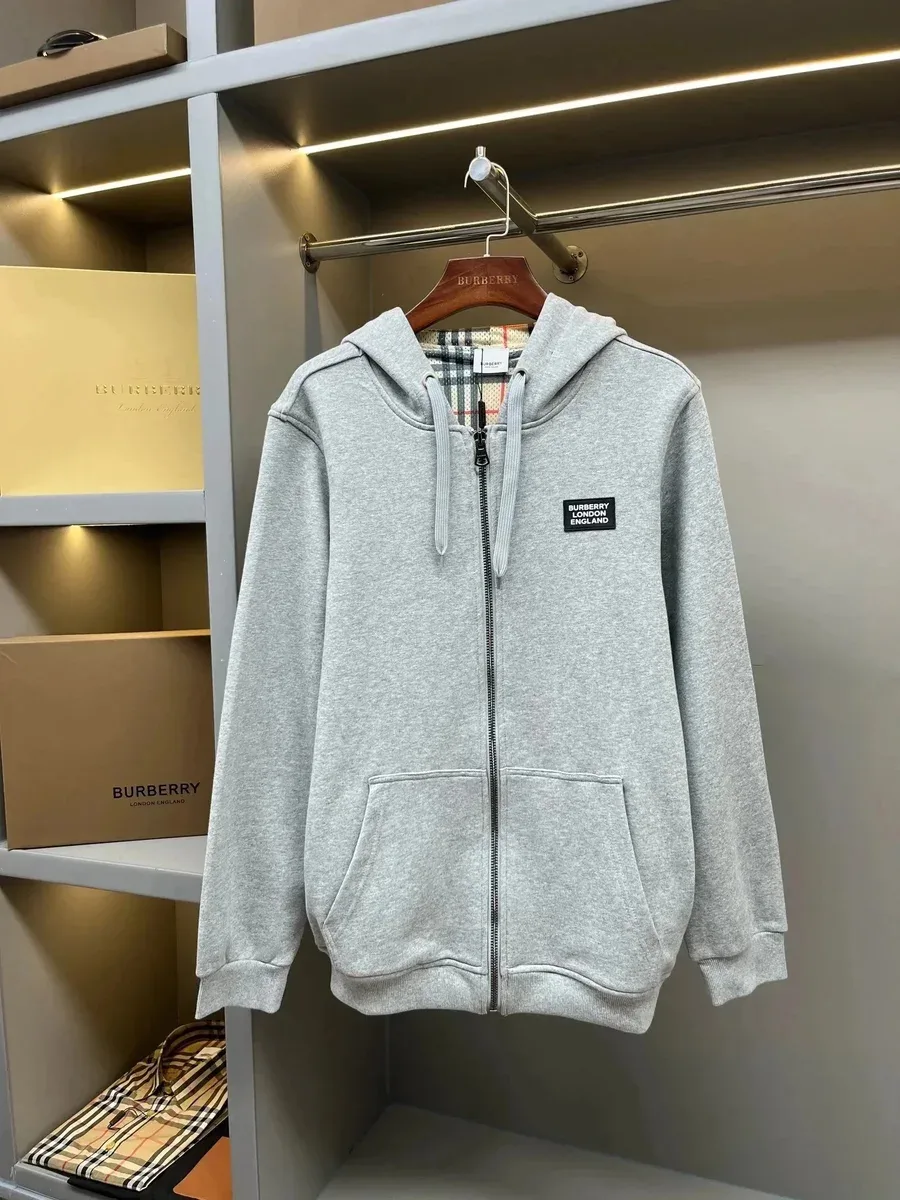
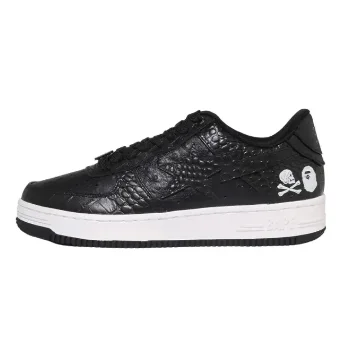
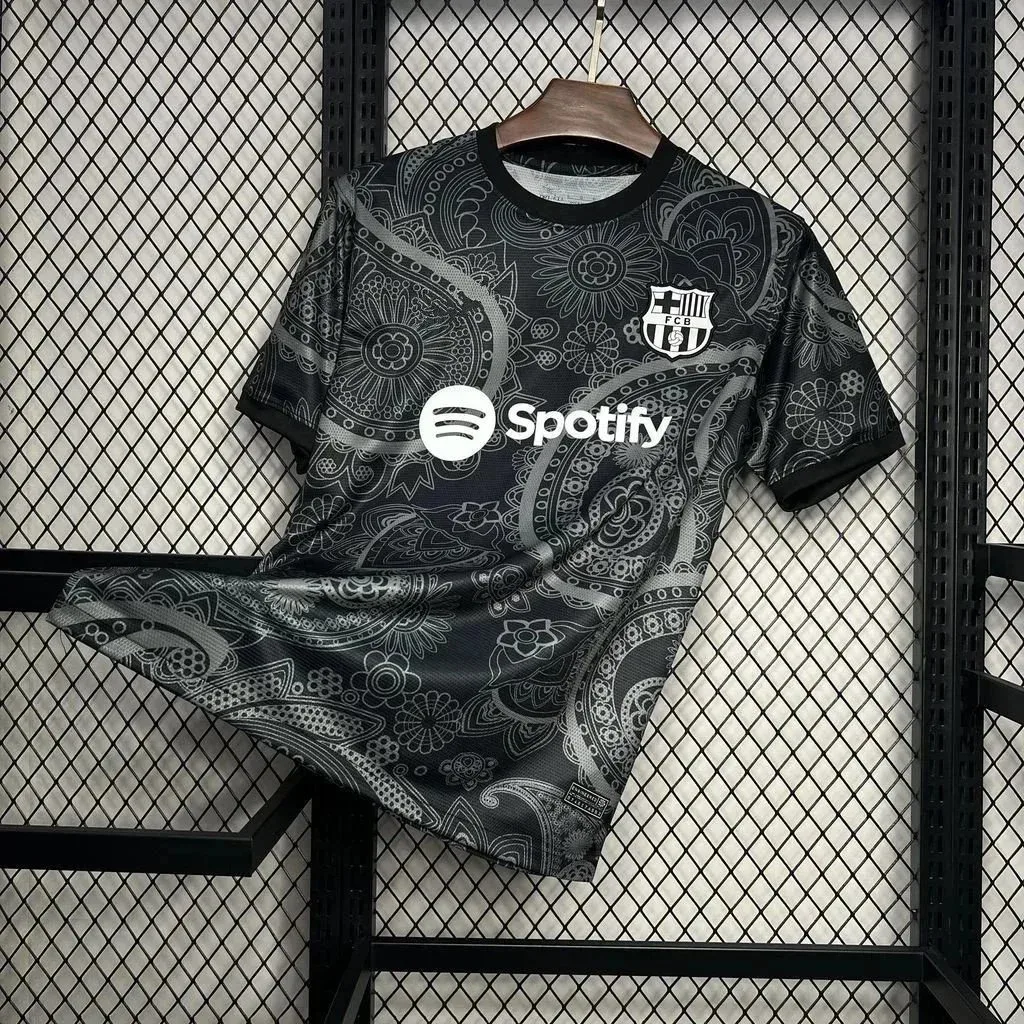


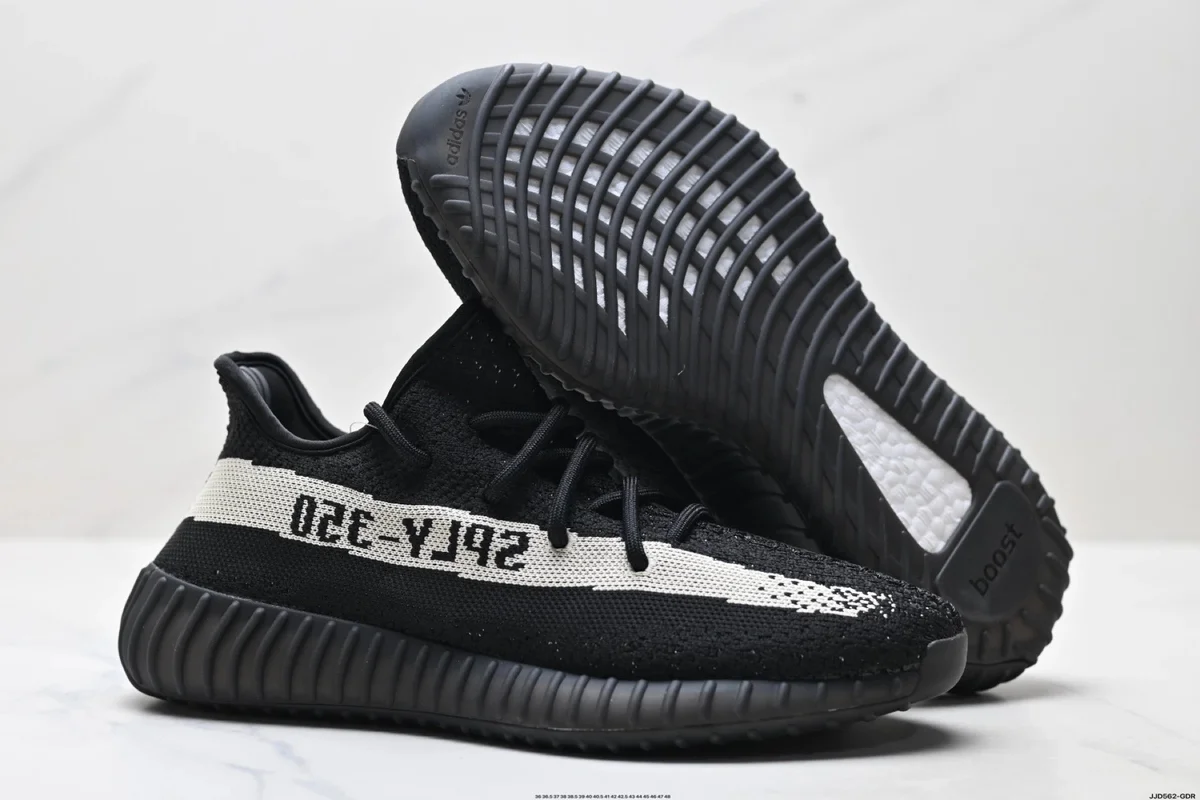
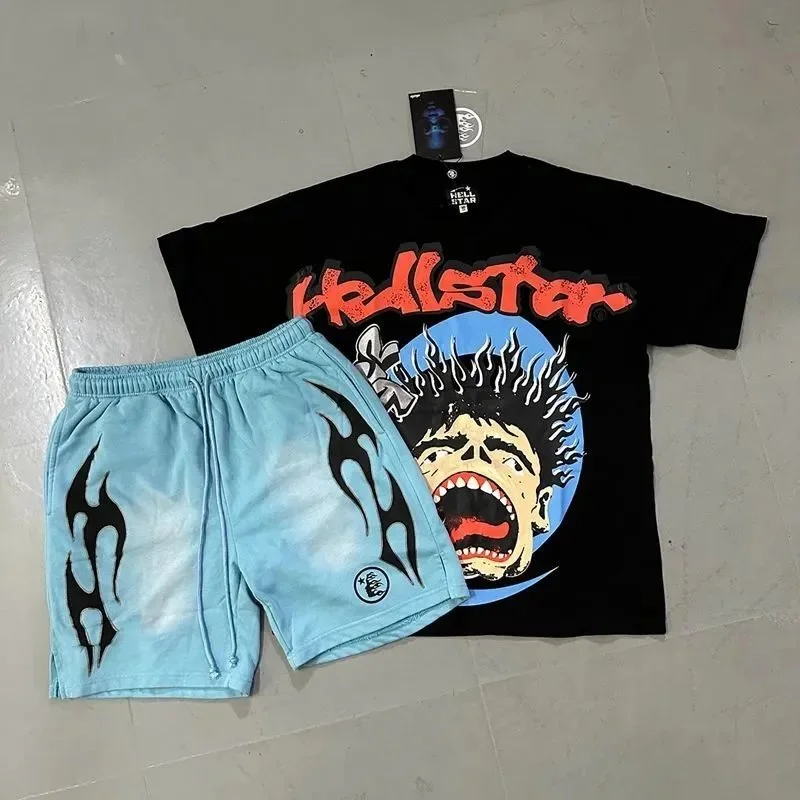
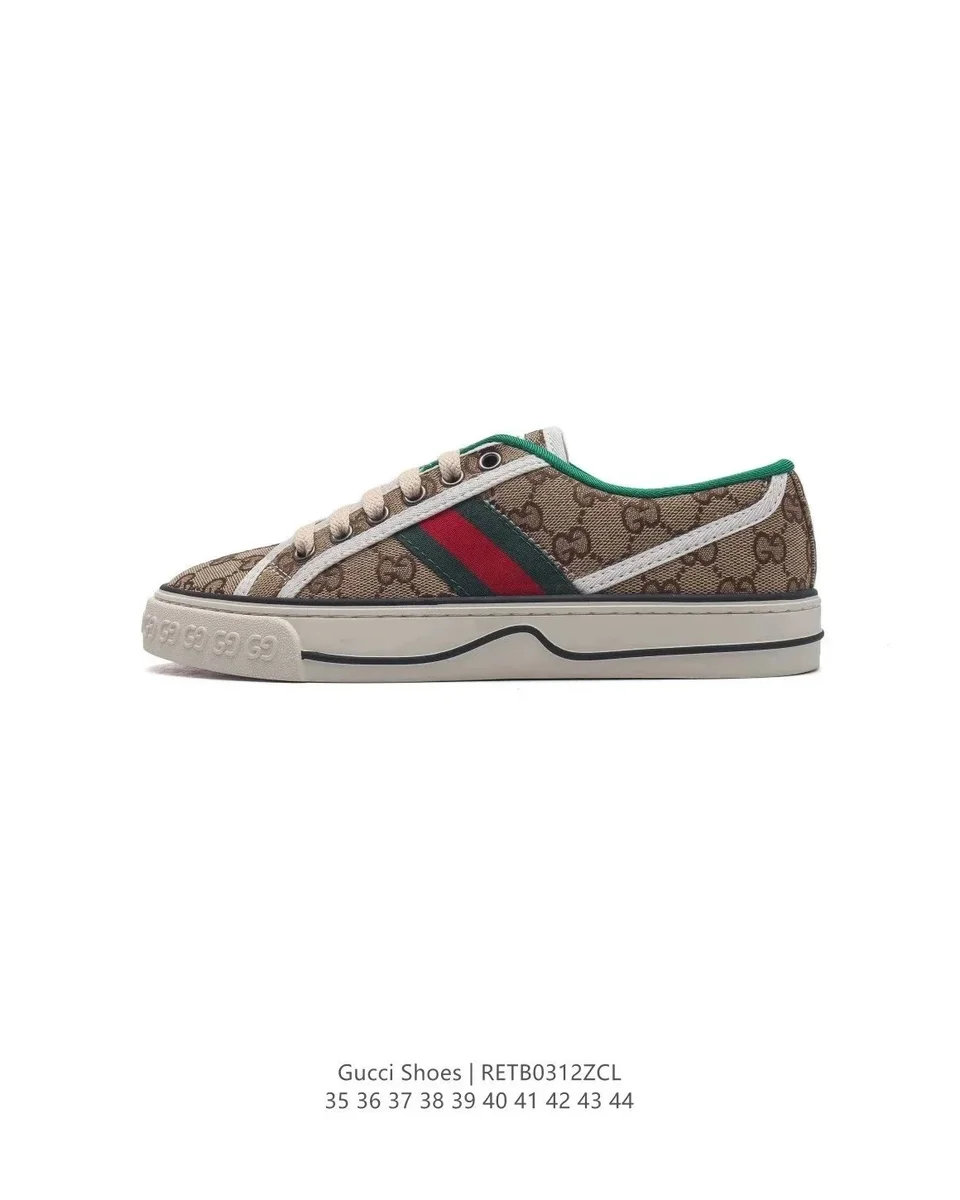
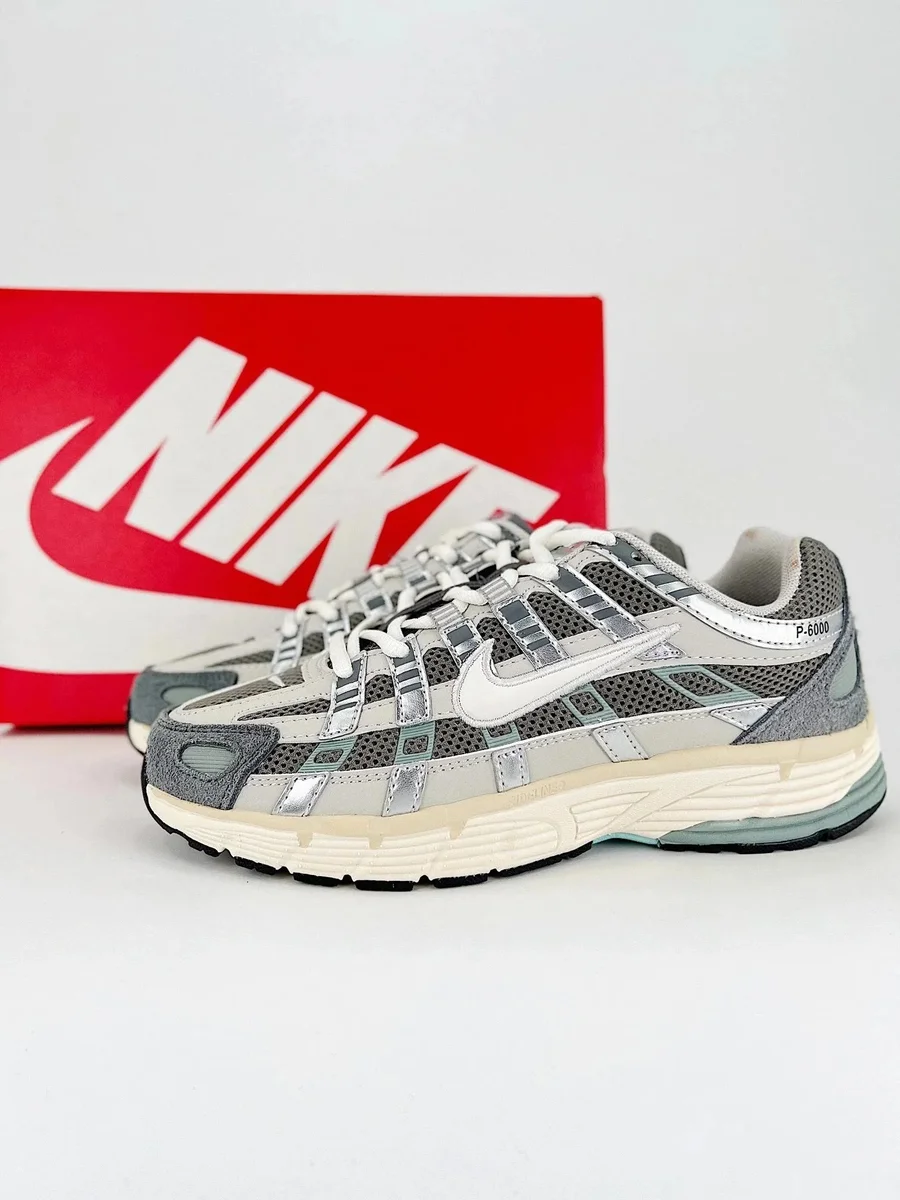
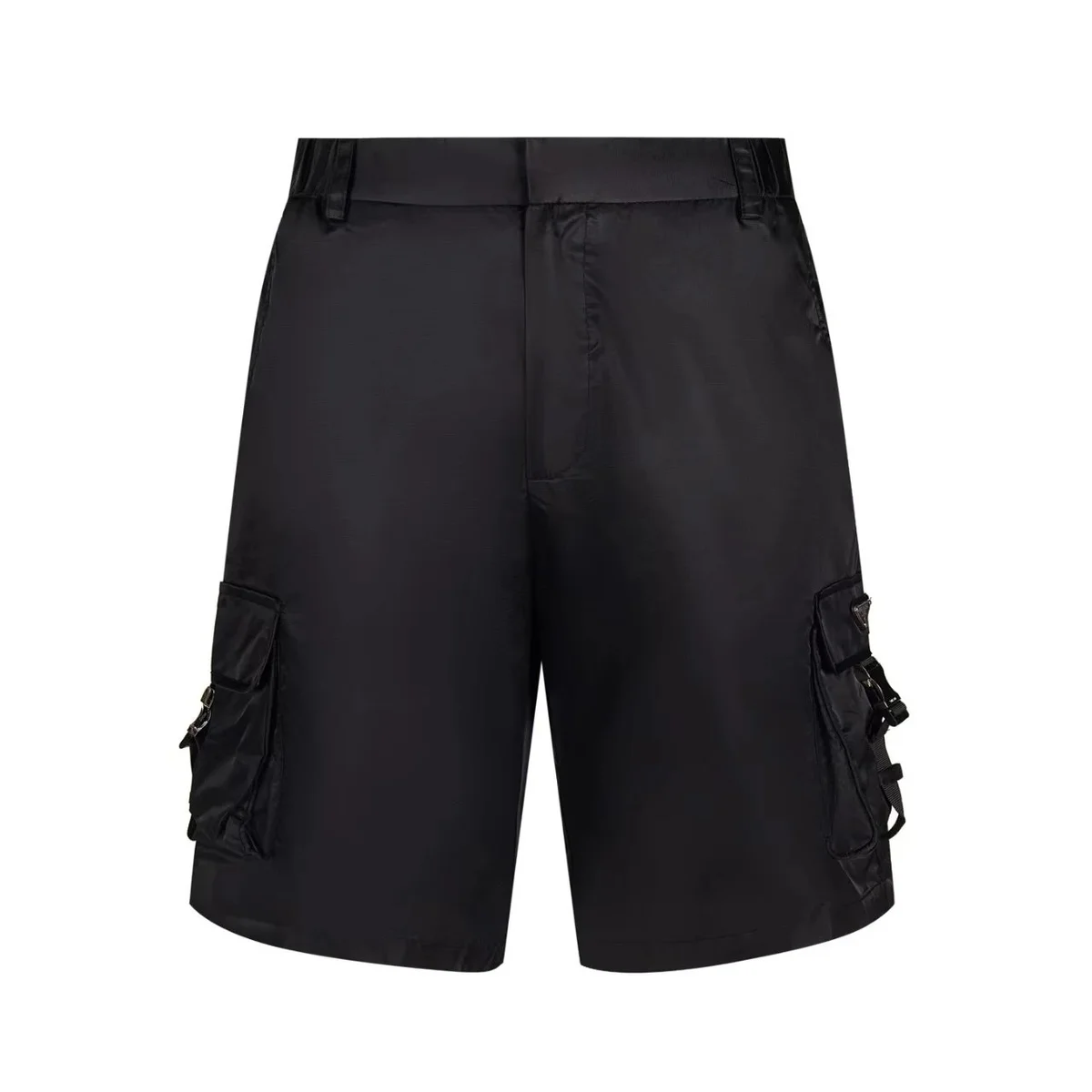
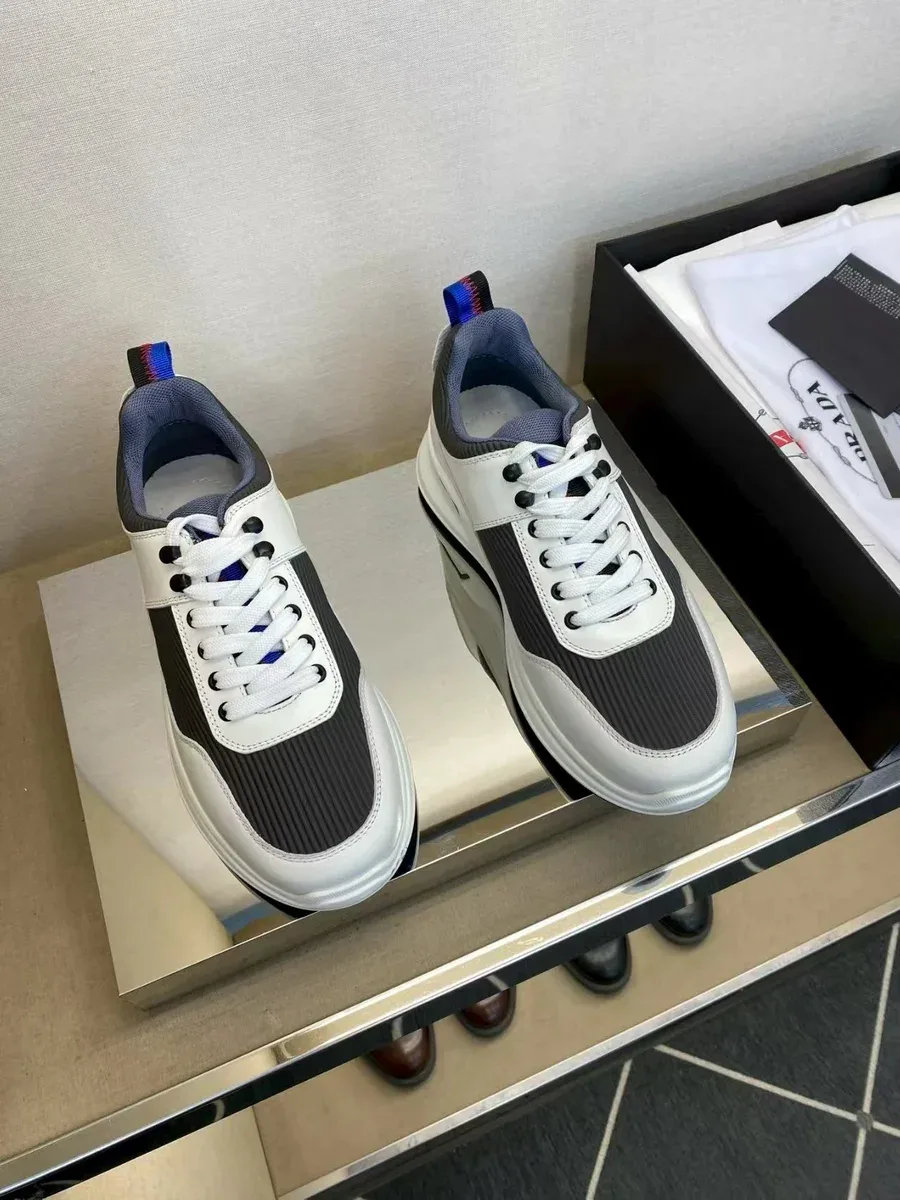
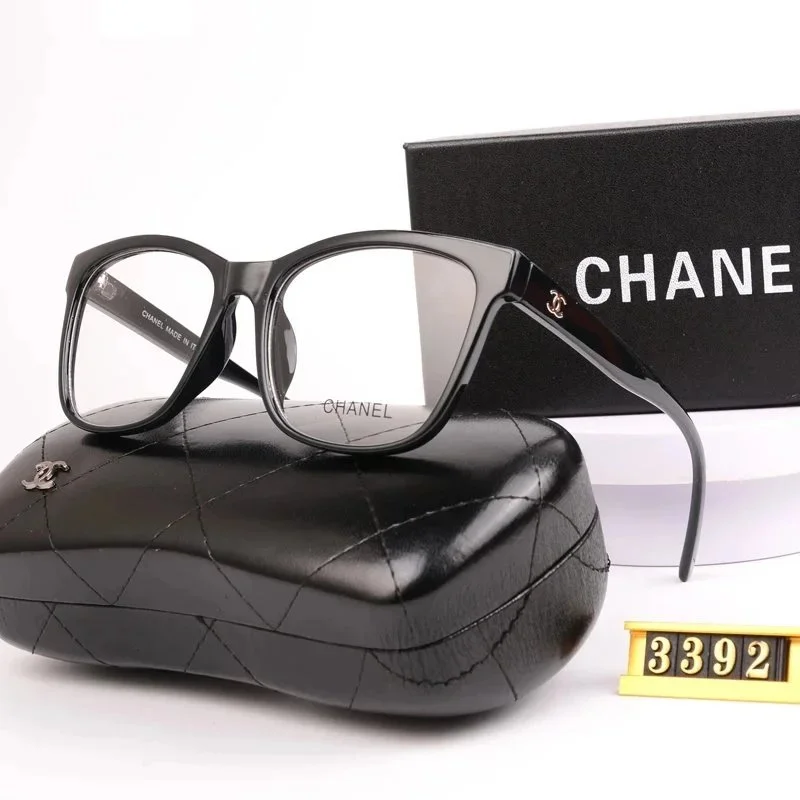
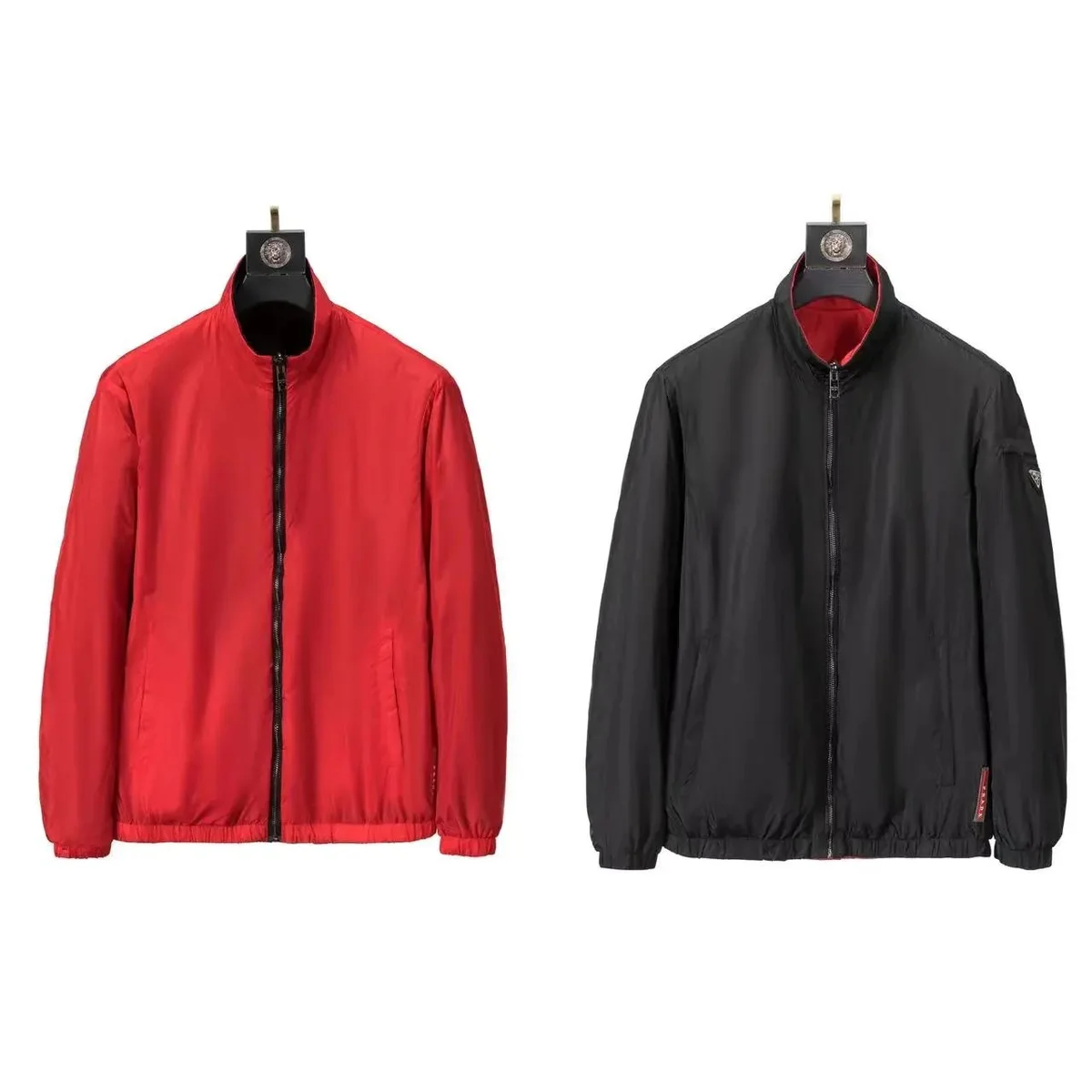
No finds in this category yet. Explore another category or view all finds.
A simpler way to explore
About FSBuy Spreadsheet
A visual product directory for clothing, shoes, bags, accessories and more. Browse selected finds, compare available product information and explore photo references before continuing to the product listing.
Find your next pick
Explore eight categories or search by product and brand to narrow down your options.
See the details together
Check photos, reference prices and listed sizes in one product page.
Take a closer look
Where QC photos are available, browse photo groups and zoom in on visible details.
From browsing to a closer look
How to Use FSBuy Spreadsheet
Find a product
Submit a product or brand search to open the full catalogue results in a new tab. You can also browse the eight categories here and open a product card that interests you.
Explore its details
Review the reference price, listed sizes and available styles. Browse and enlarge any QC photo groups to inspect visible details.
Continue to the listing
Use Copy link on the product page, then paste the link into a new tab to view the corresponding listing. Confirm its current price, availability and options before purchasing.
USD prices are estimates and exclude shipping and fees. Understand reference prices and order costs before setting a budget. Product details and QC availability vary by item; read the QC photo guide to check grouped references.
Keep exploring the FSBuy spreadsheet
Find your next pick by category, or explore the full product catalogue. Compare product details, listed sizes and available photos before you choose.